
1. Konec produktuview
The SGIN Y101 is a 15.6-inch laptop designed for everyday computing tasks, featuring a Core i3 processor, 16GB RAM, and a 1024GB SSD. It operates on Windows 11 Home and includes a backlit keyboard, WiFi 6 connectivity, and a 180-degree hinge for flexible use.

Image: SGIN Y101 Laptop highlighting its Core i3 processor, Windows 11, 7000mAh battery, backlit keyboard, WiFi 6, 180-degree hinge, 16GB RAM, and 1024GB SSD.
2. Co je v krabici
- 1 x SGIN Y101 Laptop
- 1 x napájecí adaptér/nabíječka
- 1 x Uživatelská příručka (tento dokument)
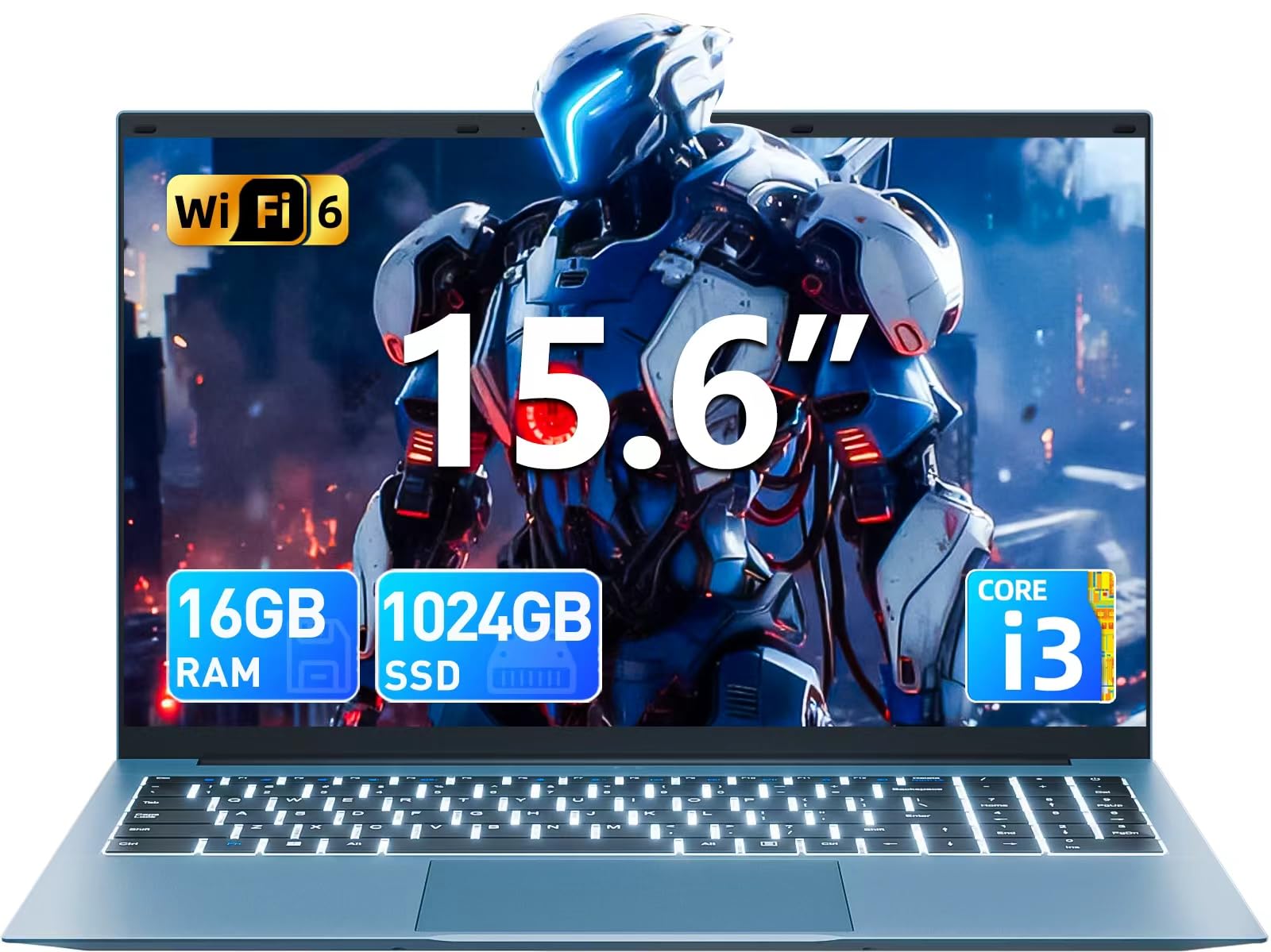
Image: The SGIN Y101 laptop, its power adapter, and the user manual as typically found in the product packaging.
3. Nastavení
3.1 Počáteční nabíjení a zapnutí
- Připojte napájecí adaptér: Plug the power adapter into the DC jack on the side of the laptop and then into a power outlet.
- Nabijte baterii: Před prvním použitím nechte notebook nabíjet alespoň 30 minut nebo dokud indikátor baterie neukazuje dostatečné nabití.
- Zapnutí: Open the laptop lid and press the power button, usually located on the top right of the keyboard, to turn on the device.
3.2 Nastavení systému Windows 11
Follow the on-screen instructions to complete the initial Windows 11 Home setup. This typically includes:
- Výběr regionu a rozložení klávesnice.
- Connecting to a Wi-Fi network (WiFi 6 supported).
- Přihlášení k účtu Microsoft nebo jeho vytvoření.
- Nastavení PINu nebo hesla.
3.3 Připojení periferních zařízení
The SGIN Y101 laptop offers various ports for connecting external devices:
Obrázek: Podrobný view of the laptop's multiple interfaces, including DC jack, Type-C, HDMI, USB 3.2, Security lock, TF card slot, 3.5mm Headphone jack, and RJ45 Ethernet port.
- USB 3.0/3.2 Ports: Pro připojení USB zařízení, jako jsou myši, klávesnice nebo externí úložiště.
- Port HDMI: Připojte se k externímu monitoru nebo televizoru pro rozšířené zobrazení.
- Port typu C: For data transfer and potentially charging compatible devices.
- Slot Micro SD: Insert a TF card for expanded storage up to 1TB.
- 3.5mm konektor pro sluchátka: Připojte sluchátka nebo externí reproduktory.
- Ethernetový port RJ45: Pro kabelové připojení k internetu.
- Slot zámku Kensington: Pro fyzické zabezpečení.
4. Ovládání notebooku
4.1 Klávesnice a touchpad
The laptop features a full-size keyboard with a numeric keypad and a large touchpad for navigation. The keyboard is backlit for use in low-light conditions.
- Podsvícená klávesnice: Stiskněte Fn + F5 to toggle the keyboard backlight on or off.
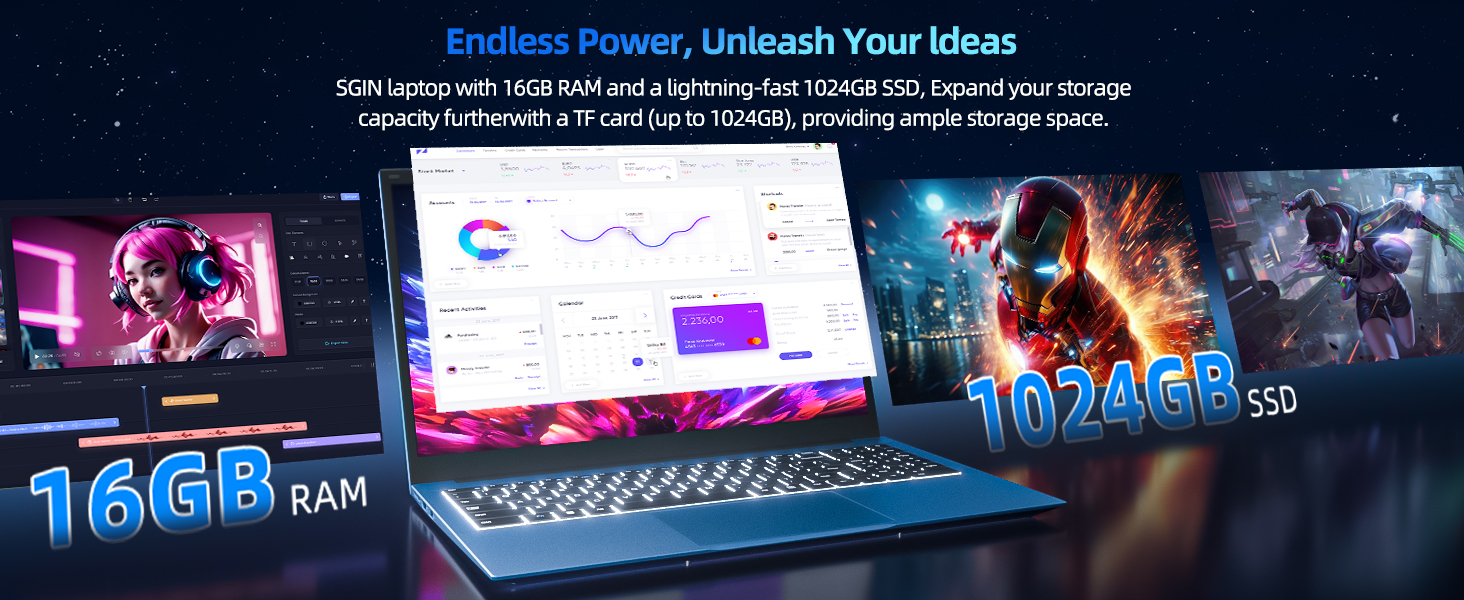
Image: Close-up of the SGIN Y101 laptop's backlit keyboard and numeric keypad, illustrating the Fn+F5 shortcut for backlight control.
4.2 Funkce displeje
The 15.6-inch Full HD (1920x1080) IPS screen provides clear visuals and wide viewing angles. The laptop also features a 180-degree hinge, allowing the screen to lay flat for easy sharing and collaboration.
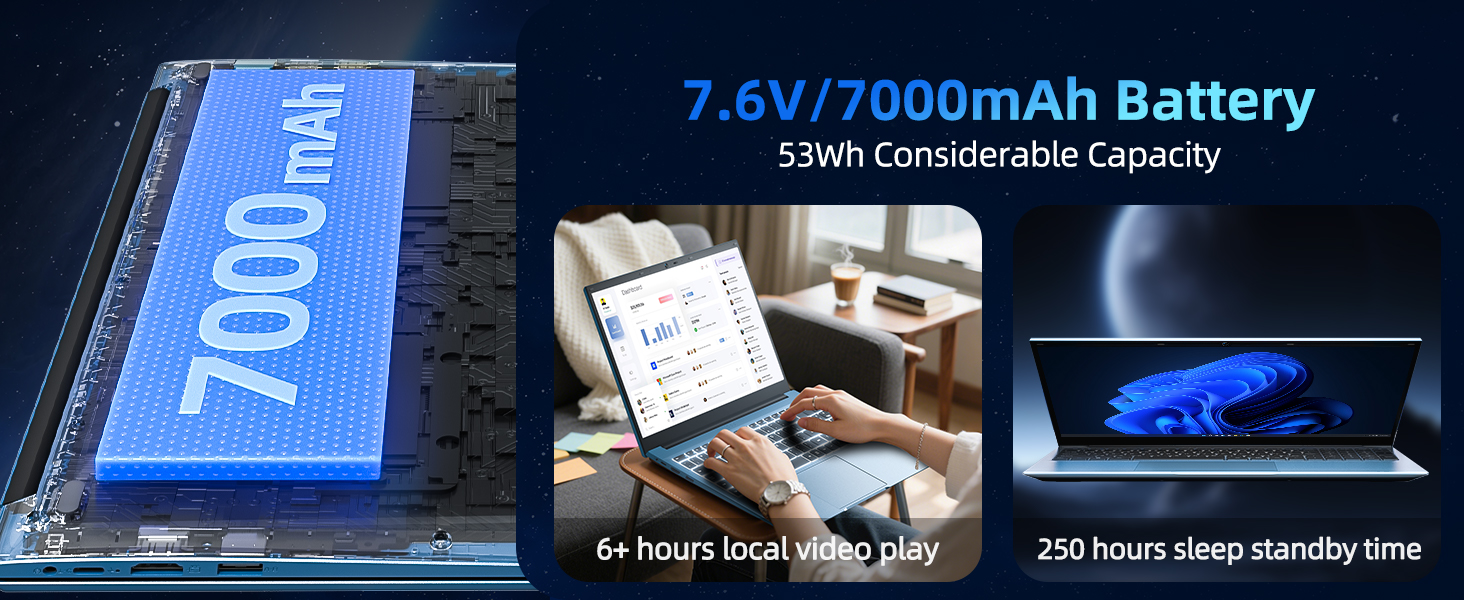
Image: The SGIN Y101 laptop displaying vibrant visuals on its 15.6-inch Full HD IPS screen.
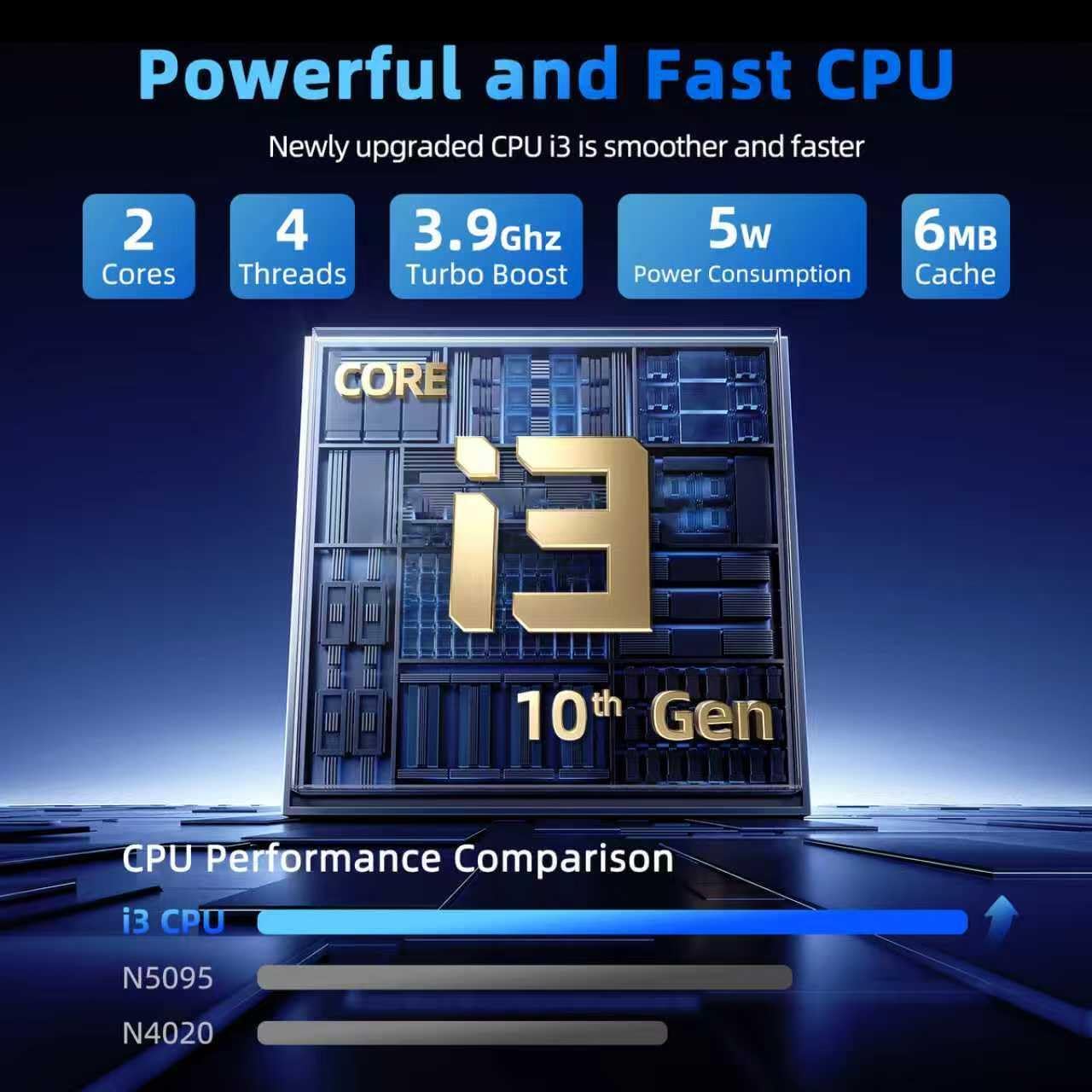
Image: The SGIN Y101 laptop open, illustrating its 180-degree hinge design for flexible viewsdílení a sdílení.
4.3 Ochrana osobních údajů Webkryt kamery
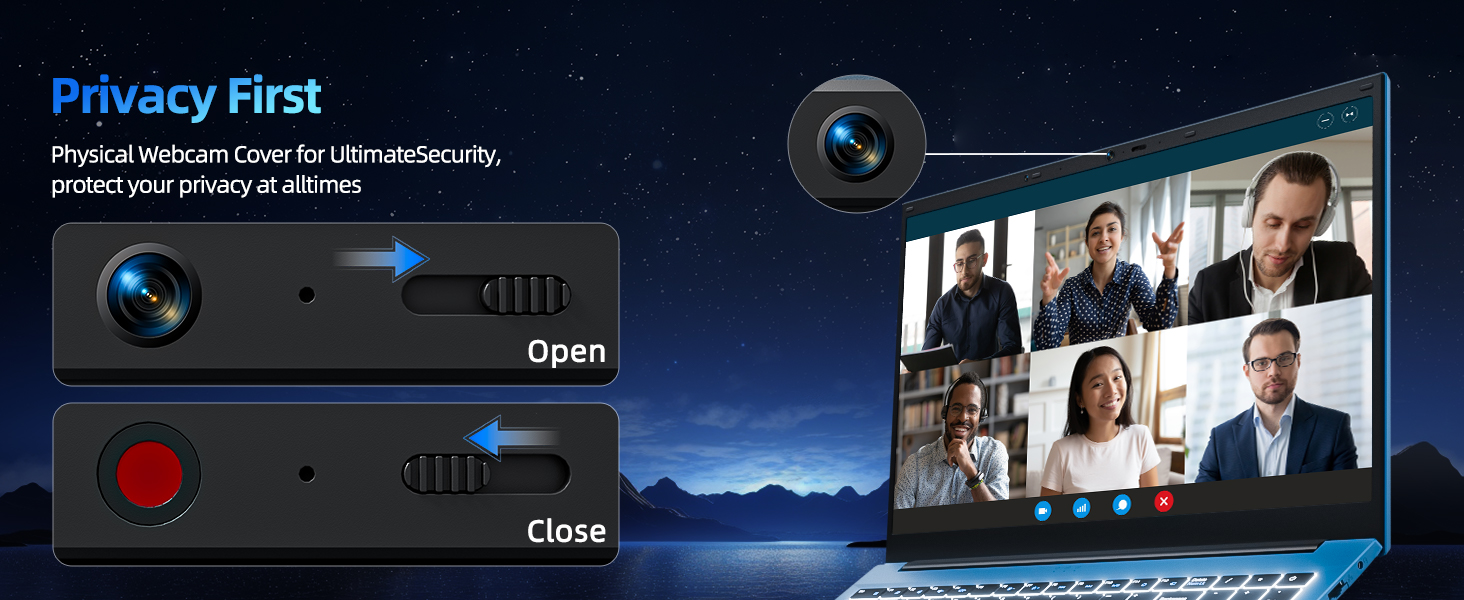
For enhanced privacy, the laptop includes a built-in physical webcam switch. Slide the cover to open or close the webvačka podle potřeby.
5. Údržba
5.1 Obecná péče
- Nevystavujte notebook extrémním teplotám, přímému slunečnímu záření nebo vysoké vlhkosti.
- Udržujte tekutiny mimo dosah zařízení.
- Handle the laptop with care to prevent physical damage.
5.2 Čištění
- K čištění obrazovky a vnějšího povrchu použijte měkký hadřík, který nepouští vlákna.
- Pro odolné skvrny lehce otřeteamphadřík vodou nebo čisticím prostředkem na obrazovky.
- Nestříkejte čisticí prostředky přímo na notebook.
5.3 Péče o baterii
- Chcete-li prodloužit životnost baterie, vyvarujte se častého úplného vybíjení.
- Pokud notebook delší dobu nepoužíváte, skladujte jej na chladném a suchém místě.
- The 7000mAh/53.2Wh battery provides up to 8 hours of typical use.

Image: Visual representation of the SGIN Y101 laptop's 7000mAh/53.2Wh large capacity battery, indicating its suitability for extended use.
6. Řešení problémů
This section addresses common issues you might encounter with your SGIN Y101 laptop.
6.1 Problémy s napájením a bootováním
- Notebook se nezapne: Ujistěte se, že je napájecí adaptér bezpečně připojen a baterie je dostatečně nabitá. Zkuste jinou zásuvku.
- Laptop turns on but screen is black: Connect to an external monitor via HDMI to check if the display is the issue. Restart the laptop.
6.2 Displej a grafika
- Screen flickering or unusual display: Update graphics drivers. If connecting to an external display, ensure the cable is secure.
- Screen appears dim or too bright: Adjust brightness settings in Windows or using keyboard function keys.
6.3 Problémy s připojením
- Nelze se připojit k Wi-Fi: Check if Wi-Fi is enabled in Windows settings. Restart your router and the laptop. Ensure correct password entry.
- USB zařízení nebyla rozpoznána: Zkuste jiný port USB. Ujistěte se, že jsou nainstalovány ovladače zařízení.
6.4 Klávesnice a touchpad
- Klávesnice nereaguje: Restart the laptop. Ensure no foreign objects are under the keys.
- Touchpad nefunguje: Check Windows settings to ensure the touchpad is enabled. Restart the laptop.
- Podsvícení nefunguje: Stiskněte Fn + F5 to ensure it's toggled on.
Pokud narazíte na přetrvávající problémy, které zde nejsou uvedeny, podívejte se prosím do sekce podpory, kde vám pomohou.
7. Specifikace
| Funkce | Detail |
|---|---|
| Název modelu | SGIN-Y101 |
| Procesor | Intel Core i3-10100 (2-core, 4-thread, 6MB cache, up to 3.9GHz) |
| BERAN | 16GB DDR3 SDRAM |
| Skladování | 1024GB SSD (expandable with TF card up to 1TB) |
| Zobrazit | 15.6-inch Full HD (1920x1080) IPS |
| Operační systém | Windows 11 Home |
| Baterie | 7000mAh / 53.2Wh (up to 8 hours battery life) |
| Bezdrátové připojení | Wi-Fi 6 (802.11ax) |
| Porty | USB 3.0, HDMI, Micro SD slot, Type-C, Kensington lock, 3.5mm Headphone jack, RJ45 Ethernet |
| Rozměry (DxŠxV) | 15.6 x 9 x 0.6 palce |
| Hmotnost | 4.97 libry |
| Barva | Šedá |
8. Záruka a podpora
Your SGIN Y101 laptop comes with comprehensive support and warranty:
- Dvouletá ochrana: Enjoy a 1-year protection plan covering manufacturing defects.
- 1-Year Repair Service: Produkt zahrnuje 1letou záruku na opravu.
- Zásady 30denního vrácení: Nárok na vrácení zboží do 30 dnů od nákupu.
- Zákaznická podpora 24/7: Access instant customer help for any queries or issues.
For support, please contact SGIN customer service through the official channels provided at the time of purchase or on the SGIN webmísto.
9. Video s ukázkou produktu
Watch this official video for a visual guide on the SGIN 15.6 Inch Laptop Computer's features and connectivity options.
Video: Overview and demonstration of the SGIN 15.6-inch laptop, showcasing its design, features, and available ports.