
1. Úvod
Thank you for choosing the Masajoy Spark 06 Wireless Headset. This manual provides essential information for the proper setup, operation, and maintenance of your headset. Please read it carefully before use to ensure optimal performance and to prevent damage.
The Masajoy Spark 06 is designed for professional communication, offering versatile connectivity options and an AI noise-cancelling microphone for clear audio in various environments.
2. Konec produktuview
Klíčové vlastnosti:
- Tři režimy připojení: Bluetooth V5.3, 2.4G (USB A/C Dongle), and wired 3.5mm audio cable.
- Mikrofon s potlačením hluku s umělou inteligencí: Blocks background noise for clear calls (Bluetooth mode only).
- Funkce ztlumení mikrofonu: Rotate the microphone boom to the upright position to mute.
- Dlouhá výdrž baterie: Up to 30 hours talk time or 25 hours music playback on a 2.5-hour charge.
- Pohodlný design: Protein memory foam ear cups and adjustable headband for all-day wear.
- Široká kompatibilita: Compatible with PCs, laptops, iPhones, and Mac devices.
Obsah balení:
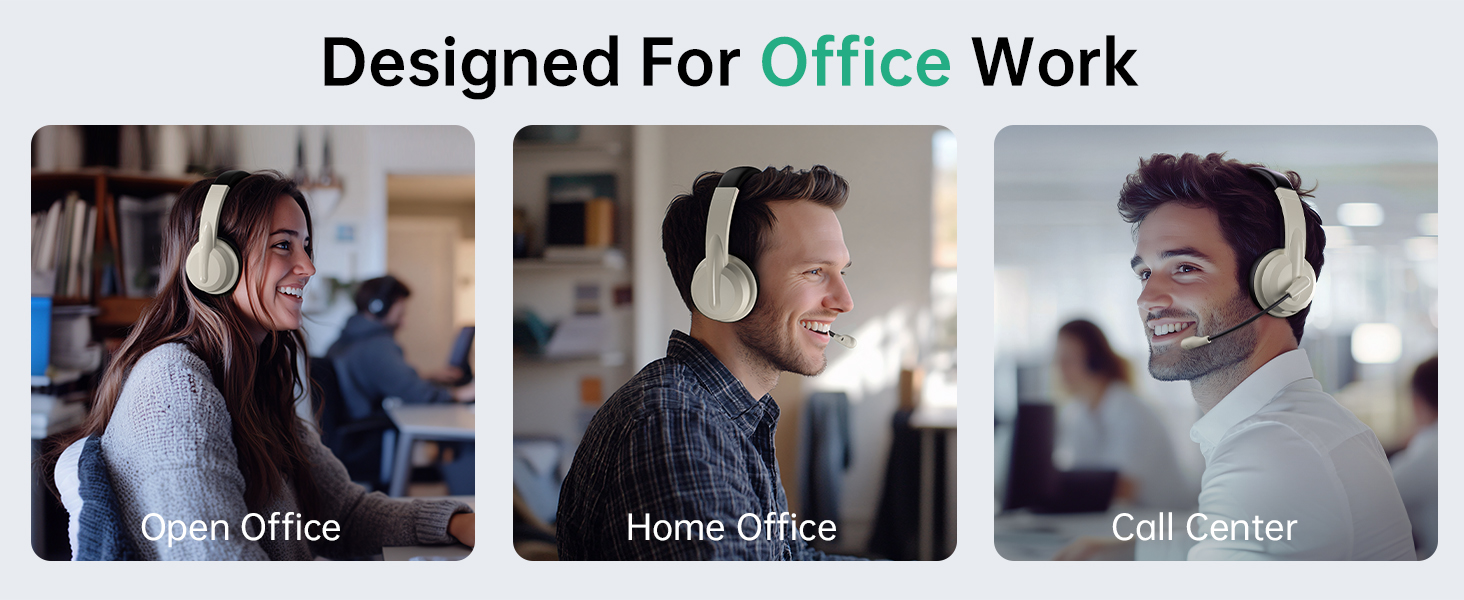
Image: The Masajoy Spark 06 Wireless Headset, USB A/C Dongle, USB-C to 3.5mm Cable, Type-C Charging Cable, and User Manual.
- Masajoy Spark 06 Wireless Headset
- USB A/C Dongle
- USB-C to 3.5mm Audio Cable (4ft)
- Nabíjecí kabel typu C.
- Uživatelská příručka
3. Nastavení a připojení
3.1. Připojení Bluetooth V5.3
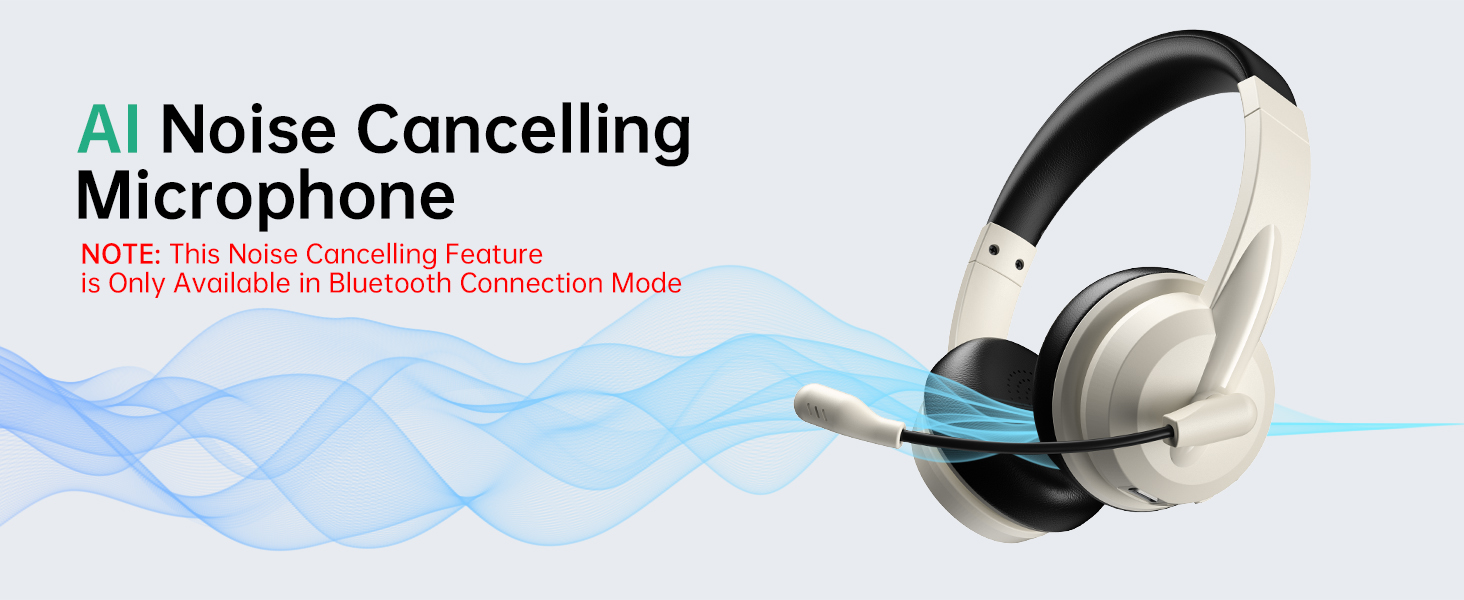
Image: Visual representation of Bluetooth V5.3 and 2.4GHz dual connection, highlighting a wireless range of up to 36 feet.
- Zapnutí: Long press the headphone power button for about 5 seconds until the indicator light flashes white, indicating the headphones are in transmitter pairing mode.
- Enter Bluetooth Pairing: Double-click the power button twice. The indicator light will flash blue, indicating that the headphones have entered Bluetooth connection mode.
- Připojit: Hledat "Spark 06" in the Bluetooth settings of your phone or computer and click to connect.
- Ověřit připojení: Double-check whether "Spark 06" is connected in the "Input" and "Output" ends of the sound settings.
3.2. 2.4G USB A/C Dongle Connection

Image: The Masajoy Spark 06 headset shown with the USB A/C dongle, illustrating its wireless connectivity option.
- Plug In Dongle: Plug the USB A/C transmitter dongle into an available USB-A or USB-C port on your computer.
- Automatické připojení: The headset should automatically connect to the dongle. The indicator light on the dongle will turn solid blue when connected.
- Ověřit připojení: Ensure the headset is selected as the audio input and output device in your computer's sound settings.
3.3. Wired 3.5mm Audio Cable Connection
- Připojovací kabel: Insert one end of the 3.5mm audio cable into the headset's audio jack and the other end into your device's 3.5mm audio port.
- Kabelový režim: Sluchátka budou fungovat v kabelovém režimu a obejdou bezdrátové funkce.
NOTE: This headset does not support dual device connection simultaneously.
4. Návod k obsluze
4.1. Zapnutí/vypnutí
- Zapnutí: Dlouze stiskněte tlačítko napájení po dobu přibližně 3 sekund.
- Vypnout: Dlouze stiskněte tlačítko napájení po dobu přibližně 3 sekund.
4.2. Ovládání hlasitosti
- Zvýšit hlasitost: Stiskněte tlačítko „+“.
- Snížit hlasitost: Stiskněte tlačítko „-“.
4.3. Funkce ztlumení mikrofonu

Image: The microphone boom of the Masajoy Spark 06 headset can be rotated 270 degrees. Rotating it to the upright position activates the mute function.
- To mute the microphone, rotate the microphone boom to the upright position. A voice prompt will confirm "MIC mute".
- To unmute, lower the microphone boom to the speaking position.
4.4. AI Noise Cancellation
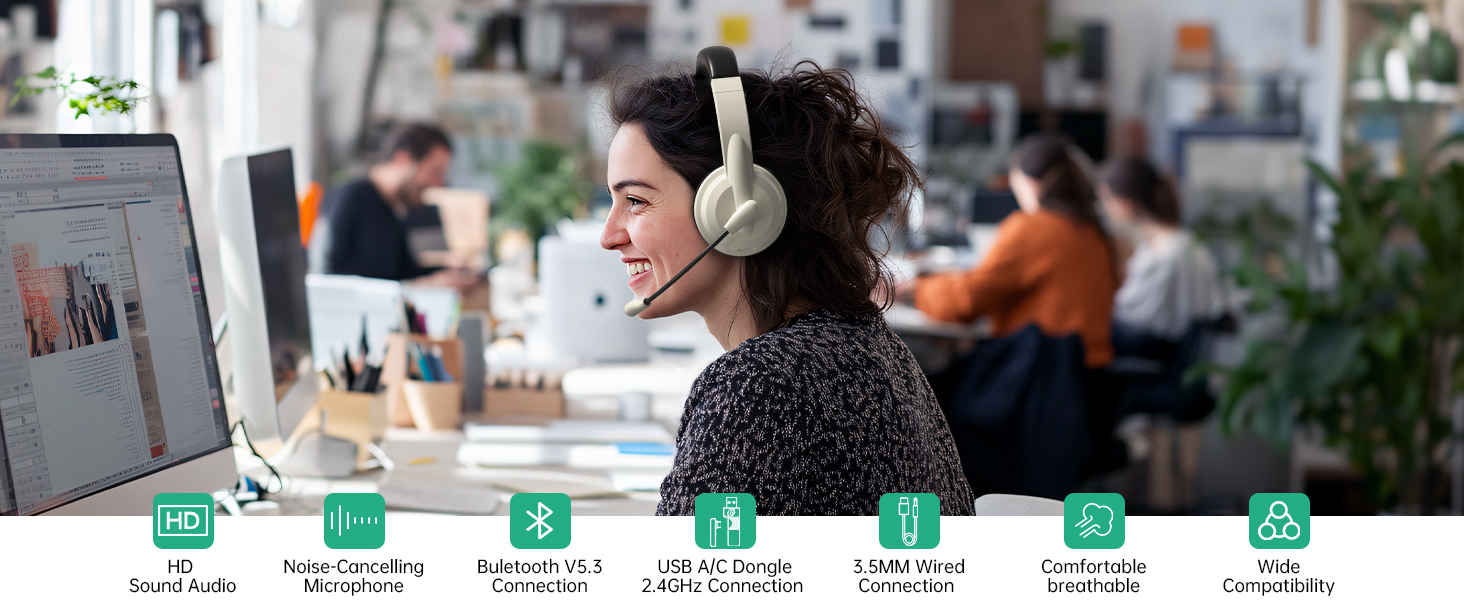
Image: A user wearing the Masajoy Spark 06 headset in an office setting, demonstrating the effectiveness of the AI Noise Cancelling microphone for clear calls.
- The AI noise cancellation feature is automatically active when the microphone is in use during Bluetooth connection mode.
- NOTE: This feature is only available in Bluetooth Connection Mode.
4.5. Nabíjení
Image: Close-up of the Masajoy Spark 06 headset's earcup, highlighting the USB-C charging port and control buttons.
- Připojte nabíjecí kabel typu C k nabíjecímu portu sluchátek s mikrofonem a ke zdroji napájení USB.
- Plné nabití trvá přibližně 2.5 hodin.
- Kontrolka bude zobrazovat stav nabíjení (např. červená pro nabíjení, modrá pro plné nabití).
Warm Reminder: Keep the mic 1 to 2 cm from your mouth for the best noise reduction performance.
5. Pohodlí a design

Image: A close-up of the Masajoy Spark 06 headset's protein memory foam earcup, with a baby sleeping on it, illustrating the soft and comfortable design.
- Protein Memory Foam Ear Cups: Soft and breathable, designed to prevent overheating and sweating during extended use.
- Nastavitelná čelenka: Expandable to fit most head shapes, ensuring a secure and comfortable fit.
- Lehký design: Weighing only 5.06 ounces, the headset is designed for all-day wear without discomfort.
6. Specifikace
| Značka | Masajoy |
| Číslo modelu | Jiskra 06 |
| Barva | Apricot Black |
| Form Factor | Přes ucho |
| Technologie připojení | Wired, Wireless (Bluetooth V5.3, 2.4G USB A/C Dongle) |
| Jack pro sluchátka | Zásuvka 3.5 mm |
| Dosah Bluetooth | Až 36 stop |
| Doba nabíjení baterie | 2.5 hodiny |
| Průměrná životnost baterie | 30 Hours (Talk Time), 25 Hours (Music Playback) |
| Typ zvukového ovladače | Dynamický ovladač |
| Frekvenční rozsah | 200 - 8000 Hz |
| Další funkce | AI Noise Cancellation (Bluetooth mode only), Microphone Mute |
| Kompatibilní zařízení | PCs, Laptops, iPhones, Mac Devices |
| Úroveň odolnosti proti vodě | Není odolný vůči vodě |
7. Řešení problémů
- Žádný zvuk/Špatná kvalita zvuku:
- Zkontrolujte úroveň hlasitosti na sluchátkách i na připojeném zařízení.
- Ensure the headset is properly connected (Bluetooth, 2.4G dongle, or 3.5mm cable).
- For wireless connections, ensure the headset is within range (up to 36 feet for Bluetooth).
- Verify that the headset is selected as the default audio input/output device in your device's sound settings.
- Mikrofon nefunguje:
- Ensure the microphone boom is lowered to the speaking position (not muted).
- Zkontrolujte nastavení mikrofonního vstupu na připojeném zařízení.
- Confirm the mic is 1-2 cm from your mouth for optimal performance.
- Headset Not Pairing (Bluetooth):
- Ensure the headset is in Bluetooth pairing mode (indicator light flashing blue).
- Vypněte a zapněte Bluetooth na svém zařízení a zkuste znovu vyhledat.
- Clear previous Bluetooth connections on your device if issues persist.
- Baterie se rychle vybíjí:
- Ensure the headset is fully charged (2.5 hours for a full charge).
- Reduce volume levels if excessively high.
If you encounter any product problems during use, please contact Masajoy customer support for assistance. Our senior engineers will solve the problem for you as soon as possible.
8. Údržba
- Pravidelně čistěte náušníky a hlavový most měkkým, suchým hadříkem.
- Nevystavujte sluchátka extrémním teplotám, vlhkosti nebo přímému slunečnímu záření.
- Do not attempt to disassemble or repair the headset yourself. This may void the warranty.
- Pokud sluchátka nepoužíváte, skladujte je na chladném a suchém místě.
9. Bezpečnostní informace
- Do not use the headset at high volume levels for extended periods to prevent hearing damage.
- Do not use the headset while driving or cycling, or in situations where inability to hear ambient sounds could be dangerous.
- Keep the headset away from water and moisture.
- Výrobek a jeho baterii zlikvidujte zodpovědně v souladu s místními předpisy.
10. Záruka a podpora
Masajoy products come with a standard manufacturer's warranty. For specific warranty details, please refer to the warranty card included in your package or contact Masajoy customer support.
For technical support, troubleshooting, or any questions regarding your Masajoy Spark 06 Wireless Headset, please visit the official Masajoy webnebo kontaktujte náš tým zákaznických služeb.