
1. Úvod
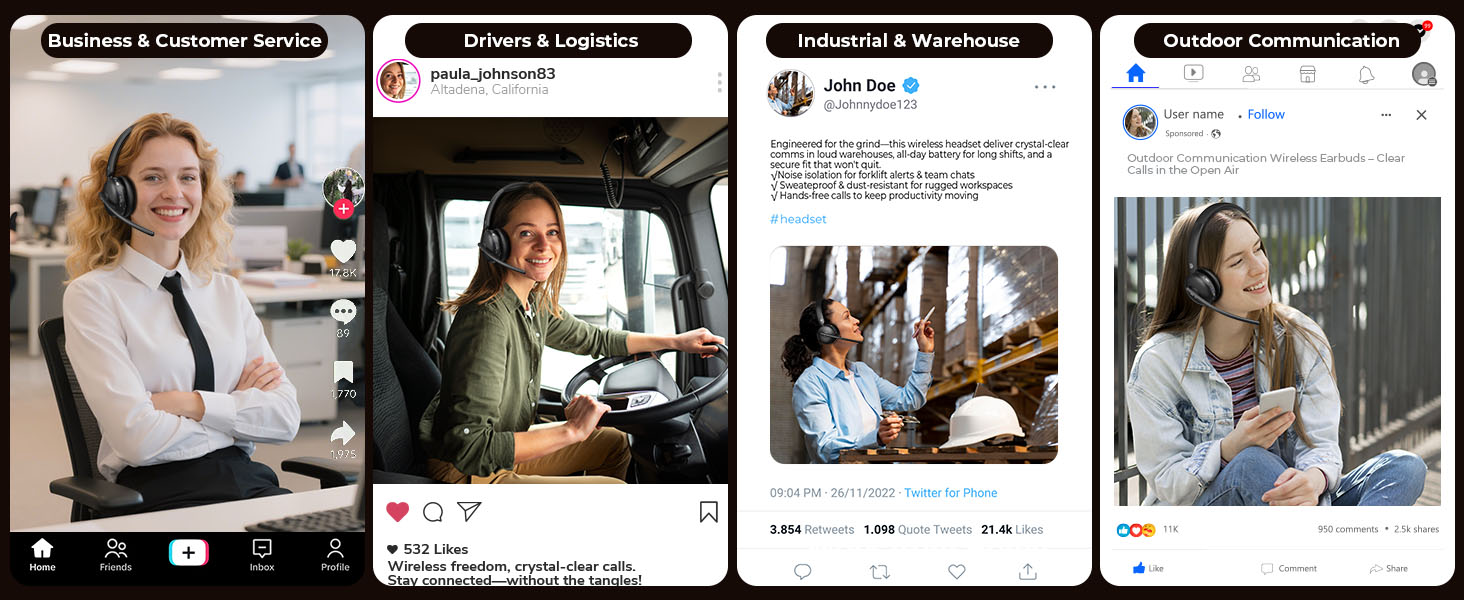
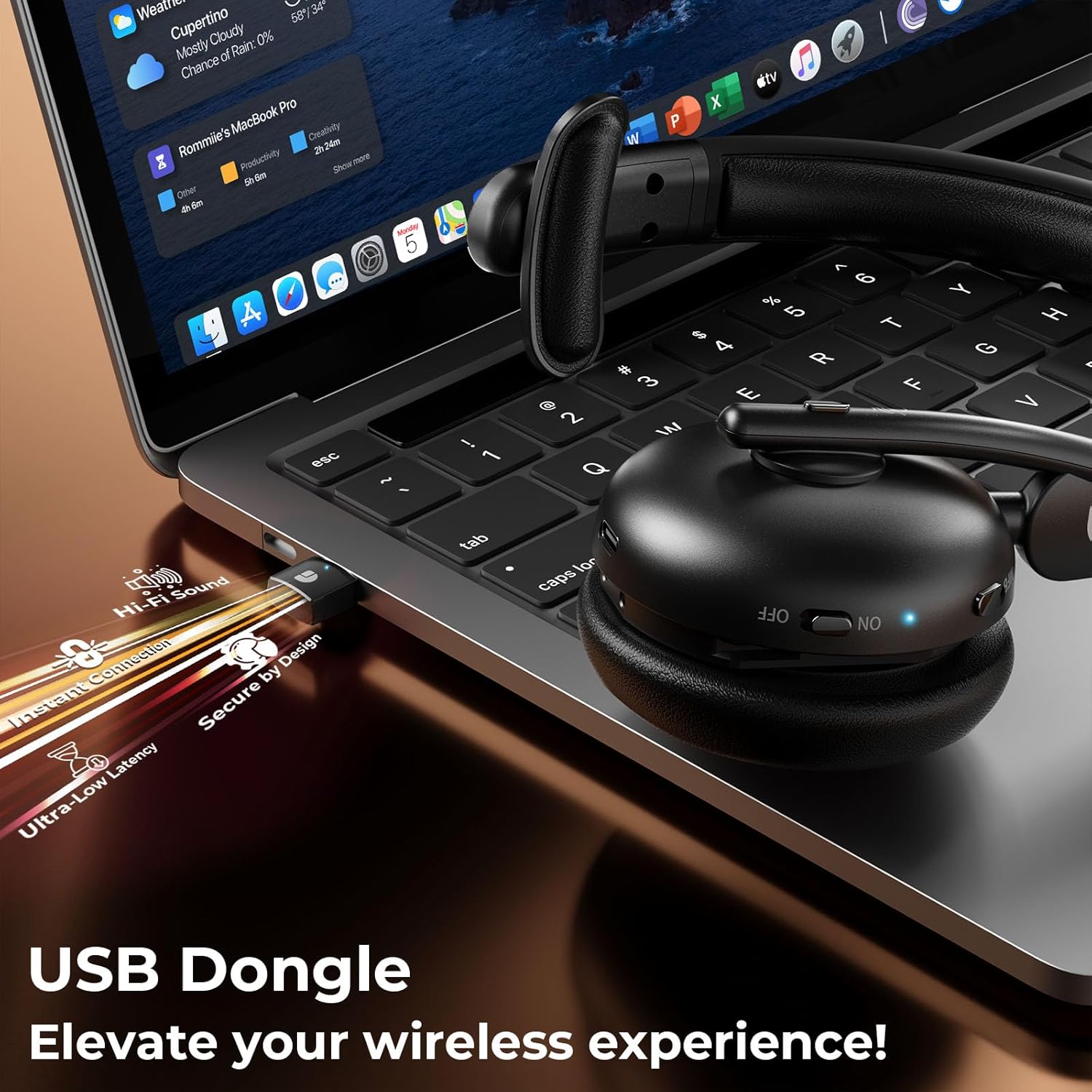
Thank you for choosing the Dytole Wireless Headset DY108. This headset is designed to provide clear audio communication and comfort for various professional and personal uses. Featuring advanced AI noise cancellation, Bluetooth 5.3 connectivity, and a long-lasting battery, it is optimized for calls, online meetings, and general audio playback.

Figure 1.1: Dytole Wireless Headset DY108
2. Obsah balení
Zkontrolujte prosím balení, zda neobsahuje následující položky:
- Bluetooth Wireless Headset x 1
- 2.4G USB Dongle x 1
- Nabíjecí kabel USB-C x 1
- Návod k použití x 1
Obrázek 2.1: Obsah balení
3. Konec produktuview a ovládací prvky
Seznamte se s komponenty a ovládacími tlačítky headsetu.

Obrázek 3.1: Ovládací prvky náhlavní soupravy
- Flexibilní mikrofon: 135° adjustable mic boom for optimal voice pickup.
- Tlačítka hlasitosti: Upravte úroveň zvukového výstupu.
- Tlačítko ztlumení: Vypnutí/zapnutí mikrofonu během hovorů.
- MFB (multifunkční tlačítko): Zapnutí/vypnutí, přehrávání/pozastavení hudby, přijímání/ukončování hovorů, aktivace hlasového asistenta.
- Vypínač: On/Off switch for the headset.
- Měkké prodyšné chrániče sluchu: Designed for comfort during extended wear.
- Nastavitelná čelenka: Pro bezpečné a pohodlné nošení.
4. Nastavení
4.1. Nabíjení náhlavní soupravy
Before first use, fully charge the headset. Connect the USB-C charging cable to the headset's charging port and the other end to a USB power source (e.g., computer, wall adapter). The LED indicator will show charging status.
- Doba nabíjení: Přibližně 2 hodiny na plné nabití.
- Životnost baterie: Up to 65 hours of talk/music time on a full charge.
Obrázek 4.1: Nabíjení a výdrž baterie
4.2. Připojení přes Bluetooth
- Ujistěte se, že jsou sluchátka nabitá a vypnutá.
- Stiskněte a podržte tlačítko MFB, dokud LED indikátor nezačne střídavě blikat modře a červeně, což signalizuje režim párování.
- Na svém zařízení (chytrý telefon, tablet, notebook) povolte Bluetooth a vyhledejte dostupná zařízení.
- Select "DY108" from the list of devices.
- Po připojení bude LED indikátor pomalu blikat modře.
4.3. Connecting via USB Dongle
The USB dongle provides a stable and low-latency connection, ideal for PC/laptop use.
- Zapojte 2.4G USB dongle do volného USB portu v počítači.
- Power on the headset. It will automatically connect to the USB dongle.
- The LED indicator on both the headset and dongle will show a steady blue light when connected.
- Ensure the headset is selected as the audio input/output device in your computer's sound settings.
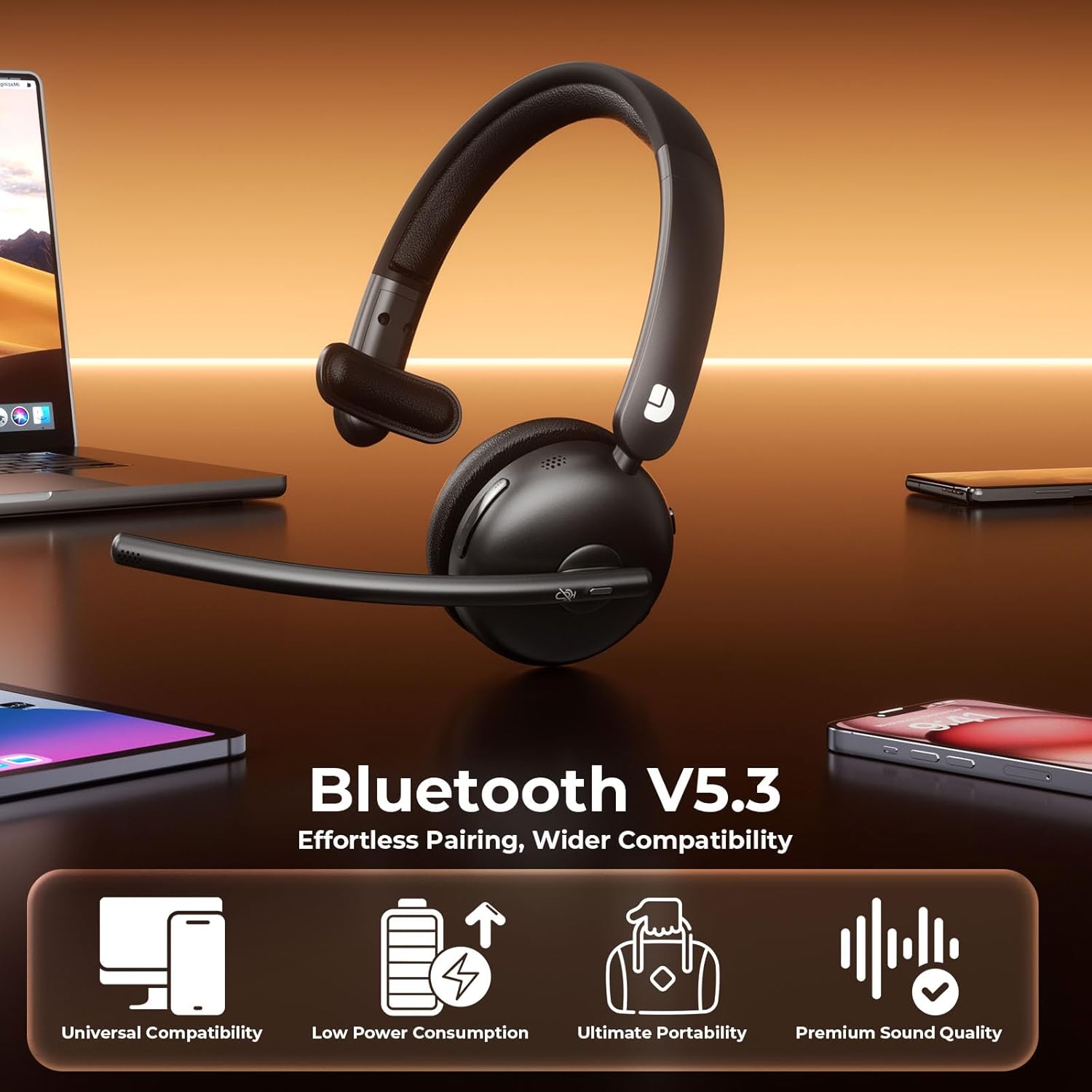
Figure 4.2: USB Dongle Connection
5. Návod k obsluze
5.1. Zapnutí/vypnutí
- Zapnutí: Slide the Power Button to the 'ON' position. The LED indicator will light up.
- Vypnout: Slide the Power Button to the 'OFF' position. The LED indicator will turn off.
5.2. Nastavení hlasitosti
- Zvýšení hlasitosti: Press the 'Volume+' button.
- Snížit hlasitost: Press the 'Volume-' button.
5.3. Funkce ztlumení
- Ztlumit mikrofon: Press the Mute Button once during a call. The LED indicator on the microphone will turn red.
- Unmute Microphone: Press the Mute Button again. The LED indicator will turn off.
5.4. Správa hovorů
- Přijmout hovor: Stiskněte jednou tlačítko MFB.
- Ukončit hovor: Během hovoru stiskněte jednou tlačítko MFB.
- Odmítnout hovor: Stiskněte a podržte tlačítko MFB po dobu 2 sekund.
5.5. Přehrávání hudby
- Přehrát/pozastavit: Stiskněte jednou tlačítko MFB.
- Další skladba: Press and hold the 'Volume+' button.
- Předchozí skladba: Press and hold the 'Volume-' button.
5.6. Hlasový asistent
- Aktivovat Voice Assistant: Dvakrát stiskněte tlačítko MFB.
6. Klíčové vlastnosti
6.1. AI Noise Cancelling Microphone
The headset features advanced AI noise cancellation technology, designed to eliminate up to 99% of background noise. This ensures your voice is transmitted clearly and professionally, even in noisy environments.

Figure 6.1: AI Noise Cancelling in Action
6.2. Comfortable and Durable Design
Constructed with lightweight, skin-friendly materials, the DY108 headset offers all-day comfort. The adjustable headband and soft, breathable earmuffs ensure a secure yet gentle fit, making it suitable for extended use.
6.3. Univerzální kompatibilita
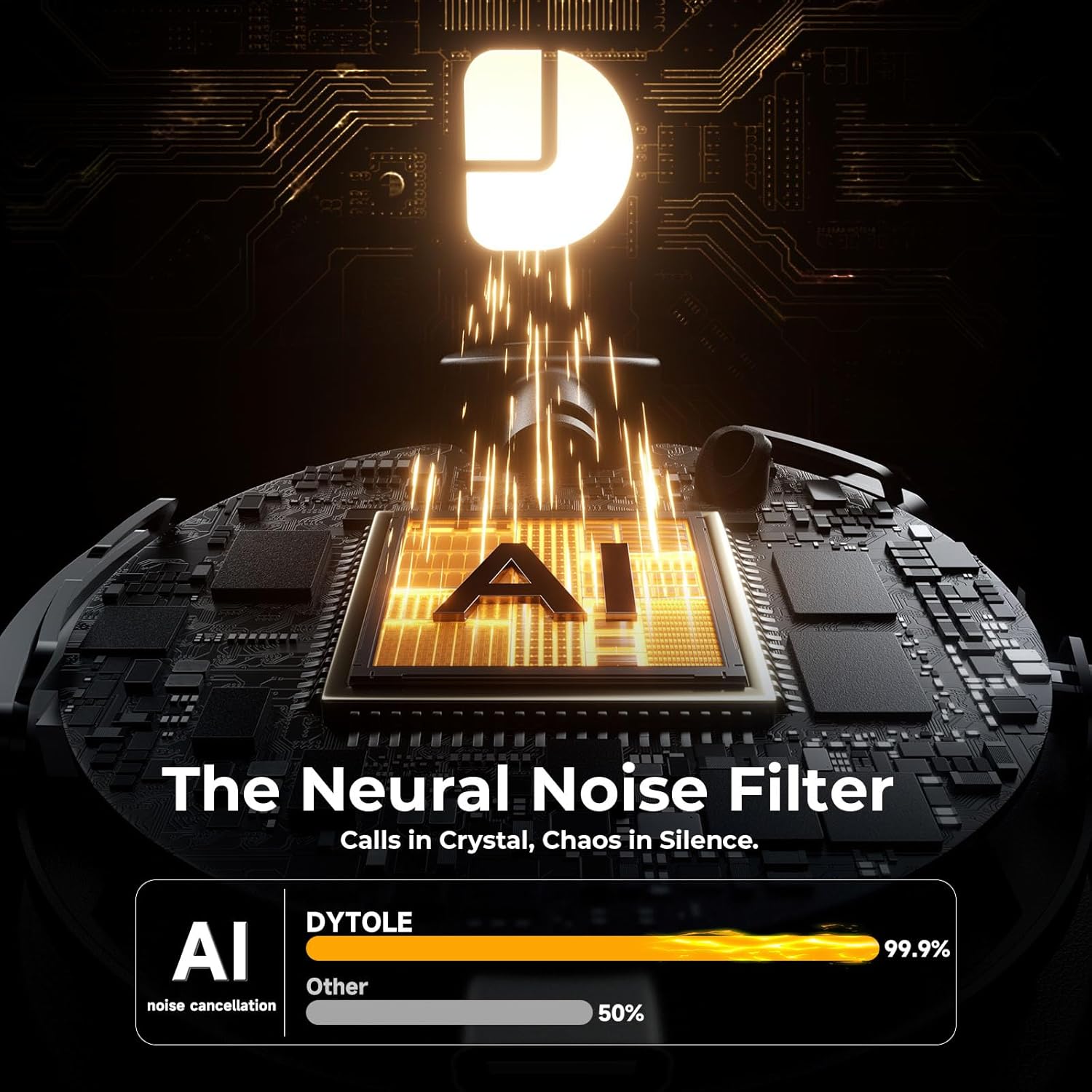
With Bluetooth 5.3 and a dedicated USB dongle, the headset provides seamless compatibility across a wide range of devices, including PCs, laptops, smartphones, and tablets. It supports various communication platforms like Teams and Zoom.
Obrázek 6.2: Univerzální kompatibilita zařízení
7. Specifikace
| Název modelu | DY108 |
| Technologie připojení | Wireless (Bluetooth 5.3, 2.4G USB Dongle) |
| Kontrola hluku | AI potlačení šumu |
| Životnost baterie | Až 65 hodin |
| Doba nabíjení | Přibl. 2 hodin |
| Dosah Bluetooth | Až 15 metrů |
| Umístění uší | Na uchu |
| Materiál | Faux Leather, Stainless Steel |
| Hmotnost položky | 10.5 unce |
8. Řešení problémů
8.1. Žádný zvuk nebo nízká hlasitost
- Ujistěte se, že je headset zapnutý a připojený k vašemu zařízení.
- Zkontrolujte úroveň hlasitosti na sluchátkách i na připojeném zařízení.
- Verify that the headset is selected as the audio output device in your computer's sound settings.
8.2. Cannot Connect via Bluetooth/USB Dongle
- Make sure the headset is in pairing mode (flashing blue/red) for Bluetooth connection.
- For USB dongle, ensure it is properly inserted and the headset is powered on.
- Zkuste restartovat headset i zařízení.
- Vymažte předchozí párování Bluetooth na vašem zařízení a zkuste párování zopakovat.
8.3. Mikrofon nefunguje
- Check if the microphone is muted (red LED on mic). Press the Mute Button to unmute.
- Ensure the headset is selected as the audio input device in your device's sound settings.
- Nastavte rameno mikrofonu blíže k ústům.
9. Péče a údržba
- Pravidelně čistěte sluchátka s mikrofonem měkkým, suchým hadříkem. Nepoužívejte agresivní chemikálie ani abrazivní materiály.
- Sluchátka skladujte na chladném a suchém místě mimo dosah přímého slunečního záření a extrémních teplot.
- Nevystavujte sluchátka vodě ani nadměrné vlhkosti.
- Zabraňte pádu sluchátek na zem nebo jejich vystavení silným nárazům.
10. Záruka a podpora
The Dytole Wireless Headset DY108 comes with a standard manufacturer's warranty. For detailed warranty information, technical support, or service inquiries, please refer to the warranty card included in your package or contact Dytole customer support through their official webna webu nebo u prodejce, kde byl produkt zakoupen.