
1. Konec produktuview
The SGIN S15 is a 15.6-inch laptop designed for versatile use, featuring a powerful Intel Celeron N5100 processor, ample memory, and fast storage. It comes pre-installed with Windows 11 Pro and offers a range of connectivity options.
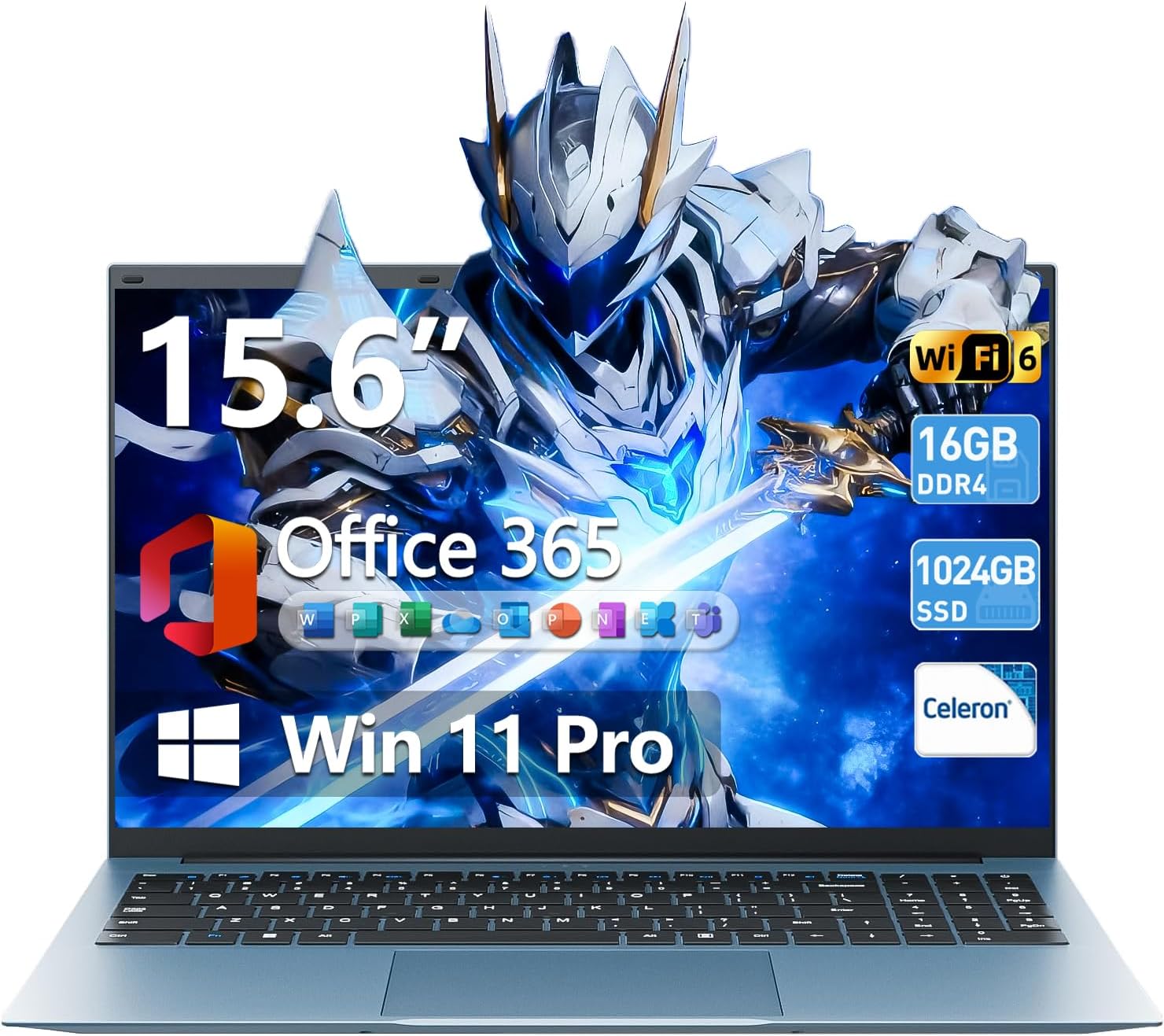
Image 1.1: The SGIN S15 15.6-inch laptop, showcasinjeho displej a klávesnici.

Image 1.2: Visual representation of the SGIN S15 laptop's key advantages, including battery, processor, RAM, storage, display, Wi-Fi 6, and 180-degree hinge.
2. Co je v krabici
Upon unboxing your SGIN S15 laptop, you should find the following items:
- SGIN S15 Laptop (1 unit)
- Power Adapter/Charger (1 unit)
- Uživatelský manuál (1 jednotka)
- Windows 11 Pro (předinstalovaný)
Video 2.1: An unboxing and initial setup guide for the SGIN 15.6-inch laptop, demonstrating the contents of the package and the first power-on sequence.
3. Počáteční nastavení
Follow these steps to set up your SGIN S15 laptop for the first time:
- Rozbalení: Opatrně vyjměte všechny součásti z obalu.
- Připojte napájení: Plug the power adapter into the laptop's charging port and then into a power outlet. Ensure the laptop is connected to power before its first use.
- Zapnutí: Otevřete víko notebooku a stiskněte tlačítko napájení. Notebook spustí úvodní bootovací sekvenci.
- Nastavení Windows 11: Follow the on-screen prompts to configure Windows 11. This includes selecting your language, region, and keyboard layout.
- Internetové připojení: Connect to your Wi-Fi network when prompted. This is necessary for updates and full functionality.
- Účet Microsoft: Sign in with an existing Microsoft account or create a new one. This allows access to Microsoft services and applications.
- Aktualizace: The system will check for and install necessary updates. Allow this process to complete to ensure optimal performance and security.
4. Ovládání notebooku
The SGIN S15 laptop runs on Windows 11 Pro, offering a user-friendly interface and access to a wide range of applications. It is equipped with a 15.6-inch Full HD IPS anti-glare display for clear visuals and a 180-degree hinge for flexible viewing úhly.

Image 4.1: The laptop's 15.6-inch Full HD IPS display, highlighting its wide viewing angles and anti-glare properties.
The laptop also includes a 1-year subscription to Microsoft 365 Personal, providing access to applications like Word, Excel, and PowerPoint.

Image 4.2: A visual demonstrating the inclusion of Microsoft 365 Personal with the laptop, showing various Microsoft Office application icons.
5. Klíčové vlastnosti
- Procesor: Intel Celeron N5100 (4 Cores, 4 Threads, up to 2.8GHz) for reliable performance.
- Paměť: 16GB DDR4 RAM pro plynulý multitasking.
- Skladování: 1024GB SSD (Solid State Drive) for fast boot-up and data access, expandable up to 1TB with a TF card.
- Zobrazit: 15.6-inch Full HD (1920x1080) IPS Anti-Glare Display with 85% screen-to-body ratio and 180° viewúhel.
- Operační systém: Windows 11 Pro.
- Baterie: Baterie s kapacitou 7000 mAh poskytuje až 8 hodin nepřetržitého používání.
- Konektivita: WiFi 6 and Bluetooth 5.2 for fast and stable wireless connections.
- Porty: HDMI, Type-C, 3.5mm TRRS jack, memory card slot, and USB 3.2 ports.
- Chlazení: Dual cooling fans for efficient heat dissipation.
- Soukromí: Integrovaný webcam with a privacy switch.

Image 5.1: A close-up of the Intel Celeron N5100 processor, illustrating its core and thread count, cache, and turbo speed.

Image 5.2: A visual representation of the laptop's 16GB DDR4 RAM and 1024GB SSD, emphasizing fast data access and multitasking capabilities.
6. Konektivita
The SGIN S15 laptop offers comprehensive connectivity options:
- Bezdrátový: Integrated WiFi 6 provides enhanced network efficiency and reduced latency. Bluetooth 5.2 enables connection to various wireless peripherals.
- Porty: The laptop includes multiple ports for external devices and displays.

Image 6.1: An illustration detailing the various ports available on the SGIN S15 laptop, including HDMI, Type-C, USB 3.2, 3.5mm audio jack, TF card slot, and security lock.
7. Power and Battery
The SGIN S15 is equipped with a 7000mAh battery, providing extended usage time. The included charger ensures efficient recharging.
- Životnost baterie: Expect up to 8 hours of continuous use on a full charge, depending on usage patterns.
- Nabíjení: Use only the provided power adapter to charge the laptop.
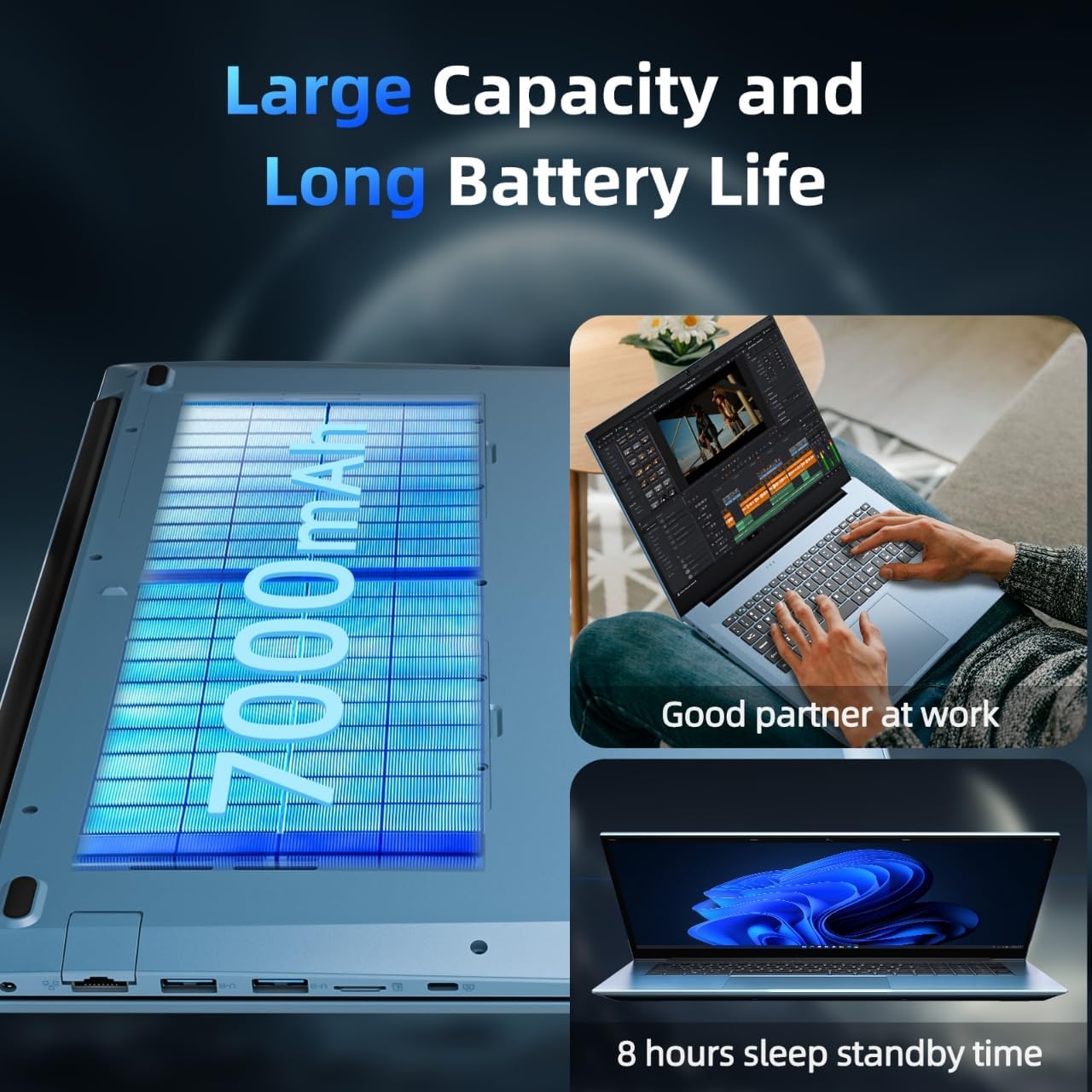
Image 7.1: A depiction of the laptop's 7000mAh battery, highlighting its capacity for extended work and standby times.
8. Chladicí systém
To maintain optimal performance and prevent overheating, the SGIN S15 laptop features an internal cooling system with dual fans.
- Efektivní odvod tepla: The cooling system is designed to manage heat effectively, especially during demanding tasks.
- Tichý provoz: The fans operate at low decibel levels to minimize distraction.

Obrázek 8.1: Vnitřní view illustrating the laptop's cooling system with its high-speed motor fan and air ducting for rapid heat dissipation.
9. Specifikace
| Funkce | Specifikace |
|---|---|
| Značka | SGIN |
| Název modelu | SGIN-S15 |
| Velikost stálé obrazovky | 15.6 palce |
| Rozlišení obrazovky | 1920 x 1080 pixelů (FHD IPS) |
| Procesor | Intel Celeron N5100 (až 2.8 GHz) |
| BERAN | 16 GB DDR4 |
| Pevný disk | 1024 GB SSD (expandable with TF card) |
| Grafický koprocesor | Integrovaný |
| Operační systém | Windows 11 Pro |
| Bezdrátový typ | WiFi 6, Bluetooth 5.2 |
| Počet portů USB 3.0 | 3 |
| Hmotnost položky | 5.04 libry |
| Rozměry produktu | 15.6 x 9 x 0.6 palce |
| Barva | Šedá |
| Baterie | 7000mAh (12V batteries included) |
| Speciální funkce | Slot pro paměťovou kartu |
10. Údržba a odstraňování problémů
To ensure the longevity and optimal performance of your SGIN S15 laptop, consider the following maintenance tips and basic troubleshooting steps:
- Udržujte to čisté: Regularly clean the screen with a microfiber cloth and the keyboard with compressed air.
- Aktualizace softwaru: Ensure Windows 11 and all drivers are kept up-to-date.
- Vyvarujte se přehřátí: Use the laptop on a flat, hard surface to allow proper airflow to the cooling vents. Avoid blocking the vents.
- Péče o baterie: For optimal battery health, avoid consistently draining the battery to 0% or keeping it at 100% for extended periods.
- Řešení problémů s napájením: If the laptop does not power on, ensure the charger is securely connected and the power outlet is functional.
- Řešení problémů s připojením: If experiencing Wi-Fi issues, try restarting your router and the laptop. Ensure Wi-Fi is enabled in Windows settings.
11. Záruka a podpora
SGIN provides comprehensive support for your laptop:
- Záruka: The SGIN S15 laptop comes with a 1-year protection plan.
- Opravy: A 365-day repair service is available.
- Zákaznická podpora: 24/7 customer instant help is provided.
- Řešení problému: SGIN products include a 360-day issue resolution service.
For support, you can contact SGIN via email at sgin-tech@sginservice.com.

Image 11.1: Details on how to access SGIN customer service, including email contact and information about repair services.
Image 11.2: Information regarding SGIN's 360-day issue resolution service and 24/7 instant laptop support.