
1. Úvod
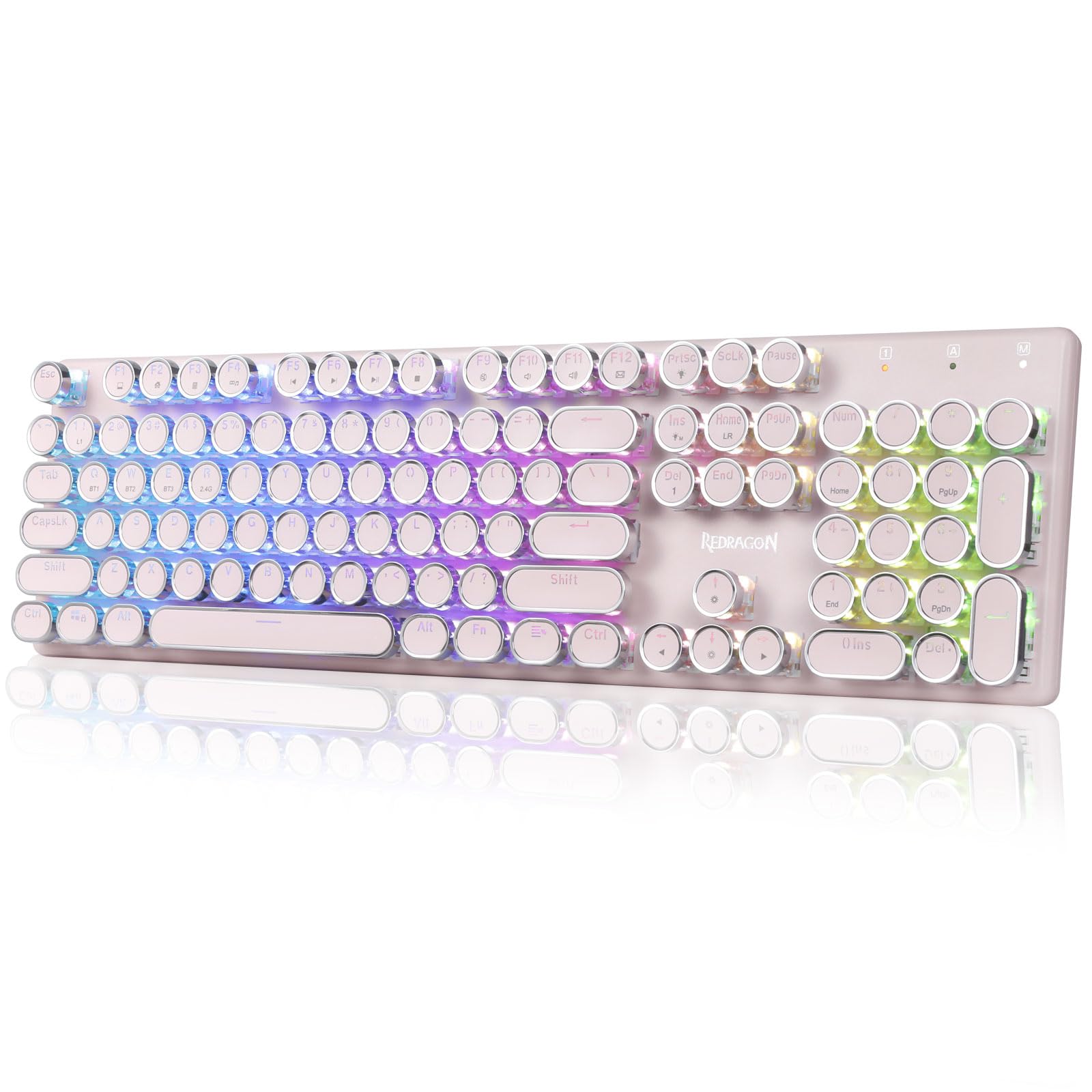
The Redragon K710 is a versatile mechanical gaming keyboard designed for a superior typing and gaming experience. It features a retro typewriter style with round keycaps and offers multiple connectivity options, vibrant RGB backlighting, and durable construction. This manual provides detailed instructions for setup, operation, maintenance, and troubleshooting.

2. Nastavení
2.1 Obsah balení
Než začnete, ujistěte se, že balení obsahuje všechny položky:
- Redragon K710 Wireless Mechanical Gaming Keyboard
- USB-C kabel
- 2.4Ghz Wireless Dongle
- Stahovák kláves (pokud je součástí balení)
- Uživatelská příručka
2.2 Počáteční nabíjení
For optimal performance, fully charge the keyboard before first use. Connect the provided USB-C cable to the keyboard's port and to a USB power source (e.g., computer, wall adapter). The LED indicator will show charging status.
2.3 Režimy připojení
The Redragon K710 supports three connection modes: 2.4Ghz Wireless, Bluetooth 3.0/5.0, and USB-C Wired.


2.3.1 Bezdrátový režim 2.4 GHz
- Locate the 2.4Ghz wireless dongle, usually stored in a compartment on the back of the keyboard.
- Zapojte hardwarový klíč do dostupného portu USB na vašem počítači.
- Switch the mode selector on the back of the keyboard to "2.4G".
- Stiskněte a podržte FN + R. on the keyboard to enter 2.4G pairing mode. The indicator light will flash.
- Klávesnice by se měla připojit automaticky.
2.3.2 Režim Bluetooth
- Switch the mode selector on the back of the keyboard to "BT".
- Stiskněte a podržte FN+Q, FN + Wnebo FN + E for 3 seconds to select a Bluetooth channel (BT1, BT2, or BT3). The indicator light for the selected channel will flash rapidly, indicating pairing mode.
- On your device (PC, laptop, tablet, phone), open Bluetooth settings and search for new devices.
- Select "Redragon K710" from the list of available devices to pair.
- Po připojení kontrolka přestane blikat.
2.3.3 Drátový režim USB-C
- Connect the provided USB-C cable to the keyboard and to a USB port on your computer.
- Klávesnice se automaticky přepne do kabelového režimu a začne se nabíjet.
3. Návod k obsluze
3.1 Ovládání RGB podsvícení
The K710 keyboard features 16.8 million RGB backlighting with various modes and customization options.

- FN + INS: Switch between 16 different RGB lighting modes and effects.
- FN + ↑ / ↓: Nastavení jasu podsvícení (5 úrovně).
- FN + DEL: Cycle through 7 solid colors (Red, Green, Blue, Yellow, Purple, Cyan, White).
- FN + PrtSc: Zapnutí/vypnutí podsvícení.
3.2 Custom Backlighting
You can customize individual key backlighting:
- Stiskněte FN + 1 to enter game mode.
- Stiskněte FN + domov to enter custom recording state.
- Press desired keys continuously to set their color.
- Stiskněte FN + domov again to save the custom lighting.
3.3 Multimediální zkratky
Access various functions using FN key combinations:

- FN + F1: Můj počítač
- FN + F2: Domovská stránka
- FN + F3: Kalkulačka
- FN + F4: Hráč
- FN + F5: Předchozí skladba
- FN + F6: Další skladba
- FN + F7: Přehrát/Pozastavit
- FN + F8: Stop
- FN + F9: Ztlumit
- FN + F10: Volume -
- FN + F11: Hlasitost +
- FN + F12Pošta
- FN + WIN: Lock/Unlock Windows Key
- FN + ESC (podržení 5 s): Obnovit tovární nastavení
3.4 Správa baterie
The keyboard is equipped with a durable 4000mAh battery.

- Životnost baterie: Up to 70 hours with RGB lights on, and over 300 hours with lights off.
- Nabíjení: A fast charge can provide enough power for a full day's use.
- Zkontrolujte stav baterie: Stiskněte FN + Enter to check the current battery level via the LED indicators.

3.5 Automatická úspora energie
To conserve battery, the keyboard's backlight will automatically turn off after 3 minutes of inactivity in wireless mode. Press any key to wake up the keyboard.
3.6 Softwarová podpora
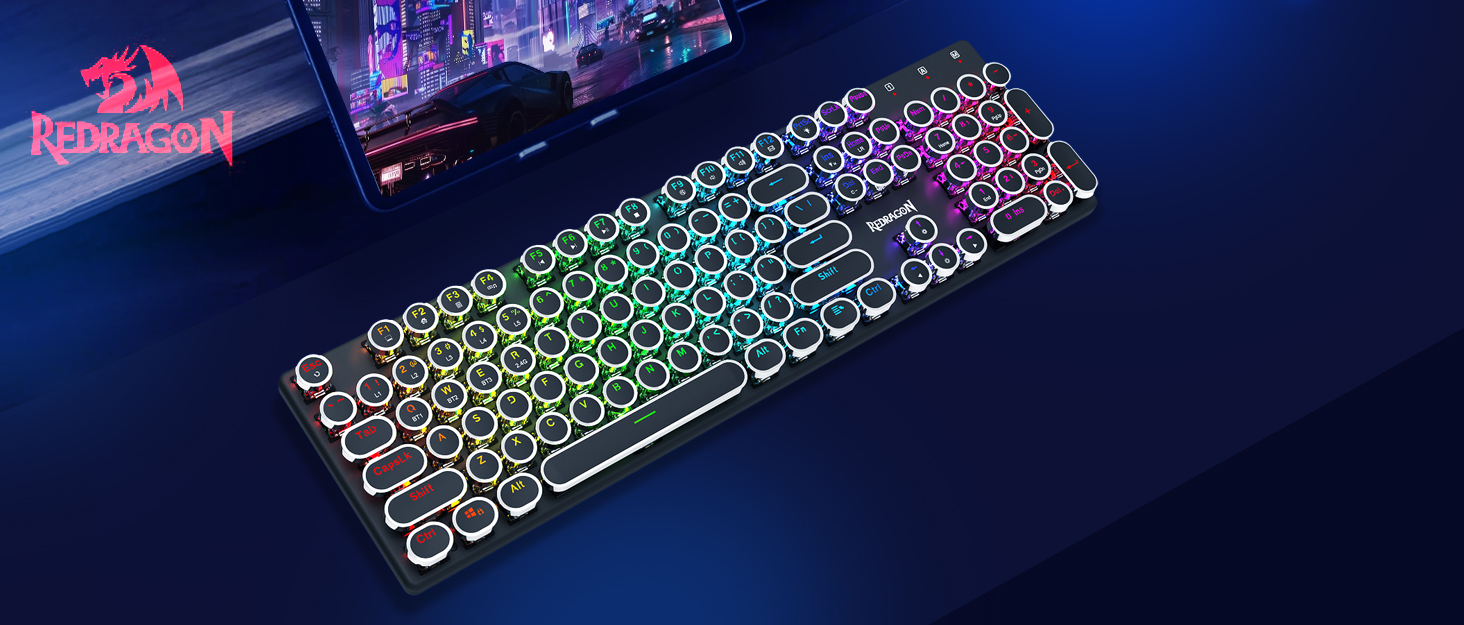
The Redragon K710 is compatible with dedicated software for advanced customization, including macro recording, key remapping, and detailed lighting effects.

To download the driver software, visit the official Redragon webmísto: redragonzone.com/software.html. Navigate to "KEYBOARDS", search for model "K710", and download the appropriate software.
4. Údržba
4.1 Čištění
- Před čištěním odpojte klávesnici od všech zdrojů napájení.
- K otření povrchu klávesnice použijte měkký, suchý hadřík.
- Pro odstranění prachu a nečistot mezi klávesami použijte stlačený vzduch.
- The included keycap puller can be used to carefully remove keycaps for deeper cleaning of the switches.
4.2 Skladování
Store the keyboard in a cool, dry place away from direct sunlight and extreme temperatures. Avoid placing heavy objects on the keyboard.
5. Řešení problémů
- Klávesnice nereaguje: Ensure the keyboard is charged. Check the connection mode (wired, 2.4G, Bluetooth) and ensure it matches your device. Try reconnecting the USB cable or re-pairing the wireless connection.
- Klávesy se neregistrují nebo se píší dvakrát: Clean under the keycaps. If using wireless, ensure the dongle is securely plugged in or Bluetooth connection is stable. Try updating the keyboard firmware via the Redragon software.
- RGB světla nefungují: Check if the backlight is turned off (FN + PrtSc). Adjust brightness (FN + ↑/↓). If issues persist, perform a factory reset (FN + ESC for 5 seconds).
- Problémy s připojením Bluetooth: Ensure your device's Bluetooth is enabled. Remove the keyboard from your device's paired list and re-pair it. Try a different Bluetooth channel (FN + Q/W/E).
- Software download link not working: Ensure you are visiting the official Redragon webweb (redragonzone.com/software.html) and searching for the correct model (K710).
6. Specifikace
| Funkce | Detail |
|---|---|
| Značka | Redragon |
| Číslo modelu | K710P-RGB |
| Konektivita | 2.4Ghz Wireless, Bluetooth 3.0/5.0, USB-C Wired |
| Typ klávesnice | Mechanické |
| Typ přepínače | Blue Switch (Clicky, Tactile) |
| Klíčenky | Round, Electroplated, Double Shot |
| Podsvícení | RGB (16.8 Million Colors, 16+ Modes) |
| Anti-Ghosting | 104klávesová anti-ghostingová funkce |
| Kapacita baterie | 4000 XNUMX mAh |
| Materiál | Metal (Panel), Plastic |
| Hmotnost položky | 950 gramů |
| Kompatibilní zařízení | Herní konzole, notebook, počítač, tablet |


7. Záruka a podpora
Pro informace o záruce, technickou podporu nebo další pomoc navštivte oficiální webové stránky společnosti Redragon. website or contact their customer service. The latest drivers and software can be found at redragonzone.com/software.html.