
Zavedení
Thank you for choosing the CUIFATI 7W 5V ETFE Monocrystalline Portable Solar Panel Charger. This device is designed to provide a portable and efficient power source for your electronic devices using solar energy. Please read this manual carefully before using the product to ensure proper operation and longevity.
Bezpečnostní informace
- Do not expose the solar panel to extreme temperatures or direct flame.
- Avoid dropping or subjecting the panel to strong impacts.
- Keep the solar panel dry. Do not immerse it in water or other liquids.
- Nepokoušejte se solární panel rozebírat ani upravovat. Mohlo by dojít ke zrušení záruky a poškození.
- Uchovávejte mimo dosah dětí.
- Ensure proper ventilation when charging to prevent overheating.
Obsah balení
Ověřte, zda jsou v balení přítomny všechny položky:
- 1 x CUIFATI 7W 5V ETFE Monocrystalline Portable Solar Panel Charger
Konec produktuview
The CUIFATI solar panel is designed for portability and durability, featuring ETFE technology for high temperature resistance. It includes a USB output for direct device charging.
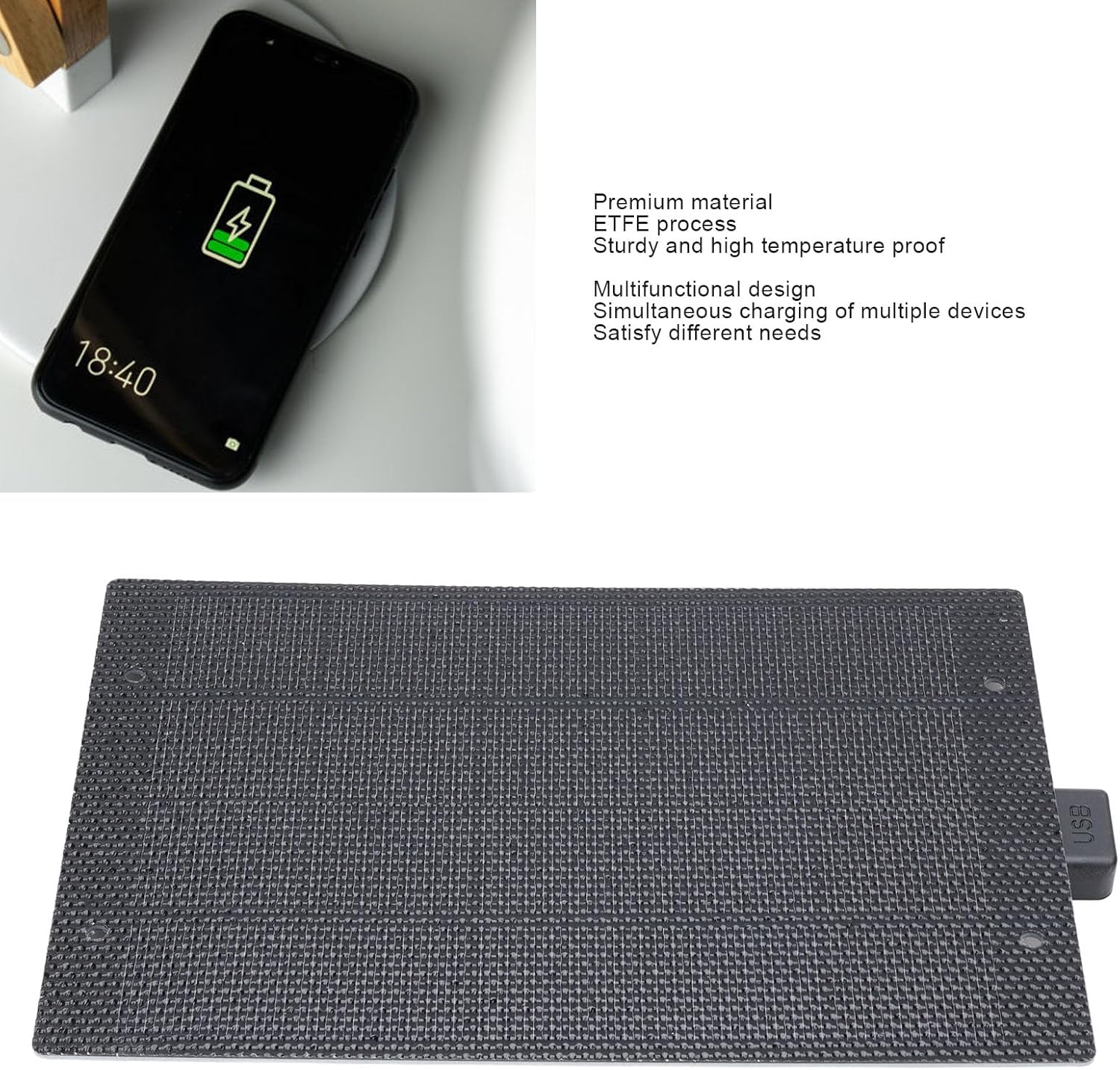
Obrázek: Přední strana view of the CUIFATI 7W 5V ETFE Monocrystalline Portable Solar Panel. This image shows the textured surface of the solar panel.
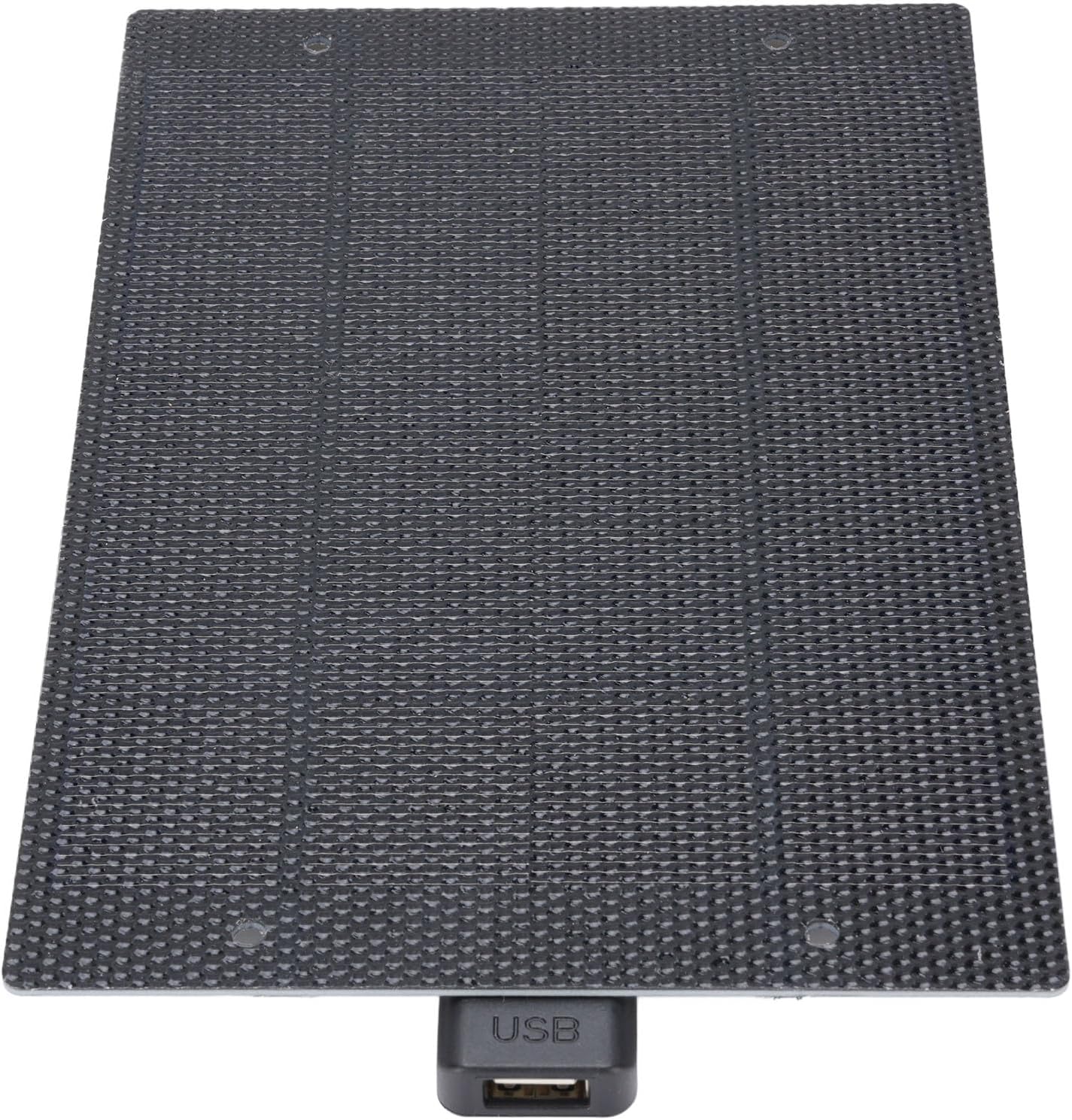
Obrázek: Detail view of the CUIFATI solar panel showing the integrated USB output port.
Nastavení
- Unpack the Solar Panel: Carefully remove the solar panel from its packaging.
- Vyberte umístění: Select a location with direct sunlight. The more direct the sunlight, the more efficient the charging will be. Avoid shaded areas.
- Umístění panelu: Place the solar panel facing the sun. For optimal performance, ensure the panel is angled directly towards the sun's rays.
Návod k obsluze
To charge your electronic devices using the CUIFATI solar panel:
- Připojte své zařízení: Plug your device's USB charging cable into the USB output port of the solar panel.
- Místo na slunci: Ensure the solar panel is exposed to direct sunlight. Charging will begin automatically.
- Nabíjení monitoru: Observe your device's charging indicator to confirm it is receiving power. Charging speed may vary depending on sunlight intensity.
- Optimální podmínky: For best results, use the solar panel on clear, sunny days. Cloudy conditions will reduce charging efficiency.

Image: The CUIFATI solar panel connected via USB cable to a smartphone, demonstrating the charging process.
Údržba
- Čištění: Pravidelně otírejte povrch solárního panelu měkkým hadříkemamp cloth to remove dust and dirt. A clean surface ensures maximum sunlight absorption.
- Skladování: When not in use, store the solar panel in a cool, dry place away from direct sunlight and extreme temperatures.
- Inspekce: Periodically inspect the panel and its USB port for any signs of damage or wear.
Odstraňování problémů
| Problém | Možná příčina | Řešení |
|---|---|---|
| Zařízení se nenabíjí. | Nedostatek slunečního světla. | Přesuňte solární panel na místo s přímým slunečním světlem bez překážek. |
| Zařízení se nenabíjí. | Povrch panelu je znečištěný. | Povrch solárního panelu očistěte měkkým hadříkemamp tkanina. |
| Zařízení se nenabíjí. | Vadný kabel USB nebo zařízení. | Try using a different USB cable or test with another device to isolate the issue. |
| Pomalá rychlost nabíjení. | Partial shading or cloudy weather. | Ensure the panel is in full sunlight. Charging speed is dependent on solar intensity. |
Specifikace
| Funkce | Detail |
|---|---|
| Typ položky | Nabíječka solárních panelů |
| Materiál | Monocrystalline, ETFE Technology |
| Výkon | 7W |
| svtage Výstup | 5V |
| Typ konektoru | USB 2.0 |
| Název modelu | CUIFATIy72e0gx3sn |
| Rozměry | Approximately 198mm x 133mm (7.79in x 5.23in) |

Image: Diagram showing the dimensions of the CUIFATI solar panel, approximately 198mm by 133mm.
Záruka a podpora
For warranty information or technical support, please refer to the documentation provided with your purchase or contact Cuifati customer service. Keep your proof of purchase for warranty claims.
Výrobce: CUIFATI
Značka: Cuifati