
1. Úvod
Welcome to the FUNYET 16-inch Laptop Computer NY-08 user manual. This guide provides essential information for setting up, operating, maintaining, and troubleshooting your new laptop. Designed for versatility and performance, the FUNYET NY-08 is equipped with an Intel 13th Gen N150 processor, ample memory, and a vibrant display to support your daily computing needs, from productivity to entertainment.
Figure 1: The FUNYET 16-inch Laptop Computer, showcasinjeho elegantní design a velký displej.
2. Nastavení
2.1 Vybalení a úvodní kontrola
Opatrně vyjměte všechny součásti z obalu. Ujistěte se, že jsou přítomny následující položky:
- FUNYET 16-inch Laptop Computer
- AC adaptér
- Uživatelská příručka (tento dokument)
- Záruční list
2.2 Zapnutí a první spuštění
Connect the AC adapter to the laptop's DC port and a power outlet. Press the power button to turn on the laptop. Follow the on-screen instructions to complete the initial Windows 11 Pro setup, including language, region, and user account creation.
Figure 2: The laptop displaying the Windows 11 Pro operating system during initial setup.
2.3 Připojení k Wi-Fi
During the Windows setup or afterwards, navigate to the network settings. Select your desired Wi-Fi network from the list, enter the password if prompted, and click 'Connect'.
3. Ovládání notebooku
3.1 Windows 11 Pro (nad)view
Your FUNYET laptop comes with Windows 11 Pro pre-installed, offering enhanced security, productivity features, and a redesigned user interface. Explore the Start Menu, Taskbar, and Widgets for a personalized experience.
3.2 Klávesnice a touchpad
The laptop features a full-size backlit keyboard for comfortable typing in various lighting conditions and a numeric keypad for efficient data entry. The integrated touchpad supports multi-touch gestures for navigation. A fingerprint scanner is integrated for secure and quick login.
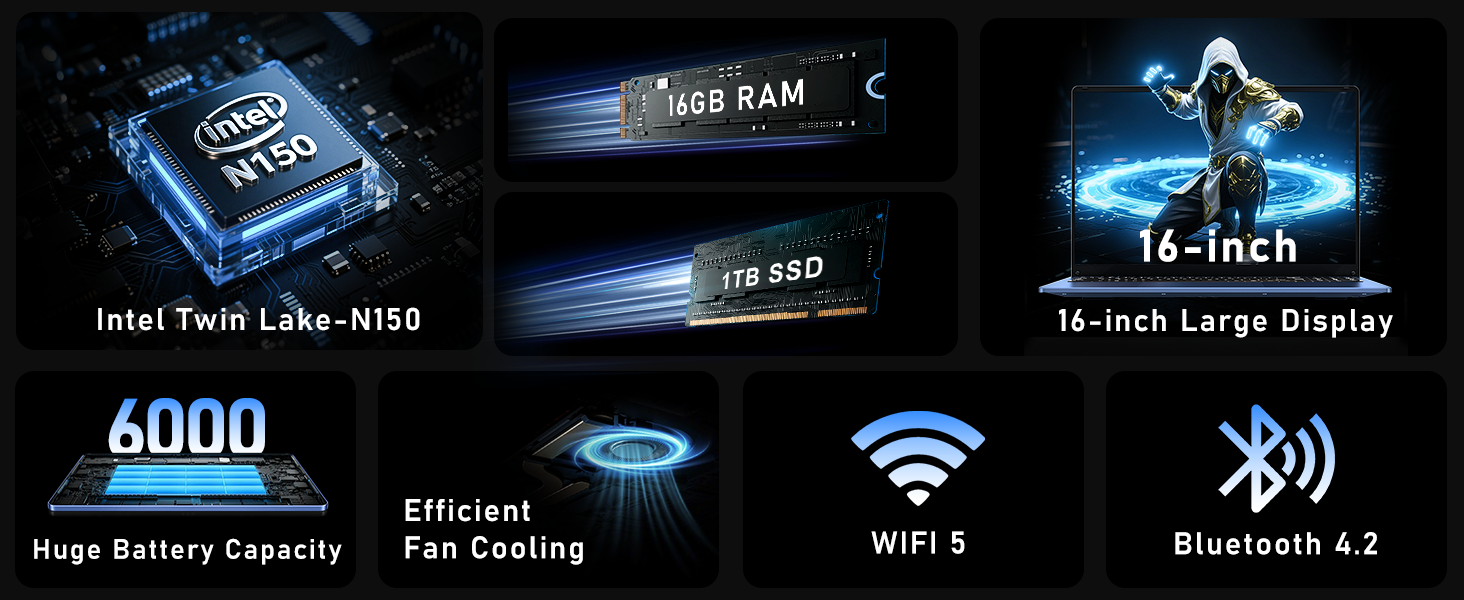
Figure 3: Close-up of the laptop's full-size backlit keyboard and numeric keypad.
3.3 Porty připojení
The laptop is equipped with various ports for external device connectivity:
- Port USB 2.0: Pro připojení starších USB zařízení.
- USB porty: 3.0 Two ports for high-speed data transfer with compatible devices.
- Mini HDMI port: Pro připojení k externím displejům nebo projektorům.
- 3.5mm konektor pro sluchátka: Pro zvukový výstup do sluchátek nebo externích reproduktorů.
- Port DC: For connecting the AC adapter to charge the laptop.
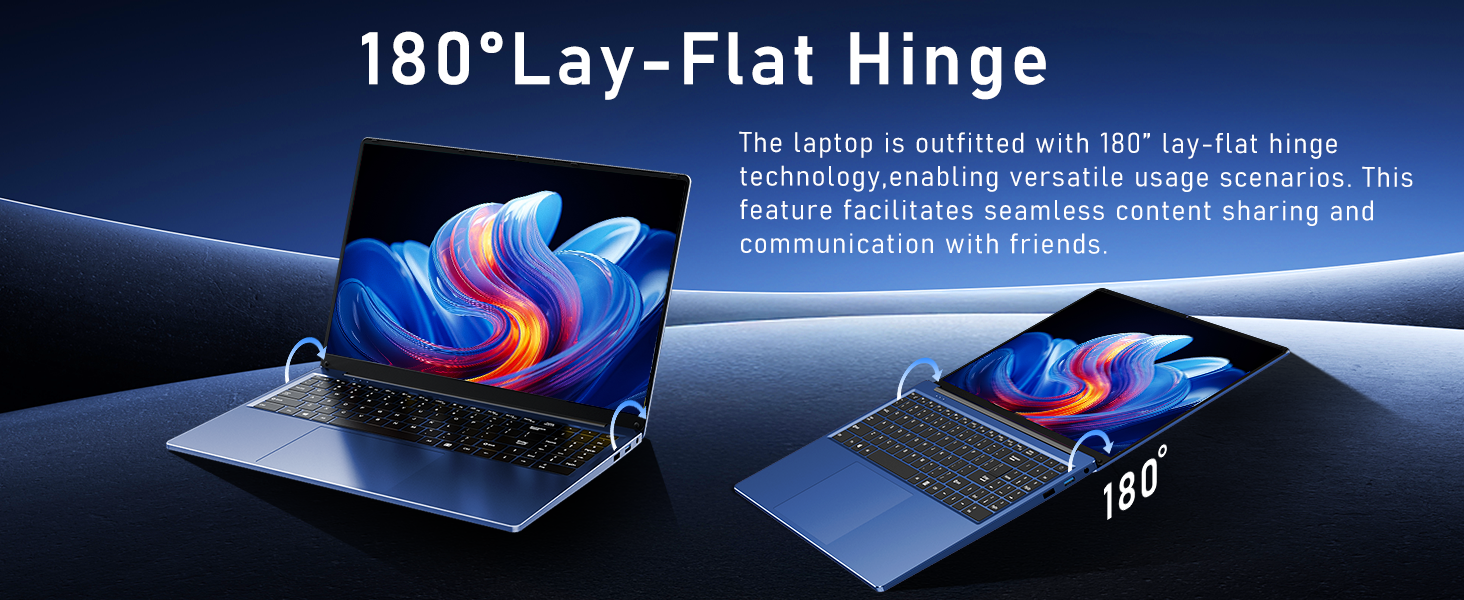
Figure 4: Diagram illustrating the various connectivity ports on the FUNYET laptop.
4. Klíčové vlastnosti
The FUNYET NY-08 laptop is engineered with components designed for optimal performance and user experience.
4.1 Advanced Processor
Equipped with the latest 13th generation Intel Alder Lake N150 processor, featuring a boost frequency of up to 3.6GHz, 4 cores, and 4 threads. This provides robust performance for multitasking, streaming, and light gaming.

Obrázek 5: Detailní view of the Intel N150 processor, highlighting its core specifications.
4.2 Paměť a úložiště
With 16GB of DDR4 RAM and a 1TB high-speed SSD, the laptop ensures effortless multitasking and provides ample space for all your data, applications, and media files.
Figure 6: Visual representation of the 16GB RAM and 1TB SSD for high capacity and performance.
4.3 Visual Brilliance Display
Experience stunning visuals on the 16.0-inch Full HD IPS display with a 1920x1200 resolution. The 0.2-inch micro-bezel and 90% screen-to-body ratio provide an immersive viewing experience with vivid colors and eye protection features.

Figure 7: The laptop's 16-inch FHD IPS display, showcasing its visual clarity and narrow bezels.
4.4 Dlouhotrvající baterie
The laptop is equipped with a 6000mAh (46.2Wh) rechargeable battery, offering up to 6 hours of battery life, making it suitable for on-the-go use.
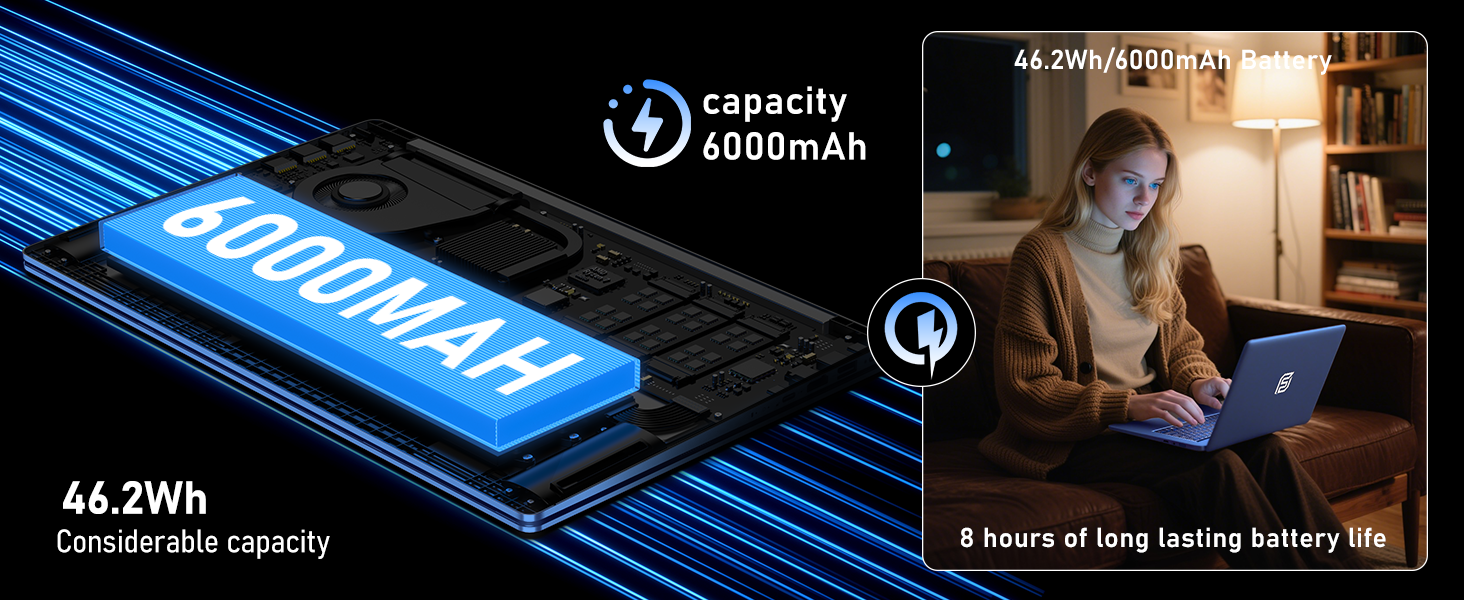
Figure 8: Illustration of the laptop's 6000mAh battery, providing extended usage.
4.5 Přenosný design
With a slim 0.8-inch body and a weight of only 3.5 pounds, this laptop is highly portable. It also features a 180° lay-flat hinge, allowing for versatile usage scenarios and easy content sharing.
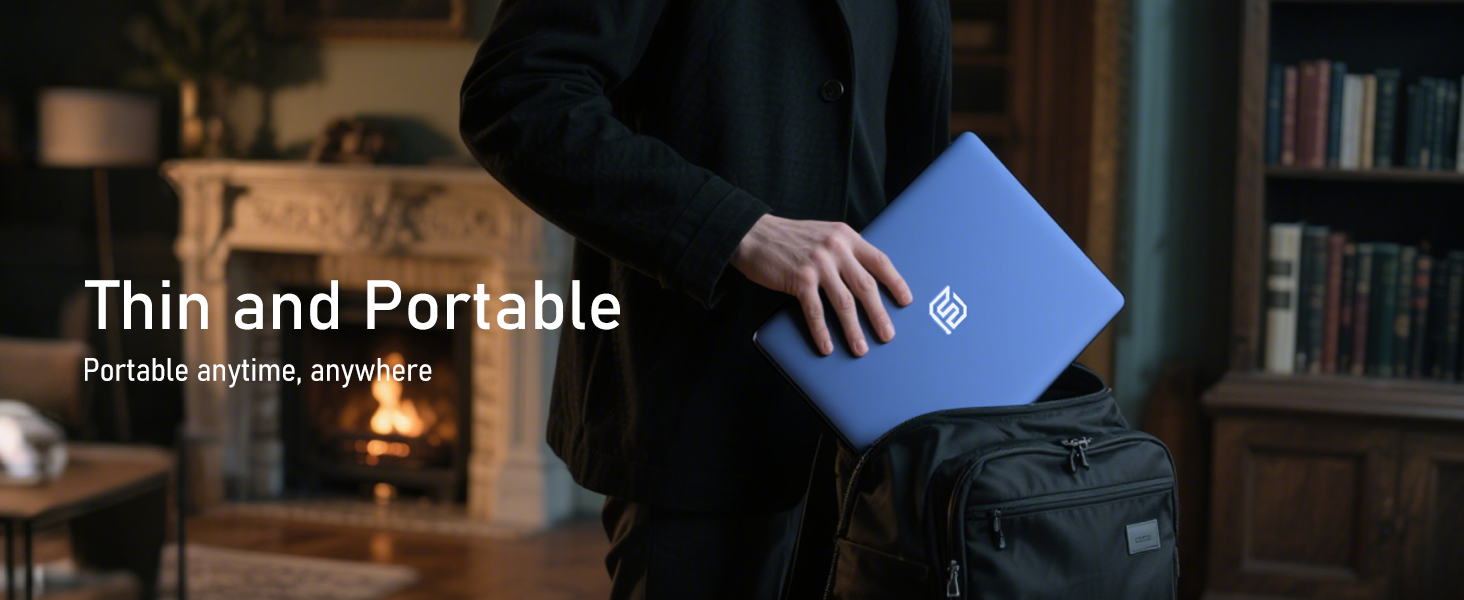
Figure 9: The laptop demonstrating its 180-degree lay-flat hinge for flexible use.
5. Údržba
To ensure the longevity and optimal performance of your FUNYET laptop, follow these maintenance guidelines:
- Čištění: K čištění obrazovky a vnějšího povrchu používejte měkký hadřík, který nepouští vlákna. Vyhněte se agresivním chemikáliím.
- Aktualizace softwaru: Regularly update Windows 11 Pro and drivers to ensure security and performance.
- Péče o baterie: Vyhněte se častému úplnému vybíjení baterie. Pro dlouhodobé skladování nabijte baterii na přibližně 50–70 %.
- Větrání: Ujistěte se, že ventilační otvory notebooku nejsou zakryty, aby nedošlo k jeho přehřátí.
6. Řešení problémů
Zde jsou řešení běžných problémů, se kterými se můžete setkat:
| Problém | Řešení |
|---|---|
| Notebook se nezapne | Ensure the AC adapter is securely connected and the power outlet is functional. Try holding the power button for 10-15 seconds to perform a hard reset. |
| Žádné Wi-Fi připojení | Check if Wi-Fi is enabled in Windows settings. Restart your router and the laptop. Verify your Wi-Fi password. |
| Pomalý výkon | Close unnecessary applications. Check for background processes consuming resources. Ensure Windows and drivers are up to date. Run a disk cleanup. |
| Problémy se zobrazením | Adjust screen brightness. Ensure display drivers are updated. If connected to an external monitor, check cable connections. |
7. Specifikace
Detailed technical specifications for the FUNYET 16-inch Laptop Computer NY-08:
| Funkce | Detail |
|---|---|
| Název modelu | NY-08 |
| Velikost obrazovky | 16 palce |
| Rozlišení obrazovky | 1920 x 1200 pixelů (FHD IPS) |
| Procesor | Intel 13th Gen Alder Lake N150 (up to 3.6GHz, 4 Cores, 4 Threads) |
| BERAN | 16 GB DDR4 |
| Pevný disk | 1TB SSD |
| Operační systém | Windows 11 Pro |
| Grafická karta | Integrated Celeron Graphics |
| Bezdrátový typ | 5 GHz Radio Frequency (Wi-Fi 5) |
| Bluetooth | Bluetooth 4.2 |
| USB porty | 1x USB 2.0, 2x USB 3.0 |
| Video výstup | Mini HDMI |
| Audio Jack | 3.5 mm sluchátka |
| Životnost baterie | Up to 6-8 Hours (6000mAh) |
| Hmotnost položky | 3.5 libry |
| Rozměry produktu | 14 x 9 x 0.8 palce |
| Speciální funkce | Backlit Keyboard, Fingerprint Scanner |
8. Záruka a podpora
Your FUNYET NY-08 laptop comes with a 2-letá záruka, ensuring peace of mind. For any issues or queries, our dedicated customer support team is available 24/7 to provide prompt and efficient assistance.
Kontaktní údaje:
- Telefon: +1 800-986-9631 (4AM-10PM PT)
- E-mail: funyetstore@outlook.com

Figure 10: FUNYET customer support information, including warranty and contact details.
9. Produktová videa
9.1 FUNYET Gaming Laptop Overview
Video 1: Úředník u konceview of the FUNYET Gaming Laptop, highlighting its design and core features. This video provides a visual introduction to the product's capabilities and aesthetics.
9.2 FUNYET Laptop for Gaming Features
Video 2: A detailed look at the FUNYET Laptop's features optimized for gaming and productivity. This video demonstrates the laptop's performance and various functionalities in action.