
Zavedení
This manual provides essential information for setting up, operating, maintaining, and troubleshooting your HP OmniDesk M02 Premium Business Desktop. Please read this guide thoroughly to ensure proper use and to maximize the performance and longevity of your device.

Image: The HP OmniDesk M02 desktop tower, showcasing its compact design and highlighting key features like the Intel Core i5-14400 processor, Windows 11, up to 32GB DDR5 RAM, up to 2TB PCIe M.2 SSD, Wi-Fi 6, and Copilot + AI readiness.
Co je v krabici
Ověřte, zda jsou v balení přítomny všechny položky:
- HP OmniDesk Tower Desktop
- Kabelová klávesnice
- Wired Mouse
- Napájecí kabel
- ADATA SD620-512GCRD External SSD
- Dokumentace (Stručná úvodní příručka, Záruční informace)

Image: The HP OmniDesk M02 desktop tower shown alongside its included wired keyboard and mouse, illustrating the complete setup of the core components.
Nastavení
1. Připojení periferií
Before powering on your desktop, connect the necessary peripherals:
- Monitor: Connect your monitor to the desktop using an HDMI or DisplayPort cable.
- Klávesnice a myš: Connect the wired keyboard and mouse to any available USB Type-A ports on the desktop.
- Externí SSD disk: Connect the ADATA SD620 External SSD to an available USB port for additional storage.
- Síť (volitelné): For a wired internet connection, connect an Ethernet cable to the RJ-45 port.

Image: A detailed diagram illustrating the front and rear ports of the HP OmniDesk M02 desktop. Front ports include Headphone/Microphone combo, 3x USB Type-A 5Gbps, and 1x USB Type-C 10Gbps. Rear ports include 4x USB 2.0 Type-A, 1x Display Port, 1x HDMI Out, and 1x RJ45.
2. Připojení napájení
Connect the power cable to the desktop's power input and then to a wall outlet.
3. Počáteční zapnutí
Press the power button located on the front of the desktop. Follow the on-screen instructions to complete the Windows 11 Home setup process.
Operační systém a funkce
Windows 11 Home
Your HP OmniDesk M02 comes pre-installed with Windows 11 Home, offering a modern interface and enhanced productivity features. Familiarize yourself with the Start Menu, Taskbar, and Settings to customize your experience.
Microsoft Copilot Integration
This desktop is AI and Copilot-Ready, providing intelligent assistance for various tasks. Access Copilot to streamline workflows, automate tasks, and enhance your productivity.
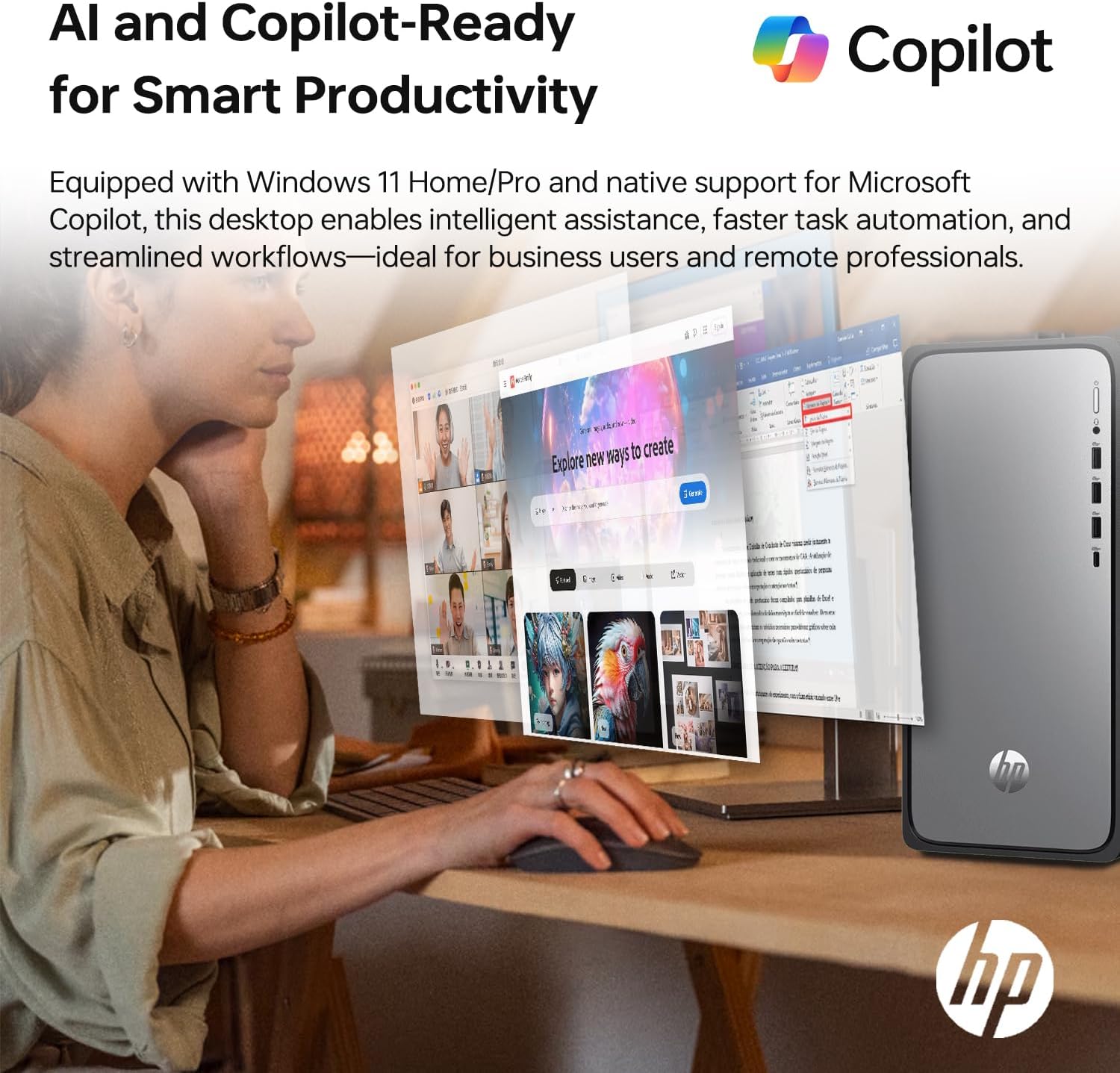
Image: A desktop screen displaying the Microsoft Copilot interface, emphasizing its role in smart productivity and AI-driven assistance for business users and remote professionals.
Grafika Intel UHD
The integrated Intel UHD Graphics provide clear visuals for daily computing tasks, streaming 4K content, and casual gaming.
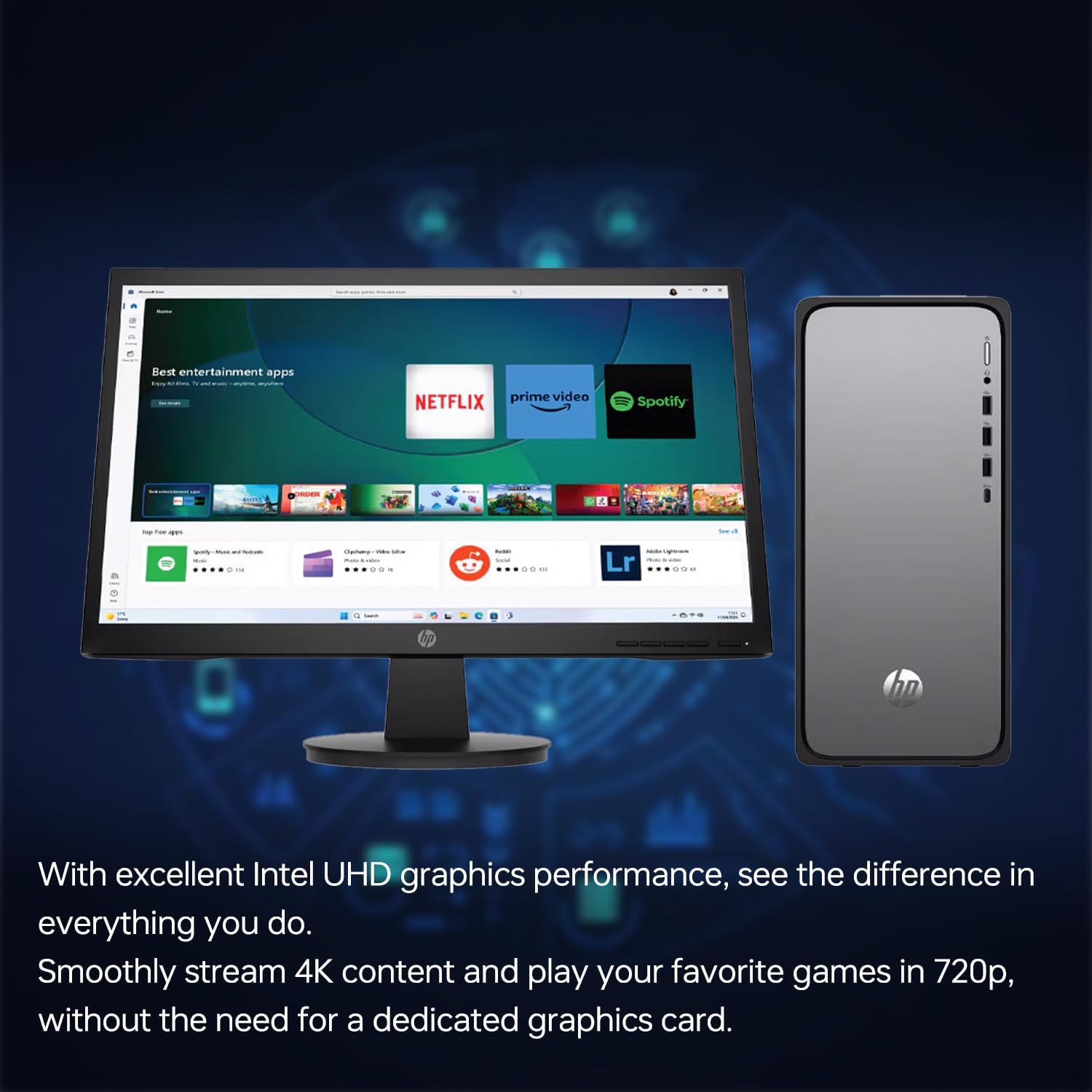
Image: The HP OmniDesk M02 desktop connected to a monitor displaying various entertainment applications like Netflix and Prime Video, highlighting the capabilities of Intel UHD graphics for streaming and media consumption.
Konektivita
The HP OmniDesk M02 offers a range of connectivity options:
- Wi-Fi 6 (802.11ax): Pro vysokorychlostní bezdrátový přístup k internetu.
- Bluetooth: For connecting wireless peripherals such as headphones, speakers, or mobile devices.
- Přední porty:
- 1 x USB Type-C (10Gbps)
- 3 x USB typu A (5 Gb/s)
- 1 x kombinovaný konektor pro sluchátka/mikrofon
- Zadní porty:
- 4 x USB Type-A 2.0
- 1 x HDMI
- 1x DisplayPort
- 1× RJ-45 (Ethernet)
- 1 x Zvukový výstup
External Storage: ADATA SD620 SSD
Your desktop includes an ADATA SD620-512GCRD external solid-state drive for expanded storage and fast data transfers. This rugged SSD is designed for durability and portability.
- Kapacita: 512 GB
- Rozhraní: USB (connects to any available USB port on your desktop)
- Vlastnosti: MIL-STD Shock Resistance, fast data transfer speeds.
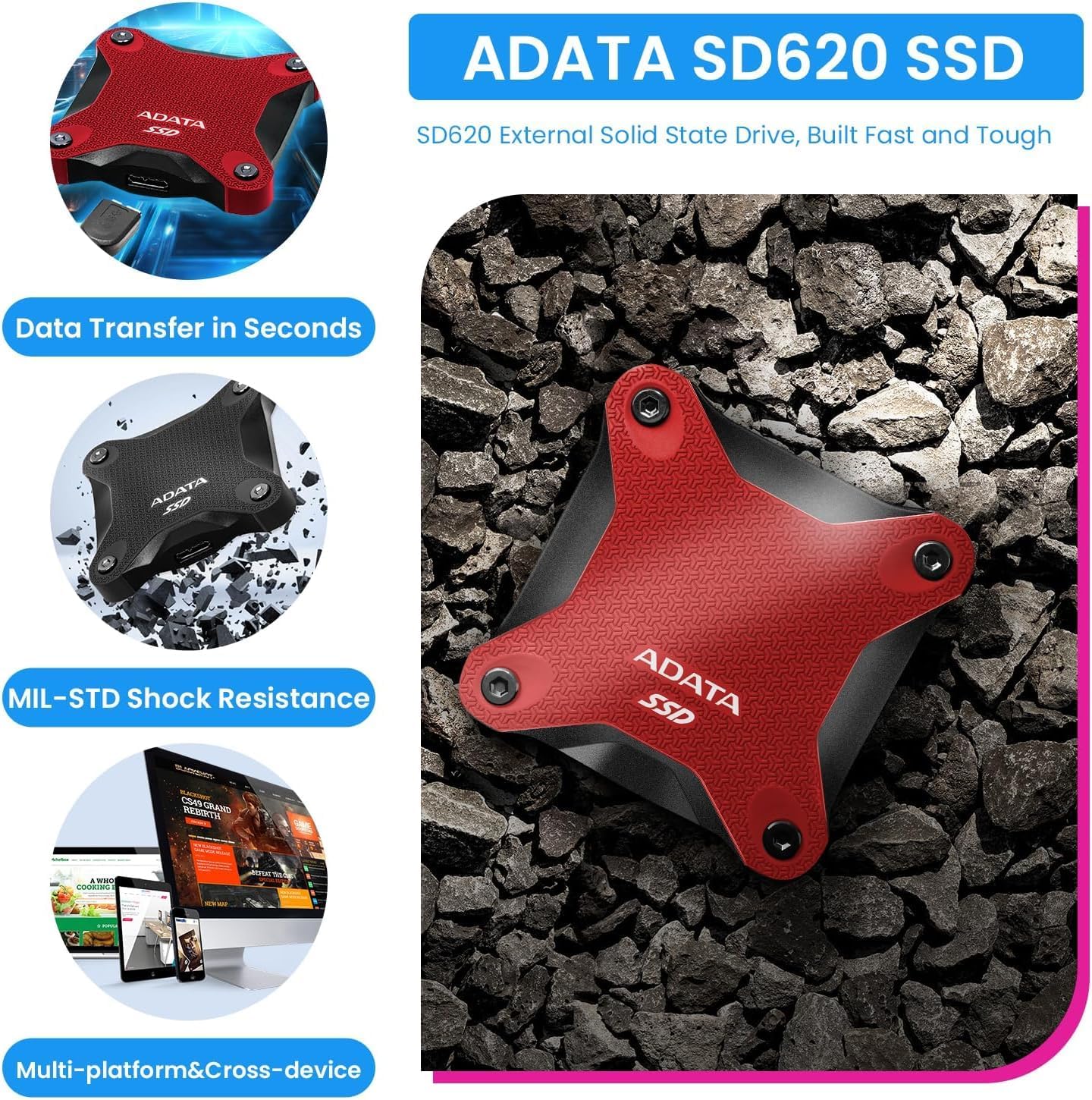
Image: The ADATA SD620 External SSD, shown in both red and black variants, highlighting its robust design, MIL-STD shock resistance, and fast data transfer capabilities for multi-platform use.
Údržba
Obecná péče
- Udržujte pracovní plochu v dobře větraném prostoru, abyste zabránili jejímu přehřátí.
- Vnější povrch očistěte měkkýmamp tkanina. Vyhněte se agresivním chemikáliím.
- Regularly dust air vents to maintain optimal airflow.
Aktualizace softwaru
Ensure your Windows operating system and drivers are kept up-to-date. This helps improve security, performance, and compatibility.
- Aktualizace systému Windows: Přejít na Nastavení > Aktualizace systému Windows pro kontrolu a instalaci aktualizací.
- Aktualizace ovladačů: Navštivte oficiální podporu HP webstránky s nejnovějšími ovladači pro váš model.
Zálohování dat
Regularly back up important data to an external drive (like the included ADATA SSD) or cloud storage to prevent data loss.
Odstraňování problémů
If you encounter issues with your HP OmniDesk M02, consider the following basic troubleshooting steps:
- Bez napájení:
- Zkontrolujte, zda je napájecí kabel bezpečně připojen ke stolnímu počítači i k elektrické zásuvce.
- Ujistěte se, že zásuvka je funkční.
- Bez displeje:
- Verify that the monitor is powered on and connected correctly to the desktop (HDMI or DisplayPort).
- Try a different monitor cable if available.
- Pomalý výkon:
- Zavřete nepotřebné aplikace běžící na pozadí.
- Zkontrolujte a nainstalujte všechny čekající aktualizace systému Windows.
- Run a disk cleanup and defragmentation (for HDDs, though SSDs manage this differently).
- Periferní zařízení nebylo detekováno:
- Ujistěte se, že je periferní zařízení správně připojeno k funkčnímu portu USB.
- Zkuste připojit periferní zařízení k jinému USB portu.
- Restartujte plochu.
For more advanced issues or persistent problems, refer to the HP support webnebo kontaktujte zákaznický servis.
Specifikace
| Funkce | Detail |
|---|---|
| Číslo modelu | TPC-F134-MT |
| Procesor | Intel Core i5-14400 (10 Cores, 16 Threads, up to 4.7 GHz) |
| BERAN | 16GB DDR5-4800MHz |
| Skladování | 1TB PCIe NVMe M.2 SSD |
| Externí úložiště | ADATA SD620-512GCRD 512GB External SSD |
| Grafika | Grafická karta Intel UHD (integrovaná) |
| Operační systém | Windows 11 Home |
| Bezdrátové připojení | Wi-Fi 6 (802.11ax), Bluetooth |
| Přední porty | 1x USB Type-C (10Gbps), 3x USB Type-A (5Gbps), 1x Headphone/Mic Combo |
| Zadní porty | 4x USB Type-A 2.0, 1x HDMI, 1x Display Port, 1x RJ-45, 1x Audio Out |
| Rozměry (DxŠxV) | 13.27 x 6.10 x 12.40 palce |
| Hmotnost | 11.49 liber |
| Barva | Stříbro |

Obrázek: Detailní záběr view of the Intel Core i5-14400 processor chip, detailing its specifications including 10 Cores, 16 Threads, 4.70 GHz Max Turbo Frequency, and 20 MB L3 Cache.
Záruka a podpora
Informace o záruce
The HP OmniDesk M02 desktop comes with a manufacturer's warranty. For this specific unit:
- A 1-letá záruka Informace o vylepšené paměti RAM a SSD poskytuje PCOnline US.
- All other original components retain the original 1-year manufacturer's warranty od HP.
Uschovejte si prosím doklad o koupi pro uplatnění záruky.
Zákaznická podpora
Pro technickou pomoc, reklamace nebo další dotazy se prosím obraťte na:
- Podpora HP: Navštivte oficiální podporu HP website for your region. You can find drivers, manuals, and troubleshooting guides.
- PCOnline US Support: For issues related to the upgraded RAM or SSD, refer to the contact information provided by PCOnline US at the time of purchase.
When contacting support, have your desktop's model number (TPC-F134-MT) and serial number ready.