
1. Úvod
This manual provides essential instructions for setting up, operating, maintaining, and troubleshooting your FIREBAT Android 15 Tablet. Please read this guide thoroughly to ensure optimal performance and longevity of your device.

Image: The FIREBAT Android 15 Tablet, showcasing its 10.95-inch In-Cell display, 1920x1200 resolution, 18W fast charging, and 8000mAh battery.
The FIREBAT Android 15 Tablet features a 10.95-inch In-Cell IPS touchscreen with a 1920x1200 resolution, powered by a UNISOC Spreadtrum T606 octa-core processor. It includes 12GB RAM (4GB physical + 8GB virtual) and 128GB internal storage, expandable via TF card up to 1TB. The tablet runs on the Android 15 operating system and is equipped with a 5MP front camera and a 13MP rear camera. An 8000mAh battery supports up to 10 hours of usage and 18W PD fast charging.
2. Co je v krabici
Po vybalení zkontrolujte, zda jsou přítomny všechny položky:
- 1 x FIREBAT AR1 Tablet
- 1 x ochranná fólie (předinstalovaná)
- 1 x Protective Case (Pre-installed)
- 1 x 9V/2A 18W US Power Charger
- 1 x Uživatelská příručka (Tento dokument)
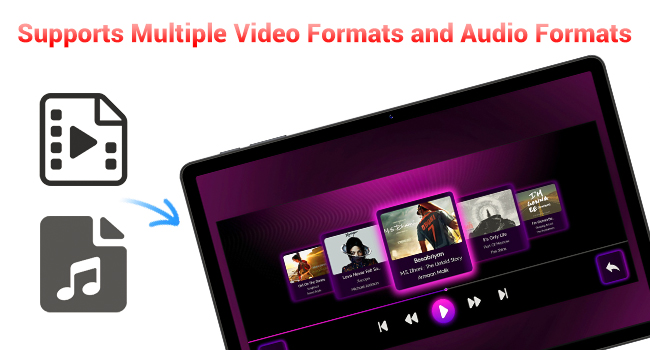
Image: A visual representation of the items included in the FIREBAT Tablet package: the tablet, power charger, and user manual.
Video: An unboxing video demonstrating the contents of the FIREBAT Android 15 Tablet package, including the tablet, protective case, charger, and user guide.
3. Nastavení
3.1 Počáteční nabíjení
Before first use, fully charge your tablet using the provided USB-C cable and 18W power adapter. Connect the USB-C cable to the tablet's USB-C port and the power adapter to a wall outlet. The charging indicator will show the charging status.
3.2 Zapnutí/vypnutí
- Zapnutí: Press and hold the Power button located on the side of the tablet until the FIREBAT logo appears.
- Vypnutí: Stiskněte a podržte tlačítko Napájení, dokud se nezobrazí nabídka možností napájení. Vyberte „Vypnout“ a potvrďte.
- Restartovat: V nabídce možností napájení vyberte možnost „Restartovat“.
3.3 Počáteční konfigurace
Po prvním zapnutí postupujte podle pokynů na obrazovce:
- Vyberte svůj jazyk.
- Připojte se k síti Wi-Fi (s podporou standardu 802.11ac).
- Přihlaste se pomocí svého účtu Google nebo si vytvořte nový.
- Nastavení zámku obrazovky (PIN, vzorec, heslo).
3.4 Protective Case and Film
Your tablet comes with a pre-installed protective film and a customized protective case. The case is designed to fully encase the tablet, offering protection for both the back and the screen when closed. It can also be folded to act as a stand for hands-free viewIng.

Image: The FIREBAT Tablet featuring its delicate texture metal shell, designed for enhanced heat dissipation and improved protection.
4. Ovládání tabletu
4.1 Navigace na dotykové obrazovce
The 10.95-inch In-Cell IPS touchscreen offers sensitive and precise touch response. Use standard gestures such as tap, swipe, pinch-to-zoom, and long-press to navigate the interface and interact with applications.

Image: The tablet's In-Cell technology, which embeds touch sensors directly into LCD pixels for a thinner design and more sensitive touch response.
Operační systém 4.2 Android 15
Your tablet runs on the latest Android 15 operating system, providing enhanced privacy, security, and customization options. Enjoy wider application compatibility and faster response times.
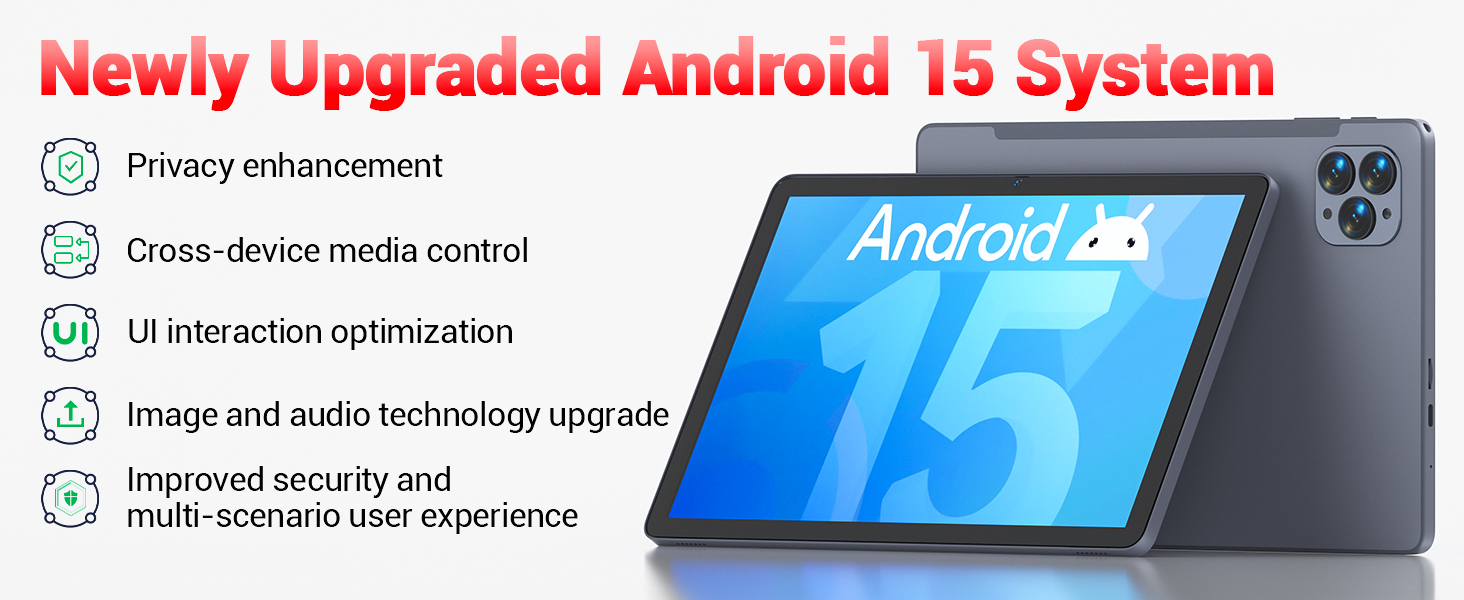
Image: The tablet's Android 15 system, highlighting features such as privacy enhancement, cross-device media control, UI optimization, and improved security.
4.3 Výkon a multitasking
The UNISOC Spreadtrum T606 octa-core processor (dual-core A75 1.6GHz + hexa-core A55 1.6GHz) and MediaTek Mali-G57-3EE-single-core 650MHz GPU ensure smooth operation for most applications and efficient multitasking. The 12GB LPDDR4x memory (4GB physical + 8GB virtual) further enhances performance.

Image: A detailed diagram illustrating the UNISOC Spreadtrum T606 octa-core processor, emphasizing its 2-core + 6-core design for balanced performance and power saving.
4.4 Použití kamery
The tablet is equipped with a 5MP front camera and a 13MP rear camera. Open the Camera app to capture photos, record videos, and make video calls. Adjust settings within the app for optimal results.

Image: The tablet displaying a video call, highlighting the functionality of its 5MP front and 13MP rear cameras for clear communication and photography.
4.5 Správa úložiště
The tablet includes 128GB of high-speed internal storage. If more space is needed, you can expand it up to 1TB using a TF (microSD) card. Insert the TF card into the designated slot on the side of the tablet.
4.6 Konektivita
- Wi-Fi 5: Pro přístup k internetu se připojte k sítím Wi-Fi 2.4G/5G.
- Bluetooth 5.0: Pair with Bluetooth-enabled devices such as headphones, speakers, or keyboards.
- FM rádio: Utilize the built-in FM radio feature for listening to local broadcasts.
4.7 Media and Applications
The tablet supports various video and audio formats, and is compatible with a wide range of e-book and office software. Widevine L1 support ensures high-quality streaming from compatible services.
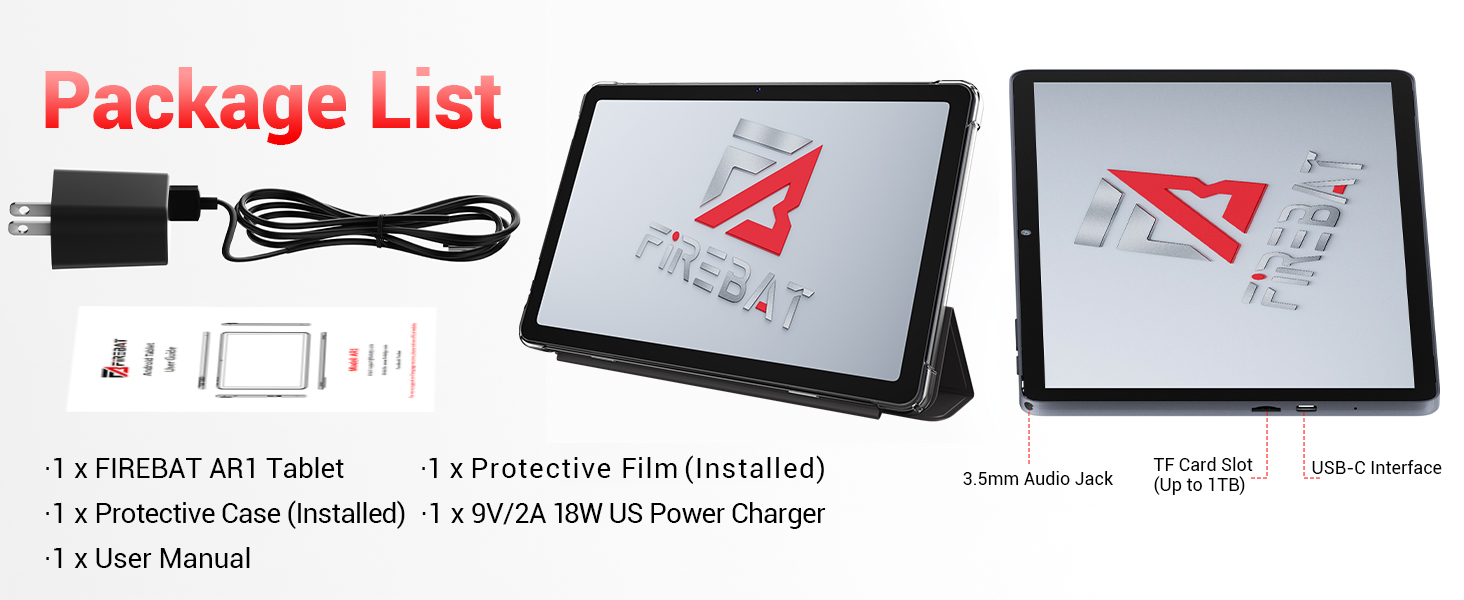
Image: The tablet's capability to support multiple video and audio formats, enhancing its multimedia functionality.
Image: The tablet displaying various e-book and office software applications, demonstrating its versatility for productivity and reading.
Video: A demonstration of the FIREBAT Android 15 Tablet's features, including its responsive touchscreen, protective case functionality, and overall performance for various applications.
5. Údržba
5.1 Čištění tabletu
K čištění obrazovky a těla tabletu použijte měkký hadřík, který nepouští vlákna. V případě odolných šmouh je lehceampen the cloth with water or a screen-safe cleaner. Avoid using harsh chemicals or abrasive materials.
5.2 Aktualizace softwaru
Regularly check for and install system updates to ensure your tablet has the latest features, security patches, and performance improvements. Navigate to Nastavení > Systém > Aktualizace systému pro kontrolu aktualizací.
5.3 Péče o baterii
Chcete -li prodloužit životnost baterie:
- Vyhněte se extrémním teplotám.
- Nenechávejte tablet delší dobu plně nabitý nebo zcela vybitý.
- Pro optimální nabíjení použijte dodanou nabíječku.
6. Řešení problémů
Pokud se s tabletem setkáte s problémy, podívejte se na následující běžná řešení:
| Problém | Řešení |
|---|---|
| Tablet se nezapne | Ujistěte se, že je baterie nabitá. Připojte ji k nabíječce alespoň na 30 minut a poté ji zkuste znovu zapnout. |
| Pomalý výkon | Close unused applications, clear cache, or restart the tablet. Consider uninstalling unnecessary apps. |
| Problémy s připojením Wi-Fi | Restart your Wi-Fi router and the tablet. Forget the network and reconnect. Ensure you are within range. |
| Dotykový displej nereaguje | Restart the tablet. If the issue persists, perform a factory reset (data will be erased). |
| Aplikace padají | Ensure apps are updated. Clear the app's cache and data (Settings > Apps > [App Name] > Storage). Reinstall if necessary. |
For persistent issues, contact customer support or refer to the official FIREBAT webstránky pro další pomoc.
7. Specifikace
| Funkce | Detail |
|---|---|
| Název modelu | Tablet Android 15 |
| Operační systém | Android 15 |
| Velikost obrazovky | 10.95 palce |
| Rozlišení obrazovky | 1920 x 1200 pixels (In-Cell IPS) |
| Procesor | UNISOC Spreadtrum T606 Octa-Core (2x A75 1.6GHz, 6x A55 1.6GHz) |
| GPU | MediaTek Mali-G57-3EE-single-core 650MHz |
| BERAN | 12GB LPDDR4x (4GB physical + 8GB virtual) |
| Interní úložiště | 128 GB |
| Rozšiřitelné úložiště | Až 1 TB přes TF kartu |
| Přední kamera | 5 MP |
| Zadní kamera | 13 MP |
| Kapacita baterie | 8000 XNUMX mAh |
| Nabíjení | 18W PD Fast Charging (USB-C) |
| Bezdrátové připojení | Wi-Fi 5 (802.11ac), Bluetooth 5.0 |
| Další funkce | FM Radio, Widevine L1, 3D G-sensor |
| Rozměry | 10 x 6.6 x 0.3 palce |
| Hmotnost položky | 1.1 libry |
8. Záruka a podpora
For warranty information and customer support, please refer to the documentation included with your purchase or visit the official FIREBAT webUschovejte si doklad o koupi pro případ reklamace.