
1. Konec produktuview
The AJAZZ AJ139 V2 MC is a versatile tri-mode gaming mouse designed for precision and responsiveness. It features a PAW3311 sensor for accurate tracking, a 1000Hz return rate for smooth performance, and a long-lasting 500mAh battery. Its compact and lightweight design makes it suitable for extended use and portability.
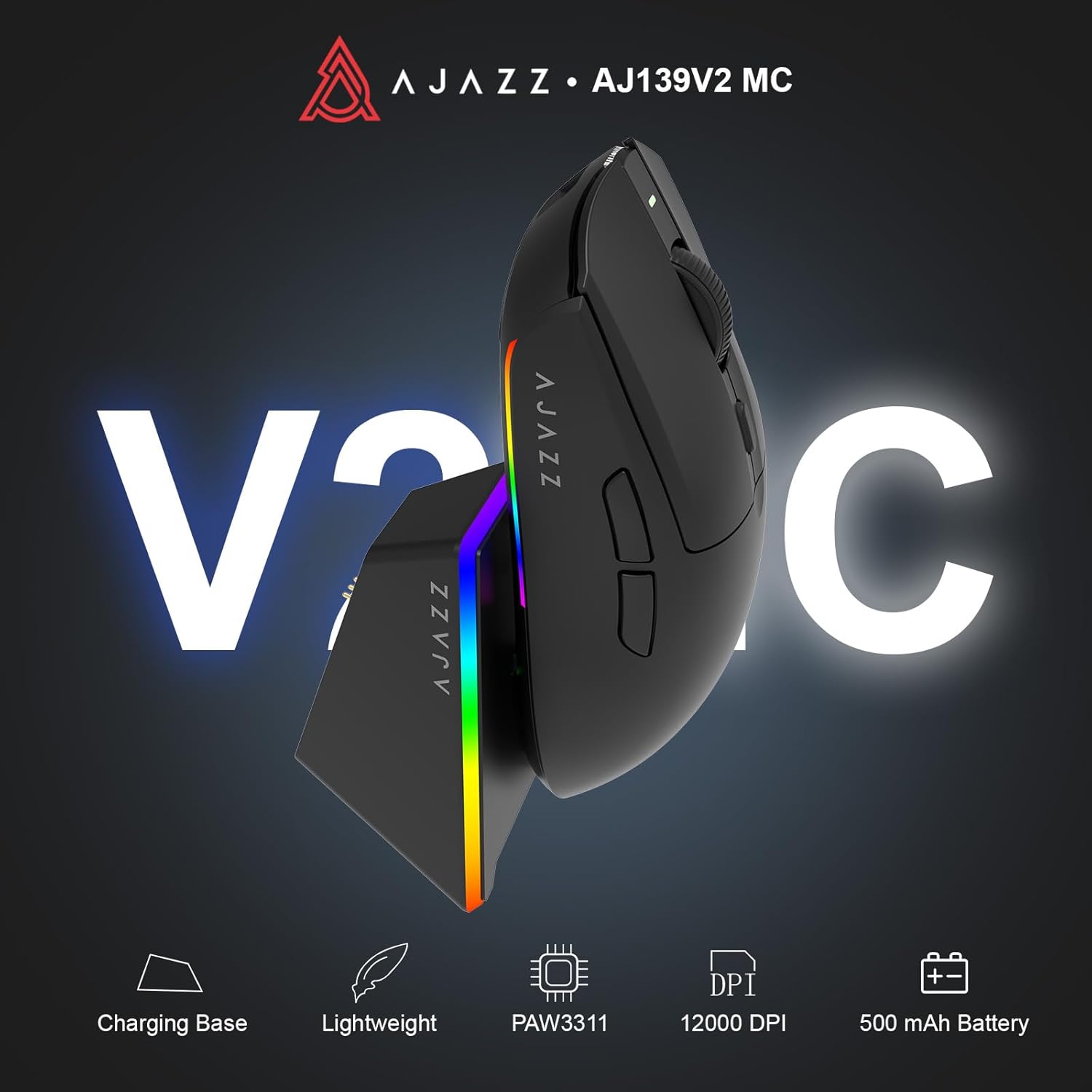
Figure 1.1: AJAZZ AJ139 V2 MC Gaming Mouse and Charging Dock.
Video 1.1: Overview of the AJAZZ AJ139 V2 MC Gaming Mouse, highlighting its features and design.
2. Obsah balení
Ujistěte se, že v balení jsou přítomny všechny položky:
- AJAZZ AJ139 V2 MC Gaming Mouse
- Nabíjecí dok
- Nabíjecí kabel USB-C
- 2.4G USB Receiver (Dongle)
- Uživatelská příručka
3. Klíčové vlastnosti
- PAW3311 Sensor Technology: Equipped with the PAW3311 sensor, this mouse ensures precise tracking and accurate cursor control for optimal performance.
- High 1000Hz Return Rate: Experience smooth and responsive performance with a 1000Hz return rate, enhancing your gaming or work experience.
- Dlouhotrvající baterie s kapacitou 500 mAh: The integrated 500mAh battery provides extended power, ensuring uninterrupted use for prolonged periods.
- Třírežimové připojení: Supports versatile connectivity options including Wired, 2.4G Wireless, and Bluetooth, adapting to various devices and setups.
- Kompaktní a lehký design: Weighing approximately 66 grams, the mouse features a compact design for easy portability and comfortable use during long sessions.
- Přizpůsobitelné RGB osvětlení: Features integrated RGB lighting for personalized aesthetics.
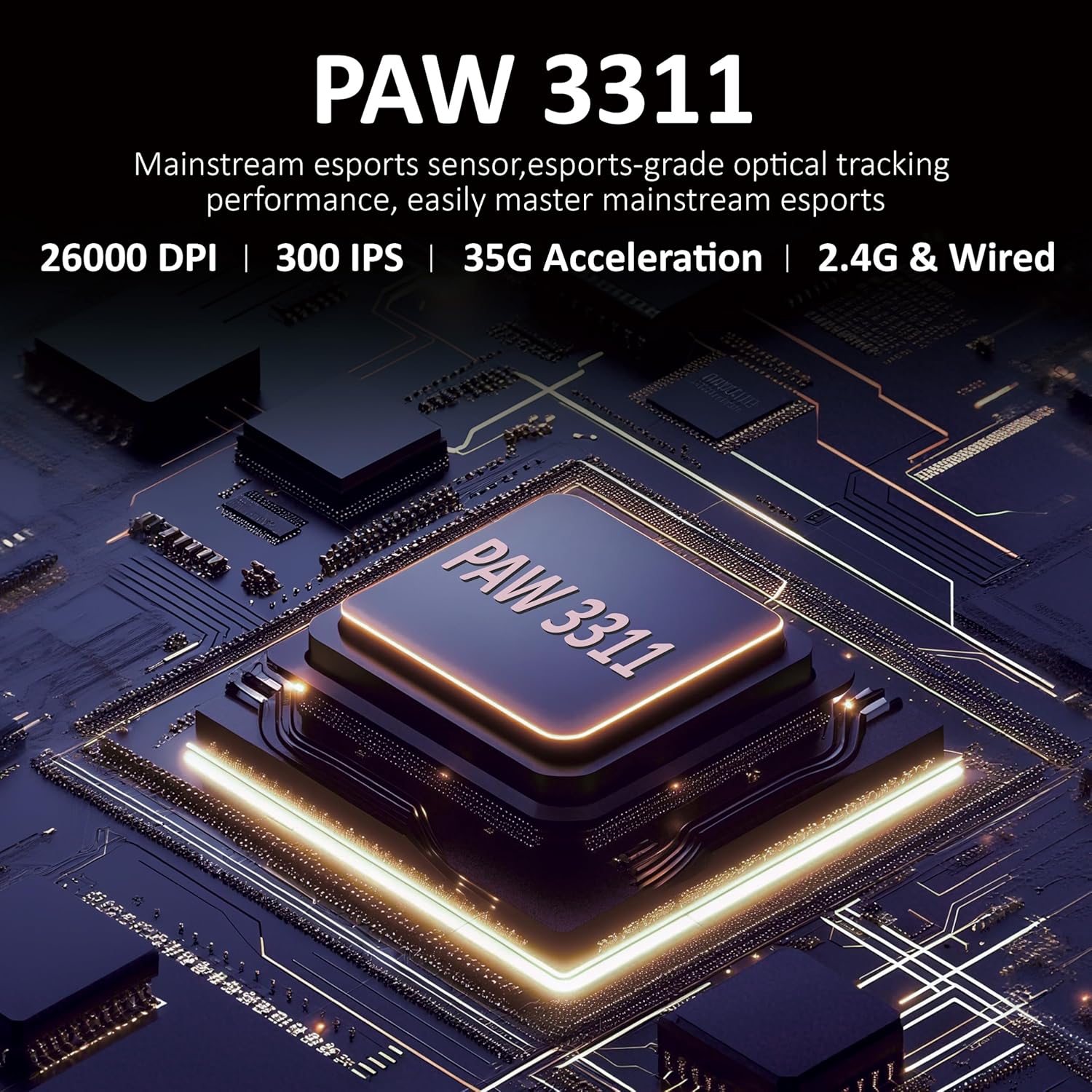
Obrázek 3.1: Detailní view of the PAW3311 sensor technology.
Video 3.1: Demonstration of the mouse's 500mAh battery life.
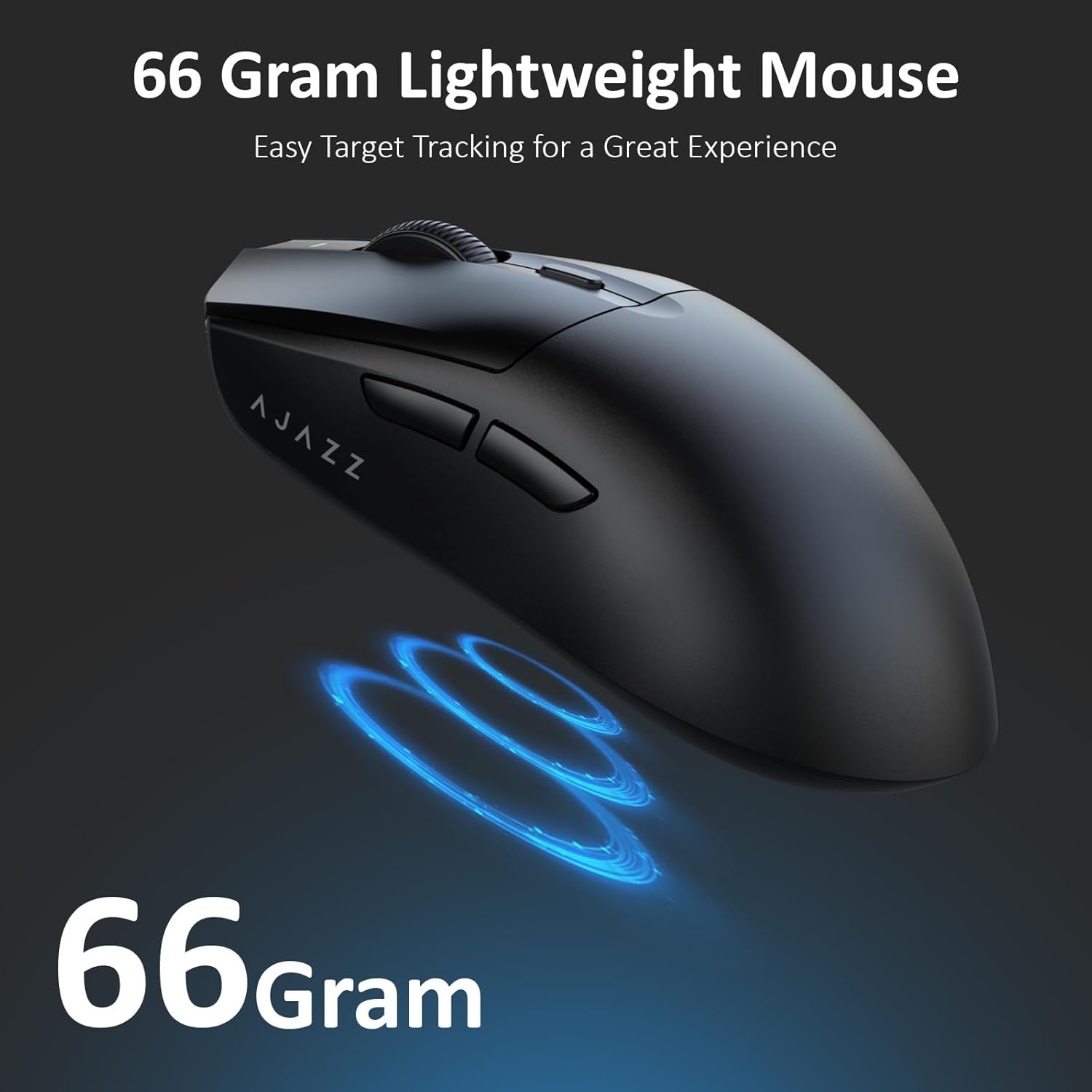
Figure 3.2: The lightweight design of the AJAZZ AJ139 V2 MC mouse.
4. Průvodce nastavením
4.1. Připojení myši
The AJAZZ AJ139 V2 MC offers three connection modes:
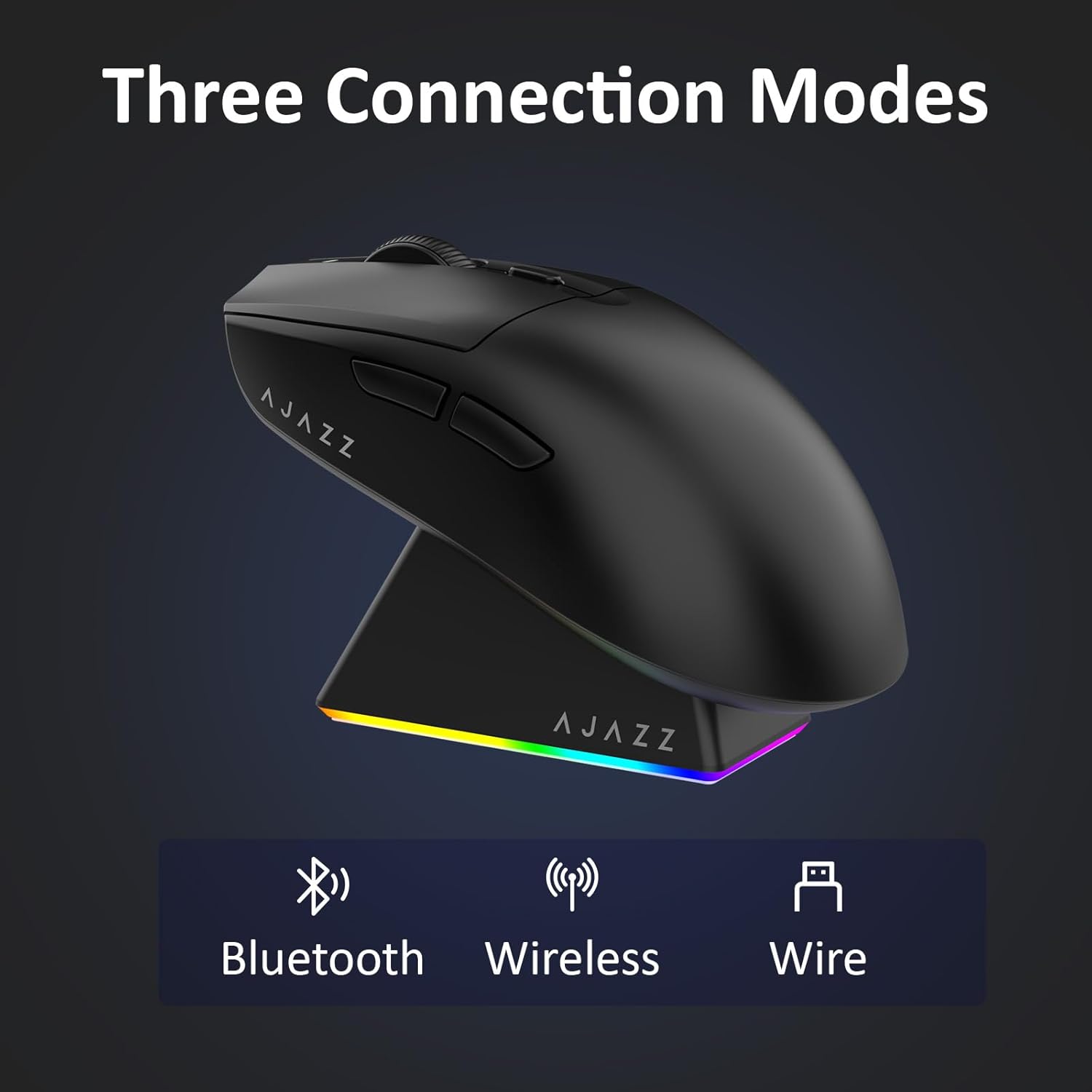
Figure 4.1: Visual representation of the three connection modes.
- 2.4G bezdrátový režim:
- Vyhledejte 2.4G USB přijímač uložený v přihrádce na spodní straně myši.
- Zapojte USB přijímač do volného USB portu na vašem počítači.
- Posuňte přepínač na spodní straně myši do polohy „2.4 G“. Myš se automaticky připojí.
- Režim Bluetooth:
- Posuňte přepínač na spodní straně myši do polohy „BT“.
- V zařízení otevřete nastavení Bluetooth a vyhledejte nová zařízení.
- Select 'AJAZZ AJ139 V2 MC' from the list to pair.
- Kabelový režim:
- Connect the USB-C charging cable to the mouse and the other end to your computer's USB port.
- Myš bude fungovat jako kabelové zařízení a zároveň se bude nabíjet.
4.2. Nabíjení myši
The mouse can be charged using the included charging dock or directly via the USB-C cable.
- Používání nabíjecího doku:
- Connect the USB-C charging cable to the charging dock and then to a power source (e.g., computer USB port, USB wall adapter).
- Place the mouse onto the charging dock, aligning the magnetic contacts. The RGB lighting on the dock and mouse will indicate charging status.
- Přímé nabíjení přes USB-C:
- Connect the USB-C charging cable directly to the mouse and a power source.
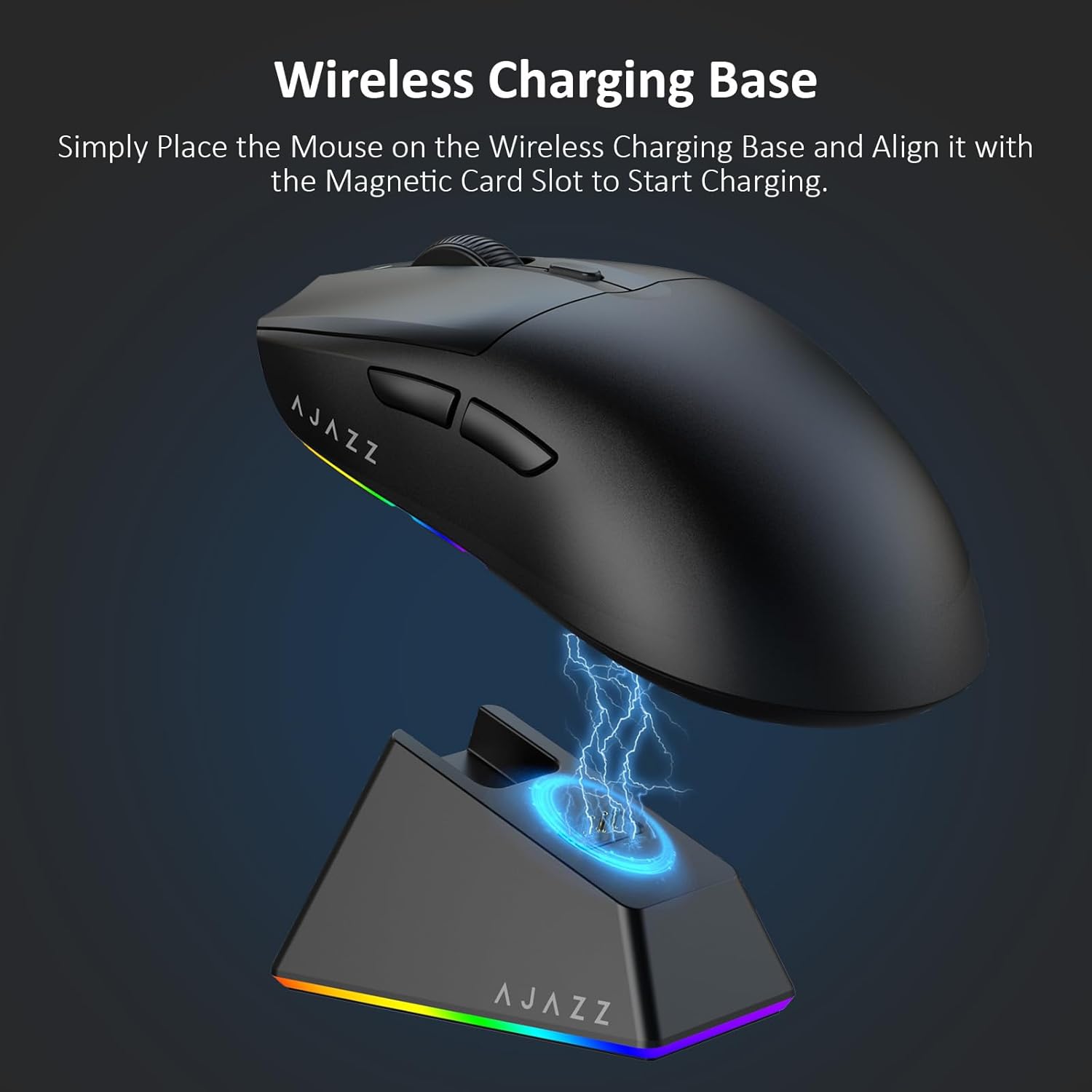
Figure 4.2: The mouse being charged on its wireless charging base.
5. Návod k obsluze
5.1. Nastavení DPI
The mouse features a dedicated DPI adjustment button on its underside, allowing you to cycle through different sensitivity levels. Press the button to change the DPI setting to suit your preference.
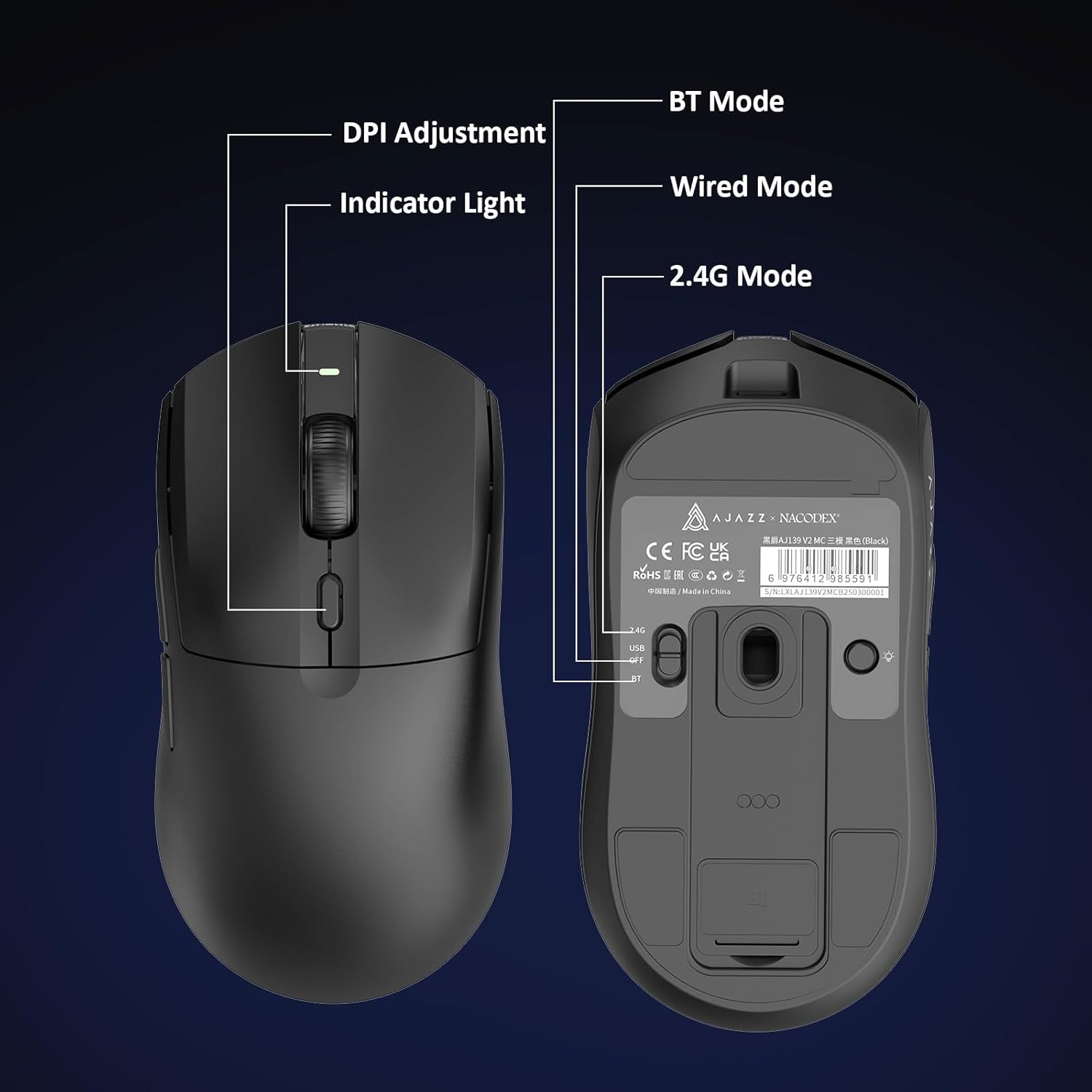
Figure 5.1: Location of the DPI adjustment button and connection mode switch on the mouse underside.
5.2. Funkce tlačítek
The mouse is equipped with 6 programmable buttons:
- Levé tlačítko
- Tlačítko pravého tlačítka
- Rolovací kolečko (klikatelné)
- DPI Adjustment Button (on underside)
- Two Side Buttons (typically for forward/backward navigation)
For advanced customization of button functions and macros, please refer to the official AJAZZ software (downloadable from the manufacturer's webstránky).
5.3. Ovládání RGB osvětlení
The mouse and charging dock feature customizable RGB lighting. Specific controls for lighting modes and colors are typically managed through the official AJAZZ software. A dedicated light button on the underside of the mouse allows for basic cycling or turning off the lighting.
6. Údržba
- Čištění: K čištění povrchu myši použijte měkký, suchý hadřík. V případě odolných nečistot použijte lehceamp Lze použít hadřík, který zajistí, aby se do vnitřních součástí nedostala vlhkost.
- Péče o senzor: Pro zachování přesnosti snímání udržujte optický senzor na spodní straně myši čistý a bez prachu a nečistot.
- Výdrž baterie: Chcete-li prodloužit životnost baterie, vyhněte se častému úplnému vybíjení myši. Nabíjejte ji, když je indikátor baterie nízký.
7. Řešení problémů
| Problém | Možné řešení |
|---|---|
| Mouse not responding in 2.4G Wireless mode. | Ensure the 2.4G USB receiver is securely plugged into a USB port and the mouse switch is set to '2.4G'. Try a different USB port. |
| Mouse not pairing via Bluetooth. | Ensure the mouse switch is set to 'BT' and your device's Bluetooth is enabled and discoverable. Try unpairing and re-pairing the device. |
| Myš se nenabíjí. | Verify the USB-C cable is properly connected to both the dock/mouse and the power source. Ensure the mouse is correctly seated on the charging dock's magnetic contacts. |
| Inconsistent tracking or cursor movement. | Vyčistěte optický senzor na spodní straně myši. Ujistěte se, že myš používáte na vhodném povrchu (např. podložce pod myš). |
| RGB osvětlení nefunguje. | Check the mouse's software settings for lighting control. Ensure the mouse has sufficient battery charge. |
8. Technické specifikace
| Funkce | Specifikace |
|---|---|
| Značka | AJAZZ |
| Název modelu | Aj139 V2 MC |
| Barva | V2 MC Black |
| Technologie připojení | Bluetooth, USB, 2.4G Wireless |
| Technologie detekce pohybu | Optický (senzor PAW3311) |
| Mouse Maximum Sensitivity | 12000 Dots per Inch (DPI) |
| Návratnost | 1000 Hz |
| Kapacita baterie | 500 XNUMX mAh |
| Množství tlačítek | 6 |
| Orientace rukou | Právo |
| Kompatibilní zařízení | Stolní počítač |
| Operační systém | Windows |
| Rozsah | 10 metrů |
| Hmotnost položky | 4 unce (přibližně 113 gramu) |
| Rozměry položky d x š | 5"D x 2.5"Š (cca 12.7 cm x 6.35 cm) |
| Funkce zdobení | RGB osvětlení |
| Materiál pouzdra | Plast |
| Dokončit | Matný |
9. Záruka a podpora
This product comes with a standard manufacturer's warranty. For detailed warranty information, please refer to the official AJAZZ webnebo kontaktujte svého prodejce.
For technical support, troubleshooting assistance, or any product-related inquiries, please visit the AJAZZ official support page or contact their customer service team.
Online zdroje:
AJAZZ Official Store