
1. Úvod
The JONR H2 Pro is a versatile wet and dry vacuum cleaner designed for efficient home cleaning. It combines powerful suction, wet mopping, and water recovery in a single device. Key features include an innovative odor-preventing structure, a 180° flat design for cleaning under furniture, and an automatic self-cleaning system with PTC hot air drying.
Video: JONR H2 Pro Product Overview. This video provides a brief introduction to the vacuum cleaner's main features and benefits.
2. Obsah balení
Před zahájením instalace se ujistěte, že jsou v balení přítomny všechny položky.
- JONR H2 Pro Wet and Dry Vacuum Cleaner Main Unit
- Dedicated Charging Stand
- Maintenance Cleaning Brush Set
- Dedicated Cleaning Solution
- Napájecí adaptér
- Uživatelská příručka (japonština)

Image: The JONR H2 Pro package contents, including the main unit, charging stand, cleaning tools, and user manual.
3. Nastavení
3.1 Sestava rukojeti
- Align the handle with the connection port on the main unit.
- Securely tighten the handle.
- Ensure the sealing ring (gasket) is fitted into the groove without any gaps to prevent leaks.
3.2 Charging Stand Setup
- Place the charging stand in a convenient location near a power outlet.
- Připojte napájecí adaptér k nabíjecí stanici a zapojte jej do zásuvky ve zdi.
3.3 Naplnění nádrže na čistou vodu
- Vyjměte nádržku na čistou vodu z hlavní jednotky.
- Open the tank cap and fill with clean water, optionally adding the dedicated cleaning solution.
- Close the tank cap securely and reattach the tank to the main unit.

Image: A user filling the clean water tank with water and cleaning solution.
3.4 Počáteční nabíjení
Place the assembled vacuum cleaner onto the charging stand. The LED display will indicate charging status. Ensure the unit is fully charged before first use.
Video: JONR H2 Pro Assembly and Disassembly. This video demonstrates how to assemble the vacuum cleaner and its components, including the dirty water tank.
4. Provoz
4.1 Zapnutí/vypnutí a výběr režimu
Press the power button to turn the unit on or off. Use the mode selection button to switch between cleaning modes, including standard wet/dry cleaning and a dedicated bathroom mode for wet areas.
4.2 Cleaning Under Furniture and Edges
The H2 Pro features a 180° flat design, allowing it to easily reach under furniture with gaps as small as 11cm. Its edge-cleaning design ensures thorough cleaning along walls and furniture legs, preventing missed spots.

Image: The JONR H2 Pro demonstrating its 180-degree flat design for cleaning under low furniture.

Image: The JONR H2 Pro cleaning along the edges of a wall, highlighting its edge-cleaning capability.
4.3 Voice Guidance and LED Display
The vacuum cleaner provides real-time voice guidance and visual information on its LED display, making operation intuitive and user-friendly.
Video: JONR H2 Pro Wet and Dry Vacuum Cleaner in Action. This video demonstrates the vacuum cleaner's cleaning capabilities on various surfaces and spills.
5. Údržba
5.1 Automatic Self-Cleaning and PTC Hot Air Drying
After cleaning, place the unit on its charging stand to initiate the automatic self-cleaning cycle. The double comb structure prevents hair tangles on the roller brush, and 40 spray holes ensure thorough cleaning. The integrated PTC thermal management system then automatically dries the roller brush with hot air, preventing bacterial growth and odors.

Image: The JONR H2 Pro undergoing its automatic self-cleaning and hot air drying process on the charging stand.
5.2 Vyprázdnění a čištění nádrže na špinavou vodu
Regularly empty and clean the dirty water tank to maintain hygiene and prevent odors. The tank is designed for easy removal and rinsing.
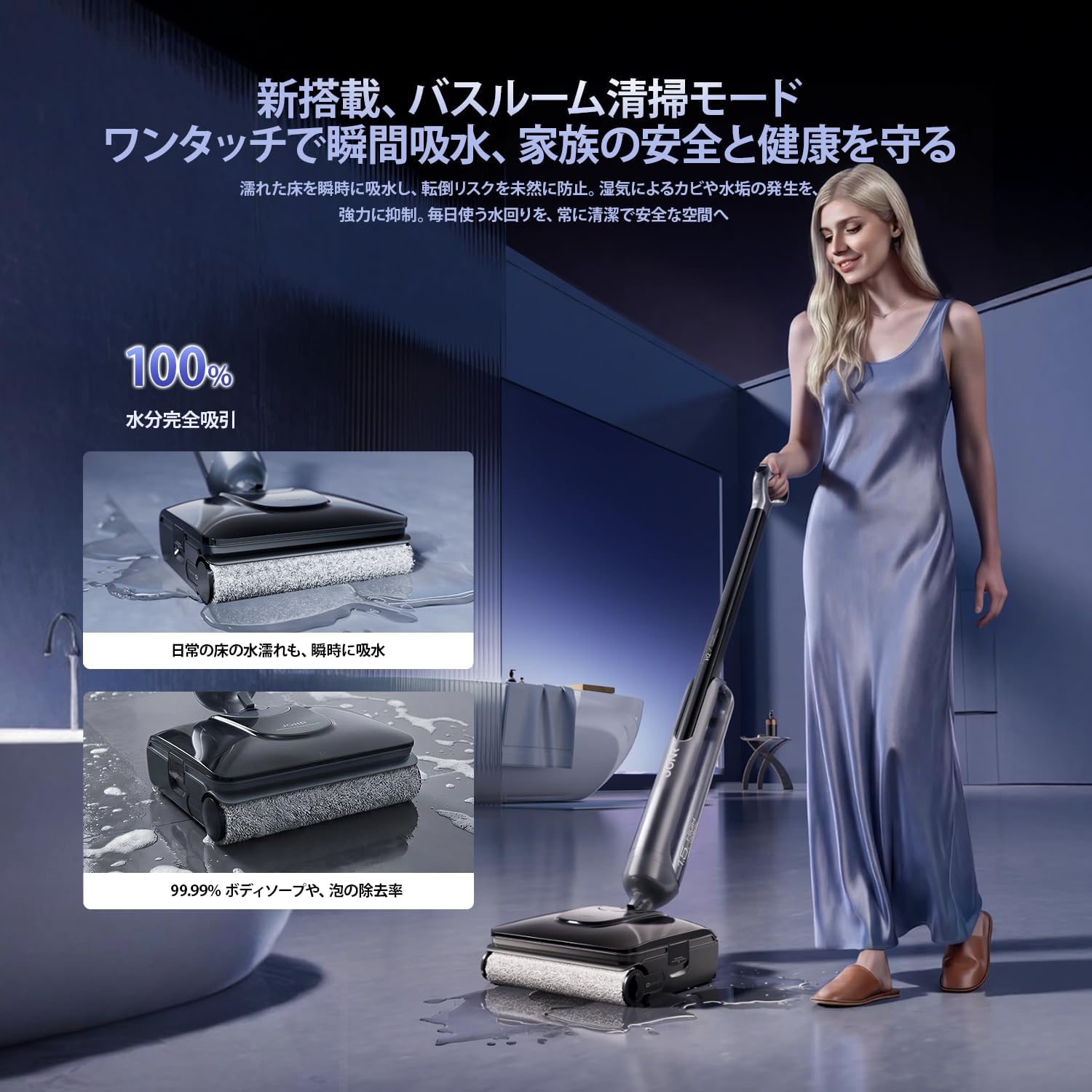
Image: A user emptying the dirty water tank into a sink.
5.3 Čištění kartáčového válce a filtru
For optimal performance, periodically remove and clean the roller brush and HEPA filter. Use the provided cleaning brush to remove any tangled hair or debris.
6. Řešení problémů
- Snížený sací výkon: If suction power decreases, check and remove any debris from the filter, roller brush, or suction port. Ensure the dirty water tank is empty (below the safety line) and correctly installed before automatic cleaning.
- Nepříjemné pachy: Ensure the dirty water tank is regularly emptied and thoroughly cleaned. The PTC hot air drying function helps prevent odors by drying the roller brush.
- Úniky vody: Verify that all tanks are correctly installed and sealed. Check the handle connection and sealing ring for proper fit.
- Baterie se nenabíjí: Ensure the power adapter is securely plugged into both the charging stand and the wall outlet. Confirm the unit is correctly placed on the charging stand.
7. Specifikace
| Značka | JONR |
| Model | H2 Pro |
| Typ | Mokrý a suchý vysavač |
| Sací výkon | 20,000 Pa |
| Doba běhu | Až 45 minut |
| Oblast pokrytí | Approx. 300㎡ |
| Provozní hmotnost | Approx. 750g (felt weight) |
| Rozměry (D x Š x V) | 20 x 5 x 110 cm |
| Zdroj napájení | Na baterie |
| Typ filtru | HEPA filtr |
| Speciální funkce | Wet/Dry Function, Cordless, Automatic Self-Cleaning, PTC Hot Air Drying, 180° Flat Design, Edge Cleaning, LED Display, Voice Guidance, Smart Overcharge Protection |
8. Záruka a podpora
The JONR H2 Pro comes with a 1letá záruka výrobce from the date of purchase. This warranty covers initial defects and natural failures. For any questions regarding product usage or in the event of a malfunction, please contact our customer support team.
8.1 Online podpora
You can easily reach our dedicated customer support team through your Amazon account:
- Jděte do svého Historie objednávek.
- Locate your JONR H2 Pro order.
- Click on the 'Seller' information.
- Select 'Ask a Question' to send a message to our support team.
8.2 Prodloužená záruka
If you wish to inquire about an extended warranty, please have your číslo objednávky ready and contact customer support for further details.