
1. Úvod
This guide provides comprehensive instructions for users of Microsoft Flight Simulator 2024, from initial setup to advanced flight operations. Authored by Rick Hamon, this manual aims to enhance your virtual aviation experience by detailing real-world aviation procedures, cockpit management, and navigation techniques.
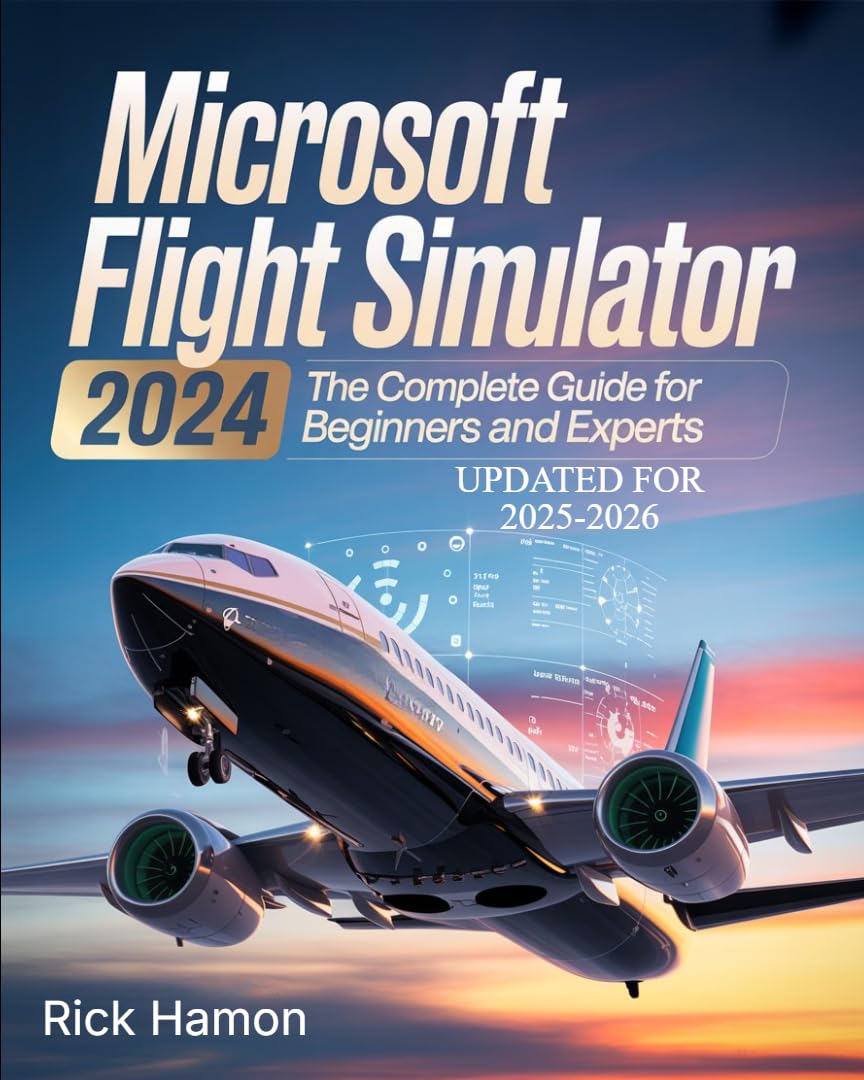
Image 1.1: Cover of the Microsoft Flight Simulator 2024 instructional guide.
2. Nastavení a instalace
Before beginning your flight simulation journey, proper installation and configuration of Microsoft Flight Simulator 2024 are essential. This section outlines the steps to get the simulator ready for use.
2.1 Instalace softwaru
- Acquire the Simulator: Ensure you have a legitimate copy of Microsoft Flight Simulator 2024.
- Systémové požadavky: Verify your computer meets the minimum and recommended system specifications for optimal performance.
- Proces instalace: Follow the on-screen instructions provided by the simulator's installer. This typically involves selecting an installation directory and agreeing to terms of service.
- Počáteční stažení: The simulator often requires a significant initial download of world data and aircraft. Ensure a stable internet connection during this phase.
2.2 Počáteční konfigurace
- Graphics Settings: Adjust graphics settings to balance visual quality and performance based on your hardware.
- Nastavení ovládání: Configure your flight controls (joystick, yoke, mouse, keyboard). Calibrate axes and assign essential functions.
- Nastavení zvuku: Adjust in-game audio levels for engine sounds, ATC, and environmental effects.
- Uživatelské rozhraní: Familiarize yourself with the main menu and various simulation options.
3. Operating the Simulator and Flight Techniques
This section covers the fundamental and advanced techniques required for realistic flight operations within Microsoft Flight Simulator 2024.
3.1 Základní ovládací prvky letu
- Takeoffs: Procedures for engine start, taxiing, runway alignment, and rotation.
- Landings: Techniques for approach, flare, touchdown, and rollout.
- Navigace: Understanding VFR (Visual Flight Rules) and IFR (Instrument Flight Rules) navigation principles.
- Cockpit Management: Nadview of essential instruments, avionics, and systems.
3.2 Advanced Pilot Techniques
- Plánování letu: Creating and executing flight plans, including waypoints, altitudes, and fuel calculations.
- Weather Dynamics: Interpreting and reacting to various weather conditions, including turbulence, crosswinds, and low visibility.
- Instrument Flying: Detailed guidance on using instruments for navigation and control in adverse weather or low visibility.
- Long-Haul Operations: Strategies for managing fuel, fatigue, and navigation on extended flights.
3.3 Real-World Aviation Insights
The guide integrates practical explanations of flight theory, aerodynamics, and pilot decision-making to enhance the realism of your simulation experience. Understanding these concepts is crucial for mastering complex scenarios.
4. Simulator Maintenance and Optimization
Maintaining your simulator installation ensures a smooth and enjoyable experience. This section provides tips for keeping your software optimized.
- Aktualizace softwaru: Regularly check for and install official simulator updates to benefit from performance improvements and new features.
- Aktualizace ovladačů: Keep your graphics card drivers and other relevant hardware drivers up to date.
- Community Add-ons: If using third-party aircraft or scenery, ensure they are compatible and updated to avoid conflicts.
- Sledování výkonu: Monitor CPU, GPU, and RAM usage during flights to identify potential bottlenecks. Adjust settings accordingly.
- Disk Space Management: Flight Simulator can consume significant disk space. Periodically manage installed content and clear caches if necessary.
5. Odstraňování běžných problémů
This section addresses common problems encountered by users and provides solutions to ensure a seamless flight simulation experience.
5.1 Problémy s výkonem
- Low Frame Rates: Reduce graphics settings, update drivers, close background applications.
- Stuttering/Freezing: Check for sufficient RAM, ensure simulator is installed on an SSD, reduce traffic density.
5.2 Control Input Problems
- Nereagující ovládací prvky: Verify controller connections, recalibrate in-game, check for conflicting keybinds.
- Axis Drift: Increase dead zones for problematic axes in controller settings.
5.3 Software Crashes
- Frequent Crashes: Ensure all software (simulator, OS, drivers) is updated. Disable third-party add-ons to isolate issues.
- Loading Screen Crashes: Clear rolling cache and manual cache. Verify game files through your platform (Steam, Microsoft Store).
6. Specifikace produktu
Key details regarding the "Microsoft Flight Simulator 2024: The Complete Guide For Beginners and Experts" book.
| ASIN | B0FNQTXLVH |
| Datum vydání | 25. srpna 2025 |
| Jazyk | angličtina |
| File Size (Kindle) | 19.3 MB |
| Délka tisku | 331 stran |
| Autor | Rick Hamon |
7. Záruka a podpora
As this product is an instructional guide (book), traditional hardware warranty terms do not apply.
7.1 Podpora obsahu
For questions or clarifications regarding the content of this guide, please refer to the publisher or author, Rick Hamon. Contact information may be available within the book itself or through the publisher's official channels.
7.2 Simulator Software Support
For technical support related to the Microsoft Flight Simulator 2024 software itself, including installation issues, bugs, or performance problems, please consult the official Microsoft Flight Simulator support channels or forums.