
1. Úvod
This manual provides essential information for the proper setup, operation, and maintenance of your Goiaey C26 Smart Projector. Please read this manual thoroughly before using the product to ensure optimal performance and user safety. Keep this manual for future reference.

Figure 1: Goiaey C26 Smart Projector with Google Store and streaming app logos.
2. Co je v krabici
Po vybalení se prosím ujistěte, že jsou v balení všechny následující položky:
- 1x Goiaey C26 Smart Projector
- 1x Bluetooth and Infrared Remote Control
- 1x napájecí kabel
- 1x HDMI kabel
- 1x Uživatelská příručka
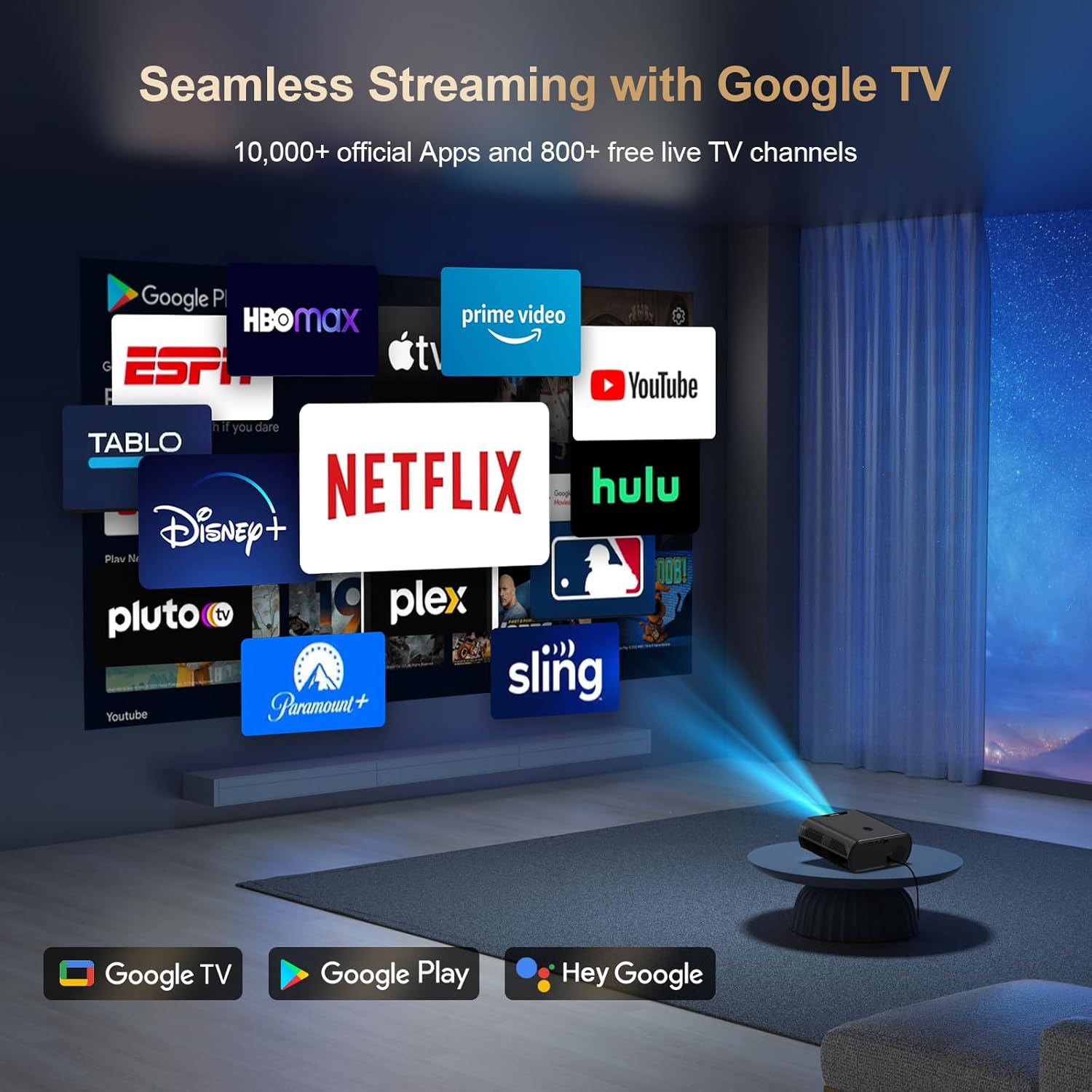
Figure 2: Contents of the Goiaey C26 Smart Projector packaging.
3. Vlastnosti produktu
- Official Google TV System: Directly access over 10,000 apps including Netflix, YouTube, and Prime Video.
- Hlasový asistent Google: Control the projector with voice commands via the Bluetooth remote.
- Bluetooth 5.2: Pro lepší zvukový výstup připojte externí reproduktory.
- 180° Stand: Adjust projection angle for versatile viewing on walls or ceilings.
- 3 200 ANSI lumenů: Provides bright and vivid images, best used in dark environments.
- Native 1080P Resolution (4K Supported): Delivers full HD visuals with deep contrast and smooth motion.
- Electric Focus & Auto Vertical Keystone: Ensures a clear image with one click and automatic vertical correction up to 15°.
- Korekce lichoběžníkového zkreslení 4P: Manual correction for larger range vertical and horizontal adjustments.
- Technologie WiFi 6: Faster and stronger screen mirroring from smartphones and tablets.
- HDMI ARC & CEC Function: Connect external speakers via HDMI and control multiple devices with one remote.
- Google Cast: Seamlessly cast content from your phone/tablet to the projector.
- Přenosnost: Compact (7.4 x 6.3 x 2.9 inches) and lightweight (2.2lb) for easy transport.

Figure 3: Electric Focus and Auto Vertical Keystone features.
4. Pokyny k nastavení
4.1 Počáteční zapnutí a připojení k síti
- Připojte napájecí kabel k projektoru a do elektrické zásuvky.
- Stisknutím tlačítka napájení na projektoru nebo dálkovém ovladači jej zapněte.
- Follow the on-screen prompts to select your language and connect to your Wi-Fi network.
- Sign in to your Google account to access Google TV features and download apps from the Google Play Store.
4.2 Úprava obrazu
The projector features Electric Focus and Auto Vertical Keystone for quick image optimization.
- Elektrické ostření: Use the 'F+' or 'F-' buttons on the remote to manually adjust focus until the image is clear.
- Automatické vertikální lichoběžníkové zkreslení: The image automatically corrects itself when the projector is moved vertically within 15°.
- Korekce lichoběžníkového zkreslení 4P: For larger adjustments, navigate to the settings menu to manually correct the image in both vertical and horizontal directions.
Video 1: Quick Look Google TV Smart Projector - Demonstrates initial setup and features.
Video 2: Easy Setup Guide - Provides a visual walkthrough of the setup process.
5. Návod k obsluze
5.1 Navigation and App Usage
- Use the remote control's directional buttons and 'OK' button to navigate the Google TV interface.
- Download additional apps from the Google Play Store as needed.
- Use the dedicated Netflix, YouTube, and Prime Video buttons on the remote for quick access.
5.2 Konektivita
- HDMI: Connect external devices like laptops, gaming consoles, or Blu-ray players using the provided HDMI cable.
- USB: Vložte USB disk pro přehrávání médií filepřímo z projektoru.
- Bluetooth: Pair Bluetooth speakers or headphones for a personalized audio experience. Bluetooth is available after signing into your Google account.
- Google Cast: Use the Google Cast function to mirror content from your smartphone or tablet.

Figure 4: Multiple projection angles supported by the 180° stand.
6. Údržba
- Zajistěte řádné větrání kolem projektoru, aby nedošlo k přehřátí.
- Regularly clean the lens with a soft, lint-free cloth.
- Pokud projektor nepoužíváte, uložte jej na chladném a suchém místě.
- Always shut down the projector correctly to extend its lifespan.
7. Řešení problémů
If you encounter any issues, please refer to the following general troubleshooting tips:
- Bez napájení: Zkontrolujte, zda je napájecí kabel bezpečně připojen a zda je zásuvka funkční.
- Bez obrázku: Ensure the lens cap is removed and the correct input source is selected.
- Rozmazaný obrázek: Adjust the electric focus using the remote control.
- Zkreslený obraz: Use auto vertical keystone or 4P keystone correction to adjust the image shape.
- Žádný zvuk: Check the volume settings on the projector and any connected external audio devices. Ensure Bluetooth is connected if using external speakers.
- Problémy s připojením Wi-Fi: Verify your Wi-Fi network is active and re-enter the password if necessary.
For further assistance, please contact customer support as detailed in the Warranty and Support section.
8. Specifikace
- Značka: Goiaey
- Model: C26
- Hmotnost položky: 1.76 libry
- Rozměry produktu: 6.3 x 2.91 x 7.4 palce
- Rozlišení displeje: 1920 x 1080 (nativní 1080P, podporováno 4K)
- Jas: 1500 ANSI Lumens
- Technologie připojení: WiFi 6, Bluetooth 5.2, HDMI ARC, USB, Audio
- Speciální vlastnosti: Built-in Google TV System, Google Voice Assistant, Google Cast, Electric Focus, 4P Keystone, 180° Stand, Portability.
9. Záruka a podpora
Goiaey offers a comprehensive warranty for your C26 Smart Projector:
- 1 Year Free Replacement: In case of product defects or malfunctions.
- 2 Years Free Repair: For any repair needs beyond the replacement period.
For any questions or support inquiries, please refer to the official contact information provided in your user manual. Our customer support team will reply within 24 business hours.
Video 5: EGJSG Projector with WiFi and Bluetooth - Demonstrates product features and usage.