
Zavedení
The LENRUE S2 Computer Speakers offer versatile audio solutions for your desktop, laptop, or monitor setup. Featuring both USB wired and Bluetooth wireless connectivity, along with innovative dual-touch controls for lighting and mode switching, these speakers are designed for ease of use and enhanced audio experience. This manual provides detailed instructions for setup, operation, maintenance, and troubleshooting to ensure optimal performance.
Co je v krabici
- 1 x LENRUE S2 Speaker
- 1 x adaptér USB typu C.
- 1 x Uživatelská příručka
Nastavení
Follow these steps to set up your LENRUE S2 Computer Speakers:
- Připojení napájení: Connect the integrated USB cable from the speaker to an available USB-A port on your computer or a functional USB-C port using the included Type-C adapter. The speakers require USB power for all operating modes.
- Počáteční zapnutí: Rotate the volume knob located on the right side of the speaker clockwise to power on the device. The LED lighting will illuminate.
- Výběr zdroje zvuku: The speaker will default to PC (USB) mode upon initial connection. To switch to Bluetooth mode, gently tap the right end of the speaker's back panel. Tap again to return to PC mode.
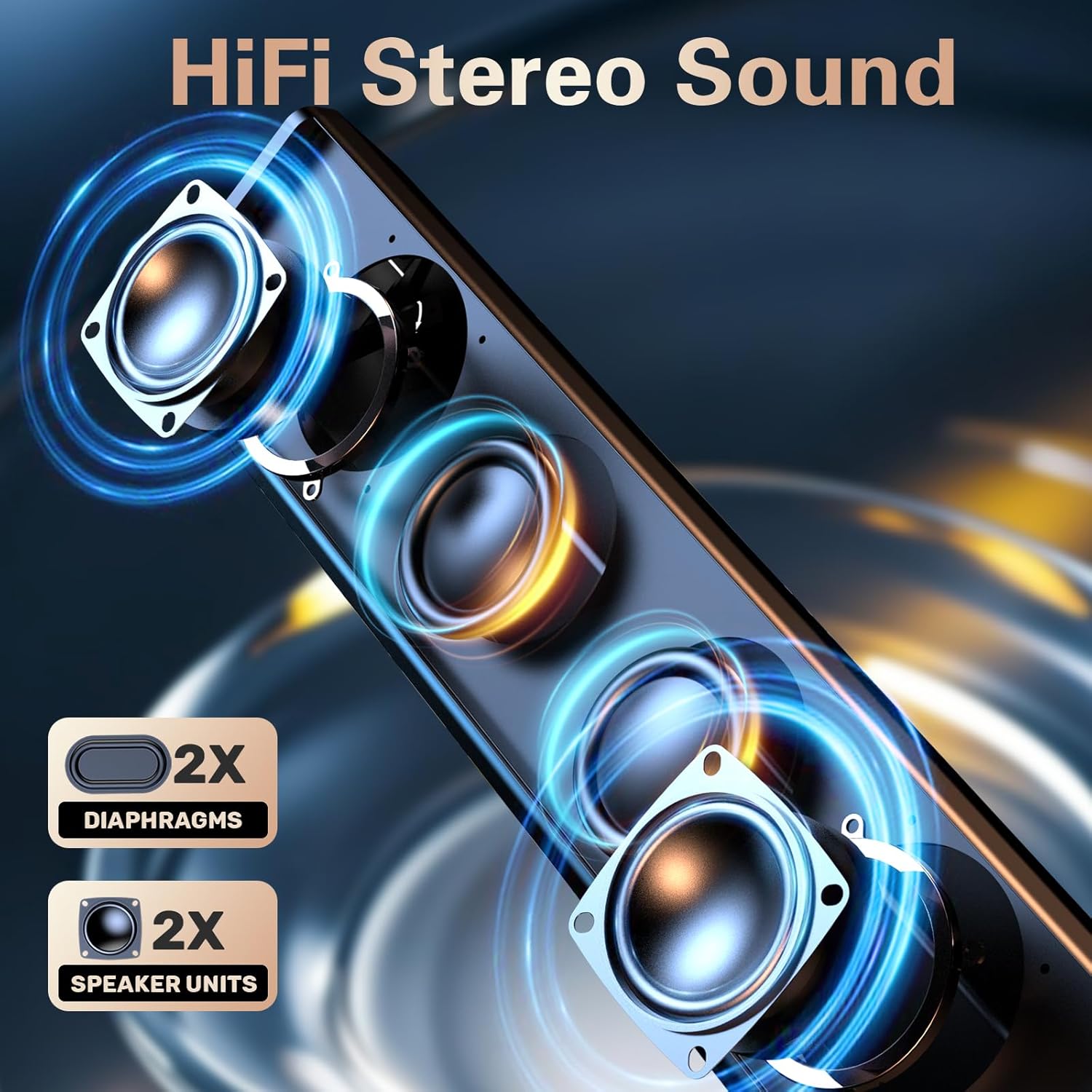
Image: The LENRUE S2 speaker, showcasing its sleek design and the included USB cable with a Type-C adapter for versatile connectivity.
Návod k obsluze
Ovládání hlasitosti
Adjust the audio volume by rotating the knob located on the right side of the speaker. Rotate clockwise to increase volume and counter-clockwise to decrease volume.
Dual-Touch Controls
The LENRUE S2 speakers feature dual-touch technology for convenient control:
- Ovládání osvětlení: Lightly tap the front metal grille of the speaker to turn the dynamic RGB lighting on or off.
- Přepínání režimů: Gently tap the right end of the speaker's back panel to switch between PC (USB) mode and Bluetooth mode.

Obrázek: Podrobný view of the speaker's touch-sensitive areas for controlling the RGB lights and switching between PC and Bluetooth modes, alongside the physical volume knob.
Párování pomocí Bluetooth
Spárování zařízení přes Bluetooth:
- Ensure the speaker is in Bluetooth mode (tap the right end of the back panel if necessary). The LED light may indicate Bluetooth mode (e.g., blinking blue).
- On your phone or tablet, enable Bluetooth and search for available devices.
- Select "LENRUE S2" from the list of devices to connect.
- Once paired, the speaker will emit a confirmation sound, and the LED light will stabilize.
Kompatibilita
The LENRUE S2 Computer Speakers are designed for wide compatibility:
- Režim USB: Compatible with most computers featuring a standard USB-A port or a functional USB-C port (with data and audio support).
- Režim Bluetooth: Compatible with Bluetooth-enabled devices such as phones and tablets.
- Herní konzole: Works with PS4 and PS5. Note: Not compatible with Xbox systems.
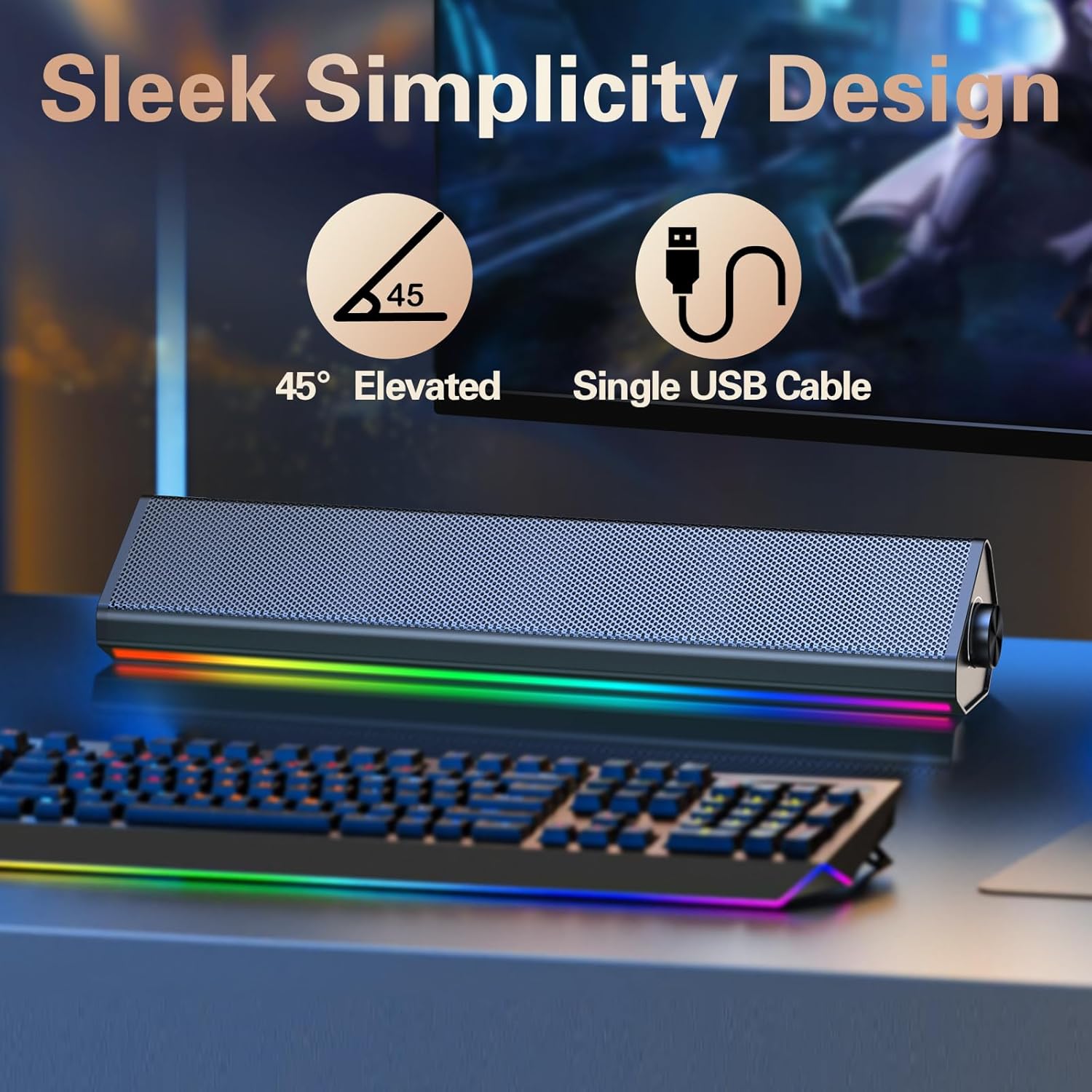
Image: The compact LENRUE S2 speaker positioned under a monitor, illustrating its space-saving design for various desktop setups.
Specifikace
| Funkce | Specifikace |
|---|---|
| Značka | DÉLKA |
| Číslo modelu | S2 |
| Maximální výstupní výkon reproduktoru | 10 wattů |
| Frekvenční odezva | 85 Hz |
| Technologie připojení | USB, Bluetooth |
| Režim zvukového výstupu | Stereo |
| Typ montáže | Desktop |
| Typ reproduktoru | Stereo reproduktor |
| Barva | Glossy-black |
| Velikost reproduktoru | 13.5 palce |
| Vstupní objemtage | 5 voltů |
| Rozměry položky (D x Š x V) | 2.44"H x 13.78"Š x 2.83"V |
| Hmotnost položky | 1.4 libry |
Údržba
To ensure the longevity and optimal performance of your LENRUE S2 speakers, follow these maintenance guidelines:
- Čištění: Use a soft, dry cloth to wipe the speaker's surface. Avoid using abrasive cleaners, solvents, or strong chemicals, as these can damage the finish.
- Skladování: Pokud reproduktory delší dobu nepoužíváte, skladujte je na chladném a suchém místě mimo dosah přímého slunečního záření a extrémních teplot.
- Zacházení: S reproduktory zacházejte opatrně. Nenechte je upadnout ani je nevystavujte silným nárazům.
- Větrání: Ensure adequate airflow around the speakers to prevent overheating. Do not block the speaker grilles or vents.
Odstraňování problémů
If you encounter issues with your LENRUE S2 speakers, refer to the following common problems and solutions:
| Problém | Možná příčina | Řešení |
|---|---|---|
| Žádný zvuk | Speaker not powered on, incorrect mode, volume too low, loose connection. | Ensure USB cable is securely connected and receiving power. Rotate volume knob clockwise. Tap the back panel to switch modes. Check your computer's audio output settings. |
| Bluetooth se nepřipojuje | Speaker not in Bluetooth mode, device not discoverable, interference. | Tap the back panel to ensure the speaker is in Bluetooth mode. Make sure your device's Bluetooth is enabled and searching. Move closer to the speaker. Forget the device on your phone/tablet and re-pair. |
| LED světla nefungují | Lights turned off via touch control, power issue. | Lightly tap the front metal grille to toggle the lights on/off. Ensure the speaker is powered on. |
| Zkreslení zvuku | Volume too high, audio source issue. | Reduce the volume on both the speaker and your connected device. Test with a different audio source or file. |
Záruka a podpora
The LENRUE S2 Computer Speakers come with a 2-letá záruka od data nákupu. Tato záruka se vztahuje na výrobní vady a poruchy při běžném používání. Nevztahuje se na škody způsobené nesprávným použitím, nehodami, neoprávněnými úpravami nebo nesprávnou instalací.
For warranty claims, technical support, or any inquiries, please contact LENRUE customer service through the retailer where you purchased the product or visit the official LENRUE webstránky pro kontaktní informace.