
1. Úvod
Thank you for choosing the HP 15.6-inch Laptop. This manual provides essential information for setting up, operating, and maintaining your new device. Designed for everyday needs, this laptop combines performance with a user-friendly experience.
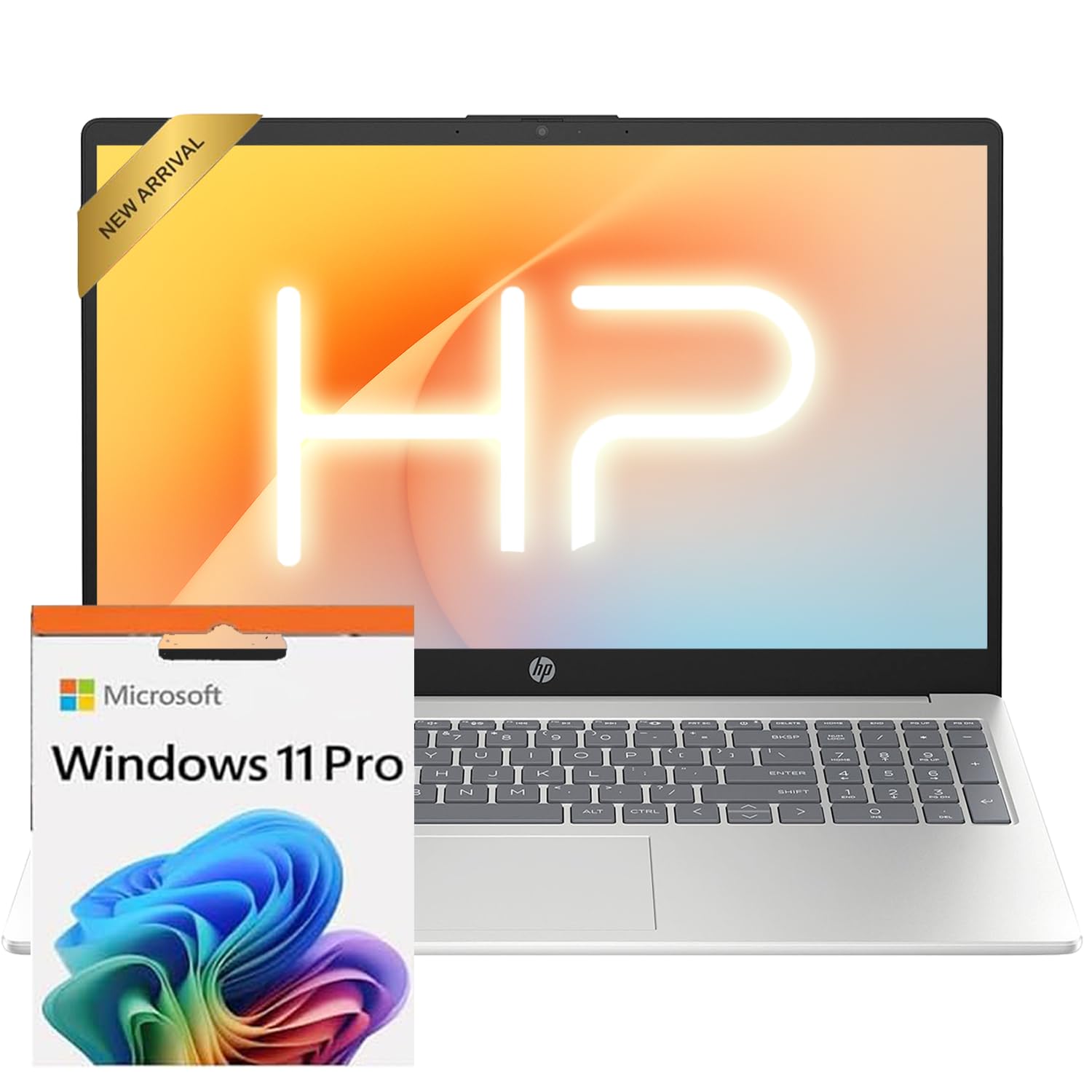
The HP 15.6-inch laptop in silver, showcasing its sleek design when closed.
2. Nastavení
2.1 Počáteční zapnutí
- Připojte napájení: Plug the AC smart pin adapter into the laptop's power port and then into a wall outlet.
- Otevřený notebook: Jemně zvedněte víko displeje.
- Zapnutí: Press the power button, usually located on the keyboard deck.
- Nastavení systému Windows: Follow the on-screen instructions to complete the Windows 11 Professional setup. This includes selecting your region, language, connecting to Wi-Fi, and creating a user account.
2.2 Aktivace Microsoft Office
To receive your Microsoft Office license key, please contact the seller with your Amazon Order ID. Full instructions for activation are included in the package.
3. Funkce Overview
3.1 Displej
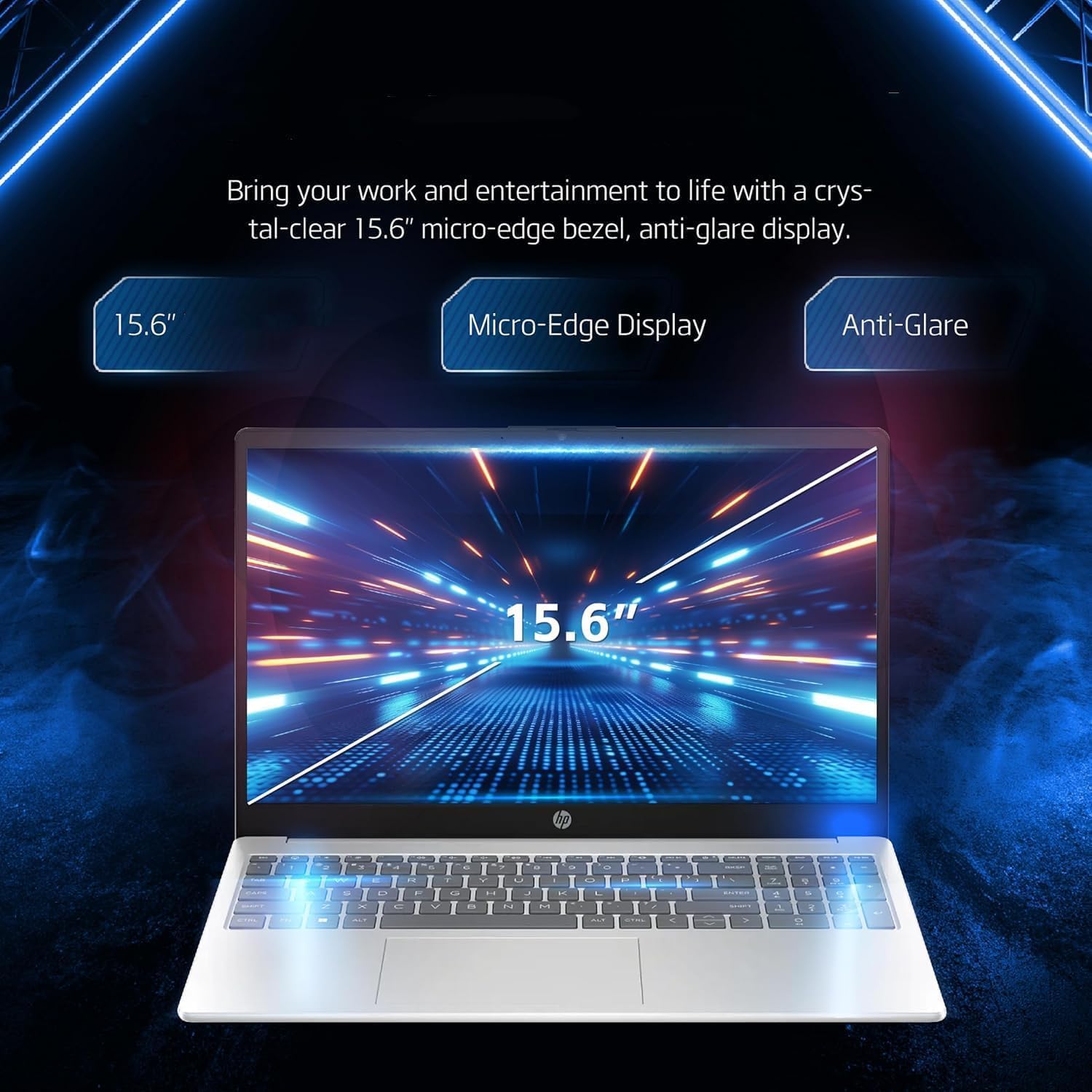
Your laptop features a 15.6-inch diagonal, touch, IPS, micro-edge, BrightView zobrazit with 250 nits brightness and 45% NTSC color gamut. The thin bezel design provides a comfortable viewprostoru.

A close-up of the laptop's 15.6-inch micro-edge, anti-glare display, emphasizing its visual clarity.
3.2 Klávesnice a touchpad
The laptop is equipped with a full-size, soft grey keyboard including a numeric keypad for comfortable typing. The multi-touch touchpad allows for intuitive navigation.
Detailní view of the laptop's input features, including the 720p HD webcam, full-size numeric keypad, and responsive multi-touch touchpad.
3.3 Webkamera a zvuk
A Kamera HP True Vision 720p HD with temporal noise reduction and integrated dual array digital microphones is built-in for clear video calls. HD Audio with stereo speakers provides quality sound.
3.4 Porty a konektivita
The laptop offers various ports for versatile connectivity:
- 1 x Čtečka SD karet s více formáty
- 1 x USB Type-C 5Gbps signaling rate (supports data transfer only)
- 1x HDMI 1.4b
- 1 x kombinovaný konektor pro sluchátka/mikrofon
- 2 x USB typu A s přenosovou rychlostí 5 Gb/s
- 1 x AC smart pin (for power)
For wireless connectivity, it includes MediaTek Wi-Fi 6E MT7902 (1x1) a Bluetooth 5.3.

An illustration of the laptop's side ports, including HDMI, USB Type-A, USB Type-C for data transfer, headphone/microphone combo jack, and the AC smart pin for power.
4. Ovládání notebooku
4.1 Základní použití
Your HP laptop runs on Windows 11 Professional English 64bit, providing a familiar and efficient operating environment for remote work, online learning, and personal projects.
4.2 Správa baterie
The laptop is designed for long battery life, allowing you to work throughout the day without constant recharging.

The laptop is shown with icons representing its long battery life, Wi-Fi, and Bluetooth connectivity features.
4.3 Brightness and Display Settings
Adjust screen brightness via the Windows Action Center or keyboard function keys to suit your environment and conserve battery. Night Light mode can be enabled for reduced eye strain during evening use.
4.4 Výkon nadview (Video)
Pro rychlou představu se podívejte na toto videoview of the HP 15.6-inch laptop's physical design, keyboard, and available ports, highlighting its fast everyday performance.
Video: Poskytovatel prodávajícím více nežview of the HP 15.6-inch laptop, demonstrating its features and design.
5. Údržba
- Čištění: K čištění obrazovky a vnějšího povrchu používejte měkký hadřík, který nepouští vlákna. Vyhněte se agresivním chemikáliím.
- Aktualizace softwaru: Pravidelně aktualizujte systém Windows a ovladače, abyste zajistili optimální výkon a zabezpečení.
- Správa úložiště: Pravidelně odstraňujte nepotřebné files to maintain 512GB PCIe SSD performance.
6. Řešení problémů
6.1 Běžné problémy
- Bez napájení: Ujistěte se, že je síťový adaptér bezpečně připojen k notebooku i k funkční zásuvce.
- Pomalý výkon: Zavřete nepotřebné aplikace, zkontrolujte aktualizace na pozadí nebo restartujte notebook.
- Wi-Fi připojení: Verify Wi-Fi is enabled in Windows settings and restart your router if issues persist.
V případě složitějších problémů se obraťte na podporu HP webnebo kontaktujte zákaznický servis.
7. Specifikace
| Komponent | Detail |
|---|---|
| Procesor | Intel N100 CPU (up to 3.4 GHz, 4 cores, 4 threads) |
| Grafika | Grafika Intel Iris Xe |
| Operační systém | Windows 11 Pro English 64bit |
| Paměť (RAM) | 16 GB DDR4 |
| Skladování | 512GB PCIe SSD |
| Zobrazit | 15.6-inch diagonal, touch, IPS, micro-edge, BrightView, 250 nits, 45% NTSC (1920x1080 pixels) |
| Konektivita | Wi-Fi 6E (MediaTek MT7902), Bluetooth 5.3 |
| Porty | 1x SD card reader, 1x USB Type-C (data only), 1x HDMI 1.4b, 1x Headphone/mic combo, 2x USB Type-A, 1x AC smart pin |
| Zvuk | HD audio se stereo reproduktory |
| Webvačka | HD kamera HP True Vision 720p s dočasným omezením šumu a integrovanými duálními digitálními mikrofony |
| Klávesnice | US English, Full Size Keyboard with numeric keypad |
| Barva | Stříbro |
| Rozměry (DxŠxV) | 14.11 x 9.53 x 0.71 palce |
| Hmotnost | 3.75 liber |
8. Záruka a podpora
Informace o záruce a technickou podporu naleznete v dokumentaci dodané s produktem nebo navštivte oficiální stránky podpory HP. website. Remember to register your product to receive timely updates and assistance.