
1. Úvod
This manual provides essential information for the setup, operation, maintenance, and troubleshooting of your Cooler Master TD5 Pro Gaming PC. Please read this manual thoroughly before using your new system to ensure proper functionality and longevity.
The Cooler Master TD5 Pro is a high-performance desktop computer designed for demanding gaming and professional computing tasks. It features an Intel Ultra 9 285K processor, an NVIDIA RTX 5090 32GB graphics card, 64GB DDR5 6000MHz RAM, and a 2TB Gen4 M.2 SSD, all housed in a TD 500 Mesh ARGB Case with a 360L liquid cooler and a Platinum 1100W power supply.
2. Obsah balení
Ověřte, zda jsou v balení přítomny všechny položky:
- Cooler Master TD5 Pro Gaming PC
- Napájecí kabel
- Water Cooling System (pre-installed)
- Dokumentace (Stručná úvodní příručka, Záruční informace)
- Additional accessories (e.g., Wi-Fi antenna, extra cables, screws)
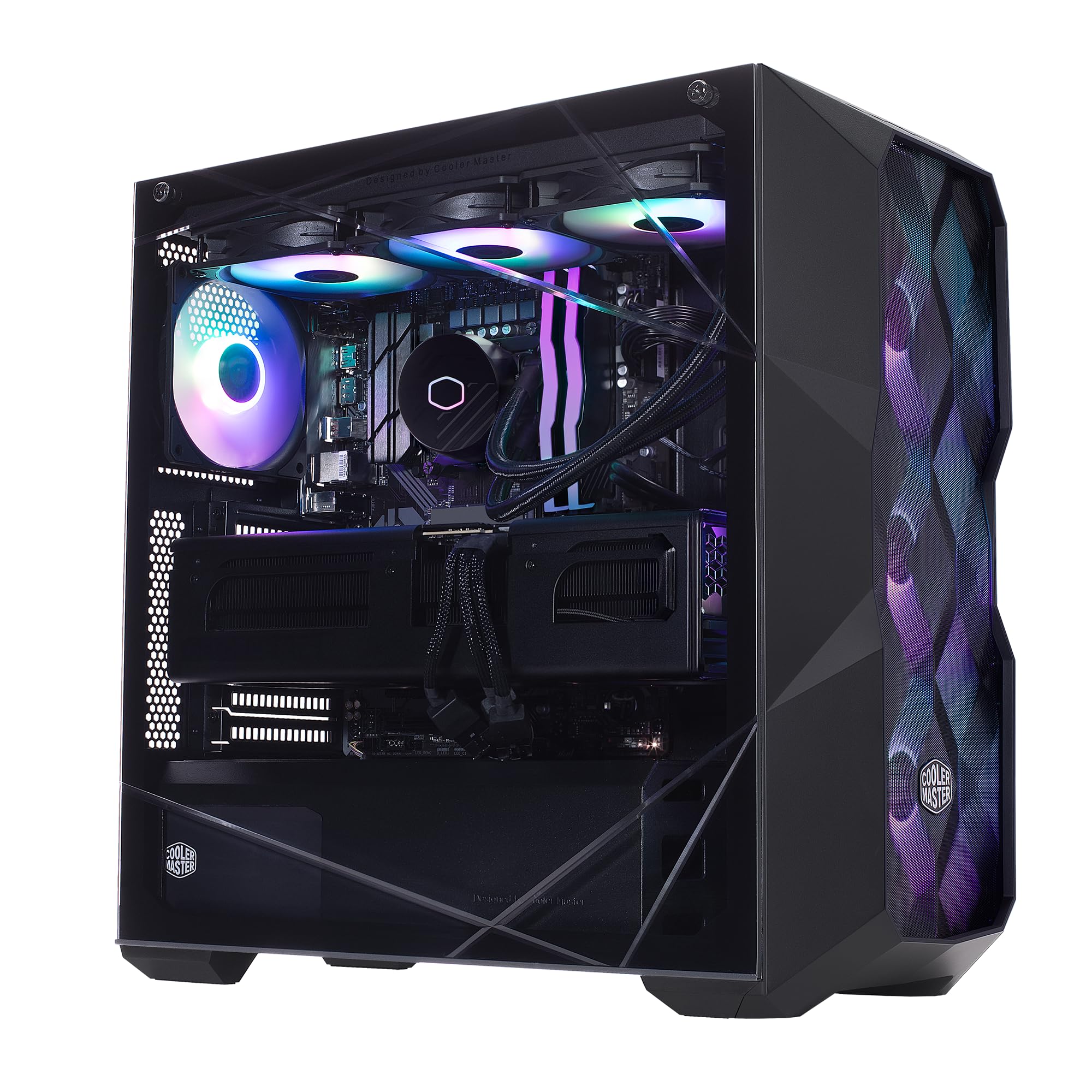
Image: The Cooler Master TD5 Pro Gaming PC, showcasinjeho vnitřní komponenty a RGB osvětlení.
3. Nastavení
3.1 Vybalení a umístění
- Opatrně vyjměte počítač z obalu. Veškerý obalový materiál si uschovejte pro budoucí přepravu nebo servis.
- Place the PC on a stable, flat surface with adequate ventilation. Ensure there is sufficient space around the case for airflow.
- Remove any internal packing materials or foam inserts from inside the PC case. Refer to the quick start guide for instructions on opening the side panel.
3.2 Připojení periferních zařízení
- Monitor: Connect your monitor(s) to the graphics card (RTX 5090) ports (HDMI or DisplayPort). Avoid connecting to motherboard video outputs if a dedicated graphics card is present.
- Klávesnice a myš: Připojte klávesnici a myš k dostupným USB portům.
- Síť: Connect an Ethernet cable to the LAN port for a wired internet connection, or attach the Wi-Fi antenna(s) for wireless connectivity.
- Moc: Connect the power cable to the power supply unit (PSU) at the rear of the PC, then plug it into a grounded electrical outlet.
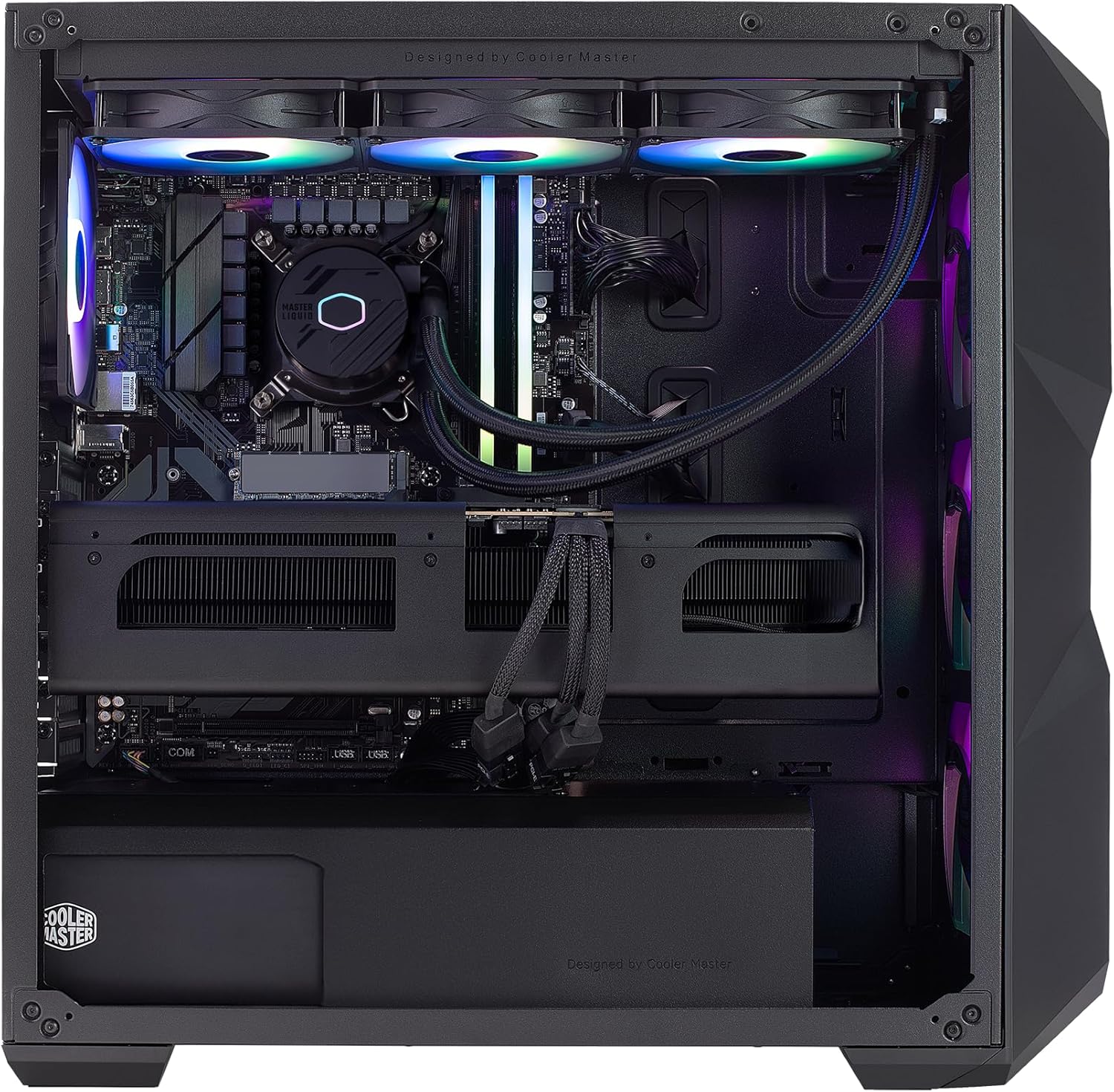
Obrázek: Interní view of the PC, highlighting the liquid cooler, RAM, and graphics card.
4. Návod k obsluze
4.1 První spuštění a nastavení systému Windows
- Press the power button located on the top of the PC case.
- Follow the on-screen instructions to complete the Windows 11 Home setup. This typically involves selecting your region, language, creating a user account, and connecting to a network.
- Once Windows is set up, ensure all drivers are installed and updated. You can check for updates via Windows Update or by visiting the Cooler Master and component manufacturer webstránky.
4.2 Klíčové vlastnosti a výkon
- Procesor: Intel Ultra 9 285K 3.7GHz (5.7 GHz Turbo) 24-Core (8 P-cores + 16 E-cores) for exceptional multitasking and gaming performance.
- Grafika: NVIDIA RTX 5090 32GB for stunning visuals, high frame rates, and AI acceleration in games and creative applications.
- Paměť: 64GB (2x32GB) DDR5 6000MHz RGB RAM with heatsink for blazing speed and vibrant lighting.
- Skladování: 2TB Gen4 M.2 SSD for high-speed data access and rapid application loading.
- Chlazení: 360L Liquid Cooler with a Gen S Dual Chamber Pump for superior thermal management.
- Napájení: V Platinum 1100 V2 80+ Platinum Efficiency Power Supply for stable and efficient power delivery.

Image: The NVIDIA RTX 5090 graphics card, a core component for high-performance visuals.
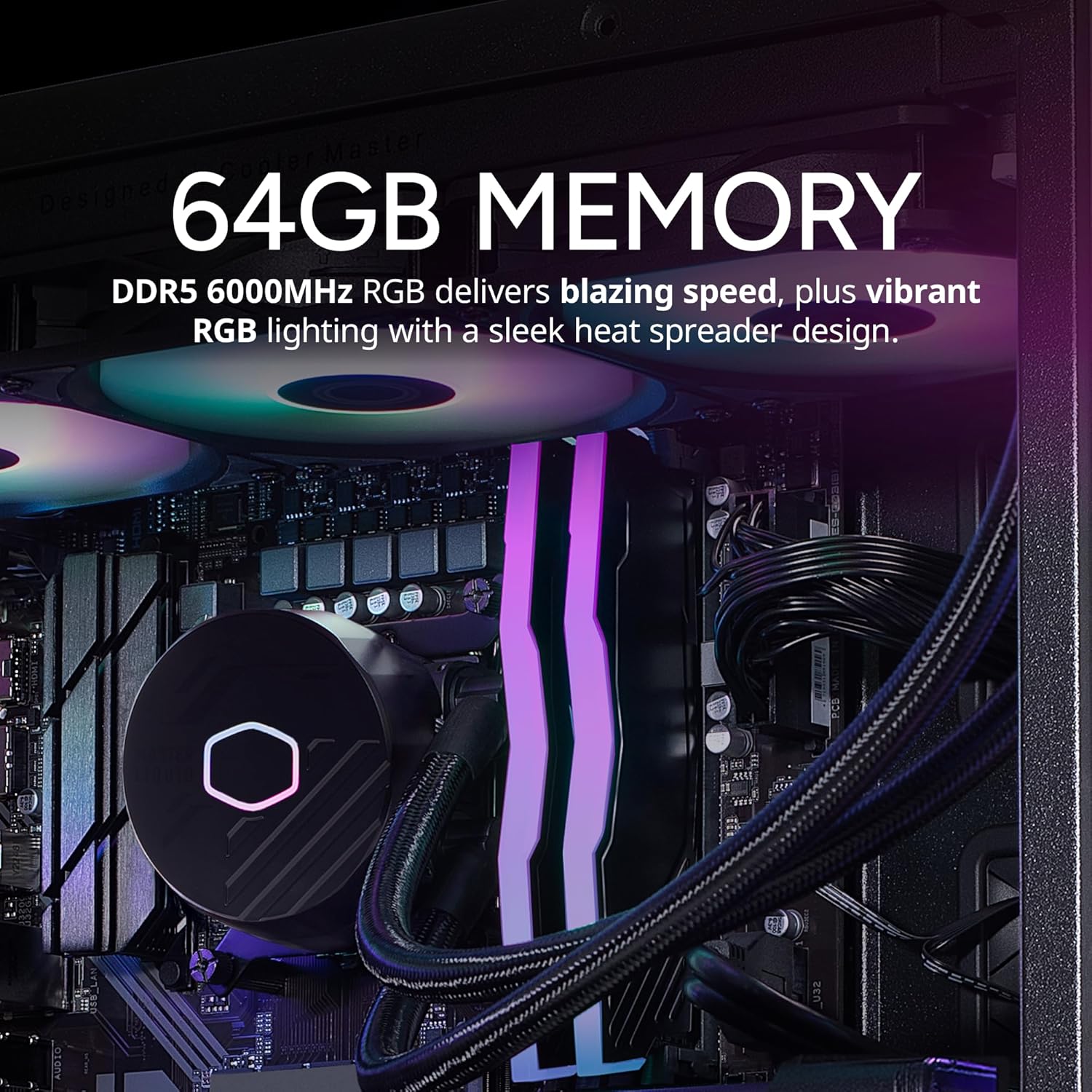
Image: The 64GB DDR5 6000MHz RGB RAM modules with heatsinks.
5. Údržba
5.1 Čištění
- Vnější: Použijte měkký, damp hadříkem k čištění vnější strany pouzdra. Nepoužívejte abrazivní čisticí prostředky.
- Prachové filtry: Regularly clean the dust filters (if present) on the case to maintain optimal airflow.
- Vnitřní součásti: Periodically use compressed air to remove dust from internal components, especially fans and heatsinks. Ensure the PC is powered off and unplugged before cleaning.
5.2 Aktualizace softwaru
- Pravidelně kontrolujte a instalujte aktualizace systému Windows, abyste zajistili stabilitu a zabezpečení systému.
- Update graphics drivers (NVIDIA GeForce Experience) and motherboard drivers (Gigabyte website) for optimal performance and compatibility.

Image: The 360L liquid cooler, essential for maintaining CPU temperatures.
6. Řešení problémů
6.1 Bez napájení
- Ujistěte se, že je napájecí kabel bezpečně připojen k počítači i k elektrické zásuvce.
- Check the power switch on the PSU at the rear of the PC; it should be in the 'ON' position.
- Otestujte zásuvku jiným zařízením, abyste se ujistili, že je funkční.
6.2 Žádný displej
- Verify that the monitor is powered on and the video cable is securely connected to the graphics card (RTX 5090) and the monitor.
- Ujistěte se, že je správně vybrán vstupní zdroj monitoru.
- If using multiple monitors, try connecting only one to isolate the issue.
6.3 Nestabilita nebo pády systému
- Ensure all drivers (graphics, chipset, etc.) are up to date.
- Monitor system temperatures using software utilities to check for overheating.
- Spusťte diagnostický nástroj paměti a zkontrolujte problémy s pamětí RAM.
7. Specifikace
| Komponent | Specifikace |
|---|---|
| Značka | Cooler Master |
| Série | TD5 Pro |
| Číslo modelu | AYG-M6C9-N69GIA32-N1 |
| Operační systém | Windows 11 Home |
| Procesor | Intel Ultra 9 285K (3.7 GHz, 5.7 GHz Turbo, 24-Core) |
| Grafický koprocesor | NVIDIA RTX 5090 32GB |
| BERAN | 64GB DDR5 6000 MHz |
| Skladování | 2TB SSD disk Gen4 M.2 |
| Napájení | V Platinum 1100 V2 80+ Platinum Efficiency |
| Chlazení | 360L Liquid Cooler |
| Bezdrátové připojení | Wi-Fi 802.11a/b/g/n/ac, Bluetooth |
| USB porty | 7x USB 3.0, 1x Type-C, 2x USB 3.2 Gen 2 Type-C |
| Video výstupy | 1x HDMI, 2x DisplayPort |
| Rozměry (DxŠxV) | 19.7 x 8.3 x 19.7 palce |
| Hmotnost | 38 libry |

Image: The V Platinum 1100 V2 80+ Platinum Efficiency Power Supply.
8. Záruka a podpora
Your Cooler Master TD5 Pro Gaming PC comes with a Jednoletá záruka na díly a práci a Doživotní technická podpora. Tato záruka se vztahuje na vady materiálu a zpracování při běžném používání.
For technical assistance, troubleshooting, or warranty claims, please contact Cooler Master customer support. Refer to the documentation included with your PC for specific contact details or visit the official Cooler Master webmísto.
Sestaveno v USA