
1. Úvod
Děkuji za nákupasing the LENRUE MF01 Computer Speaker Soundbar. This device is designed to enhance your audio experience for gaming, movies, and music across various platforms. It features dual drivers with dual diaphragms for clear sound, dynamic colorful lighting, and versatile connectivity options including USB and Bluetooth 5.0. This manual provides detailed instructions for setup, operation, and maintenance to ensure optimal performance and longevity of your speaker.
2. Bezpečnostní informace
- Nevystavujte reproduktor vodě ani nadměrné vlhkosti.
- Neumísťujte reproduktor do blízkosti zdrojů tepla nebo na přímé sluneční světlo.
- Nepokoušejte se zařízení rozebírat ani opravovat sami. Obraťte se na kvalifikovaný servisní personál.
- Udržujte reproduktor mimo dosah silných magnetických polí.
- Use only the provided cables and adapters.
- Během používání zajistěte dostatečné větrání kolem reproduktoru.
3. Obsah balení
Zaškrtněte prosím políčko u následujících položek:
- MF01 Computer Speaker
- Adaptér USB-A na USB-C
- Návod k použití
4. Konec produktuview
The LENRUE MF01 speaker features a sleek, fabric-covered design with integrated controls and ports for easy access.

Figure 1: LENRUE MF01 Computer Speaker with included USB-A to USB-C adapter.
Ovládací prvky a porty:
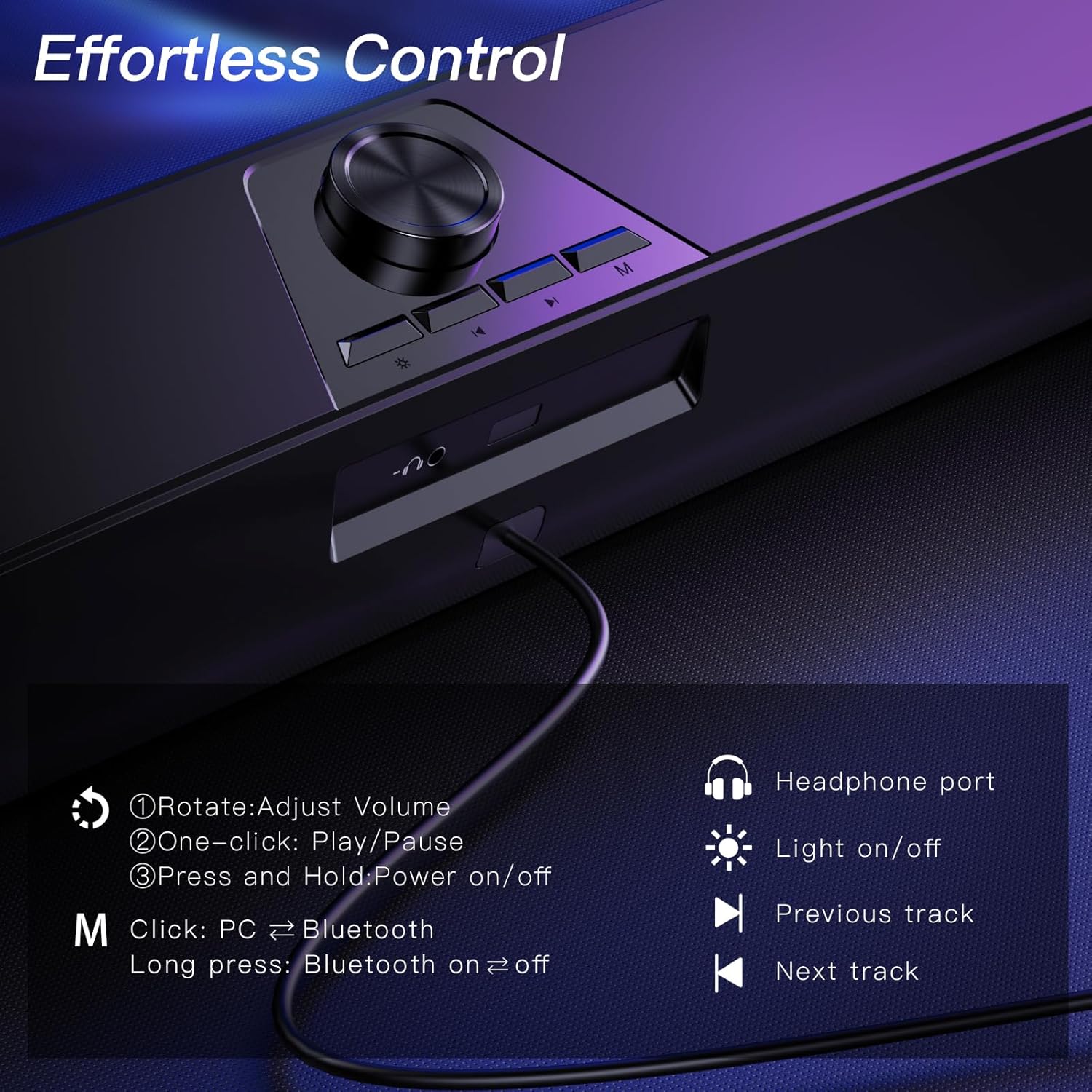
Figure 2: Top-mounted controls for volume, track navigation, light, and mode selection.
- Knoflík hlasitosti: Rotate to adjust volume. Press and hold to power on/off. One-click to play/pause.
- Světelné tlačítko: Click to turn colorful lighting on/off.
- Tlačítko předchozí stopy: Navigate to the previous audio track.
- Tlačítko Next Track: Navigate to the next audio track.
- Tlačítko režimu (M): Click to switch between PC and Bluetooth modes. Long press to turn Bluetooth on/off.
- Port pro sluchátka: 3.5mm jack pro připojení sluchátek.
- Konektor mikrofonu: 3.5mm jack for connecting an external wired microphone (speaker does not have a built-in microphone).
5. Nastavení
The LENRUE MF01 offers two primary connection methods: USB for both power and audio, or Bluetooth for audio with USB for power.
5.1 USB Connection (Plug-and-Play)
This mode provides both power and audio through a single USB cable, ideal for desktop PCs, laptops, and monitors.
- Connect the USB cable from the speaker directly to an available USB-A port on your computer or device.
- If your device only has USB-C ports, use the provided USB-A to USB-C adapter.
- The speaker will automatically power on and enter PC mode.
- Select "MF01" as the audio output device in your computer's sound settings.
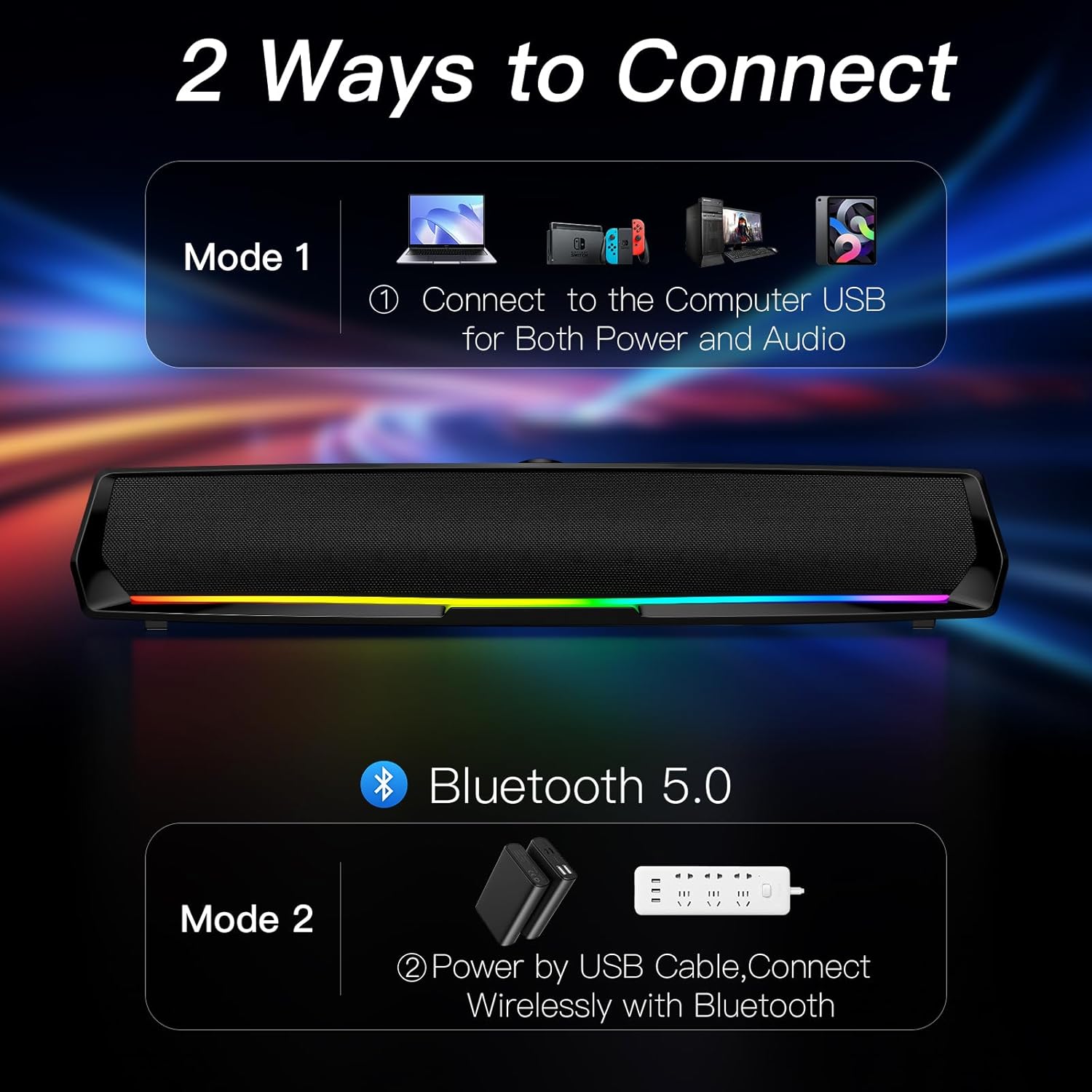
Figure 3: Connect the speaker to your computer's USB port for both power and audio.
5.2 Připojení Bluetooth
This mode allows wireless audio streaming from Bluetooth-enabled devices while drawing power from a USB source.
- Connect the USB cable from the speaker to a power source (e.g., a USB adapter, power bank, or a computer's USB port for power only).
- Press the 'M' (Mode) button on the speaker to switch to Bluetooth mode. The speaker will indicate "Bluetooth Mode" verbally.
- Na smartphonu, tabletu nebo jiném zařízení Bluetooth povolte Bluetooth a vyhledejte dostupná zařízení.
- Select "MF01" from the list of devices to pair. The speaker will indicate successful pairing.
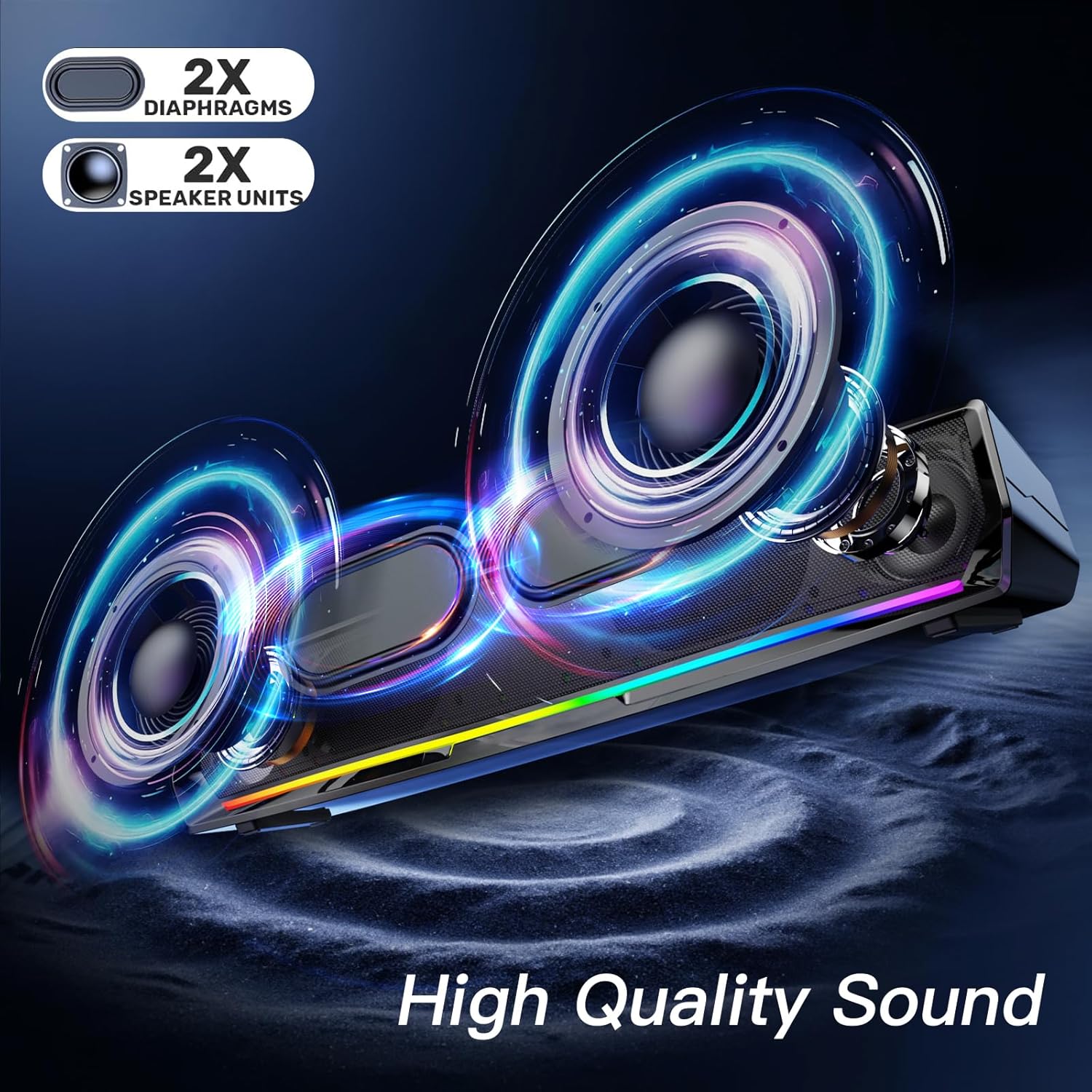
Figure 4: Power the speaker via USB and connect wirelessly via Bluetooth for audio.
5.3 Poznámky ke kompatibilitě
- The speaker is compatible with Windows/Mac PCs, monitors, PS5, Nintendo Switch, and smartphones.
- Poznámka: The computer speaker interface is not compatible with Xbox devices.
6. Návod k obsluze
6.1 Zapnutí/vypnutí a ovládání hlasitosti
- Zapnutí: Press and hold the Volume Knob.
- Vypnout: Press and hold the Volume Knob again.
- Upravit hlasitost: Rotate the Volume Knob clockwise to increase volume, counter-clockwise to decrease.
- Přehrát/pozastavit: One-click the Volume Knob to play or pause audio.
6.2 Ovládání osvětlení
The speaker features dynamic colorful breathing LED lights.
- Zapnout/vypnout světla: Click the Light Button to toggle the LED lights.

Figure 5: The speaker features gentle color-changing breathing lights.
6.3 Navigace po trase
- Předchozí skladba: Click the Previous Track Button.
- Další skladba: Click the Next Track Button.
6.4 Headphone and Microphone Use
Connect your headphones or a wired microphone to the respective 3.5mm jacks on the back of the speaker for private listening or voice input.
Video 1: A user demonstrates the physical features and ports of the LENRUE MF01 speaker, including the headphone and microphone jacks.
7. Údržba
- Clean the speaker with a soft, dry cloth. Do not use liquid cleaners.
- Keep the speaker free from dust and debris to ensure optimal sound quality.
- Pokud reproduktor nepoužíváte, skladujte jej na chladném a suchém místě.
8. Řešení problémů
| Problém | Možná příčina | Řešení |
|---|---|---|
| Žádný zvuk z reproduktoru | Speaker not powered on; Incorrect audio output selected; Volume too low; Loose cable connection. | Press and hold Volume Knob to power on. Select "MF01" as audio output. Increase volume. Ensure USB cable is securely connected. |
| Bluetooth se nepřipojuje | Speaker not in Bluetooth mode; Device Bluetooth off; Speaker already paired to another device. | Press 'M' button to enter Bluetooth mode. Enable Bluetooth on your device. Disconnect from other devices and try pairing again. |
| Světla nefungují | Světla zhasnutá. | Click the Light Button to turn them on. |
| Zkreslení zvuku | Volume too high; Audio source issue. | Lower the volume. Test with a different audio source. |
9. Specifikace
| Funkce | Detail |
|---|---|
| Název modelu | MF01 |
| Typ reproduktoru | Stereo reproduktor |
| Technologie připojení | Bluetooth for Audio and USB for Power, USB for Both Power and Audio |
| Režim zvukového výstupu | Stereo |
| Maximální výstupní výkon reproduktoru | 10 wattů |
| Frekvenční odezva | 150 Hz |
| Rozměry produktu | 2.95"H x 16.7"Š x 2.56"V |
| Hmotnost položky | 1.43 libry (648 gramů) |
| Materiál | Tkanina |
| Zahrnuté komponenty | MF01 Computer Speaker, USB-A to USB-C Adapter |
10. Záruka a podpora
For warranty information and customer support, please refer to the contact details provided on the product packaging or visit the official LENRUE webmísto. Uschovejte si doklad o koupi pro případ záručních reklamací.