
1. Konec produktuview
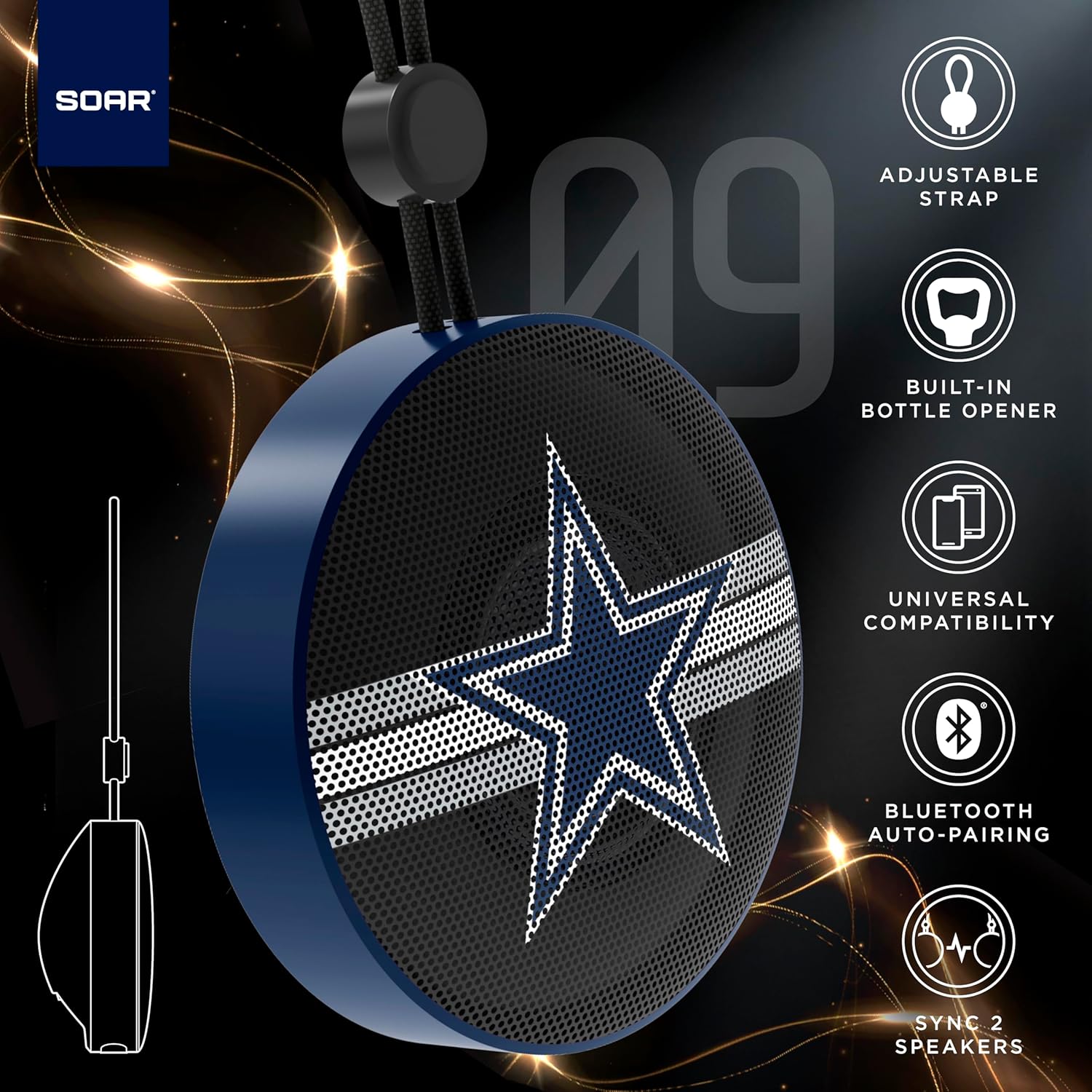
The SOAR NFL Bluetooth Bottle Opener Speaker is a compact and portable audio device designed for convenience and entertainment. It features 5W sound output, Bluetooth connectivity for wireless audio streaming, and a built-in bottle opener. The speaker includes an adjustable lanyard for easy carrying and offers up to 10 hours of playback on a single charge. It also supports dual pairing for an immersive stereo experience and has a built-in microphone for hands-free calls.

Přední view of the SOAR NFL Bluetooth Bottle Opener Speaker featuring the Arizona Cardinals logo.

The product packaging highlighting features like adjustable strap, 10-hour battery life, and built-in bottle opener.
2. Obsah balení
- SOAR NFL Bluetooth Bottle Opener Speaker
- Nabíjecí kabel USB-C
- Uživatelská příručka
3. Nastavení
3.1 Nabíjení reproduktoru
Before first use, fully charge the speaker. Use the provided USB-C cable to connect the speaker's charging port to a compatible USB power source (e.g., wall adapter, computer USB port).
- Během nabíjení se rozsvítí kontrolka nabíjení.
- The light will change or turn off once charging is complete.
Detail of the USB-C charging port and control buttons on the speaker.
3.2 Zapnutí/vypnutí
To power on the speaker, press and hold the power button until you hear an audible prompt or see the LED lights activate. To power off, press and hold the power button again.
3.3 Párování Bluetooth
- Ujistěte se, že je reproduktor zapnutý a v režimu párování (signalizováno blikající LED kontrolkou).
- Na svém mobilním zařízení (chytrém telefonu, tabletu atd.) povolte Bluetooth.
- Hledat available Bluetooth devices. The speaker will appear as "SOAR POP" or a similar name.
- Select the speaker from the list to connect. A confirmation tone or voice prompt will indicate successful pairing.
4. Provoz
4.1 Přehrávání zvuku
Once paired, you can stream audio from your device to the speaker. Use your device's controls to manage playback (play, pause, skip tracks) and adjust volume. The speaker itself may have basic playback controls (e.g., play/pause, next/previous track) as shown near the charging port.
4.2 Dual Pairing (True Wireless Stereo)
For an enhanced audio experience, two SOAR POP speakers can be paired together to create a stereo sound system. Refer to the specific instructions provided with your speakers for dual pairing mode activation.
4.3 Vestavěný otvírák lahví
The speaker features a discreetly integrated bottle opener. Position the bottle cap under the metal opener and apply upward pressure to remove the cap.

The speaker demonstrating its built-in bottle opener function.
4.4 Adjustable Lanyard
The speaker includes a 10-inch adjustable lanyard for convenient portability. Attach it to a backpack, belt loop, or other gear for easy transport.

Image showing the speaker's dimensions and the adjustable lanyard for portability.
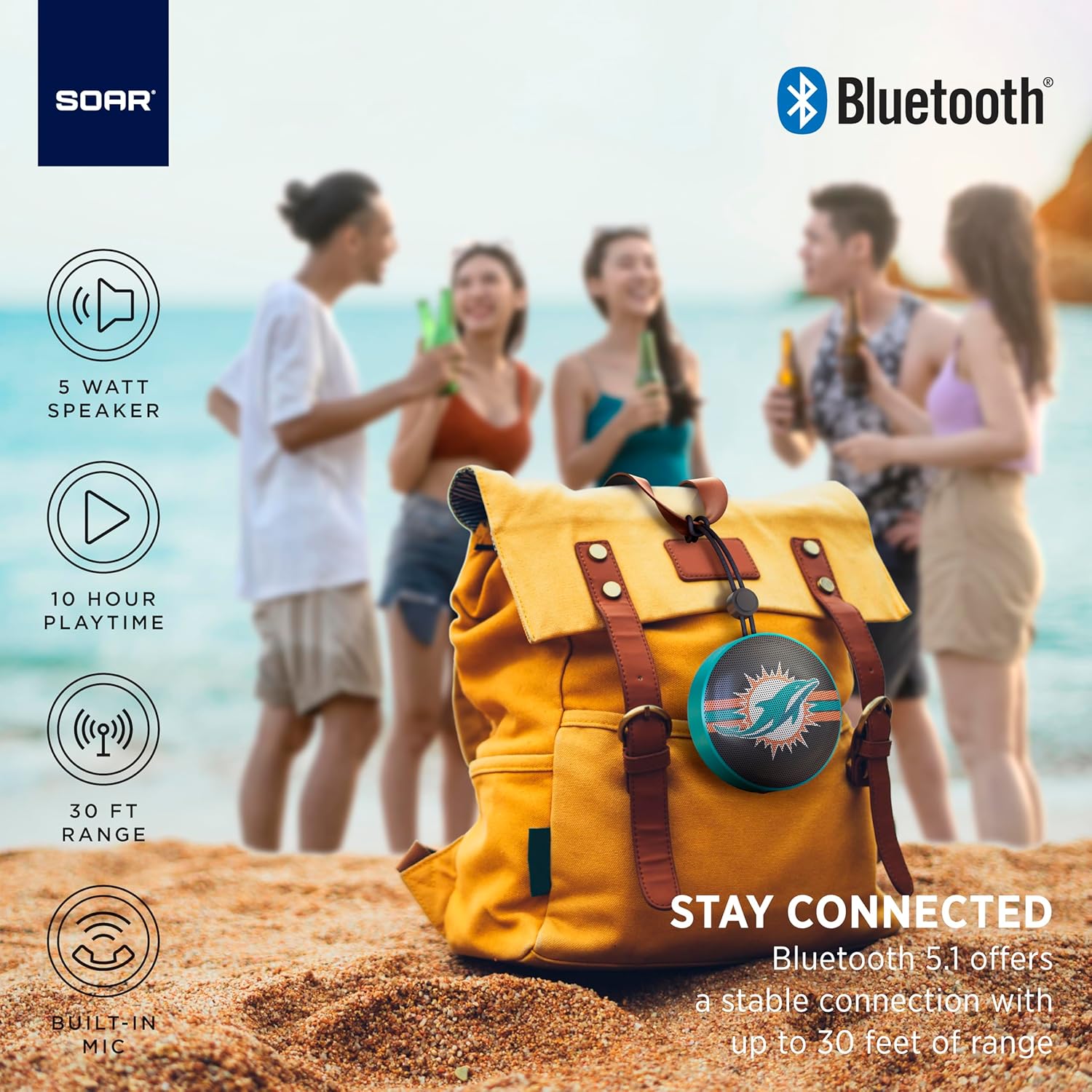
The portable speaker attached to a backpack, illustrating its on-the-go use.
4.5 Volání bez použití rukou
With the built-in microphone, you can answer calls directly through the speaker when connected to your smartphone. Press the play/pause button to answer or end a call.
5. Údržba a péče
- Čištění: K čištění reproduktoru používejte měkký, suchý hadřík. Nepoužívejte agresivní chemikálie ani abrazivní čisticí prostředky.
- Voděodolnost: The speaker is designed with IPX4 water resistance, meaning it is protected against splashing water from any direction. It is not intended for submersion in water. Ensure the charging port cover is securely closed to maintain water resistance.
- Skladování: Reproduktor skladujte na chladném a suchém místě mimo dosah přímého slunečního záření a extrémních teplot.
6. Řešení problémů
- Bez napájení: Ujistěte se, že je reproduktor plně nabitý. Připojte jej ke zdroji napájení pomocí kabelu USB-C.
- Nelze spárovat přes Bluetooth:
- Ujistěte se, že je reproduktor v režimu párování (bliká LED dioda).
- Ujistěte se, že je na vašem zařízení povoleno rozhraní Bluetooth a že je v dosahu (až 30 metrů).
- Zapomeňte na zařízení z nastavení Bluetooth v telefonu a zkuste spárování znovu.
- Restartujte reproduktor i zařízení.
- Žádný zvuk:
- Zkontrolujte úroveň hlasitosti na reproduktoru i na připojeném zařízení.
- Ujistěte se, že je reproduktor úspěšně spárován a připojen k vašemu zařízení.
- Zkuste přehrát zvuk z jiné aplikace nebo zdroje.
- Špatná kvalita zvuku:
- Přesuňte reproduktor blíže k zařízení, abyste snížili rušení.
- Ujistěte se, že mezi reproduktorem a zařízením nejsou žádné překážky.
- Check if the speaker is fully charged. Low battery can affect sound quality.
7. Specifikace
| Značka | VZDÁT SE |
| Číslo modelu | NFL-BTX9-CARD |
| Materiál | Polymer |
| Rozměry produktu | 3.6"D x 1.8"Š |
| Hmotnost položky | 9.4 unce |
| Výkon reproduktoru | 5W |
| Životnost baterie | Až 10 hodin |
| Verze Bluetooth | 5.1 |
| Voděodolnost | IPX4 (Protected against splashing of water) |
| UPC | 192129183983 |
8. Záruka a podpora
For warranty information and customer support, please refer to the documentation included with your product or visit the official SOAR webmísto. Uschovejte si doklad o koupi pro případ záručních reklamací.