
1. Úvod
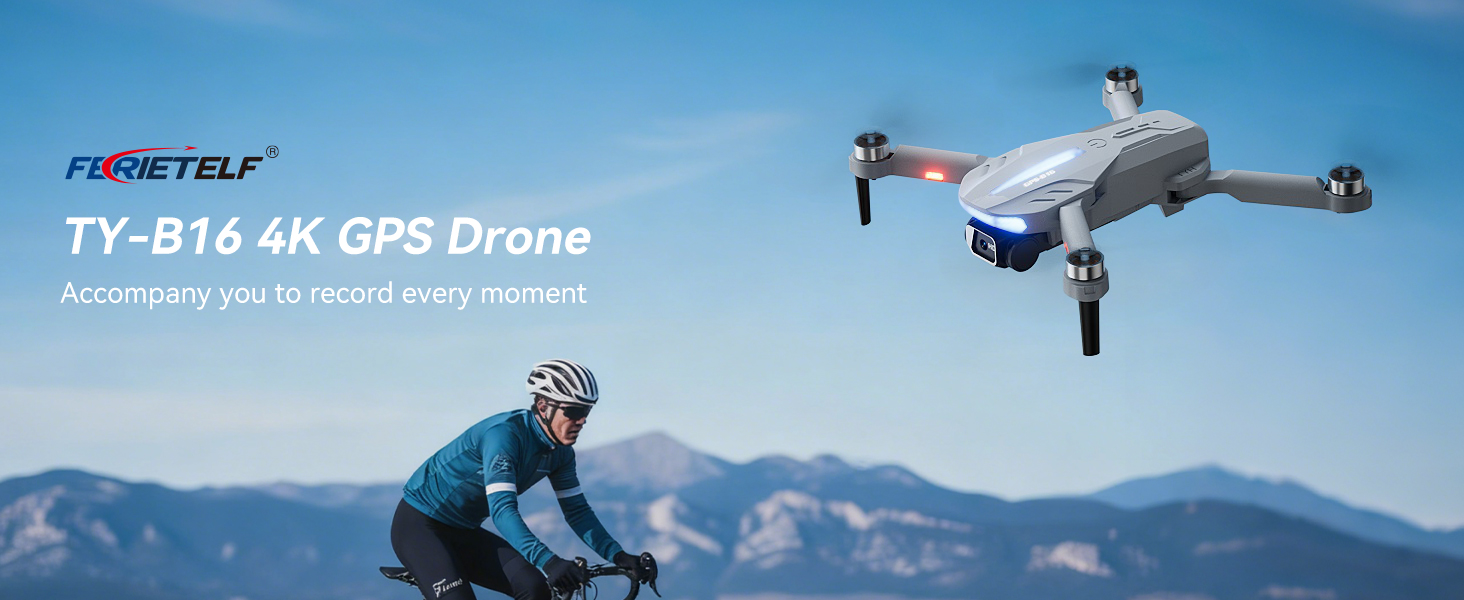
This manual provides essential instructions for the safe operation and maintenance of your FERIETELF B16 GPS Drone with Camera 4K. Please read this guide thoroughly before first use to ensure proper setup and optimal flight experience. The B16 drone is designed for ease of use, featuring a lightweight, foldable design and advanced flight capabilities.
2. Obsah balení
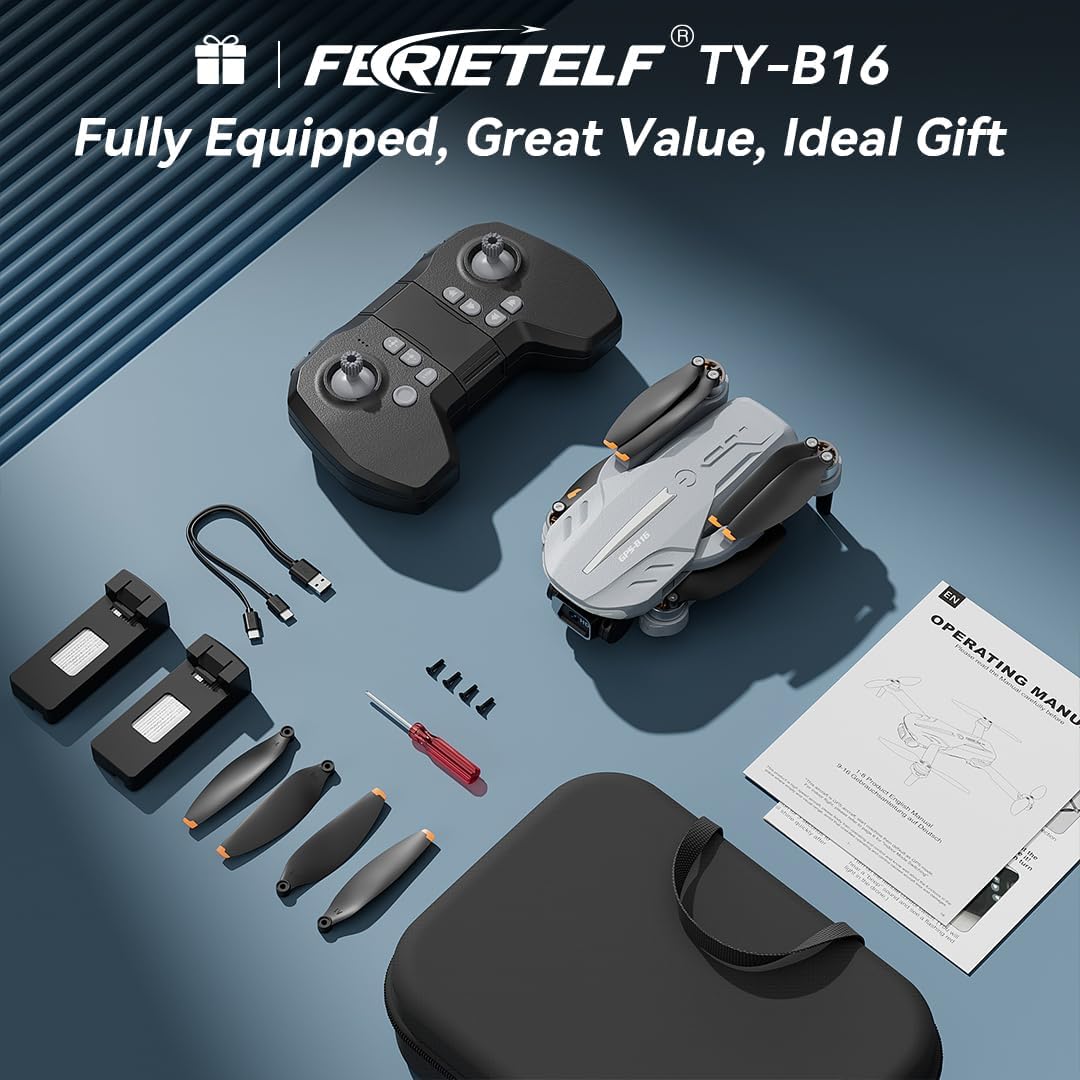
Ověřte, zda jsou všechny níže uvedené položky součástí balení. Pokud některé položky chybí nebo jsou poškozené, kontaktujte zákaznickou podporu.
- FERIETELF B16 Drone x 1
- Dálkové ovládání x 1
- Baterie x 2
- Přenosná úložná taška x 1
- USB kabel x 1
- Propeller x 4 (spare)
- Šroubovák x 1
- Návod k použití x 1
- App Manual x 1
- Náhradní šrouby x 4

3. Nastavení
3.1. Příprava dronu
- Rozložte dron: Carefully unfold the front arms of the drone, followed by the rear arms, until they lock into position.
- Odstraňte ochrannou fólii: Gently peel off any protective film from the camera lens.
- Vložte baterii: Vložte plně nabitou baterii do přihrádky na baterii dronu, dokud bezpečně nezacvakne na místo.
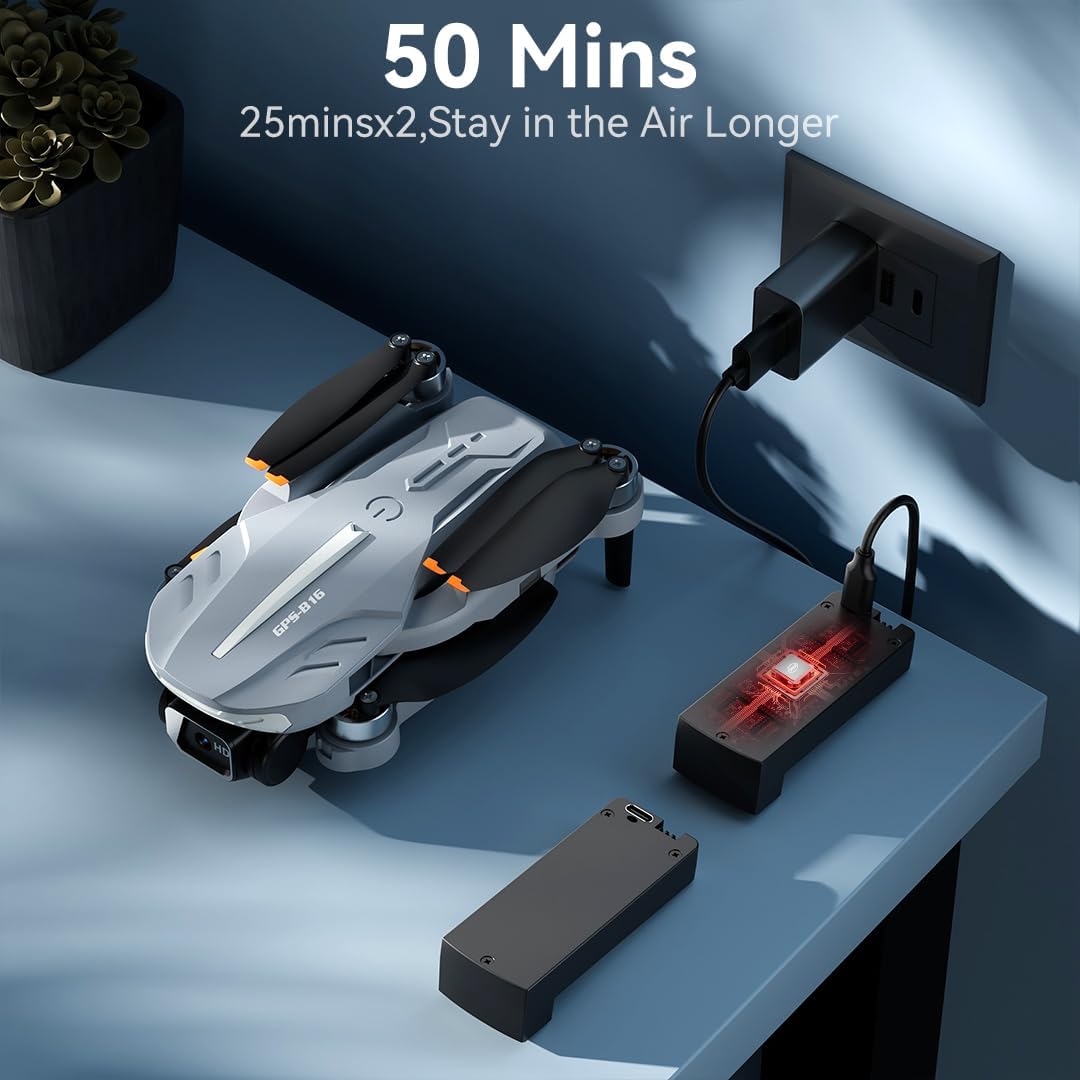
- Nabíjení baterie: Use the provided USB charging cable to charge the drone batteries. The cable connects to a 5V/2A plug. The indicator light on the drone changes from red (below 30%) to green (30% or more) and solid green when fully charged.
- Vložte paměťovou kartu: Insert a compatible memory card (FAT32 or EXFAT format, up to 128GB, purchased separately) into the memory card slot on the drone.
3.2. Remote Controller Preparation
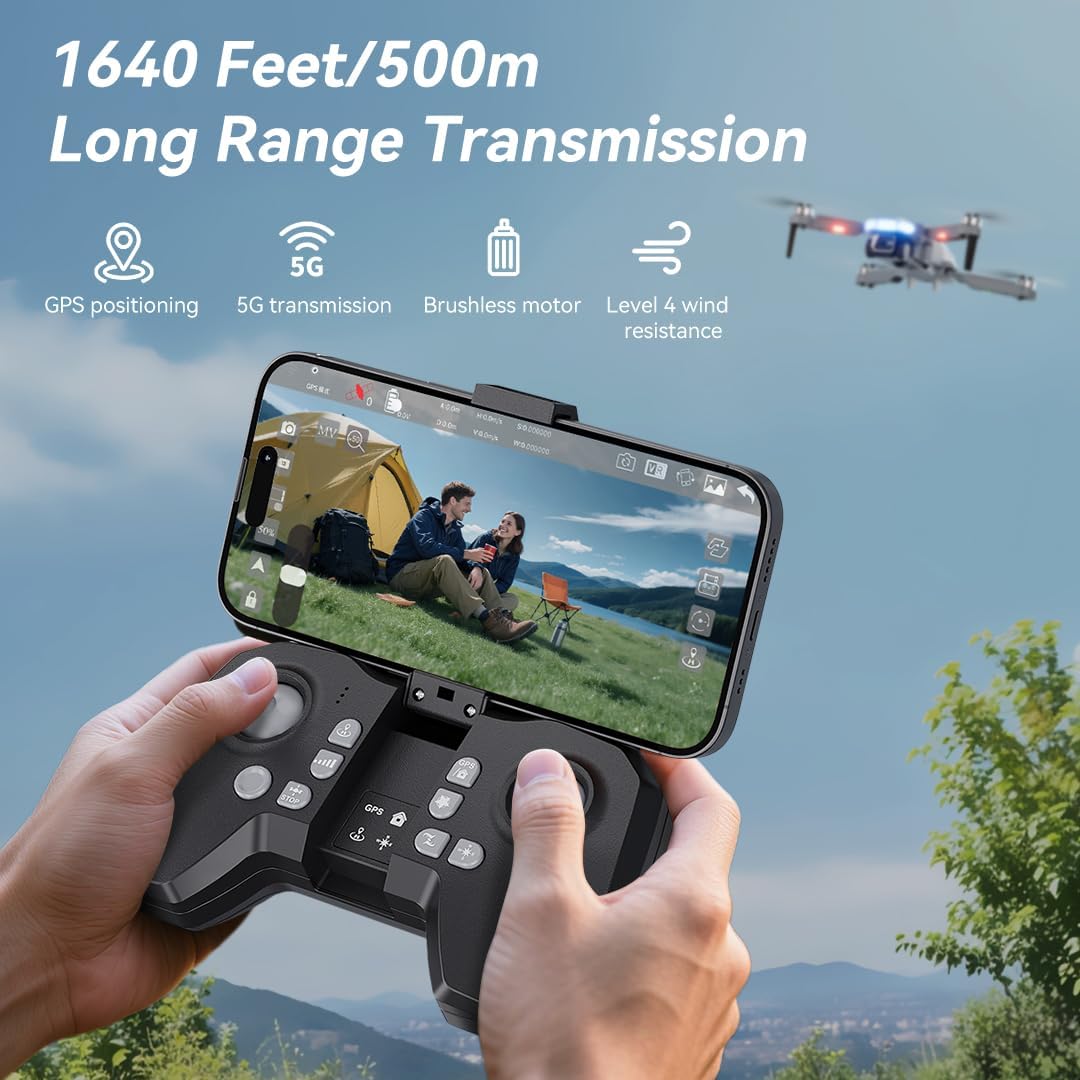
- Nainstalujte baterie: Use a screwdriver to open the battery compartment on the remote controller. Insert three AAA batteries (not included, purchased separately), ensuring correct polarity. Close the compartment and tighten the screw.
- Unfold Phone Holder: Unfold the phone holder and handles on the remote controller.
- Držák mobilního telefonu: Mount your mobile phone onto the phone holder. The holder accommodates smartphones up to 80.01 mm (3.15 inches) wide.
3.3. Power On & Pairing
- Zapnutí dronu: Place the drone on a flat, level surface. Press and hold the power button on the drone for 2 seconds to power it on.
- Dálkové zapnutí: Press and hold the power button on the remote controller for 2 seconds to power it on. The drone and remote will automatically attempt to pair.
- Pairing Indication: During pairing, the status indicators on the drone's arms will flash red rapidly. Once successfully paired, the indicators will show two quick green flashes in a loop.
3.4. Stažení aplikace a připojení
- Stáhnout aplikaci: Download and install the "AMETA Drone" app from your mobile phone's app store (Google Play or App Store).
- Připojte Wi-Fi: Navigate to your mobile phone's Wi-Fi settings. Hledat and connect to the Wi-Fi network named "Ameta S20-XXXXXX" (where XXXXXX is a unique identifier).
- Spustit aplikaci: Launch the "AMETA Drone" app and tap "Start" to enter the main interface and view živý přenos kamery.

4. Kalibrace
For the first-time use, it is recommended to calibrate the drone for stable flight.
4.1. Kalibrace kompasu
- Použití dálkového ovládání: Press and hold the Compass Calibration button on the remote for 3 seconds.
- Using App: Launch the app, go to "Control" and tap "Calibrate Compass." Follow the on-screen instructions to perform horizontal and vertical rotations of the drone. Ensure you are away from metal or electric objects during calibration.
4.2. Kalibrace gyroskopu
- Použití dálkového ovládání: Simultaneously push the left control stick to the lower-left corner and the right control stick to the upper-right corner.
- Using App: Tap "Gyroscope Calibration" in the app and follow the on-screen instructions.
5. Získávání GPS signálu
For optimal performance and intelligent flight features, ensure the drone acquires a strong GPS signal before takeoff. This function cannot be activated indoors.
- Venkovní použití: Always operate the drone outdoors in an open area with a clear view z nebe.
- Wait for GPS Lock: After powering on and pairing, wait for the drone to search for GPS signals. The drone will enter GPS mode once a sufficient number of satellites are detected. The app will indicate "GPS located, ready for flight."
6. Ovládání dronu
6.1. Vzlet
Ensure the drone is on a level surface before attempting takeoff.
- Ruční vzlet: Push both control sticks inward at a 45-degree angle to unlock the motors. Then, push the left control stick forward to ascend.
- Vzlet jedním klíčem: Press and hold the One-Key Takeoff button on the remote for 1 second. The drone will automatically ascend and hover at a height of approximately 1.2 meters.
6.2. Směry letu
- Levá ovládací páka: Adjusts flight altitude (up/down) and nose direction (rotate left/right).
- Pravá ovládací páka: Ovládá pohyb vpřed, vzad, vlevo a vpravo.

6.3. Nastavení rychlosti
Toggle the speed switch on the remote controller to select between two speed levels (Speed I for slower, Speed II for faster) to match your flying skill and environmental conditions.
7. Obsluha kamery
The FERIETELF B16 is equipped with a 4K HD camera for capturing high-quality photos and videos.
7.1. Fotografování a pořizování videí
- Tlačítko fotografie: Press the photo button on the top-left of the remote controller, or tap the camera icon in the app, to take a photo.
- Tlačítko videa: Press the video button on the top-left of the remote controller, or tap the video icon in the app, to start recording. Press again to stop.
- Režimy natáčení: Tap the left shooting menu in the app to choose from multiple smart shooting modes, or swipe the shooting menu on the right to explore more options.

7.2. Nastavení úhlu kamery
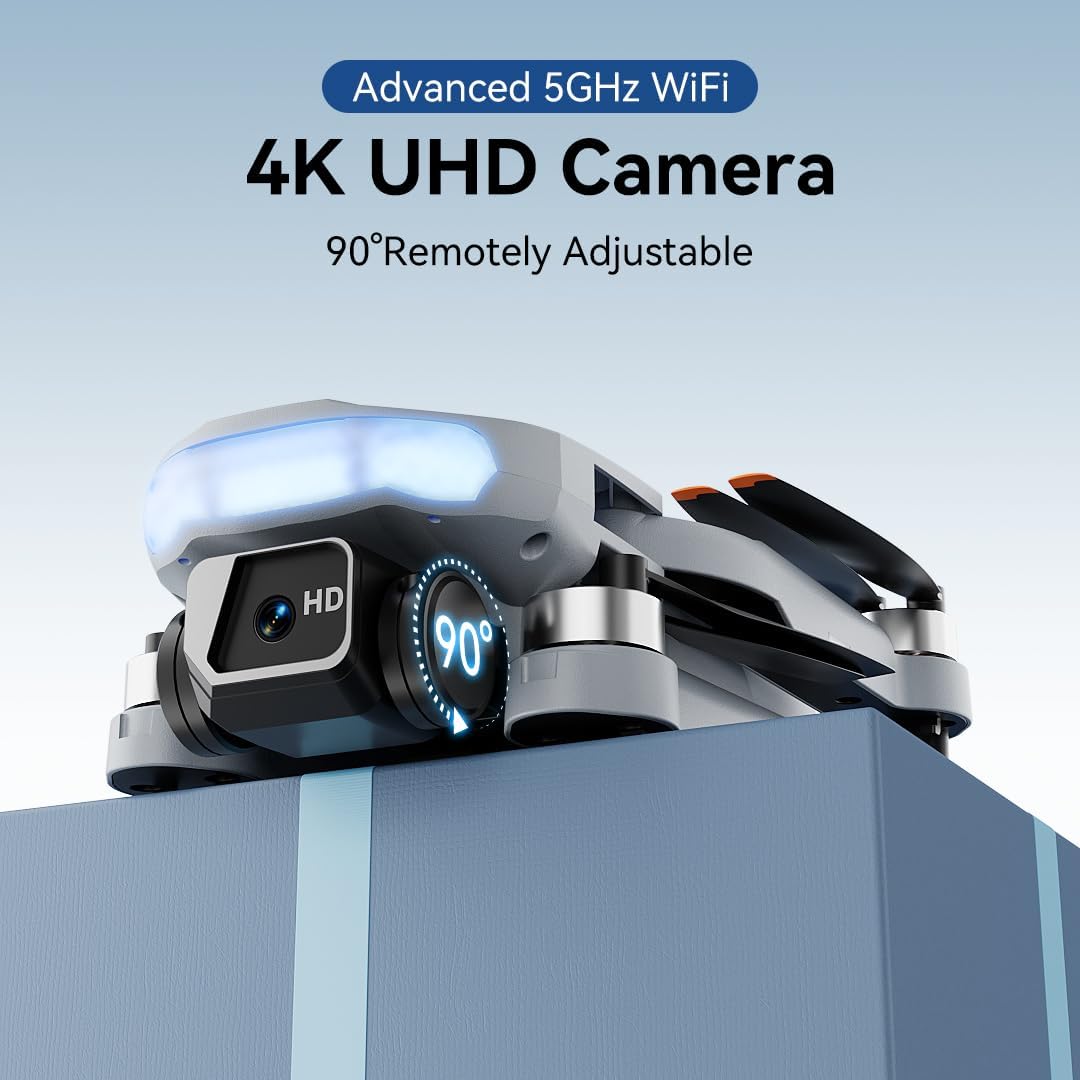
Use the camera up/down buttons located at the top-right corner of the remote controller to tilt the camera between 0 and 90 degrees during flight.
7.3. Viewing Media
Tap the album icon in the app to view your captured photos and videos. Media will be saved on both your mobile phone and the inserted memory card.
8. Inteligentní letové režimy
The B16 drone offers several intelligent flight modes for enhanced user experience and creative possibilities.
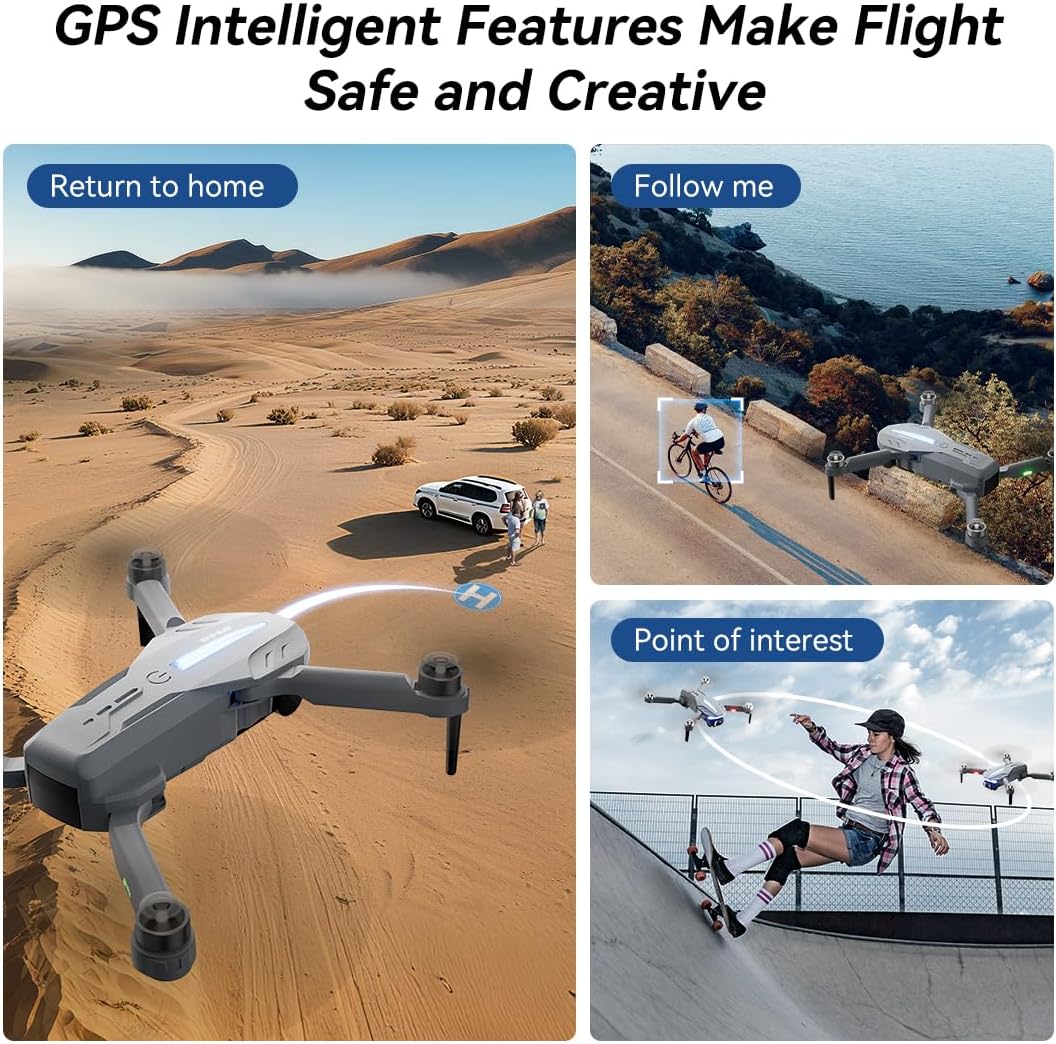
- Automatický návrat GPS: In GPS mode, the drone automatically returns to its takeoff point if the signal is lost, battery is low, or the "One-Key Return" button is pressed.
- Následuj mě: Engage Follow Me mode to have the drone automatically track and follow you, freeing your hands for other activities.
- Zajímavé místo: Set a point of interest, and the drone will orbit around it, capturing dynamic footage.
- Triple-Stable Hover: Built with GPS, barometric pressure, and optical flow systems, the drone ensures steady hovering for stable shots.


9. Přistání
Ensure the landing area is clear of obstacles.
- Manuální přistání: Push the left control stick backward to make the drone descend and land.
- Přistání jedním klíčem: Press and hold the Landing button on the remote for 1 second. The drone will automatically descend and land until the propellers stop rotating.
10. Skladování
Proper storage helps maintain the drone's longevity.
- Vypnout: Press and hold the power button on both the drone and the remote controller to turn them off.
- Vyjměte baterii: Remove the drone battery for better storage and to prevent discharge.
- Skládací paže: Fold the drone arms inward to their compact position.
- Zabalit: Place the drone and remote controller into the portable storage bag.
11. Specifikace
| Funkce | Specifikace |
|---|---|
| Značka | FERIETELF |
| Model | B16 |
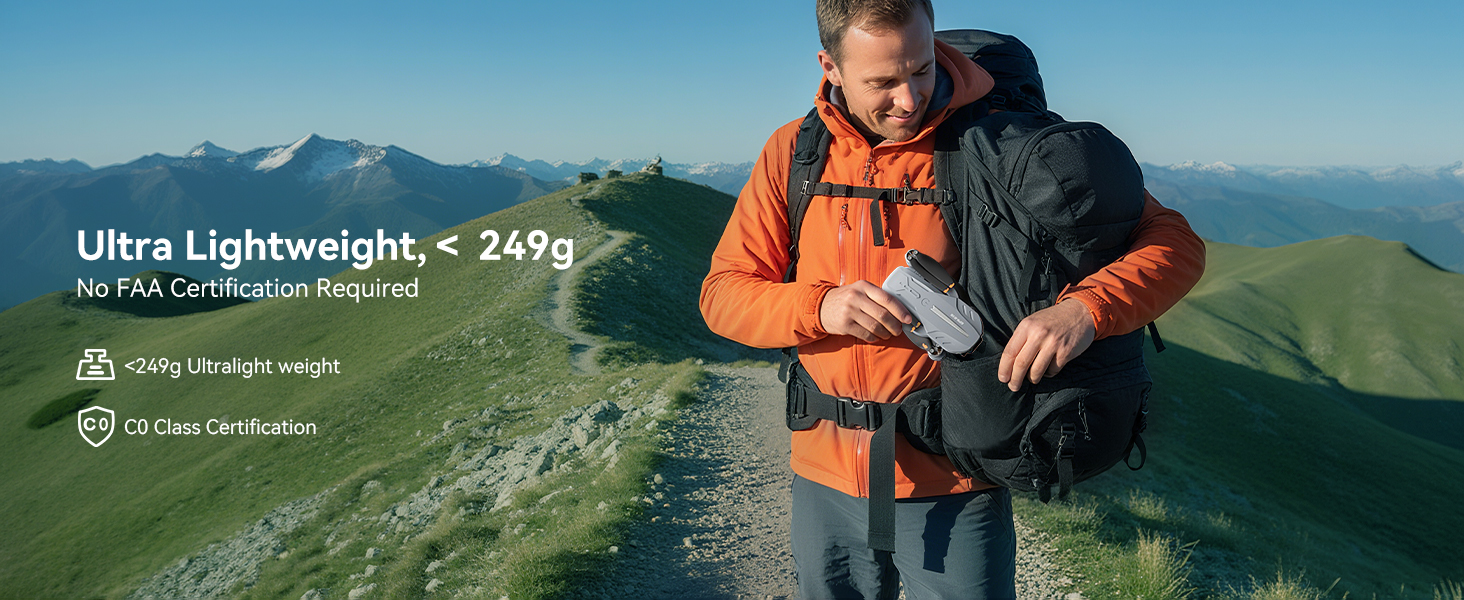
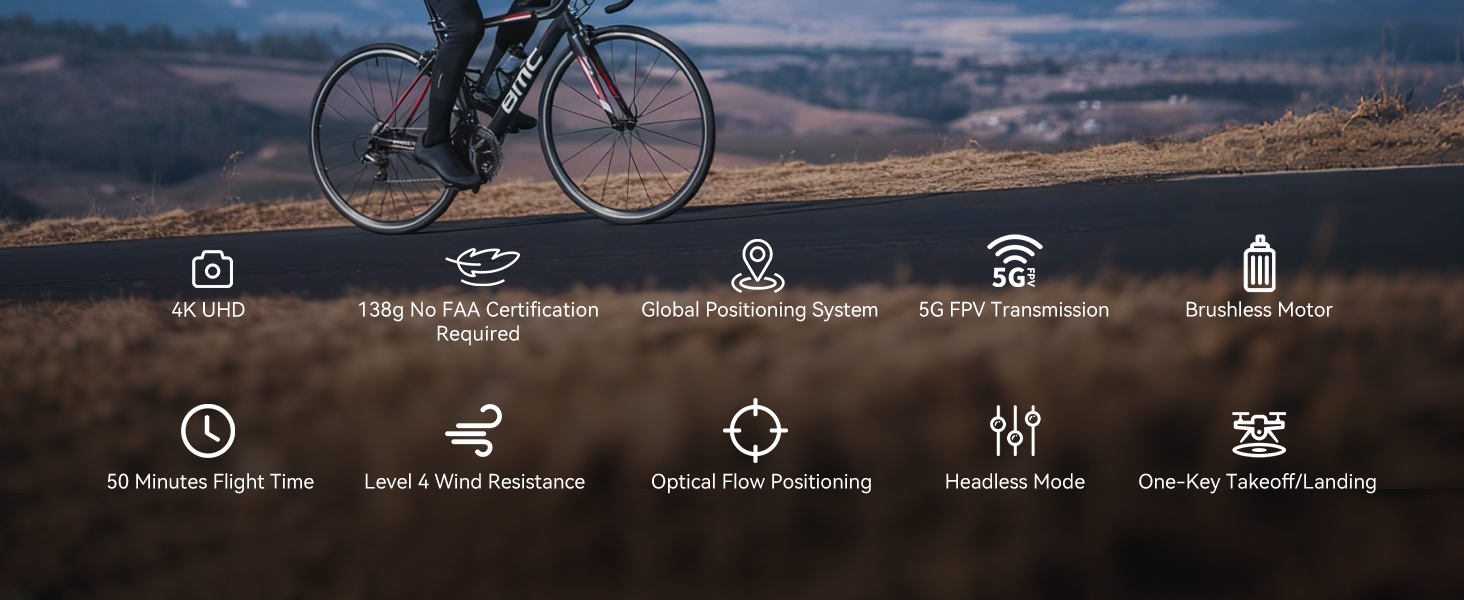
| Hmotnost | 150 g (Under 249g) |
| Rozměry | 19.5 x 18.8 x 5 cm |
| Fotoaparát | 4K HD, 120° Wide-Angle, 90° Motorized Adjustment |
| Přenos | 5GHz FPV Real-Time Transmission (up to 1640 feet/500m) |
| Typ motoru | Bezkartáčový motor |
| Doba letu | Up to 50 minutes (with 2 batteries, 20-25 mins each) |
| Polohovací systém | GPS & Optical Flow Dual Positioning |
| Odolnost proti větru | Úroveň 4 |
| Režimy ovládání | Button Control, App Control, Gravity Control, Voice Control |


12. Řešení problémů
- Dron se nezapíná: Ujistěte se, že je baterie plně nabitá a správně vložená.
- Dálkové ovládání se nespáruje: Ensure both the drone and remote are powered on and within range. Re-attempt the pairing process.
- Žádný signál GPS: Fly the drone outdoors in an open area with a clear view of the sky. GPS function cannot be activated indoors.
- Nestabilní let: Perform compass and gyroscope calibration as described in Section 4. Ensure propellers are correctly installed and undamaged.
- Problémy s připojením k aplikaci: Ensure your phone is connected to the drone's Wi-Fi network and the app is updated to the latest version.
- Krátká doba letu: Ujistěte se, že jsou baterie plně nabité. Doba letu může být ovlivněna větrnými podmínkami a agresivním létáním.
13. Bezpečnostní pokyny
- Always fly in open areas, away from people, animals, buildings, and trees.
- Nelétejte za silného větru nebo nepříznivých povětrnostních podmínek.
- Maintain a safe distance from high-voltage dráty a jiné překážky.
- Ensure the drone is always within your line of sight.
- Regularly check the drone and its components for any damage before and after each flight.
- Do not operate the drone under the influence of drugs or alcohol.
- Dodržujte všechny místní předpisy a zákony týkající se provozu dronů.
14. Oficiální produktová videa
Watch the official first-use guide for the Ameta S20 drone, which shares similar operational principles with the FERIETELF B16, to assist with initial setup and flight.