
1. Konec produktuview
The HP OMEN 16 MAX Gaming Laptop is engineered for high-performance gaming and demanding creative tasks. It features advanced cooling solutions and powerful components to ensure stable operation under heavy loads. This manual provides essential information for setting up, operating, maintaining, and troubleshooting your device.
Klíčové vlastnosti:
- Vysoce výkonné zpracování: Equipped with AMD Ryzen AI 7 H 350 processor (up to 5.0 GHz max boost clock, 8 cores, 16 threads) for seamless multitasking and gaming.
- Pokročilá grafika: Features NVIDIA GeForce RTX 5070 Laptop GPU (8 GB GDDR7 dedicated) for superior visual performance.
- Pohlcující displej: 16-inch WQXGA (2560 x 1600) display with a 60–240 Hz refresh rate, 3 ms response time, IPS panel, micro-edge, anti-glare, Low Blue Light, 500 nits brightness, and 100% sRGB color gamut.
- Robustní chladicí systém: OMEN Tempest Cooling PRO architecture, Fan Cleaner technology, OMEN Cryo Compound, and OMEN IR Sensor for optimal thermal management.
- Konektivita: Includes 2 USB Type-A 10Gbps, 1 AC smart pin, 1 HDMI 2.1, 1 headphone/microphone combo, 1 RJ-45, 2 USB Type-C 40Gbps (with Power Delivery 3.1, DisplayPort 2.1, HP Sleep and Charge), Wi-Fi 7 BE200 (2x2), and Bluetooth 5.4.
- Operační systém: Předinstalovaný systém Windows 11 Home.
2. Počáteční nastavení
2.1 Unpacking and Connecting Power
Carefully remove the laptop and all accessories from the packaging. Connect the provided power adapter to the laptop's AC smart pin port and then to a power outlet. Ensure the battery is fully charged before initial use or extended gaming sessions.

Image: HP OMEN 16 MAX Gaming Laptop with power adapter connected.
The power adapter is crucial for delivering consistent power, especially during high-performance tasks. The laptop weighs approximately 5.48 lbs (2.69 kg), making it portable for a gaming machine.
2.2 První spuštění a nastavení systému Windows
Press the power button to turn on the laptop. Follow the on-screen instructions to complete the Windows 11 Home setup. This includes selecting your region, connecting to a Wi-Fi network, and creating a user account. It is recommended to install all available Windows updates after the initial setup.
3. Hardwarové komponenty
3.1 Porty a konektivita
The OMEN 16 MAX offers a comprehensive selection of ports for various peripherals and external displays:
- 2 x USB typu A (rychlost signálu 10 Gb/s)
- 1 x AC Smart Pin (pro napájecí adaptér)
- 1 x HDMI 2.1 (for external displays)
- 1 x kombinovaný konektor pro sluchátka/mikrofon
- 1 x RJ-45 (Ethernet port)
- 2 x USB Type-C (40Gbps signaling rate, supporting USB Power Delivery 3.1, DisplayPort 2.1, and HP Sleep and Charge)

Obrázek: Boční view of the HP OMEN 16 MAX Gaming Laptop highlighting its various ports.
3.2 Displej
The 16-inch WQXGA (2560x1600) display provides crisp visuals and smooth motion with a 240Hz refresh rate and 3ms response time. It supports 100% sRGB color gamut and 500 nits brightness for vibrant and accurate colors.
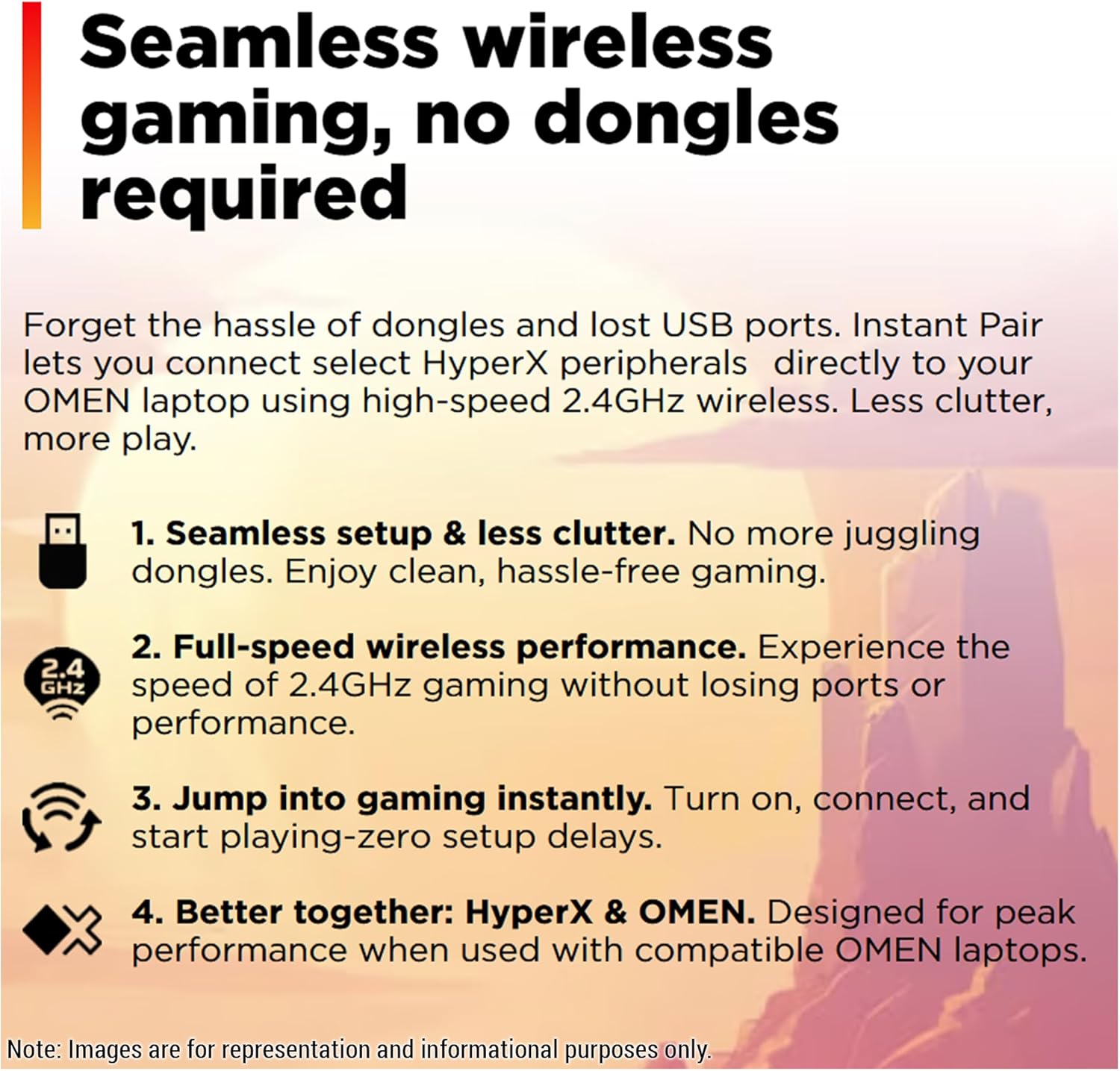
Image: The HP OMEN 16 MAX display showcasing vibrant visuals.
3.3 Klávesnice a touchpad
The laptop features a 4-zone RGB backlit keyboard, allowing for customizable lighting effects through the OMEN Gaming Hub. The touchpad provides precise navigation and supports multi-touch gestures.

Image: The 4-zone RGB backlit keyboard of the HP OMEN 16 MAX.
4. Ovládání notebooku
4.1 OMEN Gaming Hub and Performance Modes
The OMEN Gaming Hub software allows you to monitor system vitals, customize RGB lighting, and manage performance settings. The 'Unleashed Mode' enables manual overclocking of your device beyond factory limits, leveraging the OMEN Tempest Cooling PRO architecture for enhanced performance.

Image: OMEN Gaming Hub interface showing Unleashed Mode.
4.2 Bezdrátové připojení
The laptop supports Wi-Fi 7 BE200 (2x2) and Bluetooth 5.4 for seamless wireless connections. It also features 'Instant Pair' for connecting select HyperX peripherals directly via high-speed 2.4GHz wireless, reducing the need for dongles.
Image: Wireless gaming features of the HP OMEN 16 MAX.
5. Maintenance and Cooling
The OMEN 16 MAX incorporates several technologies to maintain optimal performance and longevity:
- OMEN Tempest Cooling PRO: An advanced cooling architecture designed to keep CPU and GPU temperatures low during intense usage.
- Fan Cleaner (Powered by Intel): Self-cleaning fan technology that reduces dust accumulation and minimizes performance degradation over time.
- OMEN Cryo Compound: A hybrid thermal material applied to the CPU and GPU for enhanced heat dissipation, similar to liquid metal but with improved viscosity for durability.
- OMEN IR Sensor: Dynamically adjusts thermal and acoustic performance in real-time based on internal temperature readings.
Regularly ensure that the laptop's vents are clear of obstructions to allow for proper airflow. While the Fan Cleaner technology reduces maintenance needs, occasional cleaning of external dust from vents with compressed air can further improve cooling efficiency.
6. Řešení problémů
6.1 Běžné problémy a řešení
- Notebook se nezapíná: Ujistěte se, že je napájecí adaptér bezpečně připojen a baterie je nabitá. Zkuste podržet tlačítko napájení po dobu 15 sekund, abyste provedli tvrdý reset.
- Performance issues (lag, low FPS): Check OMEN Gaming Hub for performance mode settings. Ensure all drivers (especially graphics drivers) are up to date. Verify that the cooling vents are not blocked.
- Problémy s připojením k Wi-Fi nebo Bluetooth: Restart the laptop. Check device manager for driver issues. Ensure wireless adapters are enabled in Windows settings.
- Screen flickering or display issues: Update graphics drivers. Try connecting to an external monitor to determine if the issue is with the laptop's display or the graphics card.
Podrobnější informace o řešení problémů nebo o přetrvávajících problémech naleznete na stránkách podpory HP. webnebo kontaktujte zákaznický servis.
7. Technické specifikace
| Funkce | Specifikace |
|---|---|
| Název modelu | HP OMEN 16 MAX Gaming-6 |
| Procesor | AMD Ryzen AI 7 H 350 (up to 5.0 GHz max boost, 8 cores, 16 threads) |
| Grafika | NVIDIA GeForce RTX 5070 Laptop GPU (8 GB GDDR7 dedicated) |
| BERAN | 64 GB DDR5 SO-DIMM |
| Skladování | 2 TB PCIe SSD |
| Zobrazit | 16-inch WQXGA (2560 x 1600), 240Hz refresh rate, 3 ms response time, IPS, 500 nits, 100% sRGB |
| Operační systém | Windows 11 Home |
| Bezdrátové připojení | Wi-Fi 7 BE200 (2x2), Bluetooth 5.4 |
| Porty | 2x USB Type-A (10Gbps), 1x AC smart pin, 1x HDMI 2.1, 1x Headphone/mic combo, 1x RJ-45, 2x USB Type-C (40Gbps, PD 3.1, DP 2.1, HP Sleep and Charge) |
| Klávesnice | 4zónová RGB podsvícená klávesnice |
| Barva | Stínová černá |
| Rozměry (DxŠxV) | 14.04 x 10.59 x 0.9 palce |
| Hmotnost položky | 5.48 libry |
8. Záruka a podpora
Your HP OMEN 16 MAX Gaming Laptop comes with a standard manufacturer's warranty. For specific warranty terms and conditions, please refer to the documentation included with your product or visit the official HP support webwebu. K dispozici je také možnost zakoupení rozšířených ochranných plánů.
Zákaznická podpora:
For technical assistance, driver downloads, or service inquiries, please visit the HP support website or contact HP customer service directly. Have your product model number and serial number ready when contacting support.
9. Další zdroje
9.1 Produktové videoview
For a visual guide and deeper understanding of the HP OMEN MAX 16, watch the official product video:
Video: A deep dive on the HP OMEN MAX 16 Gaming Laptop, showcasinjeho vlastnosti a možnosti.