
Zavedení
Thank you for choosing the YFK Smart Fingerprint Door Lock. This manual provides detailed instructions for the installation, operation, and maintenance of your new smart lock. Please read this manual thoroughly before installation and use to ensure proper function and security.
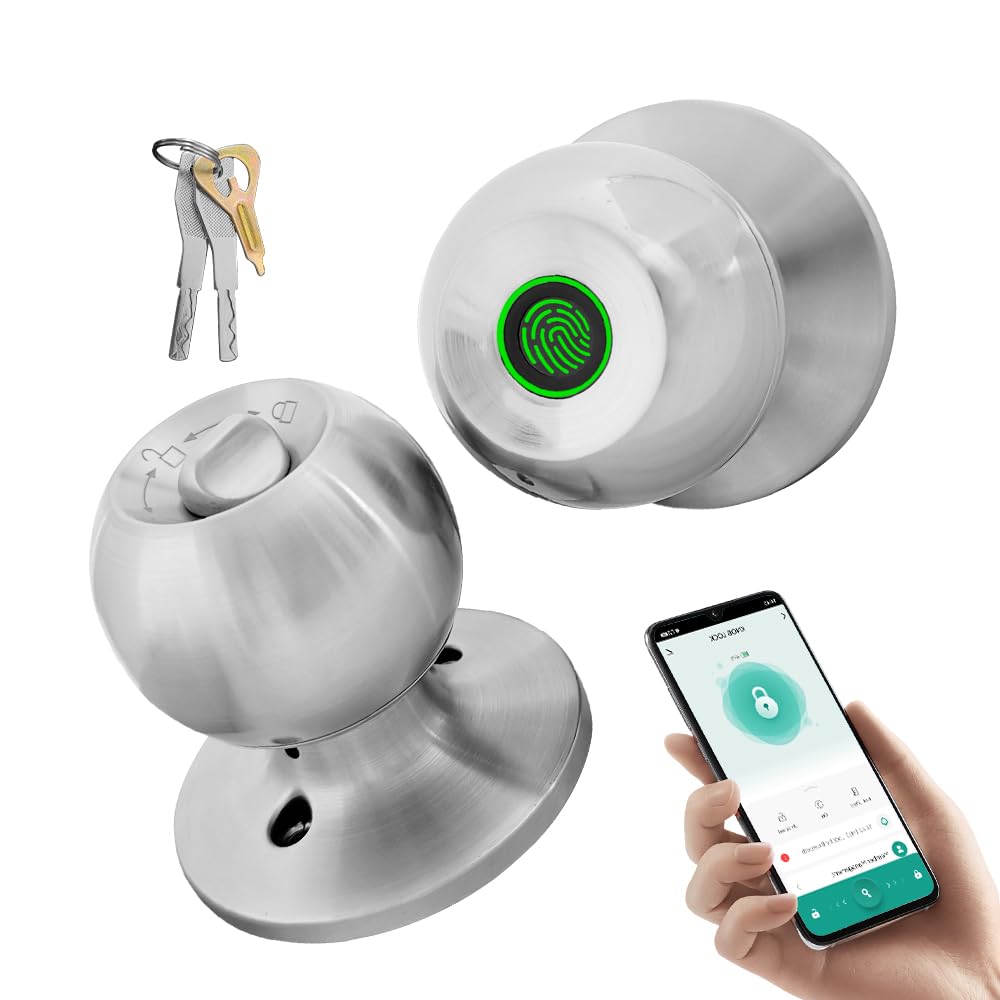
Image: The YFK Smart Fingerprint Door Lock in silver, showcasinjeho elegantní design.
Klíčové vlastnosti:
- Přístup otisků prstů: Unlock your door in approximately 1.5 seconds with advanced biometric technology. Stores up to 20 unique fingerprints.
- Multiple Unlocking Modes: Choose from fingerprint, mechanical key, or app access.
- Chytré ovládání aplikací: Manage your lock remotely via the Tuya Smart App, including Bluetooth unlocking, user management, and access history.
- Odolná konstrukce: Made from premium aluminum alloy and stainless steel for long-lasting performance.
- Dobíjecí baterie: Built-in Li-On rechargeable battery with an estimated life of 8-12 months, charged via a Type-C port.
- Univerzální kompatibilita: Compatible with wooden, steel, copper, and composite doors (35–55mm thick) and features an adjustable 60–70mm latch.
- Alarm slabé baterie: Provides warning when battery power is low.
Obsah balení
Před zahájením instalace se prosím ujistěte, že jsou všechny komponenty přítomny a nepoškozené.
- YFK Smart Fingerprint Door Lock Unit
- Instalační hardware
- 2 mechanické klávesy
- Uživatelská příručka
Nastavení a instalace
This section guides you through the physical installation of the YFK Smart Fingerprint Door Lock.
Kompatibilita dveří:
- Tloušťka dveří: 35mm to 55mm (1.38 inches to 2.17 inches)
- Západka: Adjustable 60mm to 70mm (2.36 inches to 2.76 inches)
- Typy dveří: Wooden, steel, copper, and composite doors.
Obecné kroky instalace:
- Připravte dveře: Ensure your door meets the compatibility requirements. If replacing an existing lock, remove it.
- Nainstalujte západku: Insert the latch into the door edge and secure it with screws. Adjust the backset if necessary.
- Instalace vnější sestavy: Place the exterior lock assembly (with fingerprint sensor) onto the door, aligning it with the latch.
- Nainstalujte vnitřní sestavu: Connect the interior lock assembly to the exterior assembly, ensuring the spindle and wires are correctly routed. Secure with mounting screws.
- Testovací provoz: After installation, test the mechanical key and ensure the knob turns smoothly.
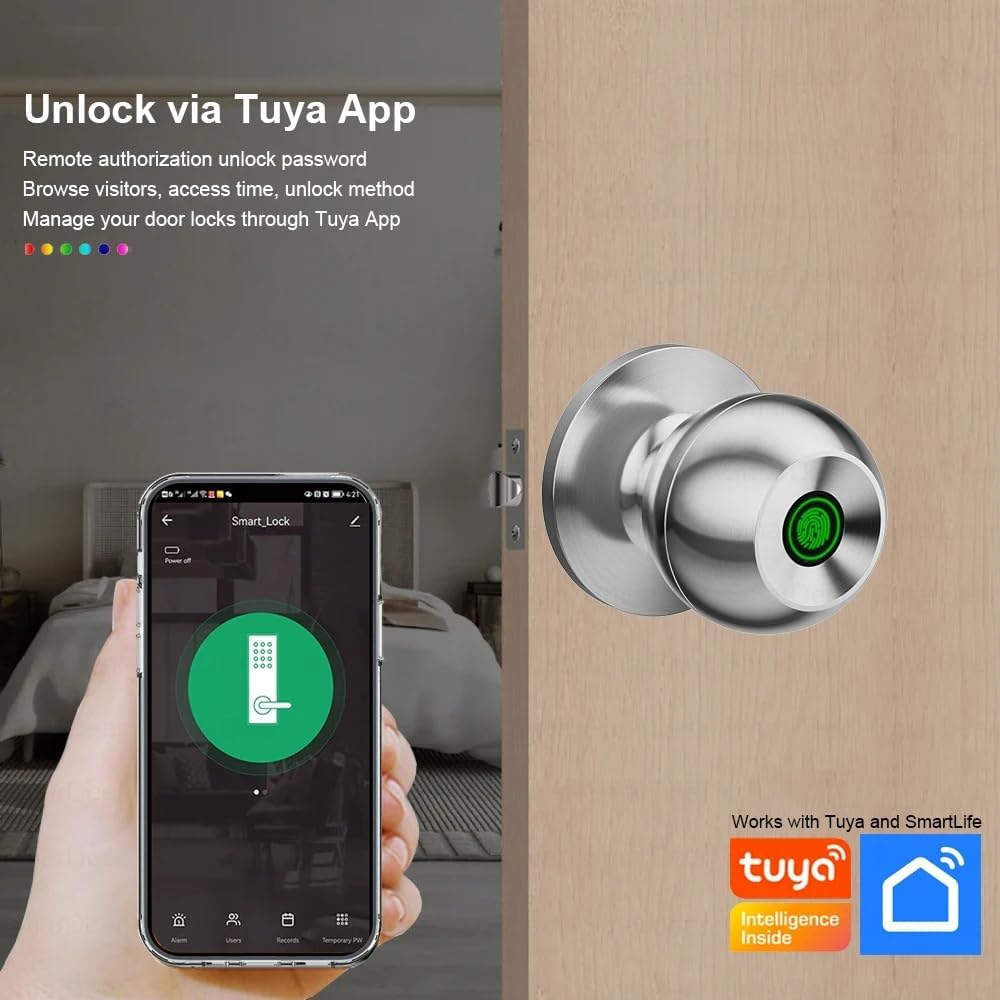
Image: The YFK Smart Fingerprint Door Lock shown installed on a wooden door, demonstrating its appearance after setup.
Návod k obsluze
Learn how to use the various unlocking methods and smart features of your YFK Smart Fingerprint Door Lock.
1. Fingerprint Access:
- Enroll Fingerprints:
- Download and install the Tuya Smart App (see 'Smart App Control' section).
- Follow the in-app instructions to add new fingerprints. You can store up to 20 unique fingerprints.
- Ensure your finger covers the entire sensor for accurate registration.
- Unlock with Fingerprint:
- Pevně přiložte registrovaný prst na snímač otisků prstů.
- The lock will unlock in approximately 1.5 seconds if the fingerprint is recognized.
2. Mechanical Key Access:
- In case of emergency or battery depletion, use one of the two provided mechanical keys.
- Insert the key into the keyhole located on the exterior assembly and turn to unlock.

Obrázek: Podrobný view of the YFK Smart Door Lock's exterior, highlighting the mechanical keyhole and the Type-C charging port.
3. Smart App Control (Tuya Smart App):
The Tuya Smart App allows for remote management and enhanced control over your lock.
- Stáhnout a nainstalovat: Hledat "Tuya Smart" in your mobile app store (iOS or Android) and install the application.
- Spárování zámku:
- Povolte na svém smartphonu Bluetooth.
- Open the Tuya Smart App and follow the on-screen instructions to add a new device.
- Ensure your phone is within Bluetooth range of the lock during pairing.
- Funkce aplikace:
- Odblokování Bluetooth: Unlock the door directly from the app when within Bluetooth range.
- Správa otisků prstů uživatele: Add, edit, or delete registered fingerprints.
- Unlock Record Log: View a history of all lock and unlock events.
- Dočasný přístup: Grant temporary access to guests or service providers.
- Upozornění na vybitou baterii: Receive notifications when the lock's battery is low.

Image: A smartphone screen showing the Tuya Smart App interface, demonstrating remote control capabilities for the smart lock.

Image: An infographic illustrating the various functions available through the Tuya App, such as APP Unlock, User Fingerprint Management, and Lock Unlocking Record Log.
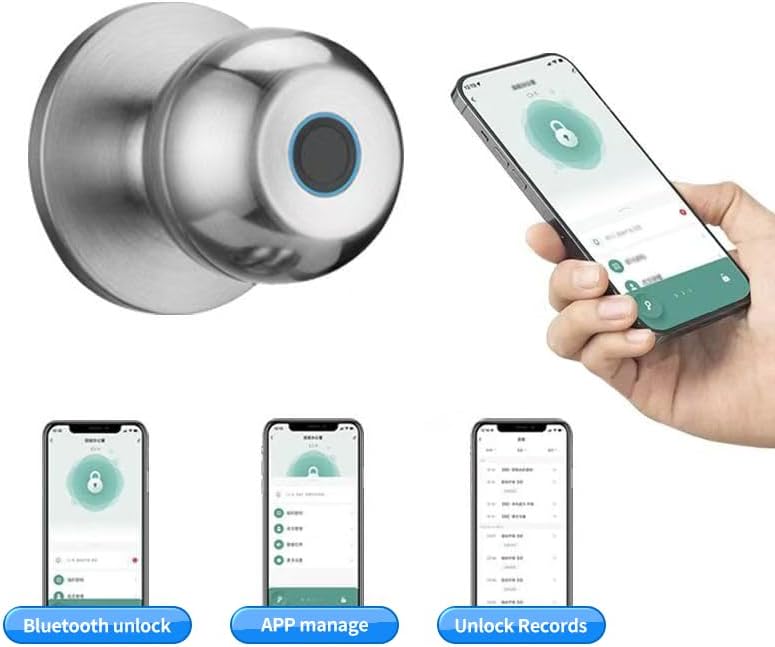
Image: Multiple smartphone screenshots demonstrating the Tuya App's features, including Bluetooth unlocking, app-based management, and viewing unlock records.
4. Multiple Unlocking Modes:
The lock supports various operational modes to suit different needs:
- Standardní režim: Requires fingerprint, key, or app unlock for each entry.
- Normálně otevřený režim: Keeps the door unlocked for continuous access (e.g., during parties or business hours). This mode can typically be activated via the app or a specific sequence on the lock.
- Reverse Lock Mode: (If applicable, specific details not provided, but generally implies a mode for enhanced security or specific access control). Refer to the Tuya App for advanced settings.
Údržba
Správa baterie:
- The YFK Smart Fingerprint Door Lock is equipped with a built-in Li-On rechargeable battery.
- Expected battery life is 8-12 months, depending on usage frequency.
- Nabíjení: Use a standard Type-C USB cable to charge the lock. The charging port is located on the exterior assembly.
- Upozornění na vybitou baterii: The lock will provide an audible or visual alert when the battery level is low. Charge the lock promptly to avoid being locked out.

Image: An illustration highlighting the Li-On rechargeable battery and the Type-C charging port of the YFK Smart Door Lock.
Obecná péče:
- Clean the lock's exterior with a soft, dry cloth. Avoid abrasive cleaners or solvents.
- Pro optimální výkon udržujte snímač otisků prstů čistý a bez nečistot nebo vlhkosti.
- Do not expose the lock to extreme temperatures or direct water spray.
Odstraňování problémů
This section addresses common issues you might encounter with your YFK Smart Fingerprint Door Lock.
- Otisk prstu nebyl rozpoznán:
- Ujistěte se, že máte prst čistý a suchý.
- Pevně a zcela přiložte prst na senzor.
- Try re-registering your fingerprint through the Tuya Smart App.
- Ensure the sensor is clean.
- Zámek nereaguje:
- Check the battery level. Recharge the lock if the battery is low.
- Use the mechanical key for emergency access.
- Problémy s připojením aplikace:
- Ujistěte se, že je na vašem smartphonu povoleno Bluetooth.
- Make sure your phone is within close proximity to the lock.
- Restart the Tuya Smart App or your phone.
- Try re-pairing the lock with the app.
- Lock Mechanism Sticking:
- Ensure the installation screws are not overtightened.
- Zkontrolujte, zda v zárubni nebo zárubni nejsou nějaké překážky.
Pokud problémy přetrvávají, obraťte se na zdroje podpory výrobce.
Specifikace
| Značka | YFK |
| Číslo modelu | B0FL7M8WDC |
| Materiál | Aluminum, Stainless Steel (Metal) |
| Barva | Stříbro |
| Rozměry produktu | 3.35"D x 2.64"Š |
| Kompatibilita tloušťky dveří | 35 mm - 55 mm |
| Nastavitelná západka | 60 mm - 70 mm |
| Typ zámku | Combination Lock (Fingerprint, Key, App) |
| Speciální funkce | Auto-Lock, Fingerprint, Lightweight, Lockable, Rustproof |
| Typ baterie | Built-in Li-On Rechargeable Battery |
| Nabíjecí port | Typ-C |
| Vnitřní/venkovní použití | Krytý |
| Orientace rukou | Obouruký |
Záruka a podpora
For warranty information, technical support, or further assistance, please refer to the official YFK webwebu nebo se obraťte přímo na jejich zákaznický servis. Podrobnosti jsou obvykle uvedeny v dokumentaci k nákupu nebo na obalu produktu.
Výrobce: door knob (as per product specifications, please refer to YFK for official support)