
Zavedení
This manual provides essential information for setting up, operating, maintaining, and troubleshooting your XIAOMI Redmi 15C smartphone. Please read this guide thoroughly to ensure optimal performance and longevity of your device.

Image: The XIAOMI Redmi 15C smartphone, highlighting its sleek design and available color options.
The Redmi 15C features a durable and attractive design, measuring 8.2mm thin. Its robust construction ensures reliability for daily use.

Obrázek: Boční view of the Redmi 15C, illustrating its ultra-thin 8.2mm body.
Nastavení
1. Instalace SIM karty
The Redmi 15C supports Dual SIM functionality with Nano SIM cards. To install your SIM cards:
- Vyhledejte držák SIM karty na boku zařízení.
- Insert the SIM ejector tool (usually found in the box) into the small hole next to the tray and push gently until the tray pops out.
- Place your Nano SIM card(s) into the designated slots on the tray. Ensure the gold contacts face downwards.
- Opatrně vložte zásobník zpět do telefonu, dokud nezacvakne na místo.
2. Počáteční zapnutí a konfigurace
První zapnutí zařízení:
- Stiskněte a podržte tlačítko napájení, dokud se nezobrazí logo XIAOMI.
- Postupujte podle pokynů na obrazovce a vyberte jazyk, připojte se k síti Wi-Fi a nastavte si účet Google.
- Configure biometric identification features such as fingerprint recognition for enhanced security.
Obsluha vašeho zařízení
Displej a uživatelské rozhraní
The Redmi 15C features a large 6.9-inch HD LCD screen with a resolution of 720x1600 pixels and a 120Hz refresh rate, providing an impressive visual experience for all your content.

Image: The 6.9-inch eye-friendly display of the Redmi 15C, highlighting its size, 120Hz refresh rate, 720x1600 resolution, and 33W fast charging capability.
Funkce fotoaparátu
Capture detailed and brilliant photos with the 50-megapixel AI dual camera system. The rear camera features an f/1.8 large aperture, and the front camera has an 8MP sensor. Utilize various modes for optimal results:
- AI Portrait Mode: For professional-looking portraits with blurred backgrounds.
- Noční režim: Vylepšuje fotografie pořízené za slabého osvětlení.
- Režim HDR: Improves dynamic range for balanced exposure in challenging lighting.

Image: The 50MP high-definition camera system of the Redmi 15C, detailing its features like AI Portrait Mode and Night Mode.
Správa a nabíjení baterie
Your Redmi 15C is equipped with a massive 6000 mAh high-capacity battery, providing ultra-long battery life. It supports 33W fast charging to quickly replenish power.

Image: Visual representation of the Redmi 15C's 6000mAh ultra-long battery life.
To charge your device, connect the USB-C cable to the charging port and a compatible 33W fast charger. Avoid using non-certified chargers to prevent damage.
Výkon
The device is powered by a MediaTek Helio G81-Ultra octa-core processor, ensuring smooth performance for daily multitasking, popular applications, and mainstream gaming. With 4GB of RAM and 256GB of storage, you can enjoy a fluid and efficient user experience.
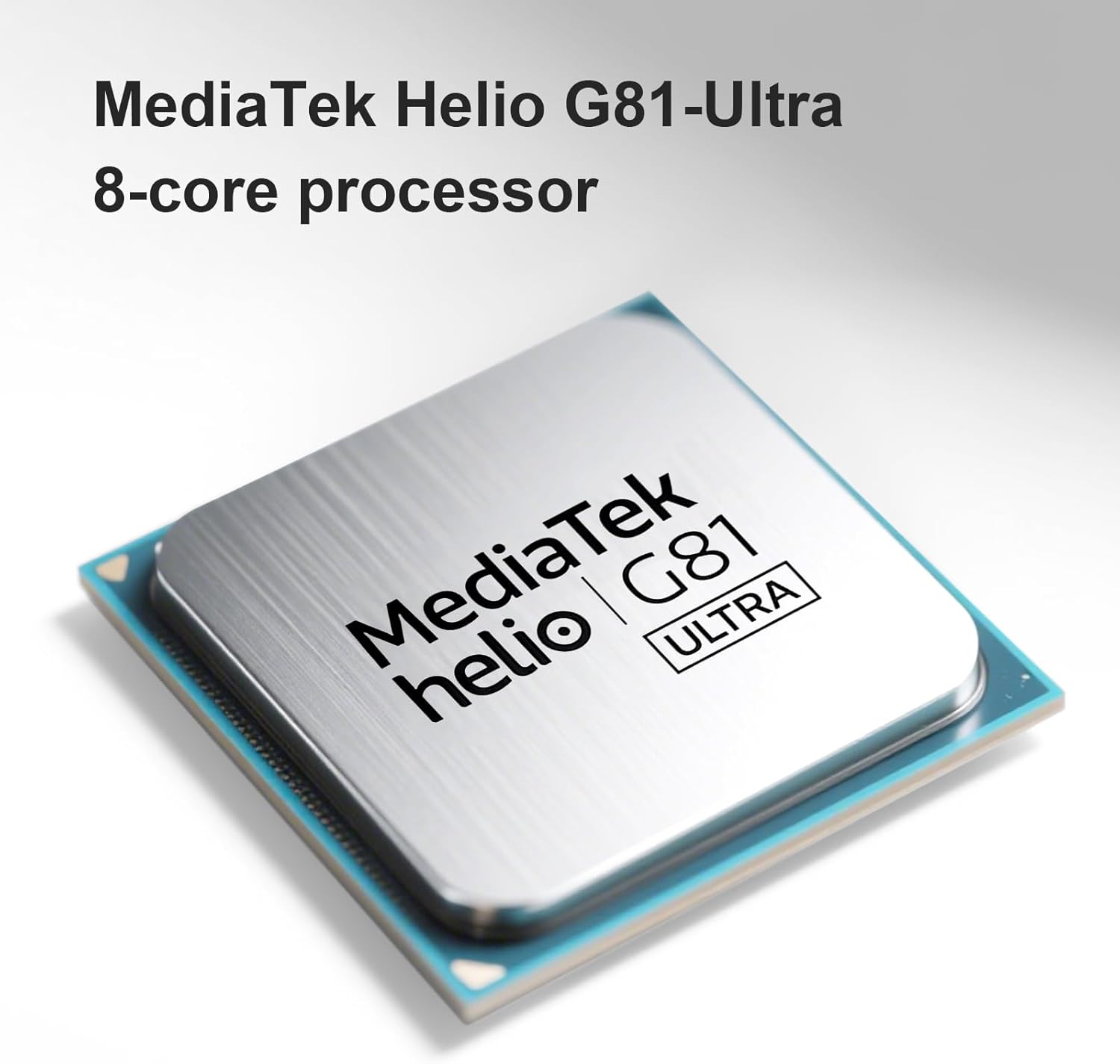
Image: The MediaTek Helio G81-Ultra 8-core processor, which powers the Redmi 15C for smooth performance.
Údržba
Čištění zařízení
To clean your Redmi 15C, use a soft, lint-free cloth. Avoid using harsh chemicals, abrasive materials, or excessive moisture, as the device is not water-resistant.
Aktualizace softwaru
Regularly check for and install software updates to ensure your device has the latest features, security patches, and performance improvements. You can usually find this option in the device's settings under "About phone" or "System updates."
Péče o baterie
To prolong battery life, avoid exposing your phone to extreme temperatures. It is recommended to keep the battery charge between 20% and 80% for optimal long-term health, though occasional full charges/discharges are acceptable.
Odstraňování problémů
If you encounter issues with your Redmi 15C, consider the following common solutions:
- Zařízení nereaguje: Stiskněte a podržte tlačítko napájení po dobu přibližně 10–15 sekund pro vynucení restartu.
- Pomalý výkon:
- Zavřete nepoužívané aplikace běžící na pozadí.
- Vymažte data mezipaměti u často používaných aplikací.
- Zajistěte dostatek úložného prostoru (alespoň 10–15 % volného).
- Proveďte aktualizaci softwaru, pokud je k dispozici.
- Rychlé vybíjení baterie:
- Zkontrolujte v nastavení spotřebu baterie, abyste identifikovali aplikace s vysokou spotřebou energie.
- Snižte jas obrazovky a zkraťte dobu nečinnosti obrazovky.
- Pokud nepoužíváte nepotřebné funkce, jako je GPS, Bluetooth nebo Wi-Fi, vypněte je.
- Problémy s připojením k síti:
- Zapnutí a vypnutí režimu Letadlo.
- Restartujte zařízení.
- Verify SIM card installation and contact your service provider if issues persist.
- Obnovení továrního nastavení: Jako poslední možnost pro přetrvávající problémy se softwarem můžete provést obnovení továrního nastavení. Varování: Tímto smažete všechna data v zařízení. Před pokračováním si zálohujte důležitá data. This option is typically found in Settings > System > Reset options.
Specifikace
| Značka | XIAOMI |
| Název modelu | 15C |
| Operační systém | Android 14 |
| Velikost RAM | 4 GB |
| Kapacita úložiště | 256 GB |
| Velikost obrazovky | 6.9 palce |
| Rezoluce | 720x1600 pixelů |
| Obnovovací frekvence | 120 Hz |
| Buněčná technologie | 4G |
| Technologie připojení | 4G, LTE |
| Barva | Černý |
| Number of SIM Card Slots | Duální SIM |
| Typ nabíjecího portu | USB-C |
| Biometrická identifikace | Rozpoznávání otisků prstů |
| SIM Card Format | Nano |
| Úroveň odolnosti proti vodě | Není voděodolný |
| Jack pro sluchátka | Neznámý |
| Front Camera Sensor Resolution | 8 MP |
| Rear Camera Sensor Resolution | 50 MP |
| Number of Rear Cameras | 1 |
| Number of Front Cameras | 1 |
| Maximální výkon baterie | 6000 miliamper-hodina (mAh) |
| Efektivní rozlišení videa | 1080 XNUMX pixelů |
| Rozlišení záznamu videa | 1080p |
| Snímková frekvence | 30fps or 60fps |
| Typ obrazovky | LCD |
| Rozměry položky | 17 x 8 x 0.8 cm |
| GPS and Georeferencing | Falešný |
| Obsah balení | Smartphone |

Image: EU Energy Label for Redmi, indicating energy efficiency, battery life, durability, and IP64 rating. For more details, visit the official Databáze EPREL.
Informace o záruce
Your XIAOMI Redmi 15C smartphone is covered by a standard manufacturer's warranty. The specific terms and duration of the warranty may vary by region and point of purchase. Please refer to the warranty card included in your product packaging or visit the official XIAOMI webstránky pro podrobné informace.
Uschovejte si doklad o koupi (účtenku nebo fakturu), bude potřebný pro případné reklamace.
Podpora
For further assistance, technical support, or service inquiries, please contact XIAOMI customer support through one of the following channels:
- Oficiální Webmísto: Navštivte XIAOMI Global Support page for FAQs, user guides, and contact options.
- Servisní střediska: Locate authorized XIAOMI service centers in your region via the official webmísto.
- Online komunita: Připojte se k XIAOMI Community to find solutions and interact with other users.
Before contacting support, please have your device's model number and serial number ready. This information can usually be found in Settings > About phone.