
1. Konec produktuview
The aMagisn Bluetooth Wireless Remote Control is designed for seamless control of various action cameras and smartphones. It offers extended range, long battery life, and a durable, splash-resistant design, making it suitable for diverse shooting environments.
Obsah balení
- Dálkové ovládání x 1
- Nabíjecí kabel x 1
- Short Wrist Strap x 1
- Long Wrist Strap x 1
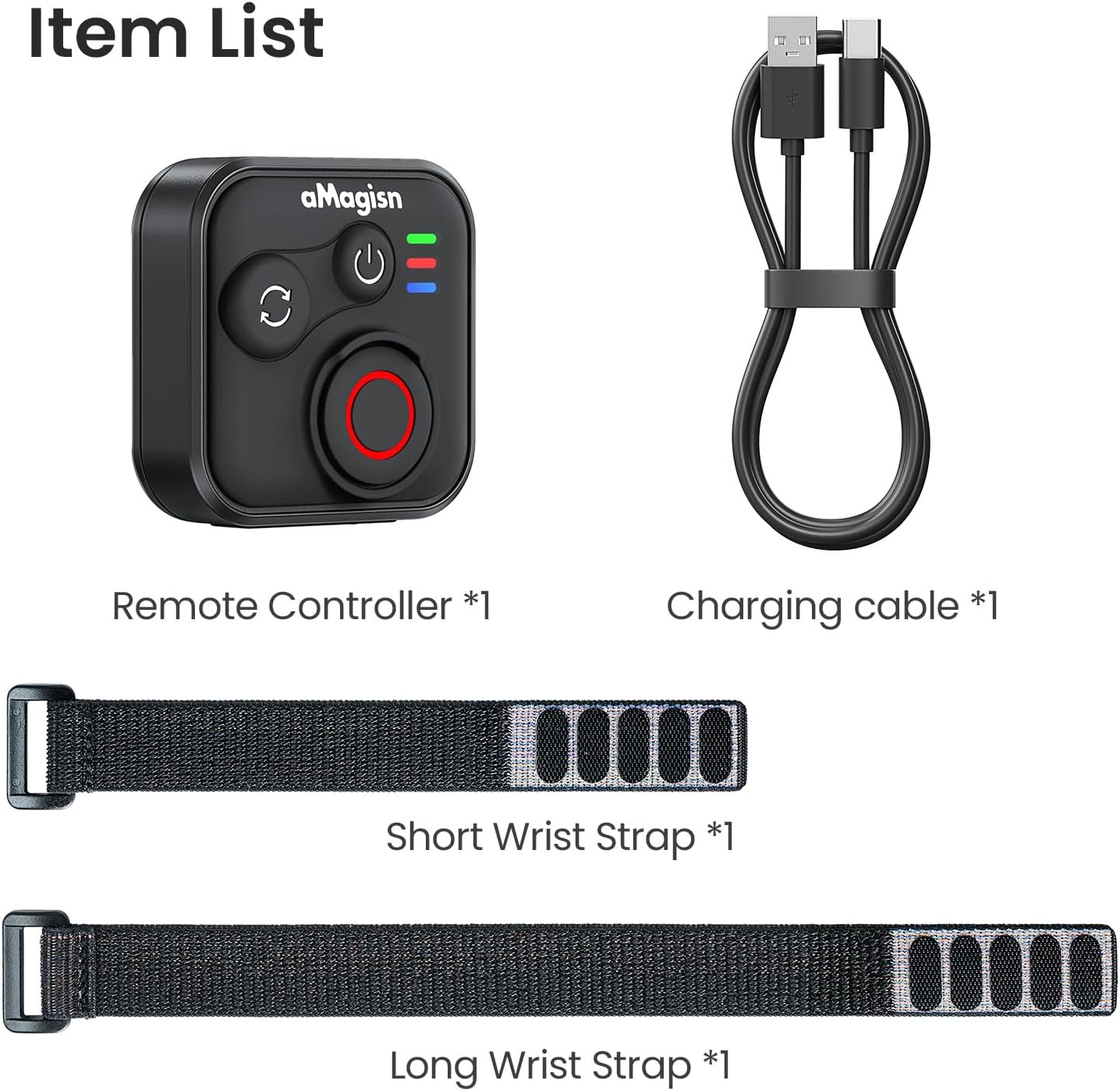
Image: Package contents including the remote, charging cable, and two wrist straps.
2. Specifikace
| Značka | aMagisn |
| Název produktu | Sports Camera Bluetooth Remote Control |
| Kompatibilní zařízení | Insta360 series cameras, GoPro Hero series cameras, Android smartphones, iOS smartphones |
| Materiál | ABS silikon |
| Rozměry | 37.0 x 37.0 x 18.9 mm |
| Hmotnost | 23 g |
| Kapacita baterie | 3.7 V / 120 mAh lithium-ion |
| Doba nabíjení | Přibližně 3 hodiny |
| Nabíjecí vstup | 5V/100mA |
| Maximální dosah | Up to 76 meters (device dependent) |

Image: Visual representation of the remote control's dimensions and key specifications.
3. Nastavení
Nabíjení dálkového ovladače
Before first use, fully charge the remote control. Connect the provided charging cable to the USB-C port on the remote and to a standard USB power source. The charging indicator light will show the charging status.
Spárování se zařízeními
The remote control supports pairing with Insta360 cameras, GoPro cameras, and iOS/Android smartphones.
- Zapnutí: Briefly press the Power Button to turn on the remote.
- Vstupte do režimu párování: If pairing with a new device, perform an Ultra-long press on the Mode Switch Button to force the remote to re-pair. The light indicator will show alternating blue, red, and green flashes.
- Activate Bluetooth on Device: On your camera or smartphone, enable Bluetooth and search for available devices.
- Select Remote: Select the aMagisn remote from the list of found devices to complete the pairing process.
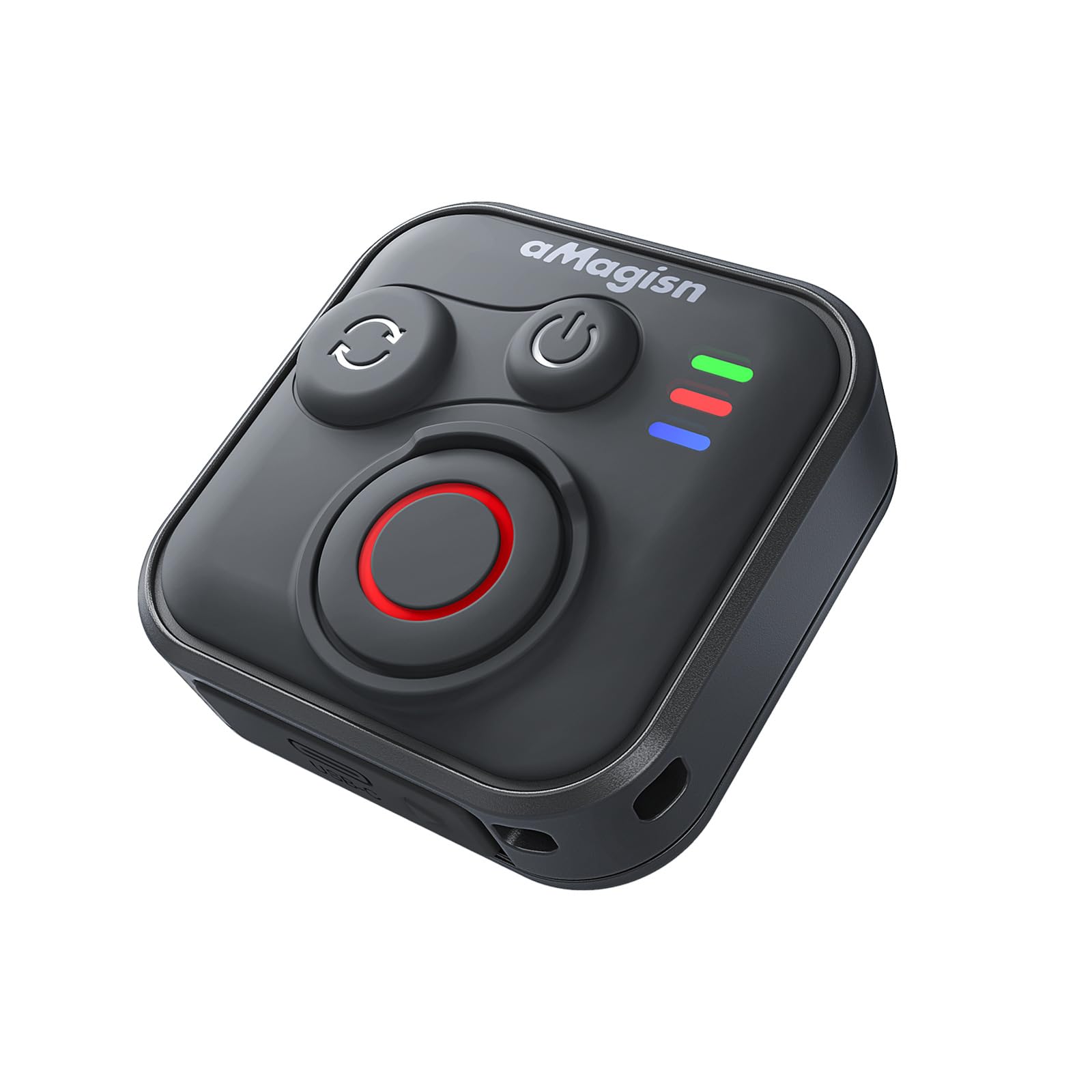
Image: The remote control demonstrating its Bluetooth 5.1 range, compatible with various devices.
4. Návod k obsluze
Funkce tlačítek
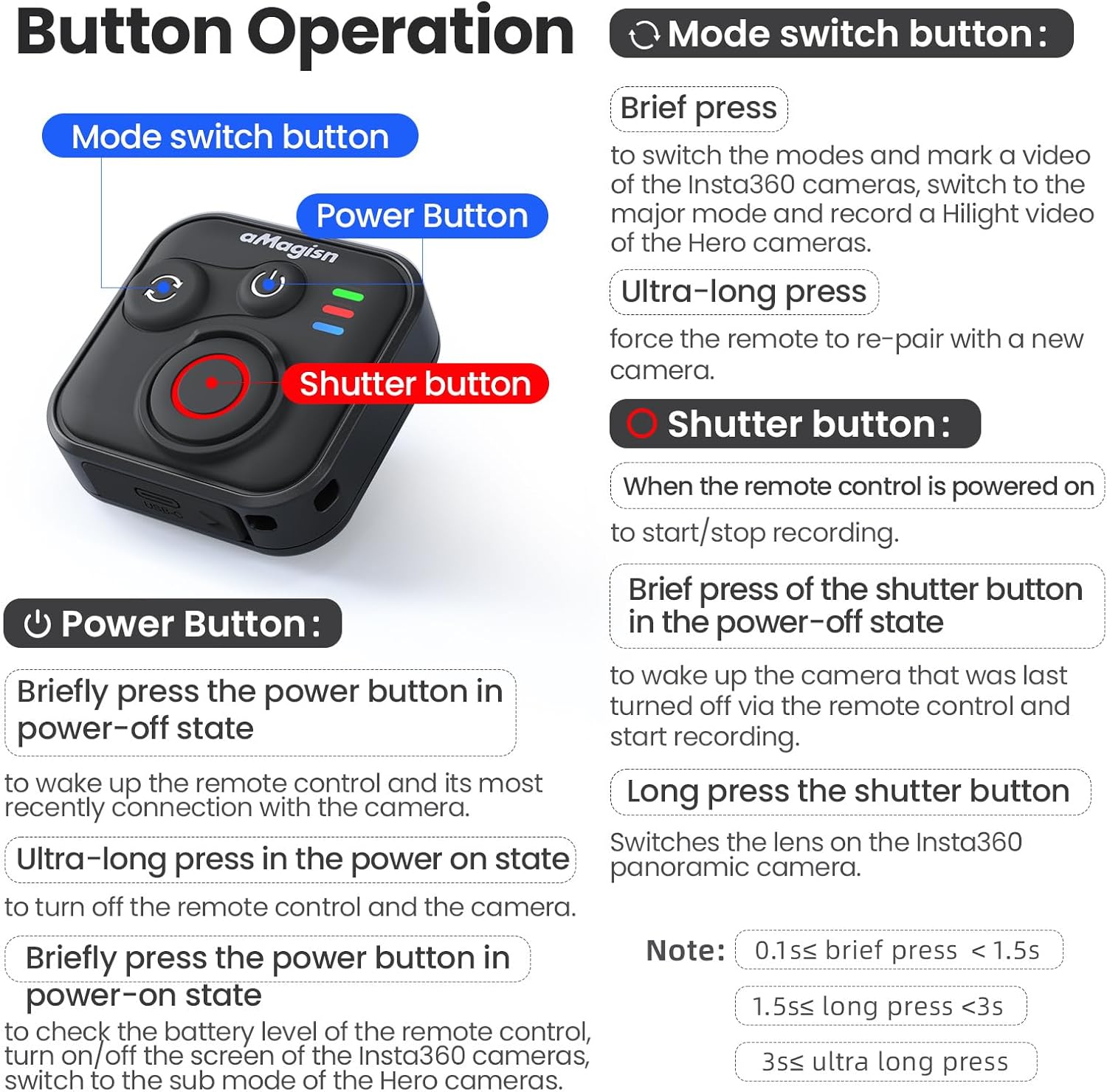
Obrázek: Detailní přesview of the remote control's buttons and their respective operations.
Tlačítko napájení
- Brief press (Power-off state): Wakes up the remote control and connects to the most recently paired device.
- Ultra-long press (Power-on state): Vypne dálkové ovládání a připojenou kameru.
- Brief press (Power-on state): Checks battery level, turns on/off the screen of Insta360 cameras, or switches to the sub-mode of Hero cameras.
Tlačítko pro přepnutí režimu
- Krátký tisk: Switches between modes (e.g., Photo/Video) and marks a video highlight (for GoPro HiLight).
- Ultra dlouhé stisknutí: Vynutí opětovné spárování dálkového ovladače s novou kamerou.
Tlačítko spouště
- Press (Remote powered on): Starts or stops recording/capturing.
- Brief press (Power-off state): Probudí kameru, která byla naposledy vypnuta dálkovým ovladačem, a spustí nahrávání.
- Dlouhý stisk: Přepíná objektiv na panoramatických kamerách Insta360.
Light Indicator Status

Image: Explanation of the remote control's LED light indicators for battery, connection, and pairing status.
Red and Green Light (Battery Status - Press Power Button)
- Svítí zelené světlo: Úroveň baterie je mezi 10 % a 100 %.
- Blikající zelené světlo: Úroveň baterie je mezi 0 % a 10 %.
- Blikající červené světlo: Úroveň nabití baterie je na 0 %.
Blue Light (Bluetooth Status)
- Stálé modré světlo: Bluetooth je připojen.
- Blinking Blue Light (Power light off): Čekání na připojení k poslednímu připojenému zařízení.
Stav nabíjení
- Nepřerušované červené světlo: Probíhá nabíjení, baterie ještě není plně nabitá.
- Svítí zelené světlo: Probíhá nabíjení, baterie je plně nabitá.
New Device Pairing
- Střídavé blikání modrého, červeného a zeleného světla: Fotoaparát čeká na spárování s novým zařízením.
5. Installation and Usage Scenarios
The remote control features a versatile design with four pass-through holes, allowing for both horizontal and vertical wrist strap attachment. This ensures secure mounting on wrists, handlebars, selfie sticks, or other accessories.

Obrázek: Přamples of how the remote control can be mounted horizontally or vertically using wrist straps, and various use cases like cycling, selfie sticks, and backpack clips.
Vodotěsné provedení
The remote control features a waterproof build and a sealed USB port, making it resistant to splashes, rain, and suitable for use in wet conditions like surfing.
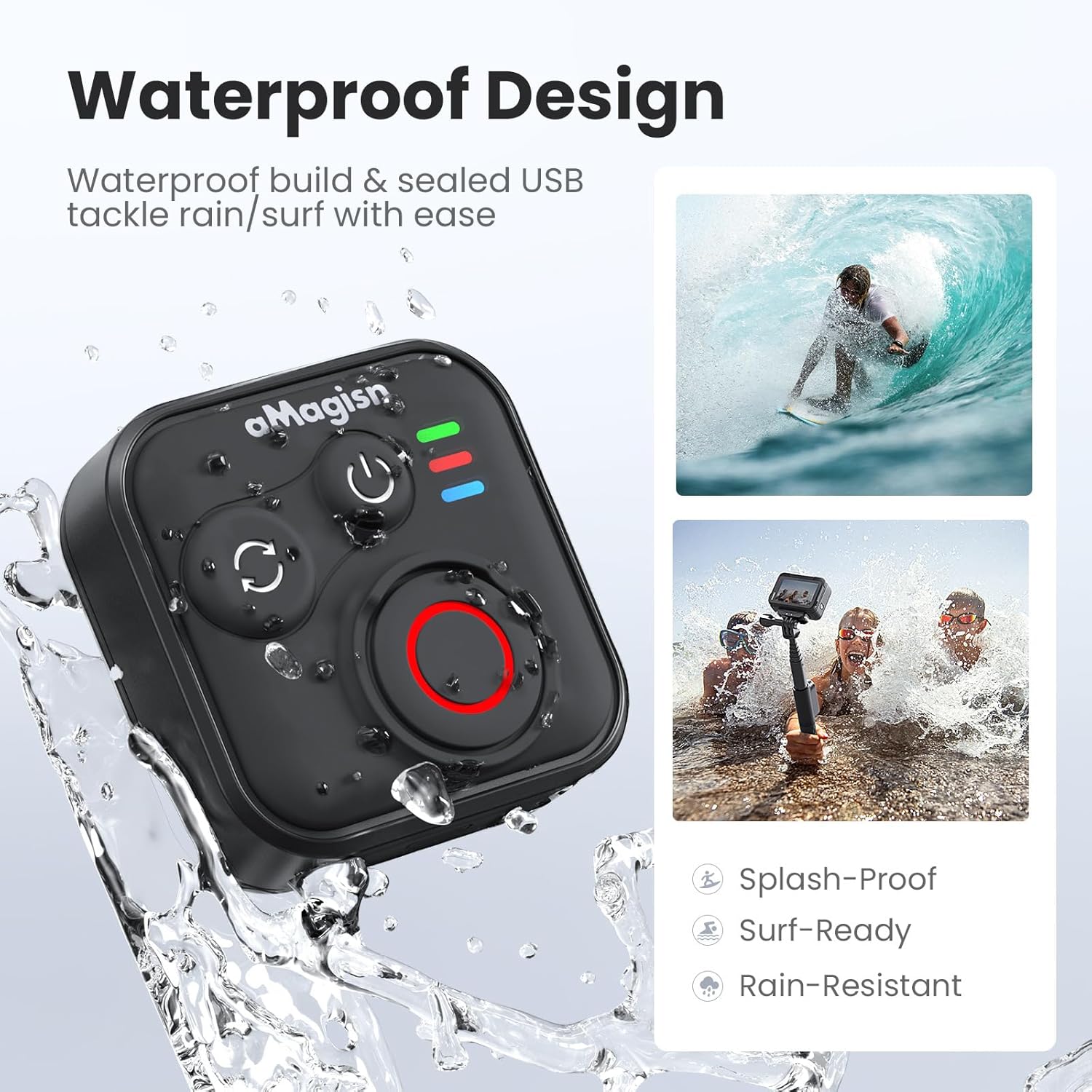
Image: The remote control demonstrating its waterproof capabilities, suitable for use in rain or near water.
6. Údržba
Čištění
Dálkový ovladač otřete měkkým, suchým hadříkem. V případě odolné nečistoty použijte lehceamp Lze použít hadřík. Nepoužívejte agresivní chemikálie ani abrazivní čisticí prostředky.
Skladování
Store the remote control in a cool, dry place away from direct sunlight and extreme temperatures. If storing for an extended period, ensure the battery is partially charged (around 50%) to prolong its lifespan.
Životnost baterie
The remote control offers up to 96 hours of continuous operation on a single charge, with a charging duration of approximately 3 hours.

Image: Visual representation of the remote control's impressive 96-hour battery life and 3-hour charging time.
7. Řešení problémů
- Dálkový ovladač se nezapíná: Ensure the battery is charged. Connect to the charging cable and check the charging indicator light.
- Nelze spárovat se zařízením:
- Ujistěte se, že je na vašem fotoaparátu/chytrém telefonu povoleno rozhraní Bluetooth.
- Proveďte Ultra-long press on the Mode Switch Button on the remote to force re-pairing.
- Ensure the remote is within the effective Bluetooth range of your device.
- Restart both the remote and your device.
- Remote not controlling camera:
- Verify that the remote is successfully paired (solid blue light).
- Check camera settings to ensure it supports external Bluetooth remote control.
- Ujistěte se, že firmware fotoaparátu je aktuální.
- Krátký provozní dosah: Environmental factors (e.g., obstacles, interference) can affect Bluetooth range. Try operating in an open area.
8. Záruka a podpora
For warranty information or technical support, please refer to the contact details provided with your purchase or visit the official aMagisn webUschovejte si doklad o koupi pro případ reklamace.