
CHEREEKI B0FHHKMP1X
CHEREEKI Digital LED Alarm Clock User Manual
Model: B0FHHKMP1X
Zavedení
Děkuji za nákupasing the CHEREEKI Digital LED Alarm Clock. This manual provides detailed instructions for setting up and operating your new alarm clock. Please read it thoroughly before use and keep it for future reference.
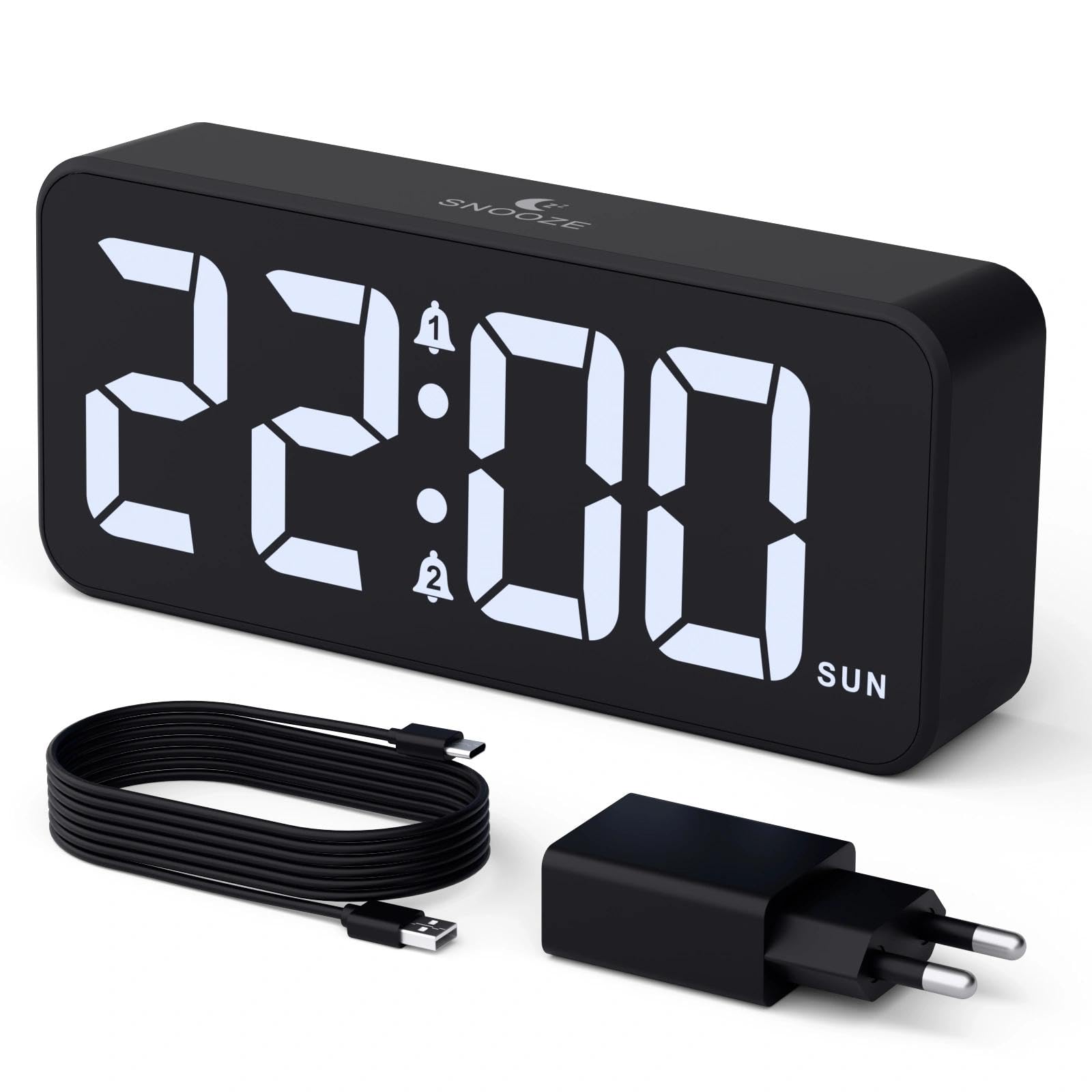
Image: The CHEREEKI Digital LED Alarm Clock, showcasing its large LED display and key features.
Bezpečnostní informace
- Ensure the power adapter and cable are compatible with the device's voltage requirements (5V/1A or 5V/2A).
- Nevystavujte zařízení vodě ani nadměrné vlhkosti.
- Neumisťujte zařízení do blízkosti zdrojů tepla nebo na přímé sluneční světlo.
- Nepokoušejte se zařízení rozebírat ani opravovat sami. V případě problémů kontaktujte zákaznickou podporu.
- Uchovávejte mimo dosah dětí.
Obsah balení
- CHEREEKI Digital LED Alarm Clock
- Power Adapter (5V/1A or 5V/2A)
- Nabíjecí kabel USB (1.5 m)
- Uživatelská příručka
- CR2032 Backup Battery (pre-installed or included)

Obrázek: Ilustrace položek obsažených v balení produktu.
Rozvržení a ovládací prvky produktu

Image: Rear panel of the alarm clock with labels for all buttons and ports.
- Tlačítko pro nastavení času: Press to enter time setting mode.
- Tlačítko budíku 1: Press to set Alarm 1.
- Tlačítko budíku 2: Press to set Alarm 2.
- Tlačítka nahoru/dolů: Adjust values during setting.
- Stmívač: Rotate to adjust display brightness (0-100%).
- Knoflík hlasitosti: Rotate to adjust alarm volume (10 levels).
- Výstupní port USB: Pro nabíjení externích zařízení.
- Vstupní port typu C: For power supply to the alarm clock.
- Tlačítko letního času: For Daylight Saving Time adjustment.
- Přihrádka na baterie: Houses the CR2032 backup battery.
Nastavení
1. Připojení napájení
The alarm clock operates solely on AC power. Connect the provided USB cable to the Type-C input port on the back of the clock and plug the adapter into a standard wall outlet (5V/1A or 5V/2A). The display will light up.

Image: The alarm clock connected to a power source via its adapter.
2. Záložní baterie
A CR2032 backup battery is included to retain time and alarm settings during power outages. This battery does not power the display or alarm functions; it only preserves memory. Ensure the battery is correctly installed in the compartment on the back of the clock.

Image: Close-up of the backup battery compartment, indicating its purpose to retain settings during power loss.
Návod k obsluze
Nastavení času
- Press the "TIME SET" button. The hour digits will flash.
- Pomocí tlačítek „NAHORU“ nebo „DOLŮ“ upravte hodinu.
- Stiskněte znovu tlačítko „TIME SET“ pro potvrzení hodiny a přechod k nastavení minut. Číslice minut budou blikat.
- Use the "UP" or "DOWN" buttons to adjust the minutes.
- Press "TIME SET" once more to confirm the minutes and exit time setting mode.
Nastavení alarmů (Alarm 1 a Alarm 2)
This clock supports two independent alarms with three scheduling options.
- Press the "ALARM 1" or "ALARM 2" button. The alarm hour digits will flash.
- Use the "UP" or "DOWN" buttons to adjust the alarm hour.
- Press the respective alarm button again to confirm the hour and move to minute setting. The minute digits will flash.
- Use the "UP" or "DOWN" buttons to adjust the alarm minutes.
- Press the alarm button again to select the alarm schedule:
- všední dny: pondělí až pátek
- víkendy: sobota až neděle
- Denní: pondělí až neděle
- Press the alarm button once more to confirm the schedule and exit alarm setting mode.
- To enable/disable an alarm, press the "ALARM 1" or "ALARM 2" button briefly outside of setting mode. An alarm icon will appear/disappear on the display.

Image: The alarm clock demonstrating dual alarm settings with various scheduling options.
Funkce Snooze
When the alarm sounds, touch the top of the clock to activate the 5-minute snooze function. The alarm will temporarily stop and sound again after 5 minutes. To turn off the alarm completely, press any other button on the back of the clock.
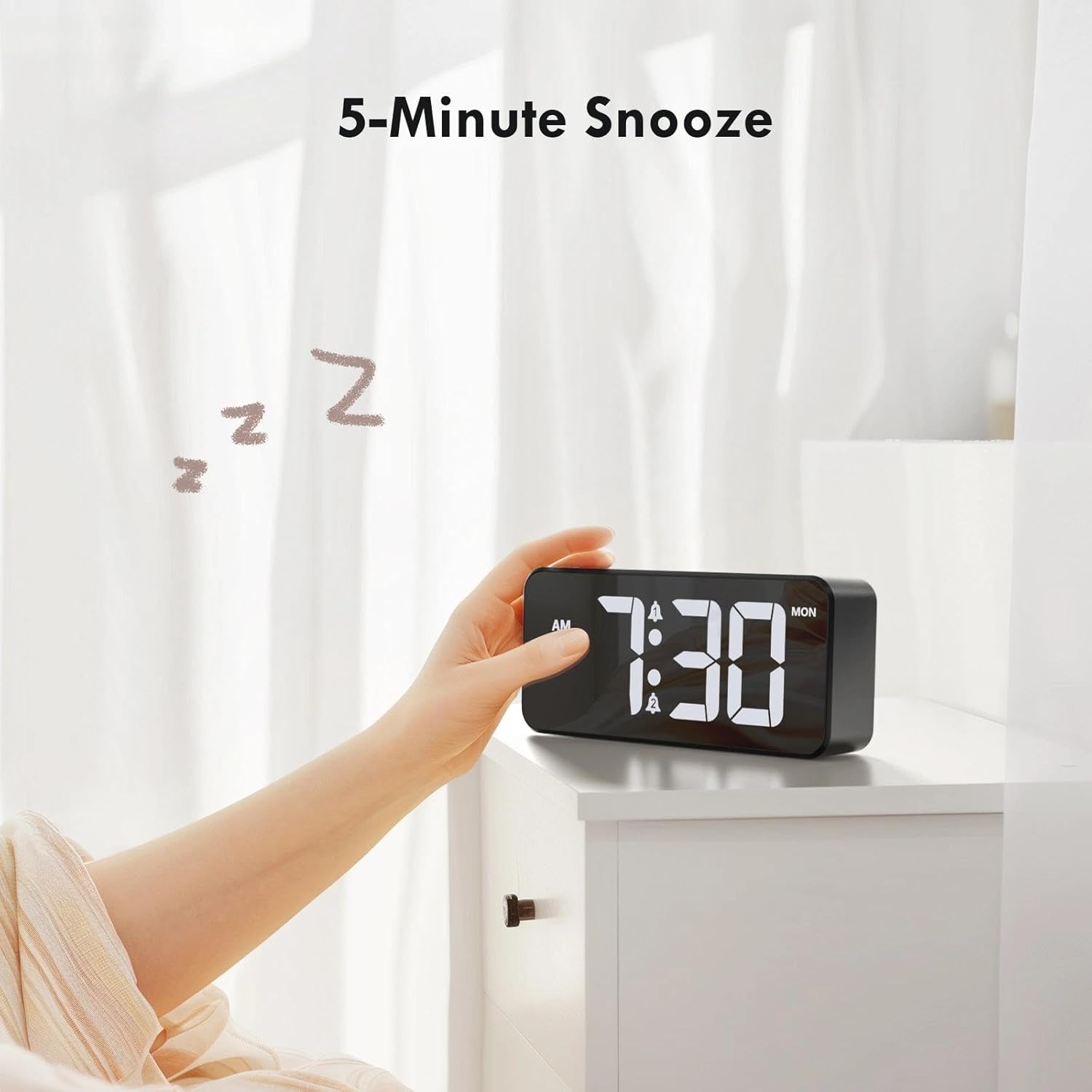
Image: A user activating the snooze function by touching the top of the alarm clock.
Nastavení jasu displeje
Rotate the "DIMMER" knob on the back of the clock to adjust the display brightness from 0% (off) to 100% (maximum brightness). This allows for comfortable viewza jakýchkoli světelných podmínek.

Image: Visual representation of the adjustable brightness feature and the dimmer knob.
Nastavení hlasitosti budíku
Rotate the "VOLUME" knob on the back of the clock to select one of the 10 available alarm volume levels. Choose a volume that suits your preference.

Image: The volume control knob and a visual scale indicating adjustable volume levels.
12/24hodinový formát
To switch between 12-hour and 24-hour time formats, press and hold the "TIME SET" button for a few seconds until the format changes. In 12-hour format, "AM" or "PM" indicators will be displayed.

Image: The alarm clock showing both 12-hour and 24-hour time display options.
Nabíjecí port USB
The USB-A output port on the back of the clock allows you to charge other devices, such as smartphones or tablets. Simply connect your device's charging cable to this port.

Image: The alarm clock charging a smartphone via its integrated USB port.
Letní čas (DST)
To adjust for Daylight Saving Time, press the "DST" button on the back of the clock. This will advance or set back the time by one hour. Press it again to revert.
Údržba
- Povrch hodin čistěte měkkým, suchým hadříkem. Nepoužívejte abrazivní čisticí prostředky ani rozpouštědla.
- Udržujte zařízení bez prachu a nečistot.
- If the backup battery needs replacement, use a CR2032 coin cell battery. Ensure correct polarity.
Odstraňování problémů
| Problém | Možná příčina | Řešení |
|---|---|---|
| Displej je vypnutý. | Not connected to power; Dimmer set to 0%. | Ensure the clock is plugged into a working power outlet. Rotate the Dimmer knob to increase brightness. |
| Alarm se nespustí. | Alarm not activated; Volume set to minimum. | Press the ALARM 1/2 button to activate the alarm (icon should appear). Rotate the Volume knob to increase volume. |
| Nastavení ztraceno po výpadku napájenítage. | Záložní baterie je vybitá nebo chybí. | Vyměňte záložní baterii CR2032. |
| Nabíjení přes USB nefunguje. | Clock not powered; Device cable faulty. | Ensure the alarm clock is powered. Try a different USB cable or device. |
Specifikace
- Značka: CHEREEKI
- Model: B0FHHKMP1X
- Barva: Černý
- Typ displeje: Digitální LED
- Materiál: Akrylonitrilbutadienstyren (ABS)
- Rozměry produktu: 14.5 x 3.81 x 6.5 cm (5.7 x 1.5 x 2.5 palce)
- Hmotnost položky: 230 gramů (0.5 lb)
- Zdroj napájení: Wired Electric (5V/1A or 5V/2A adapter)
- Záložní baterie: CR2032 (for memory retention only)
- Speciální vlastnosti: Adjustable Brightness, Dual Alarm, Snooze, USB Charging Port, 12/24H Format, Adjustable Volume, Day of Week Display
Záruka a podpora
This CHEREEKI Digital LED Alarm Clock comes with a Doživotní záruka. For any product inquiries, technical support, or warranty claims, please contact CHEREEKI customer service through the retailer where you purchased the product or visit the official CHEREEKI webstránky pro kontaktní informace.
Uschovejte si prosím doklad o koupi pro účely záruky.
Ask a question about this manual
Ask about setup, troubleshooting, compatibility, parts, safety, or missing instructions. Manuals+ will review the question and use this page’s manual context to help answer it.