Zavedení
This manual provides comprehensive instructions for the Generic Visual Timer Kids, a silent 60-minute countdown clock. Designed for effective time management, this non-ticking device is suitable for various environments including classrooms, kitchens, study areas, and offices. It assists users in visualizing time progression, enhancing focus and task completion.
Obsah balení
- 1 x Generic Visual Timer Kids
- Návod k použití (tento dokument)
Poznámka: 1 battery is required and not included in the package.
Nastavení
Before using your visual timer, you will need to install a battery.
- Vyhledejte přihrádku na baterie na zadní straně časovače.
- Otevřete kryt bateriového prostoru.
- Insert one battery (not included), ensuring correct polarity (+/-).
- Bezpečně zavřete kryt bateriového prostoru.

Obrázek 1: Zadní view of the timer, indicating the battery compartment location and product dimensions.
Návod k obsluze
The visual timer is designed for straightforward operation.
- Nastavení časovače: Turn the central knob clockwise to set the desired countdown time, up to 60 minutes. As you turn the knob, a red disk will appear, visually representing the remaining time.
- Spuštění odpočítávání: Once the red disk is set, the timer automatically begins counting down silently. The red disk will gradually disappear as time elapses.
- Visual Progress: Observe the red disk to visually track the passage of time. The numbers on the dial indicate minutes.
- Dokončení časovače: When the red disk completely disappears, indicating the set time has elapsed, the timer will emit a fun feedback sound.
- Stopping the Sound: The sound will automatically stop after a short duration or can be manually turned off by rotating the knob back to the '0' position.
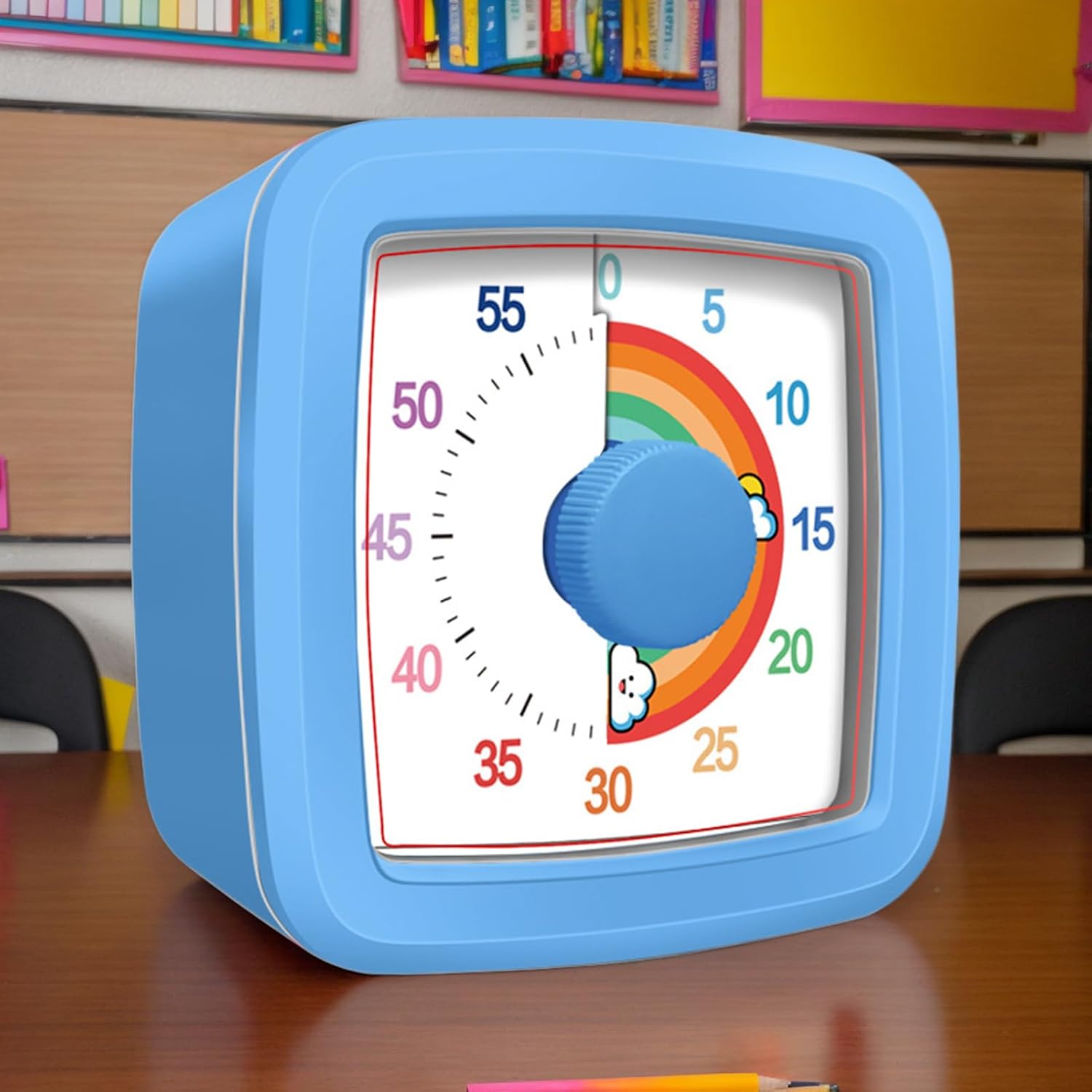
Obrázek 2: The visual timer in use, demonstrating the red disk indicating remaining time.
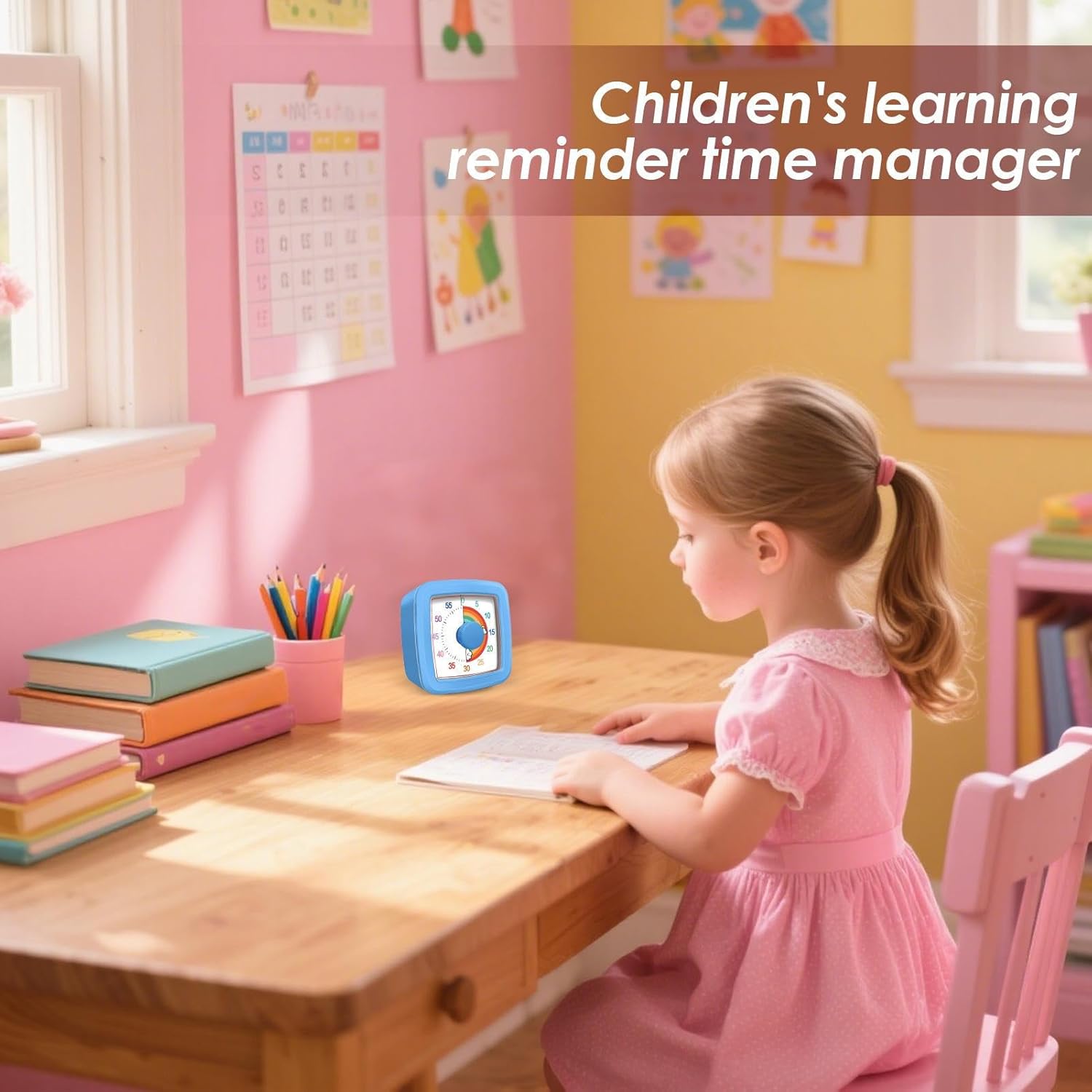
Obrázek 3: The timer assisting with focus during study time.
Údržba
Proper care ensures the longevity and optimal performance of your visual timer.
- Čištění: Wipe the timer with a soft, dry cloth. Avoid using abrasive cleaners or solvents, as these can damage the surface.
- Skladování: Časovač skladujte na chladném a suchém místě mimo dosah přímého slunečního záření a extrémních teplot.
- Výměna baterie: If the timer's performance diminishes or the sound becomes weak, replace the battery promptly. Remove the battery if the timer will not be used for an extended period to prevent leakage.
Odstraňování problémů
| Problém | Možná příčina | Řešení |
|---|---|---|
| Timer does not start or red disk does not appear. | No battery, incorrect battery installation, or dead battery. | Ensure a fresh battery is installed with correct polarity. |
| No sound when time expires. | Slabá baterie nebo vnitřní závada. | Replace the battery. If the issue persists, the unit may require replacement. |
| Red disk does not move smoothly. | Internal mechanism obstruction. | Ensure the timer is on a flat, stable surface. Avoid dropping or impacting the device. |
Specifikace
- Název produktu: Visual Timer Kids
- Číslo modelu: XVLT2SZ5AXN7C6T2IBCG
- Značka: Obecný
- Materiál: ABS
- Barva: Modrý
- Rozsah časování: 0-60 minut
- Napájení: 1 x Battery (not included)
- Rozměry produktu: Přibližně 9.5 x 9.5 x 4.7 cm (3.74 x 3.74 x 1.85 palce)
- Hmotnost položky: Přibližně 154 g
Obrázek 4: Visual representation of the timer's dimensions.