
1. Úvod
Thank you for choosing the Maxcom Comfort MM834 4G Senior Flip Phone. This manual provides essential information for setting up, operating, and maintaining your device. Please read it carefully to ensure proper use and to maximize the phone's features.
2. Obsah balení
Zkontrolujte prosím balení, zda neobsahuje následující položky:
- Maxcom Comfort MM834L 4G Senior Flip Phone
- Battery (1000 mAh Li-ion)
- Nabíjecí kabel
- Uživatelská příručka
3. Zařízení skončiloview
Familiarize yourself with the physical features of your Maxcom MM834L phone.
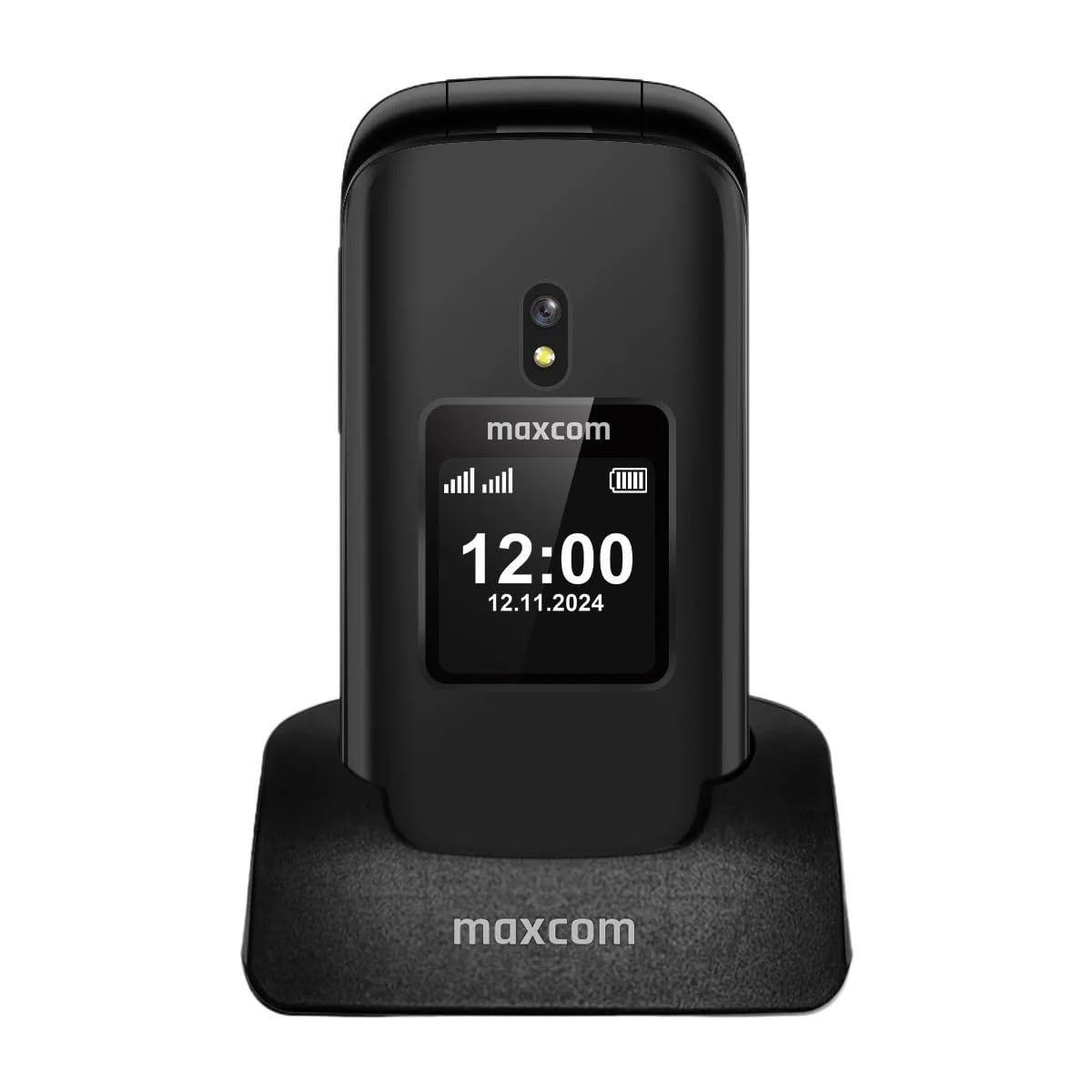
Obrázek 3.1: Přední view of the Maxcom MM834L phone when open, displaying the main screen and the large, easy-to-use keypad.
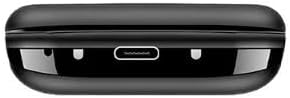
Obrázek 3.2: Dno view of the phone, highlighting the USB-C charging port for convenient power connection.
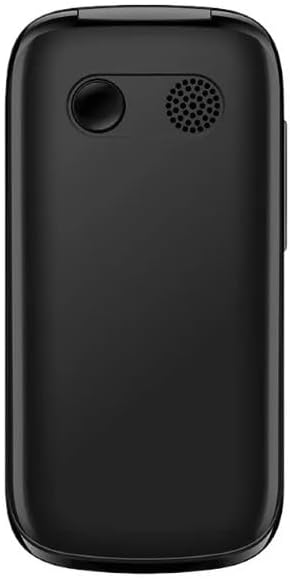
Obrázek 3.3: Zadní view of the phone, featuring the integrated camera and the external speaker for clear audio output.

Obrázek 3.4: Strana view of the phone, indicating the location of the volume control buttons.

Obrázek 3.5: The phone features two displays: a 2.4-inch main internal screen and a 1.44-inch external screen. The external display shows time, battery status, and caller information without needing to open the phone.
4. Nastavení
4.1. Instalace SIM karty (kart) a baterie
- Otevřete zadní kryt telefonu.
- Insert your SIM card(s) into the designated slot(s). The MM834L supports Dual SIM functionality. Ensure the gold contacts face downwards and the card is correctly oriented.
- Vložte baterii do jejího prostoru a zarovnejte kontakty.
- Nasaďte zpět zadní kryt a ujistěte se, že bezpečně zacvakne na místo.

Obrázek 4.1: The Maxcom MM834L supports Dual SIM, allowing the use of two separate telephone numbers.
4.2. Nabíjení baterie
Before first use, fully charge the phone's battery. Connect the charging cable to the phone's USB-C port and plug the other end into a power adapter. The battery indicator on the screen will show charging status. A full charge typically takes a few hours.

Obrázek 4.2: The 1000 mAh battery provides extended usage time for the MM834L phone.
4.3. Zapnutí/vypnutí
- Zapnutí: Stiskněte a podržte tlačítko Ukončit hovor/Napájení tlačítko (červené tlačítko), dokud se obrazovka nerozsvítí.
- Vypnutí: Stiskněte a podržte tlačítko Ukončit hovor/Napájení tlačítko , dokud se nezobrazí možnosti vypnutí, a poté vyberte „Vypnout“.
5. Návod k obsluze
5.1. Telefonování
- Otevřením krytu aktivujete hlavní obrazovku.
- Vytočte požadované telefonní číslo pomocí klávesnice.
- Stiskněte tlačítko Volání tlačítko (zelené tlačítko) pro zahájení hovoru.
- Chcete-li hovor ukončit, stiskněte tlačítko Ukončit hovor tlačítko (červené tlačítko).
5.2. Přijímání hovorů
- When the phone rings, open the flip to answer the call automatically, or press the Volání tlačítko.
- Pro odmítnutí hovoru stiskněte Ukončit hovor tlačítko.
5.3. Odesílání a přijímání zpráv
- V hlavní nabídce přejděte na „Zprávy“.
- Select 'Write message' or 'New SMS'.
- Zadejte zprávu pomocí klávesnice.
- Zadejte telefonní číslo příjemce nebo jej vyberte z kontaktů.
- Vyberte možnost „Odeslat“.
5.4 Funkce SOS
The MM834L features a dedicated SOS button for emergencies.
- Aktivace: Stiskněte a podržte SOS tlačítko na zadní straně telefonu na několik sekund.
- The phone will automatically call and send an emergency SMS to pre-set contacts.
- Ensure emergency contacts are set up in the phone's settings under the SOS menu.

Obrázek 5.1: Key features include 4G VoLTE for clear calls, dual screens, a dedicated SOS button, and large, easy-to-press buttons.
6. Údržba
- Čištění: K čištění povrchu telefonu používejte měkký, suchý hadřík. Nepoužívejte tekuté čisticí prostředky ani abrazivní materiály.
- Skladování: Telefon skladujte na chladném a suchém místě mimo dosah přímého slunečního záření a extrémních teplot.
- Péče o baterie: Do not expose the battery to high temperatures or dispose of it in fire. Recycle batteries according to local regulations.
- Voděodolnost: Tento telefon není vodotěsný. Nevystavujte jej vodě nebo vysoké vlhkosti.
7. Řešení problémů
| Problém | Možná příčina | Řešení |
|---|---|---|
| Telefon se nezapne | Baterie je vybitá nebo není správně nainstalována. | Nabijte baterii. Ujistěte se, že je baterie správně vložena. |
| Nelze uskutečňovat ani přijímat hovory | Žádná SIM karta, SIM karta není aktivní nebo je mimo dosah sítě. | Ujistěte se, že je SIM karta vložena a aktivní. Zkontrolujte sílu signálu sítě. Kontaktujte svého poskytovatele služeb. |
| Špatná kvalita hovoru | Slabý síťový signál nebo rušení. | Move to an area with better network coverage. Avoid sources of interference. |
| Baterie se rychle vybíjí | High usage, background applications, or old battery. | Snižte jas obrazovky. Zavřete nepotřebné aplikace. Zvažte výměnu baterie, pokud je stará. |
8. Specifikace
| Funkce | Specifikace |
|---|---|
| Model | MM834L |
| Rozměry | 10 x 5 x 8 cm |
| Hmotnost | 210 gramů |
| Velikost hlavní obrazovky | 2.4 palců |
| Velikost externí obrazovky | 1.44 inches (implied from A+ content) |
| Typ zobrazení | LCD |
| Rezoluce | 240 x 320 |
| Kapacita baterie | 1000 mAh (lithium-iontová) |
| Buněčná technologie | 4G (LTE, VoLTE) |
| Sloty pro SIM karty | Duální SIM |
| Flash paměť | 1 MB |
| Form Factor | Flip (Pieghevole) |
9. Záruka a podpora
Your Maxcom Comfort MM834L phone is covered by a manufacturer's warranty. Please refer to the warranty card included in your package for details on coverage and duration. For technical support, service, or further inquiries, please contact Maxcom customer service through their official webnebo kontaktní informace poskytnuté při nákupu.