
1. Kompatibilita
This replacement remote control, model RF373E JLDK.28.10.14, is designed for use with specific adjustable bed bases. It is compatible with:
- Blissful Nights e4 Adjustable Bed Base
- Blissful Nights e6 Adjustable Bed Base
- Ergomotion HAND WAND Adjustable Bed Base
- Greaton Adjustable Bed Base
Důležitá poznámka:
Before ordering, ensure that the buttons and overall appearance of this remote match your original or old remote exactly. Discrepancies may indicate incompatibility.
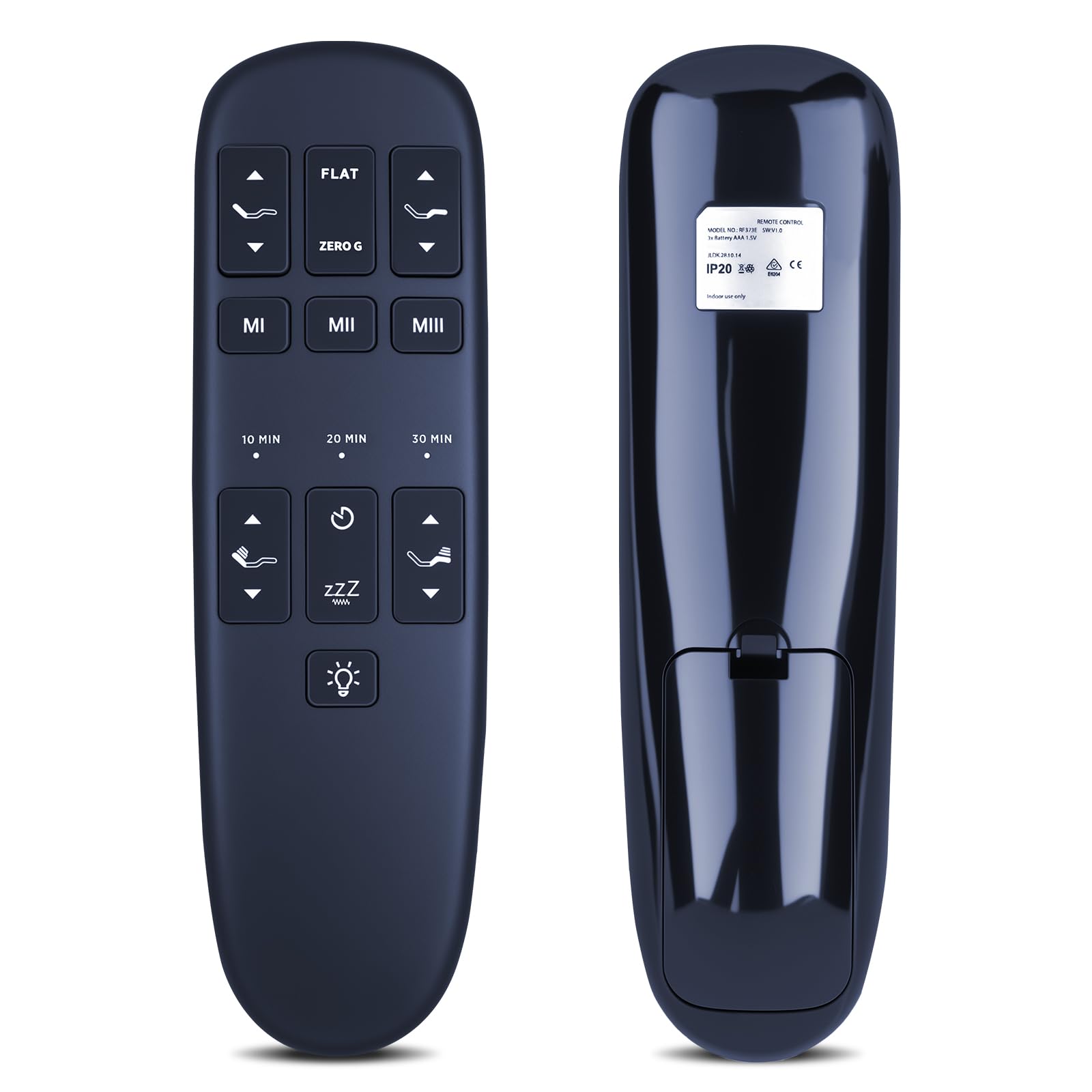
Obrázek: Přední strana view of the RETROSUN RF373E JLDK.28.10.14 remote control, showing its button layout.
2. Nastavení a párování
The remote control is typically pre-programmed to the adjustable bed base. If the remote is unresponsive or needs to be re-paired, follow these steps:
- Ensure the remote has fresh batteries. This remote requires three (3) AAA batteries (not included).
- Unplug the power cord of your adjustable bed base from the electrical outlet.
- Počkejte 5 sekund.
- Zapojte napájecí kabel zpět do elektrické zásuvky.
- Within 10 seconds of plugging the power cord back in, press and hold the "Head Up" button (top left arrow) and the "Foot Down" button (bottom right arrow) simultaneously for 10 seconds.
- The adjustable bed base should now be re-paired with the remote control.
Poznámka:
If the remote illuminates but the bed does not respond, check the batteries and replace them if necessary before attempting the pairing process again.
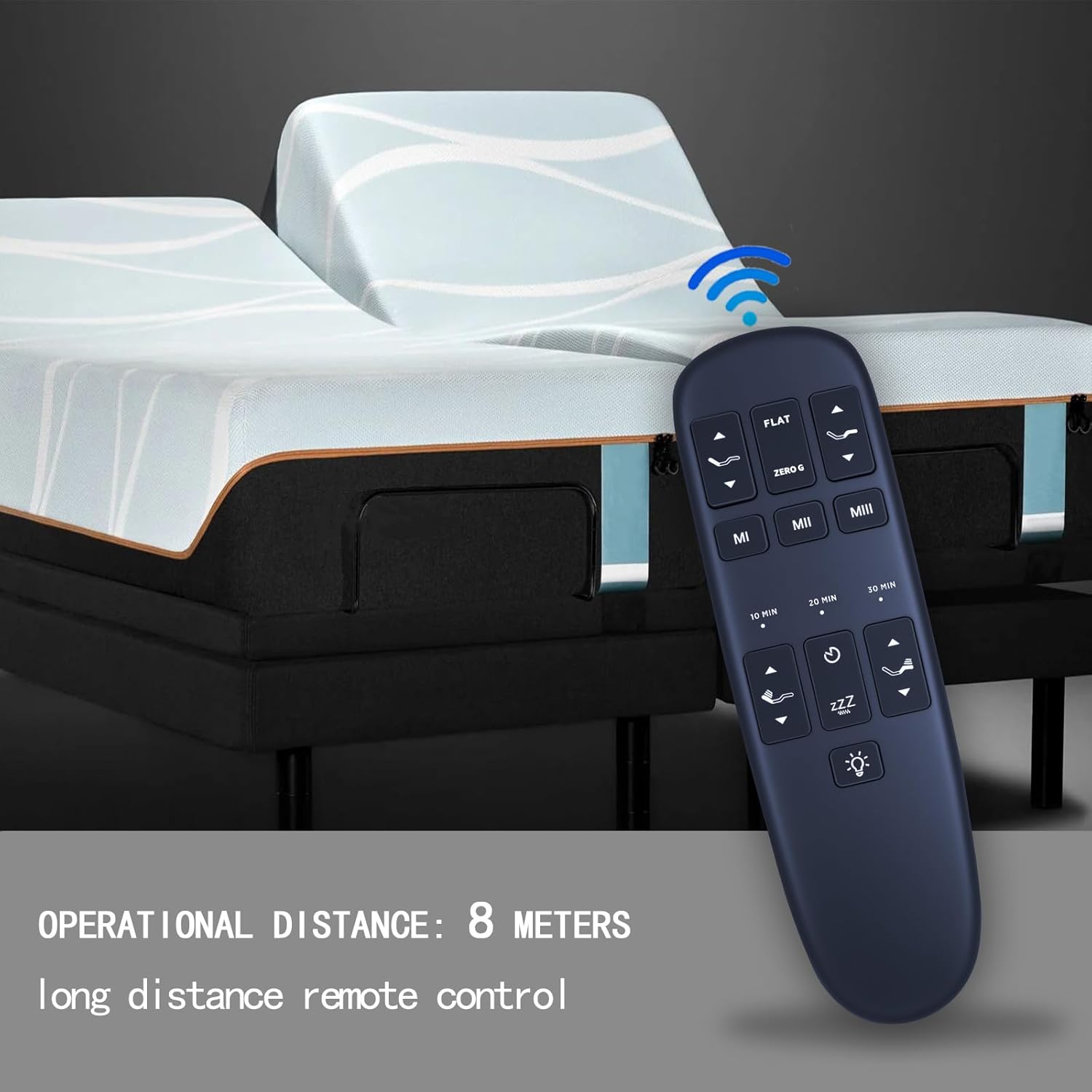
Image: Visual guide for pairing the remote control, highlighting the "Head Up" and "Foot Down" buttons to press simultaneously.
3. Provoz
The remote control features an intuitive button layout for adjusting your bed base. While specific functions may vary slightly depending on your bed model, the general operations are as follows:
- Šipky nahoru/dolů: Adjust the head section of the bed.
- Šipky nahoru/dolů pro nohy: Adjust the foot section of the bed.
- Tlačítko FLAT: Vrací postel do zcela vodorovné polohy.
- ZERO G Button: Activates the Zero Gravity preset position, which elevates the head and foot to relieve pressure.
- Tlačítka M1, M2, M3: These are memory preset buttons. You can program and recall your favorite bed positions. Refer to your adjustable bed base manual for specific instructions on setting these memory positions.
- 10 MIN, 20 MIN, 30 MIN Buttons: These typically control massage timers or other timed functions.
- Zzz Button: Often activates a gentle massage or sleep mode.
- Tlačítko s ikonou žárovky: Controls under-bed lighting or other integrated lighting features.
The remote operates with a reliable range of up to 8 meters (26 feet) and features a 120-degree wide-angle design for flexible use without strict positioning constraints.

Image: The remote control shown in a bedroom setting with an adjustable bed, illustrating its operational distance.

Image: A hand holding the remote control, demonstrating its ergonomic design.
4. Údržba
Výměna baterie
The remote control requires three (3) AAA batteries. When the remote's performance degrades or it stops responding, it is likely time to replace the batteries.
- Najděte kryt prostoru pro baterie na zadní straně dálkového ovladače.
- Posuňte nebo odepněte kryt pro otevření přihrádky.
- Vyjměte staré baterie AAA.
- Insert three new AAA batteries, ensuring correct polarity (+ and - ends match the markings inside the compartment).
- Bezpečně nasaďte kryt prostoru pro baterie.
Pozor:
Do not mix old and new batteries. Do not mix alkaline, standard (carbon-zinc), or rechargeable (nickel-cadmium) batteries. Dispose of used batteries responsibly according to local regulations.

Obrázek: Zadní view of the remote control, illustrating the battery compartment and the insertion of three AAA batteries.
5. Řešení problémů
If your remote control is not functioning as expected, consider the following common issues and solutions:
- Dálkový ovladač nereaguje:
- Check the batteries. Replace with fresh AAA batteries if needed.
- Perform the pairing procedure described in Section 2. Setup and Pairing.
- Ujistěte se, že mezi dálkovým ovladačem a přijímačem základny postele nejsou žádné překážky.
- Bed base does not move:
- Verify the bed base is properly plugged into a working electrical outlet.
- Check for any loose cables or connections on the bed base.
- If the remote illuminates but the bed does not respond, re-pair the remote as per Section 2.
- Buttons do not match original remote:
- This remote is a specific replacement. If the buttons or model number do not match your original remote, it may not be compatible with your bed base. Refer to Section 1. Compatibility.
6. Specifikace
| Funkce | Detail |
|---|---|
| Značka | RETROSUN |
| Číslo modelu | RF373E JLDK.28.10.14 (Internal Model: BW441) |
| Kompatibilita | Blissful Nights e4/e6, Ergomotion HAND WAND, Greaton Adjustable Bed Bases |
| Technologie připojení | Infračervený (IR) |
| Maximální dosah | 8 metrů (26 stop) |
| Typ baterie | 3 x AAA (nejsou součástí balení) |
| Materiál | Vysoce kvalitní ABS |
| Barva | Černý |
| Hmotnost položky | 0.08 kg |
7. Informace o záruce
This RETROSUN remote control comes with a 90denní záruka od data nákupu. Tato záruka se vztahuje na výrobní vady a poruchy při běžném používání.
For warranty claims or support, please contact your retailer or the manufacturer directly with your proof of purchase.
8. Zákaznická podpora
If you encounter any issues not covered in this manual or require further assistance, please refer to the contact information provided by your retailer or the manufacturer, Oumeite.
Always ensure you have your product model number (RF373E JLDK.28.10.14) and purchase details ready when contacting support.