
1. Úvod
Thank you for choosing the Kisonli A1 Bluetooth Foldable Headphones. These headphones are designed to provide a high-quality audio experience with the convenience of wireless connectivity and a portable design. Featuring clear stereo sound, a long-lasting 400mAh battery for up to 20 hours of playback, and multiple connection options including Bluetooth, TF card, and AUX input, the A1 headphones are suitable for various audio needs. This manual will guide you through the setup, operation, and maintenance of your new headphones.
2. Konec produktuview
The Kisonli A1 headphones combine functionality with a comfortable, foldable design. Familiarize yourself with the main components and features.

Obrázek 2.1: Přední view of the Kisonli A1 headphones, highlighting the earcup design and Kisonli logo.
Klíčové vlastnosti:
- Vysoce věrný stereo zvuk: Delivers immersive audio with clear details for music and gaming.
- Prodloužená životnost baterie: Integrated 400mAh battery provides up to 20 hours of continuous playback on a single charge.
- Více režimů přehrávání: Supports Bluetooth wireless connection, TF (MicroSD) card playback, and AUX audio input.
- Skládací a nastavitelný design: The headphones can be folded for compact storage and feature an adjustable headband for a comfortable fit.
- Fast and Stable Bluetooth: Utilizes advanced Bluetooth protocols (A2DP, AVRCP, HFP) for seamless compatibility and connection stability.
- Rychlé nabíjení: Fully charges in approximately 2 hours via a standard USB port.
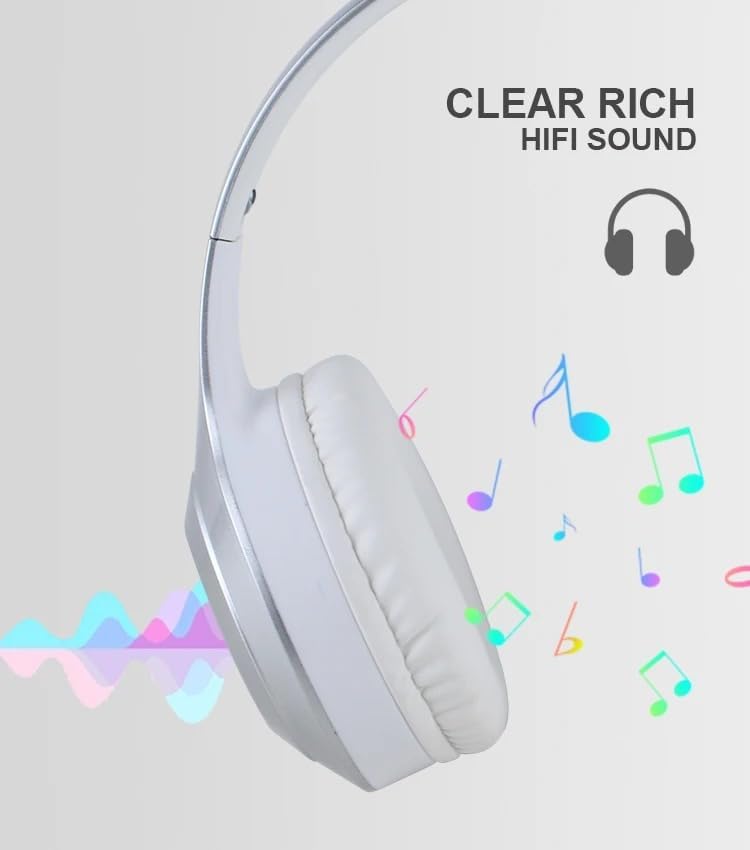
Obrázek 2.2: Visual representation of the clear, rich HiFi sound quality provided by the headphones.

Obrázek 2.3: Illustration of the adjustable headband and foldable earcups for easy storage and portability.
3. Nastavení
3.1 Nabíjení sluchátek
Before initial use, fully charge the headphones. A full charge takes approximately 2 hours.
- Locate the charging port on the headphone earcup.
- Připojte dodaný nabíjecí kabel USB ke sluchátkům.
- Druhý konec kabelu USB připojte k napájecímu zdroji USB (např. k portu USB počítače, síťovému adaptéru USB).
- The indicator light will typically show red during charging and turn off or change color (e.g., blue) when fully charged.
3.2 Zapnutí/vypnutí
- Zapnutí: Press and hold the Power button for a few seconds until the indicator light flashes (usually blue).
- Vypnutí: Stiskněte a několik sekund podržte tlačítko napájení, dokud kontrolka nezhasne.
3.3 Párování Bluetooth
Pair your headphones with a Bluetooth-enabled device (smartphone, tablet, computer).
- Ujistěte se, že jsou sluchátka vypnutá.
- Stiskněte a podržte tlačítko napájení přibližně 5–7 sekund, dokud kontrolka nezačne střídavě blikat červeně a modře, což signalizuje režim párování.
- Na svém zařízení povolte Bluetooth a vyhledejte dostupná zařízení.
- Select "Kisonli A1" (or similar name) from the list of found devices.
- Once paired, the indicator light on the headphones will typically flash blue slowly or remain solid blue.
3.4 Připojení pomocí AUX kabelu
Use the included AUX cable for a wired connection to devices without Bluetooth or when the battery is low.
- Connect one end of the 3.5mm AUX cable to the AUX input port on the headphones.
- Connect the other end of the AUX cable to the 3.5mm audio output jack of your device.
- Sluchátka se automaticky přepnou do režimu AUX.
3.5 Using a TF (MicroSD) Card
The headphones support direct playback from a TF (MicroSD) card.
- Insert a TF card (pre-loaded with audio files) do slotu pro kartu TF na sluchátkách.
- The headphones will automatically detect the card and begin playing audio.
- Use the control buttons to manage playback.
4. Návod k obsluze
4.1 Přehrávání hudby
- Přehrát/pozastavit: Stiskněte jednou multifunkční tlačítko (často tlačítko napájení nebo speciální tlačítko Přehrát/Pozastavit).
- Zvýšit hlasitost: Stiskněte tlačítko Hlasitost +.
- Snížit hlasitost: Stiskněte tlačítko Hlasitost -.
- Další skladba: Press and hold the Volume + button (or a dedicated Next button).
- Předchozí skladba: Press and hold the Volume - button (or a dedicated Previous button).
4.2 Správa hovorů
- Přijmout/ukončit hovor: Stiskněte jednou multifunkční tlačítko.
- Odmítnout hovor: Stiskněte a podržte multifunkční tlačítko po dobu 2 sekund.
- Znovu vytočit poslední číslo: Dvakrát stiskněte multifunkční tlačítko.
4.3 Přepínání režimů
If your headphones support multiple modes (Bluetooth, TF, AUX), there is usually a dedicated "M" (Mode) button or the Multi-function button can be used to cycle through modes.
- Přepnout režim: Press the Mode button (if available) or short-press the Multi-function button to cycle between Bluetooth, TF card, and AUX modes.
5. Údržba
Proper care and maintenance will extend the lifespan of your Kisonli A1 headphones.
- Čištění: K čištění náušníků a hlavového mostu používejte měkký, suchý hadřík. Nepoužívejte abrazivní čisticí prostředky ani rozpouštědla.
- Skladování: Pokud sluchátka nepoužíváte, skladujte je na chladném a suchém místě mimo dosah přímého slunečního záření a extrémních teplot. Pro kompaktní skladování využijte skládací konstrukci.
- Péče o baterie: To maintain battery health, avoid fully discharging the battery frequently. Charge the headphones regularly, even if not used for extended periods.
- Vyhněte se vlhkosti: Nevystavujte sluchátka vodě ani nadměrné vlhkosti.
6. Řešení problémů
Pokud se se sluchátky setkáte s problémy, podívejte se na následující běžné problémy a jejich řešení:
| Problém | Možné řešení |
|---|---|
| Sluchátka se nezapínají. | Ujistěte se, že je baterie nabitá. Připojte ke zdroji napájení a zkuste to znovu. |
| Nelze spárovat přes Bluetooth. |
|
| Žádný zvuk. |
|
| Krátká výdrž baterie. |
|
7. Specifikace
Detailed technical specifications for the Kisonli A1 headphones:
| Funkce | Detail |
|---|---|
| Název modelu | Kisonli A1 |
| Značka | Kisonli |
| Barva | Silver/White (as per product title and images) |
| Form Factor | Over-Ear |
| Technologie připojení | Bezdrátové (Bluetooth) |
| Kapacita baterie | 400 XNUMX mAh |
| Doba přehrávání | Až 20 hodin |
| Doba nabíjení | Přibl. 2 hodin |
| Nabíjecí port | USB |
| Supported Audio Inputs | Bluetooth, TF karta, AUX |
| Bluetooth protokoly | A2DP, AVRCP, HFP (and others) |
| Hmotnost položky | 10 gramů |
| Zahrnuté komponenty | Kabel |
8. Záruka a podpora
Warranty information for the Kisonli A1 headphones is typically provided by the manufacturer and may vary based on your region of purchase. The product's warranty origin is listed as China.
For specific warranty terms, technical support, or service inquiries, please refer to the documentation included with your product or contact the retailer/seller from whom you purchased the headphones. You may also visit the official Kisonli webstránky pro další pomoc.