
LongPlus X84
LongPlus 2K Vicohome Wireless Outdoor Security Camera Instruction Manual
Model: X84
Zavedení
This manual provides detailed instructions for the installation, operation, and maintenance of your LongPlus 2K Vicohome Wireless Outdoor Security Camera. Please read this manual thoroughly before using the product to ensure proper functionality and safety.

Image: Two LongPlus 2K Vicohome Wireless Outdoor Security Cameras, black, with water droplets, mounted on a wall bracket.
Obsah balení
Ověřte, zda jsou v balení obsaženy všechny níže uvedené položky:
- Security Camera with Bracket
- Sada šroubů
- Resetovat jehlu
- USB kabel
- Rychlý průvodce
Vlastnosti produktu
- AI Event Analysis: Identifies and differentiates between people, pets, vehicles, and packages to reduce false alarms.
- 3MP Color Night Vision: Captures clear color images in low light conditions up to 33 feet.
- PIR Motion Detection & Siren Alarm: Triggers an audio and strobe light alarm upon detecting humanoid motion.
- Flexibilní úložiště: Supports up to 128GB Micro SD card (not included) and optional cloud storage.
- Oboustranná komunikace: Allows communication through the Vicohome app.
- 100% Wire-free: Battery-operated design for easy installation without wiring.
- Integrace chytré domácnosti: Compatible with Amazon Alexa.
- Široké pole View: 125 stupňů viewúhel.
- Design odolný vůči povětrnostním vlivům: Stupeň krytí IP65 pro venkovní použití.
Nastavení
1. Nabíjení fotoaparátu
Before initial use, fully charge the camera using the provided USB cable. The charging indicator light will show the charging status.
2. Instalace aplikace a vytvoření účtu
- Download the "Vicohome" app from your smartphone's app store (iOS or Android).
- Otevřete aplikaci a podle pokynů na obrazovce vytvořte účet a přihlaste se.
3. Připojení k Wi-Fi
- Ensure your camera is powered on and near your Wi-Fi router.
- In the Vicohome app, tap the "+" icon to add a new device.
- Follow the app's instructions to connect the camera to your 2.4GHz Wi-Fi network. 5GHz networks are not supported.
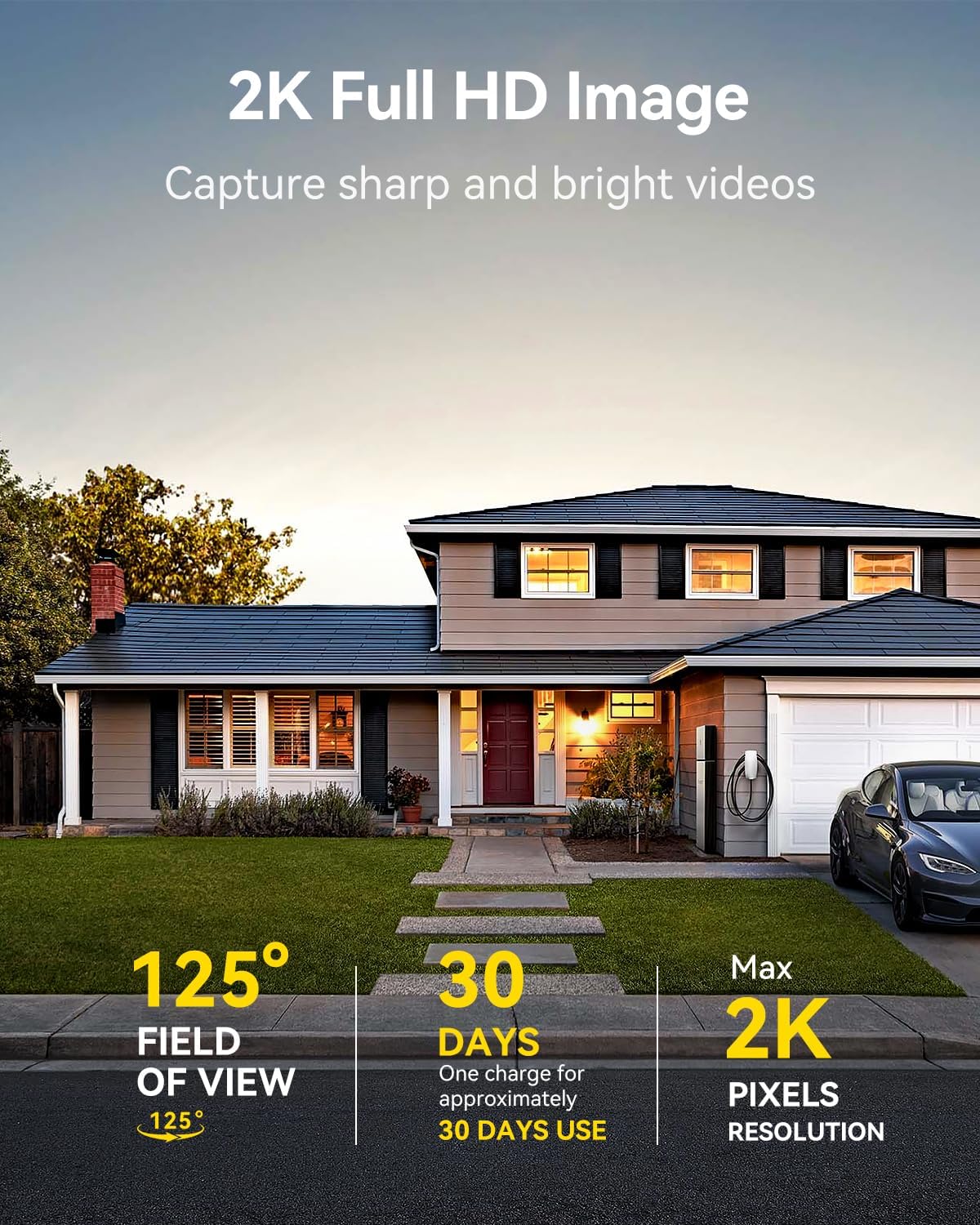
Image: A LongPlus security camera on a wooden table, illustrating its 2.4GHz WiFi connectivity.
4. Montáž kamery
The camera can be mounted on a ceiling or wall. Choose a location that provides the desired viewúhlu a nachází se v dosahu Wi-Fi.
- Mark the positions for drilling using the camera bracket as a template.
- Vyvrtejte pilotní otvory a v případě potřeby vložte do nich nástěnné hmoždinky.
- Secure the bracket to the surface using the provided screws.
- Připevněte kameru k držáku a upravte úhel.

Image: A LongPlus security camera mounted on an outdoor wall, demonstrating its wire-free installation.
Operace
1. Živě View
Open the Vicohome app and select your camera to view the live feed. You can monitor your surroundings in real-time.

Image: A smartphone displaying the live feed from a LongPlus security camera, showing children playing in a yard.
2. Obousměrná komunikace
Z živého vysílání view screen in the app, tap the microphone icon to initiate two-way communication. Speak into your phone to communicate with individuals near the camera.

Image: A person receiving a package at their front door, demonstrating the two-way talk feature of the LongPlus camera.
3. Nastavení detekce pohybu
Configure motion detection sensitivity and define detection zones within the Vicohome app settings for your camera. This helps in reducing unwanted alerts.

Image: A man walking past a LongPlus security camera, illustrating motion detection and app alerts.

Obrázek: Letecký pohled view of a house with a pool, illustrating customizable motion detection zones for different objects.

Image: A house with a lawn, demonstrating the ability to set specific motion detection zones.
4. Noční vidění
The camera automatically switches to color night vision in low light conditions, providing clear visibility.

Image: A LongPlus security camera mounted outdoors at night, showing its color night vision capability on a smartphone screen.
5. Nahrávání a přehrávání
Recordings are stored on a Micro SD card (if installed) or in the cloud (subscription may be required). Access and playback recorded events through the Vicohome app's library section.

Image: A LongPlus camera with an SD card being inserted, illustrating local and cloud storage options.
6. Sdílení zařízení
You can share access to your camera with other users through the Vicohome app, allowing multiple individuals to monitor the feed simultaneously.
7. Integrace chytré domácnosti
The camera is compatible with Amazon Alexa. Follow the instructions in the Vicohome app or Alexa app to link your devices and use voice commands for monitoring.

Image: A person using an Amazon Echo Show to view přenos z kamery pomocí hlasových příkazů Alexa.
Údržba
1. Nabíjení baterie
Monitor the battery level through the Vicohome app. Recharge the camera when the battery is low to ensure continuous operation. If the camera is installed in a hard-to-reach location, consider using a compatible solar panel charger (sold separately) to reduce the frequency of manual charging.
2. Správa SD karty
If using a Micro SD card, ensure it is a genuine card and inserted correctly. Periodically review a spravovat uložené footage. The card can be ejected with a gentle press.
3. Čištění
Gently wipe the camera lens and body with a soft, dry cloth to remove dust and debris. Avoid using harsh chemicals or abrasive materials.
Odstraňování problémů
| Problém | Možná příčina | Řešení |
|---|---|---|
| Kamera se nepřipojuje k Wi-Fi | Nesprávné heslo k Wi-Fi; kamera je příliš daleko od routeru; použita je síť Wi-Fi 5 GHz. | Verify Wi-Fi password. Move camera closer to router. Ensure you are connecting to a 2.4GHz Wi-Fi network. Reset the camera using the reset needle and try pairing again. |
| Časté falešné poplachy | High motion detection sensitivity; environmental factors (e.g., moving branches, insects). | Reduce motion detection sensitivity in the Vicohome app. Define specific detection zones to exclude irrelevant areas. |
| Krátká výdrž baterie | Frequent motion detection events; cold weather; continuous live view používání. | Reduce motion detection sensitivity. Limit live view sessions. Consider purchasing a solar panel charger for continuous power. Ensure the camera is fully charged before deployment. |
| Špatná kvalita obrazu v noci | Obstructions near the lens; insufficient ambient light for color night vision. | Ensure the camera lens is clean and free from obstructions. Verify that the night vision mode is active in the app settings. |
| SD karta nenahrává | SD card not inserted correctly; incompatible SD card; SD card full or corrupted. | Reinsert the SD card carefully. Use a genuine Micro SD card up to 128GB. Format the SD card through the app. Replace the SD card if corrupted. |
Specifikace
| Funkce | Detail |
|---|---|
| Číslo modelu | X84 |
| Vnitřní/venkovní použití | Uvnitř, venku |
| Zdroj napájení | Napájení z baterie |
| Protokol připojení | Wi-Fi (2.4 GHz) |
| Typ ovladače | Amazon Alexa, Vicohome App |
| Rozlišení záznamu videa | 1440p (2K) |
| Efektivní rozlišení | 3 MP |
| Viewúhel | 130 stupňů |
| Rozsah nočního vidění | 33 stop |
| Snímková frekvence | 15 snímků za sekundu |
| Materiál | Vysoce kvalitní ABS |
| Úroveň odolnosti proti vodě | IP65 (vodotěsný) |
| Maximální podporovaná velikost paměti Flash | 128 GB (microSD) |
| Rozměry položky (D x Š x V) | 2.36 x 2.16 x 4 palce |
| Hmotnost položky | 1.59 liber (0.72 kilogramů) |
| Baterie | Vyžaduje 1 lithium-iontovou baterii (součástí balení) |
Podpora
For technical assistance, troubleshooting beyond this manual, or warranty inquiries, please contact LongPlus customer support. Refer to the product packaging or the official LongPlus webstránky pro kontaktní informace.
Můžete také navštívit LongPlus Store on Amazon pro další informace o produktu a zdroje.
Ask a question about this manual
Ask about setup, troubleshooting, compatibility, parts, safety, or missing instructions. Manuals+ will review the question and use this page’s manual context to help answer it.