
1. Úvod
Thank you for choosing the Medcursor MD-EM03 Eye Massager. This device is designed to provide relief from eye fatigue, promote relaxation, and improve sleep quality through a combination of air pressure massage, targeted heating, and optional music. Please read this manual thoroughly before use to ensure proper operation and to maximize your experience.
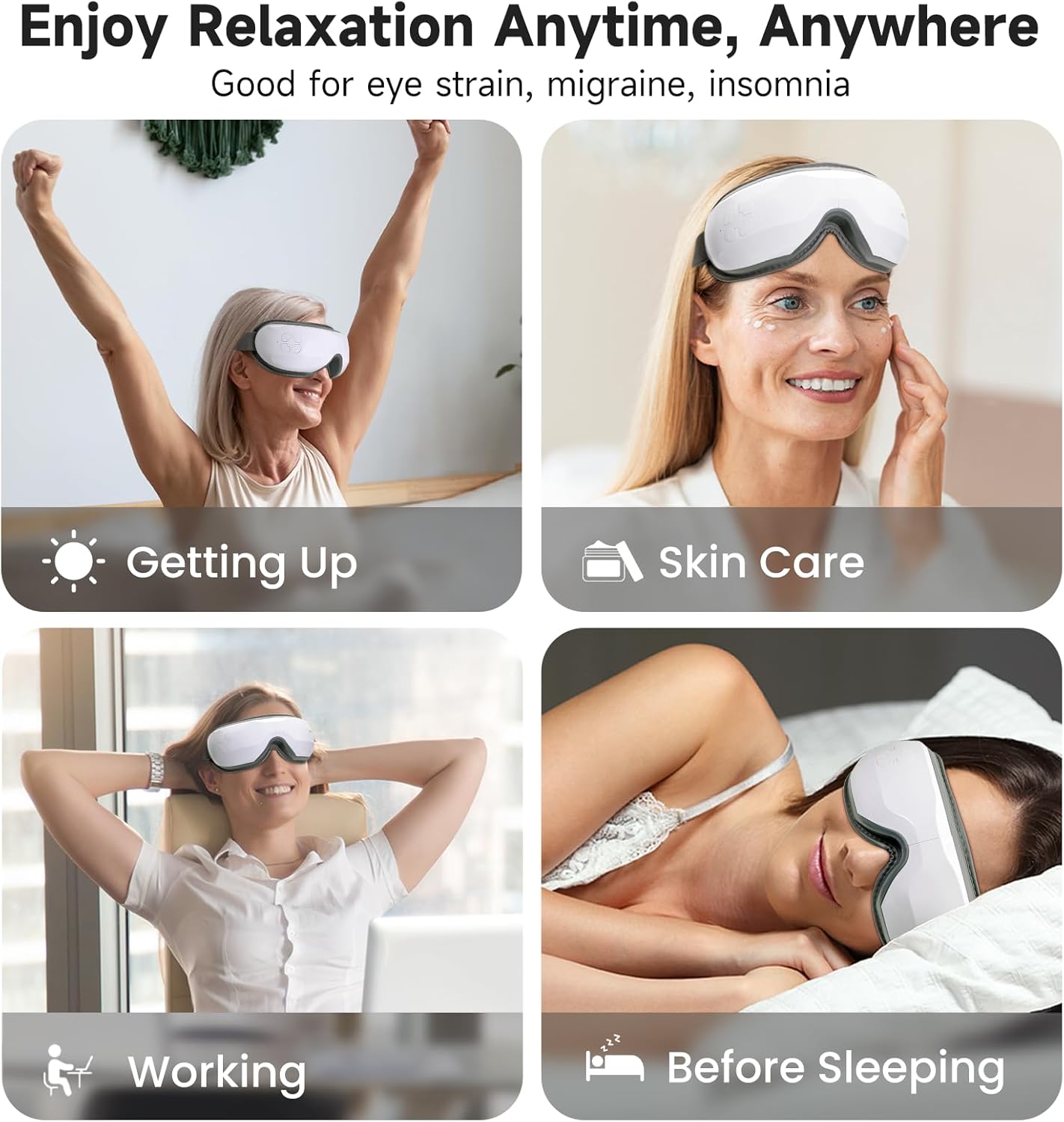
Image: The Medcursor Eye Massager provides relaxation for various situations, including waking up, during skincare routines, while working, and before sleeping.
2. Bezpečnostní informace
- Do not use this product if you have eye injuries, inflammation, or have undergone eye surgery recently. Consult a physician before use if you have any pre-existing eye conditions.
- Udržujte zařízení mimo dosah vody a vysoké vlhkosti.
- Nerozebírejte ani se nepokoušejte zařízení sami opravovat. Požádejte o pomoc zákaznickou podporu.
- Uchovávejte mimo dosah dětí.
- Používejte pouze dodaný nabíjecí kabel.
- If you experience any discomfort during use, discontinue immediately.
- The heating function should be used with caution by individuals sensitive to heat.
3. Obsah balení
Zkontrolujte prosím balení, zda jsou všechny položky přítomny:
- 1 x Medcursor Eye Massager
- 1 x USB nabíjecí kabel typu C
- 1 x Uživatelská příručka

Image: The package includes one eye massager, one USB cable, and one user manual.
4. Vlastnosti produktu
- 4 masážních režimů: Soft, Strong, Relax, and Sleep modes for varied massage experiences.
- Intelligent Heating Function: Adjustable heat settings (off, low, medium, high) to relieve eye fatigue and improve circulation.
- Nastavitelný tlak vzduchu: Customizable intensity with a dual-layer massage pad for comfort.
- Bluetooth připojení: Connect to your smartphone to play personal music or use built-in light music.
- Ovládání jedním tlačítkem: Simple control for mode selection and power.
- Nabíjení typu C: Fast charging in approximately 1.5 hours.
- Nastavitelná čelenka: Ensures a comfortable fit for most users.
5. Nastavení
- Nabijte zařízení: Before first use, fully charge the eye massager using the provided Type-C USB cable and a compatible adapter or power bank. The charging indicator light will show charging status.
- Upravit čelenku: Place the massager over your eyes and adjust the elastic headband for a snug yet comfortable fit. Ensure the device is centered over your eyes.
6. Provoz
6.1 Zapnutí/vypnutí
- Zapnutí: Press and hold the power button for 2-3 seconds. The device will start in the default mode.
- Vypnout: Press and hold the power button for 2-3 seconds again.
6.2 Výběr režimu
The device features 4 massage modes, cycling automatically every 15 minutes. Press the power button briefly to cycle through the modes manually:
- Měkký režim: Air Pressure + Heating + Music (Gentle relaxation)
- Silný režim: Enhanced Air Pressure + Heating + Music (Deep pressure relief)
- Relaxační režim: Air Pressure + Music (Soothes tension)
- Režim spánku: Heating + Music (Pre-bed calm)
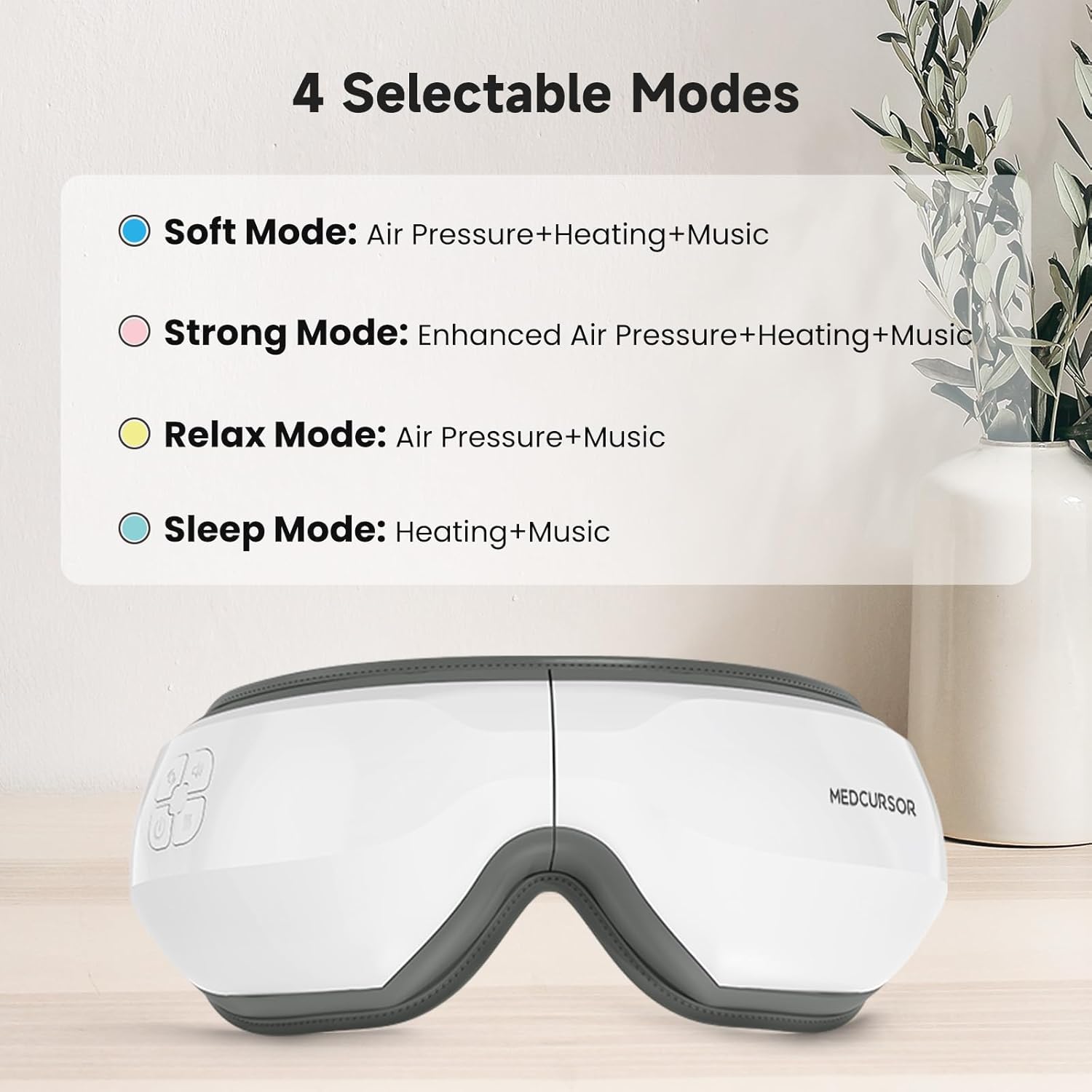
Image: The four selectable modes and their features.
6.3 Funkce ohřevu
The heating function is integrated into some modes. The device offers four heating settings (off, low, medium, high). The constant temperature range is 38°C - 45°C.

Image: The heating function provides a comfortable and warm experience for the eyes, covering a large area.
6.4 Bluetooth Connection and Music
The massager supports Bluetooth connectivity to play your own music or utilize the built-in light music.
- Ujistěte se, že je na vašem smartphonu povoleno Bluetooth.
- Turn on the eye massager.
- Hledat "Medcursor" or a similar device name in your phone's Bluetooth settings and pair.
- Once connected, you can play music from your phone through the massager's speakers.

Image: The eye massager connects to your phone via Bluetooth for a personalized music experience.
6.5 Funkce ztlumení
To mute the device's sounds (including built-in music and operational prompts), press the standby button three times quickly.

Image: Pressing the standby button three times mutes the device, creating an immersive eye massage experience.
7. Nabíjení
- The device uses a Type-C charging interface.
- Plné nabití trvá přibližně 1.5 hodin.
- The battery supports approximately 4-5 applications on a single charge.
- The charging indicator light will illuminate during charging and turn off or change color when fully charged (refer to specific product indicator behavior).
8. Údržba
- Čištění: Povrch masážního přístroje otřete měkkým, lehce vlhkým hadříkem.amp tkanina. Nepoužívejte abrazivní čisticí prostředky ani neponořujte zařízení do vody.
- Skladování: Pokud zařízení nepoužíváte, skladujte jej na chladném a suchém místě mimo dosah přímého slunečního záření.
9. Řešení problémů
| Problém | Možná příčina | Řešení |
|---|---|---|
| Zařízení se nezapne. | Slabá baterie nebo žádný proud. | Zařízení plně nabijte. |
| No air pressure or weak massage. | Nesprávně zvolený režim nebo slabá baterie. | Switch to a stronger mode (e.g., Strong Mode). Ensure the device is fully charged. |
| Žádné teplo nebo nedostatečné teplo. | Heating function is off or low setting. | Ensure a mode with heating is selected. Check heat settings. |
| Problémy s připojením Bluetooth. | Device not in pairing mode or phone's Bluetooth is off. | Ensure the massager is on. Turn off and on your phone's Bluetooth and try pairing again. |
| Loud motor sound. | Normal operation sound or potential internal issue. | Some motor sound is normal during air pressure operation. If excessively loud or unusual, contact customer support. |
10. Specifikace
| Funkce | Detail |
|---|---|
| Číslo modelu | MD-EM03 |
| Rozměry produktu | 7.87 x 5.51 x 4.17 palce |
| Hmotnost | 1.41 libry |
| Baterie | 1 Nonstandard Battery (Rechargeable) |
| Nabíjecí rozhraní | Typ C USB |
| Doba nabíjení | Přibl. 1.5 hodin |
| Materiál | Plast |
| Barva | Bílý |
| Speciální funkce | Rechargeable, Timer, Bluetooth, Heat, Air Pressure |
11. Záruka a podpora
Medcursor products are designed for quality and reliability. For warranty information, technical support, or any questions regarding your MD-EM03 Eye Massager, please contact Medcursor customer service. Refer to the contact information provided on the product packaging or the official Medcursor webmísto.


