
HP 327pf (B0CG3UT)
HP 327pf 27-inch Full HD LCD Monitor User Manual
Model: 327pf (B0CG3UT)
Zavedení
This manual provides essential information for setting up, operating, and maintaining your HP 327pf 27-inch Full HD LCD Monitor. Please read these instructions carefully before using your monitor to ensure optimal performance and safety.
The HP 327pf monitor offers a 27-inch Full HD display with IPS technology, providing wide viewing angles and consistent image accuracy. Key features include a 100 Hz refresh rate for smooth visuals, HP Eye Ease for reduced blue light emission without color shift, and multiple connectivity options.
Co je v krabici
Ověřte, zda jsou v balení přítomny všechny komponenty:
- HP 327pf 27-inch Full HD Monitor
- Kabel DisplayPort
- HDMI kabel
- Síťový napájecí kabel
- Stojan na monitor (základna a krk)
- Plakát s rychlým nastavením
- Záruční list
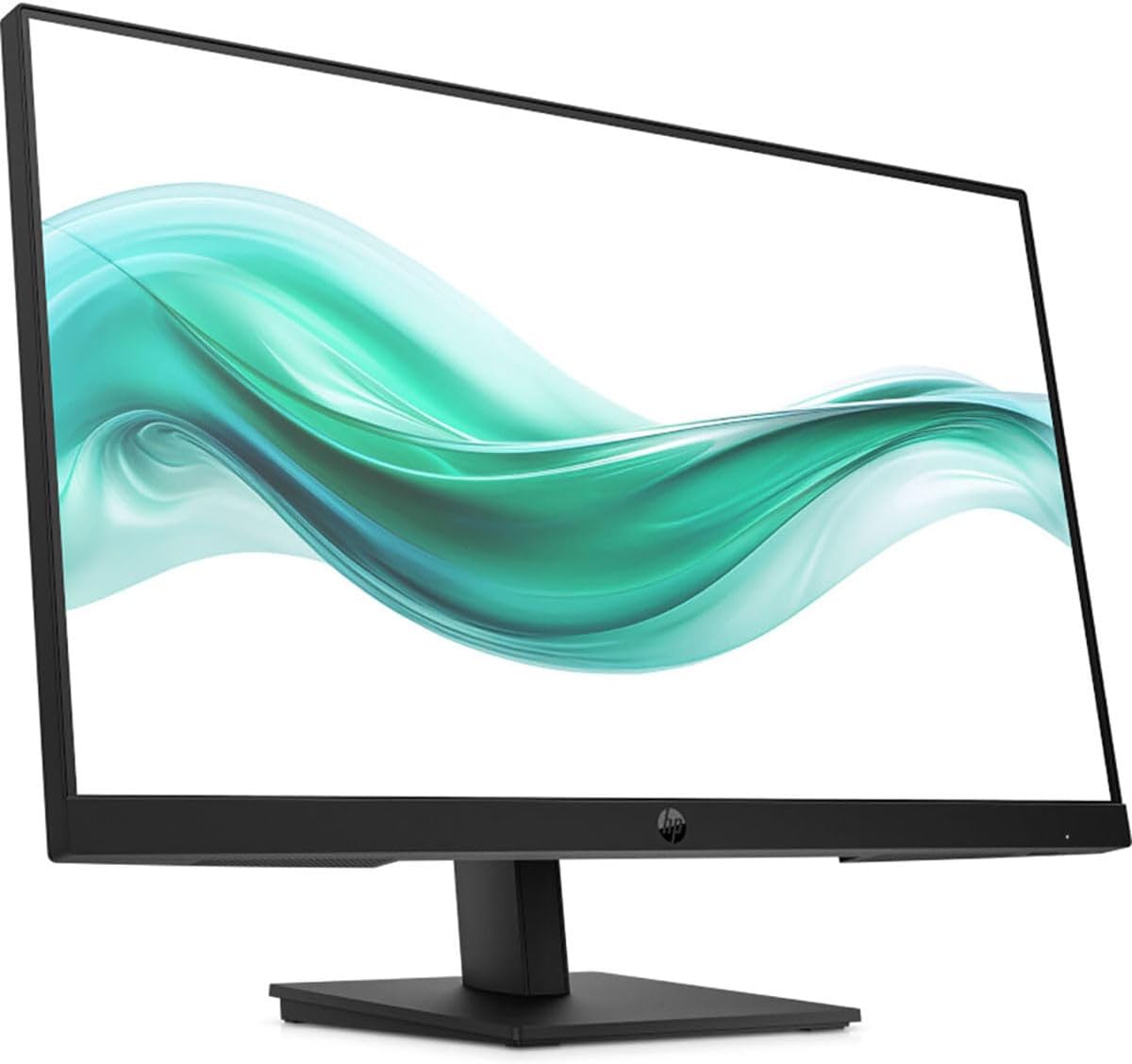
Obrázek: Přední strana view of the HP 327pf monitor, showcasinjeho tenké rámečky a stojan.
Pokyny pro nastavení
1. Sestavení stojanu monitoru
- Opatrně vyjměte komponenty monitoru a stojanu z obalu.
- Připevněte krk stojanu k panelu monitoru. Ujistěte se, že bezpečně zacvakne na místo.
- Attach the stand base to the stand neck. Tighten any screws if provided, typically by hand or with a coin.
- Sestavený monitor umístěte na stabilní, rovný povrch.

Obrázek: Boční view of the HP 327pf monitor, illustrating the slim profile and how the stand connects to the display panel.
2. Propojovací kabely
The monitor supports HDMI, DisplayPort, and VGA connections.
- Napájecí kabel: Připojte napájecí kabel střídavého proudu k napájení monitoru a poté do elektrické zásuvky.
- Video kabel:
- For optimal performance, use the provided HDMI or DisplayPort cable. Connect one end to the corresponding port on the monitor and the other end to your computer's video output port.
- Alternatively, connect a VGA cable from the monitor to your computer's VGA port.

Obrázek: Zadní view of the HP 327pf monitor, highlighting the various input ports including HDMI, DisplayPort, and VGA, along with the power input.
3. Zapnutí
Press the power button located on the monitor to turn it on. Ensure your computer is also powered on.
Obsluha monitoru
Nabídka na obrazovce (OSD).
The monitor features an intuitive joypad OSD button for navigating and adjusting settings. This button is typically located on the bottom or back of the monitor.
- Přístup k nabídce na obrazovce (OSD): Press the joypad button to open the OSD menu.
- Navigace: Use the joypad to move through menu options (up, down, left, right).
- Výběr: Press the joypad button to select an option or confirm a setting.
- Ukončení: Navigate to the 'Exit' option or press the joypad button repeatedly to go back through menus and eventually exit.
Klíčové vlastnosti
- Technologie IPS: Provides wide 178-degree viewing angles, ensuring consistent image accuracy from almost any perspective.
- Obnovovací frekvence 100 Hz: Delivers smoother motion and clearer detail, beneficial for general use and casual gaming.
- HP Eye Ease: An always-on hardware low-blue light filter designed to reduce eye strain without affecting color accuracy. This feature is active by default and does not require manual adjustment.
- Nastavitelný sklon: The monitor stand allows for tilt adjustments to help you find a comfortable viewing angle. Gently tilt the monitor panel forward or backward to your desired position.
Údržba a péče
- Čištění obrazovky:
- Vypněte monitor a odpojte napájecí kabel.
- Jemně otřete obrazovku měkkým hadříkem, který nepouští vlákna.
- Na odolné skvrny lehceampOpláchněte hadřík vodou nebo neabrazivním čističem obrazovek. Nestříkejte tekutinu přímo na obrazovku.
- Čištění Casing: K otření monitoru použijte měkký, suchý hadřík casing. Avoid using harsh chemicals or abrasive cleaners.
- Větrání: Abyste zabránili přehřátí, ujistěte se, že ventilační otvory monitoru nejsou zablokované.
- Skladování: Pokud monitor delší dobu nepoužíváte, skladujte jej na chladném a suchém místě, ideálně v originálním obalu.
Odstraňování problémů
| Problém | Možné řešení |
|---|---|
| Na obrazovce není žádný obraz |
|
| Obraz je rozmazaný nebo zkreslený |
|
| Barvy se zobrazují nesprávně |
|
| Monitor bliká |
|
Specifikace
| Název modelu | HP 327pf |
| Číslo modelu | B0CG3UT#ABA |
| Velikost obrazovky | 27 palce |
| Panel Technology | In-Plane Switching (IPS) |
| Rezoluce | 1920 x 1080 (Full HD) |
| Poměr stran | 16:9 |
| Obnovovací frekvence | Až 100 Hz |
| Doba odezvy | 5 ms |
| Jas | 250 Nit |
| Podpora barev | 16.7 milionů barev |
| Viewúhel | 178 ° vodorovně, 178 ° svisle |
| Konektivita | 1x HDMI 1.4, 1x VGA, 1x DisplayPort 1.2 |
| Kompatibilní s držákem VESA | Ano |
| Rozměry (DxŠxV) | 2.3 x 24.1 x 14.4 palce (bez stojanu) |
| Hmotnost | 9.77 libry |
| Barva | Černý |
Záruka a podpora
Your HP 327pf monitor comes with a standard limited warranty. Please refer to the included Warranty Card for detailed terms and conditions, including warranty period and coverage.
For technical support, service, or additional product information, please visit the official HP support website or contact HP customer service. You can typically find support resources by searching for "HP Support" online and entering your product model number (327pf or B0CG3UT).
Online podpora: support.hp.com
Ask a question about this manual
Ask about setup, troubleshooting, compatibility, parts, safety, or missing instructions. Manuals+ will review the question and use this page’s manual context to help answer it.