
1. Konec produktuview
The ORICO 4-Port USB 3.2 Hub (Model 50CM) is a high-speed data extender designed to expand connectivity for various devices. It features a durable zinc alloy and transparent PC construction, offering both functionality and a modern aesthetic. This hub provides two USB-A and two USB-C ports, supporting data transfer speeds up to 10Gbps, making it suitable for laptops, PCs, desktops, and other compatible devices.
Klíčové vlastnosti:
- Vysokorychlostní přenos dat: Supports up to 10Gbps total bandwidth across all four interfaces, enabling rapid transfer of large files.
- Všestranná konektivita: Equipped with 2 USB-A and 2 USB-C ports for connecting multiple peripherals simultaneously.
- Odolná konstrukce: Made from zinc alloy with an anti-oxidation treatment and transparent PC material for enhanced heat dissipation and stability.
- Kompaktní a přenosné: Small dimensions (2.24 x 2.24 x 0.81 inches) for easy transport.
- Široká kompatibilita: Compatible with Windows 8/10 and Mac OS systems.
Součásti produktu:
- ORICO 4-Port USB 3.2 Hub (Model 50CM)
- USB-C to USB-C Cable (1.64Ft or 3.28Ft, depending on variant)
- Uživatelská příručka
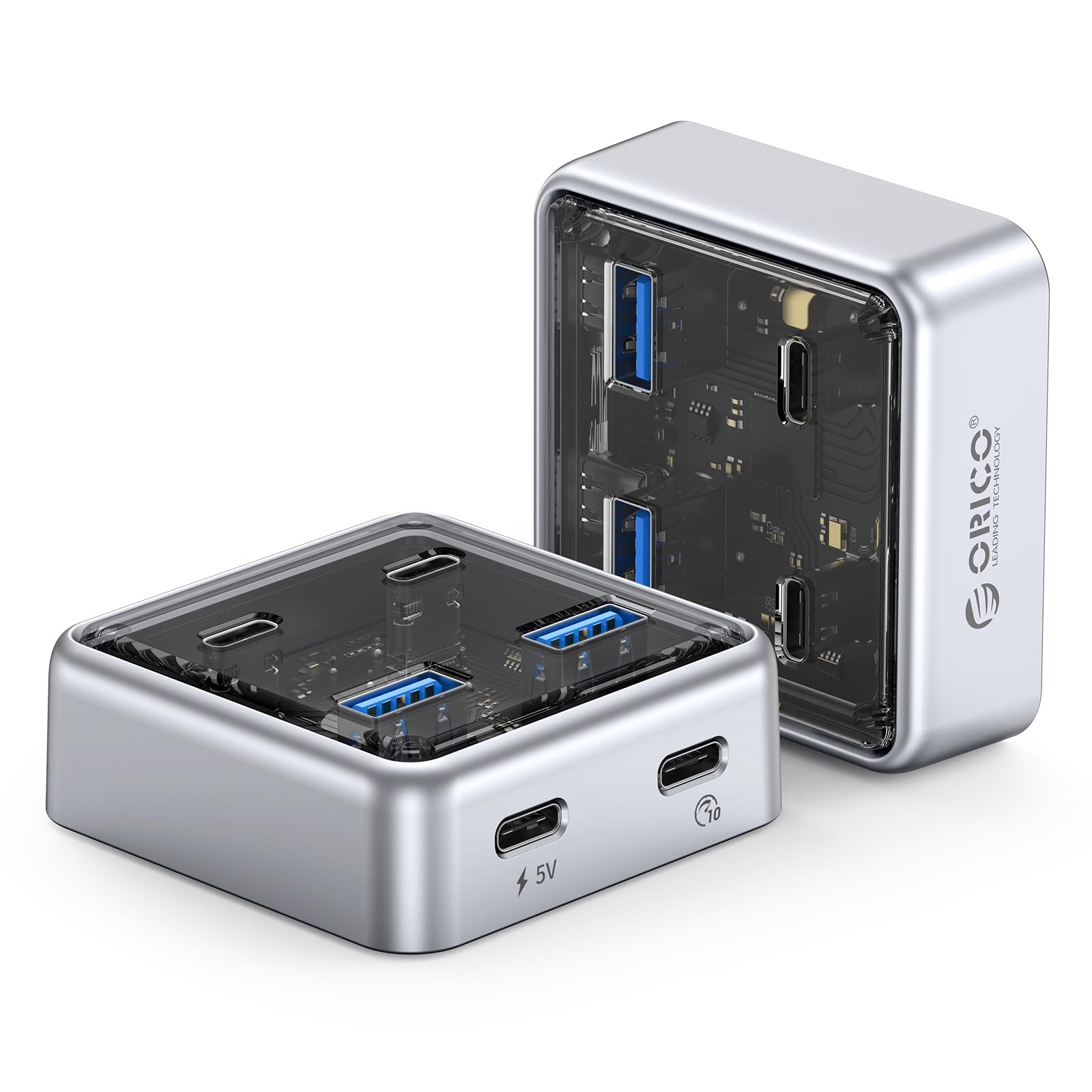
Figure 1: ORICO 4-Port USB 3.2 Hub (Model 50CM) - Front View.
2. Pokyny k nastavení
Follow these steps to set up your ORICO 4-Port USB 3.2 Hub.
2.1 Connecting the Hub to Your Device
- Locate an available USB-C port on your laptop, PC, or desktop computer.
- Connect one end of the provided USB-C to USB-C cable to the designated host port on the ORICO hub.
- Connect the other end of the USB-C cable to the USB-C port on your computer.
- The hub is plug-and-play and does not require additional drivers for most operating systems (Windows 8/10, Mac OS).
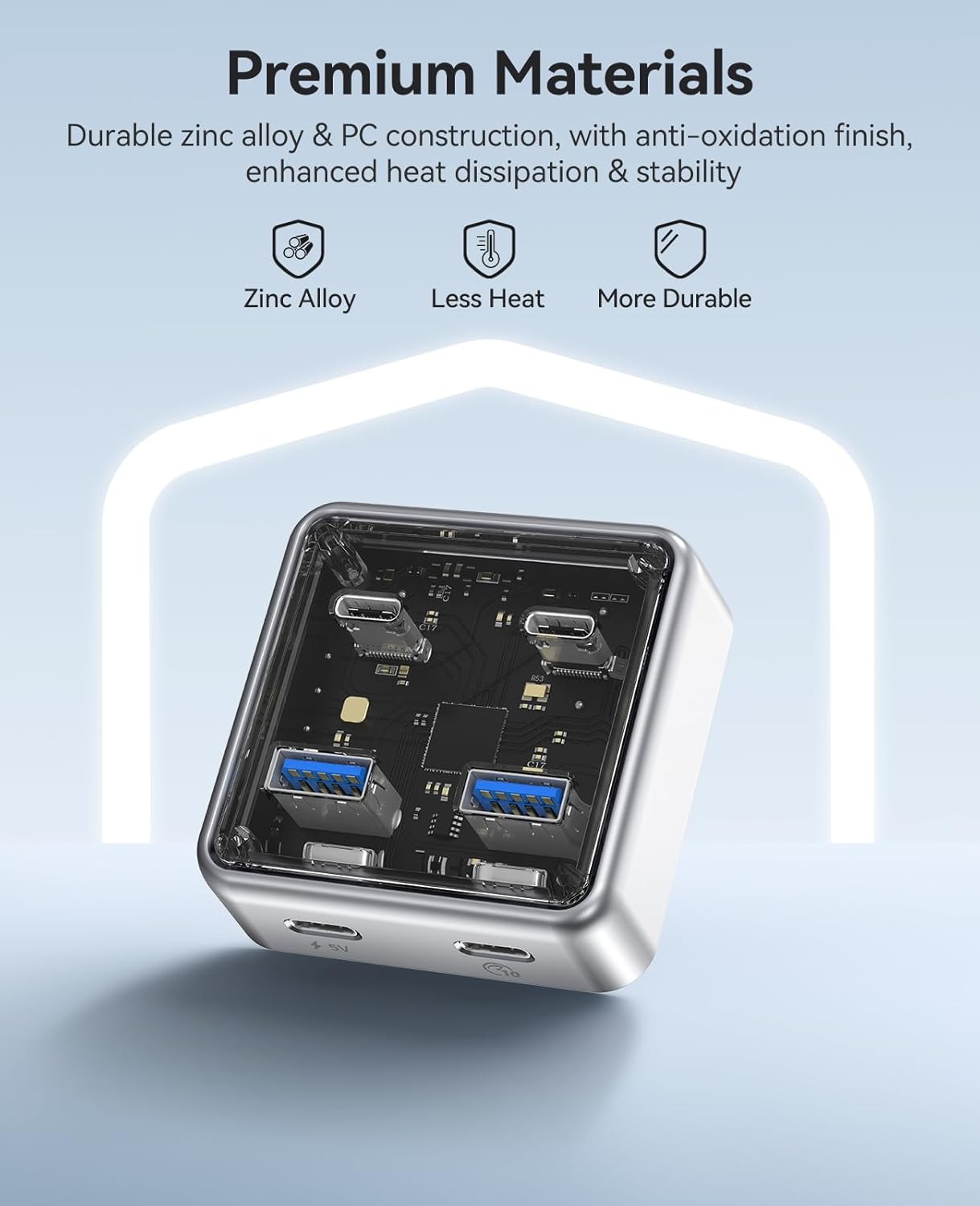
Figure 2: Connecting the ORICO hub to a laptop via USB-C cable.
2.2 Powering High-Power Devices (Optional)
For stable operation with high-power devices such as external hard drives, RGB keyboards, or printers, the hub includes a 5V USB-C power input port. An adapter is not included and must be prepared separately if needed.
- Connect a 5V power adapter (not included) to the 5V USB-C power input port on the hub.
- Ensure the power adapter provides sufficient current for your connected high-power devices.

Figure 3: Optional 5V USB-C power input for stable connection with high-power devices.
3. Návod k obsluze
The ORICO 4-Port USB 3.2 Hub allows for simultaneous connection and data transfer with multiple devices.
3.1 Připojení periferních zařízení
- Insert USB-A devices (e.g., flash drives, mice, keyboards) into the two USB-A 3.2 ports.
- Insert USB-C devices (e.g., external SSDs, smartphones) into the two USB-C 3.2 ports.
- All four ports can be used concurrently for data transfer and device connectivity.
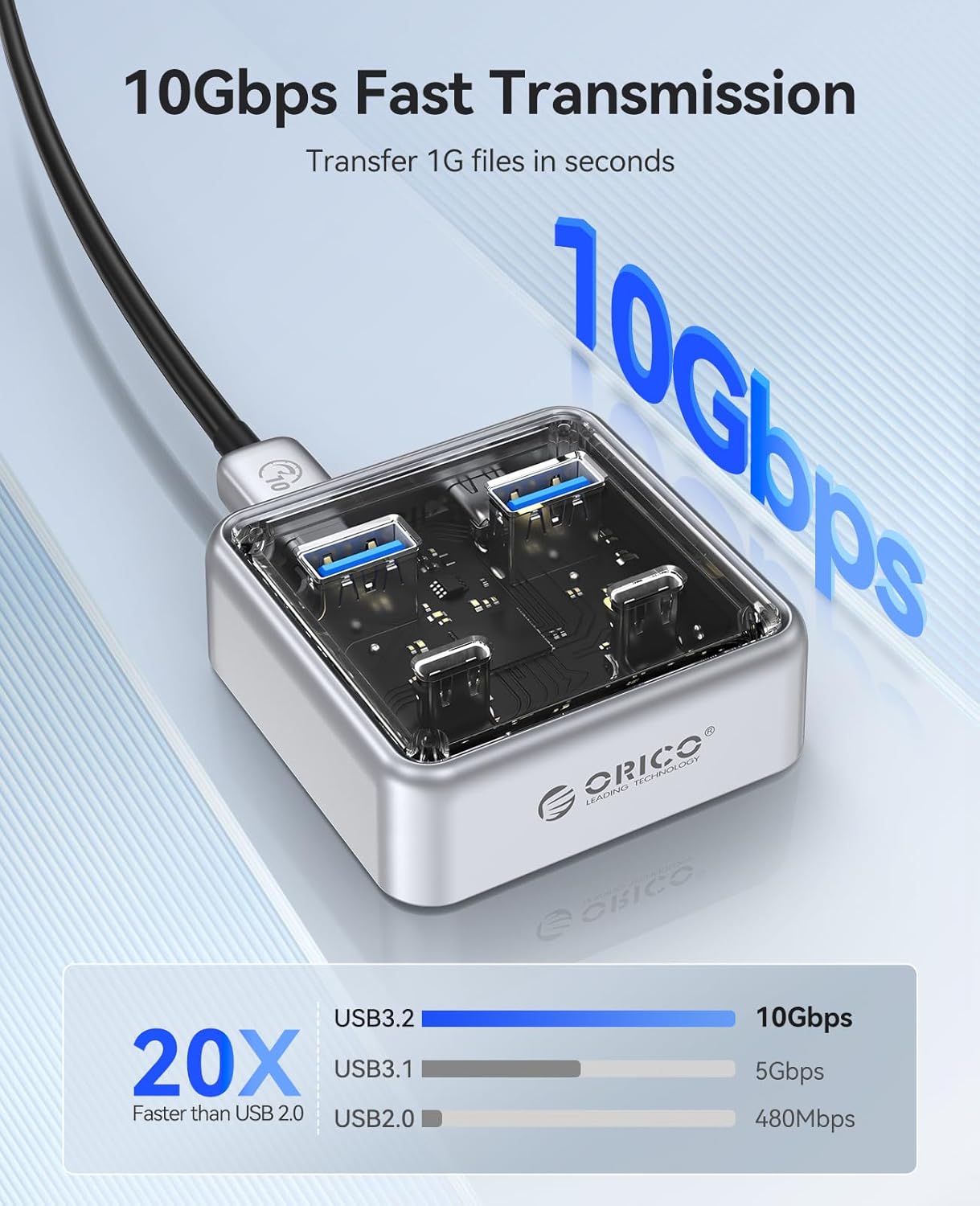
Figure 4: The hub connected to various peripherals, demonstrating its versatile port options.
3.2 Přenos dat
The hub supports data transfer speeds up to 10Gbps. When transferring large files, ensure both the connected device and your computer's port support USB 3.2 Gen 2 for optimal performance.
Video 1: Demonstrates high-speed data transfer using the ORICO 4-Port USB 3.2 Hub. This video shows the hub facilitating quick file transfers between a laptop and an external storage device, highlighting its 10Gbps capability for efficient workflow.
Video 2: Overview of the ORICO 10Gbps Transparent USB Hub. This video showcases the hub's design, port configuration, and its application in expanding connectivity for various devices, emphasizing its compact size and high-speed capabilities.
4. Údržba
Proper maintenance ensures the longevity and optimal performance of your ORICO USB Hub.
- Čištění: Use a soft, dry cloth to wipe the exterior of the hub. Avoid using liquid cleaners or abrasive materials.
- Skladování: Skladujte rozbočovač na chladném a suchém místě mimo dosah přímého slunečního záření a extrémních teplot.
- Zacházení: Avoid dropping the hub or subjecting it to strong impacts, as this may damage internal components.
- Péče o přístav: Ensure USB ports are free from dust and debris before inserting cables.

Figure 5: The compact design of the ORICO hub, illustrating its portability and ease of handling for maintenance.
5. Řešení problémů
If you encounter issues with your ORICO USB Hub, refer to the following common solutions:
| Problém | Možná příčina | Řešení |
|---|---|---|
| Zařízení nebylo rozpoznáno | Loose connection, incompatible device, insufficient power. |
|
| Pomalá rychlost přenosu dat | Device or computer port does not support 10Gbps, multiple devices sharing bandwidth. |
|
| Hub gets warm during use | Normal operation, especially with multiple active devices. |
|
6. Specifikace produktu
| Funkce | Detail |
|---|---|
| Značka | ORICO |
| Číslo modelu | 50CM |
| Barva | Stříbro |
| Hardwarové rozhraní | USB, USB typu C |
| Celkový počet portů USB | 4 (2x USB-A, 2x USB-C) |
| Rychlost přenosu dat | 10 Gigabits Per Second (shared bandwidth) |
| Speciální funkce | Plug and Play |
| Kompatibilní zařízení | Card Readers, Desktops, Hard Disk Drive, Keyboards, Laptops, PCs, Smartphones |
| Operační systém | Windows 8/10, Mac OS |
| Hmotnost položky | 100 gramů |
| Rozměry | 2.24 x 2.24 x 0.81 palce (přibližně) |
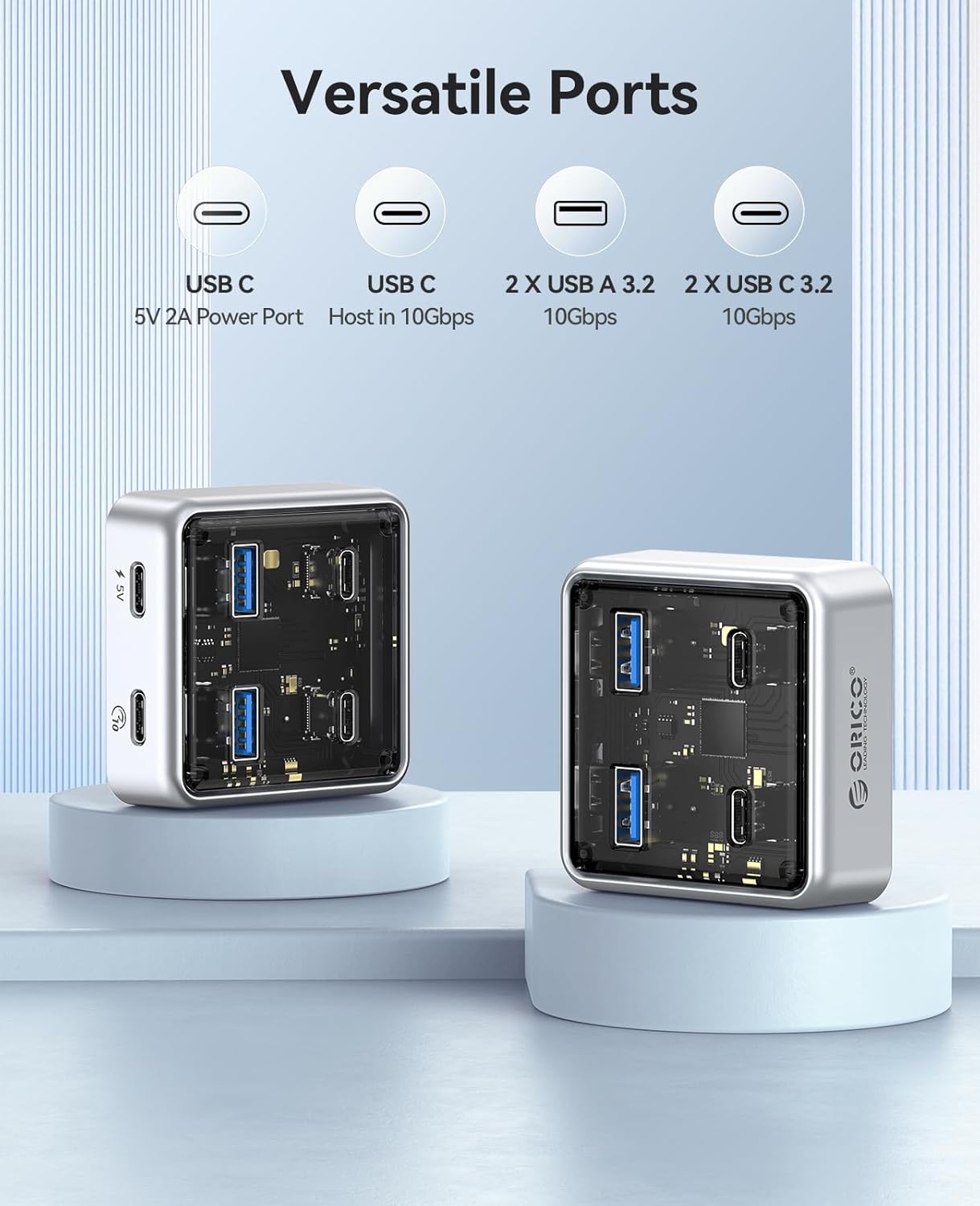
Obrázek 6: Detailní view of the ORICO hub's versatile ports, including USB-A and USB-C connections.
7. Záruka a podpora
7.1 Informace o záruce
The ORICO 4-Port USB 3.2 Hub (Model 50CM) comes with a Záruka 12 měsíců od data nákupu. Tato záruka se vztahuje na výrobní vady a poruchy při běžném používání. Nevztahuje se na škody způsobené nesprávným použitím, nehodami, neoprávněnými úpravami nebo vnějšími vlivy.
Uschovejte si prosím doklad o koupi pro uplatnění záruky.
7.2 Zákaznická podpora
For technical assistance, troubleshooting, or warranty inquiries, please contact ORICO customer support through the official ORICO website or your retailer's support channels. Provide your product model number (50CM) and a detailed description of the issue for faster service.
Pro více informací navštivte ORICO Store on Amazon.