
Maxfree M4
Uživatelská příručka k přenosnému monitoru Maxfree Dual M4
Model: M4
Zavedení
Thank you for choosing the Maxfree Dual Portable Monitor M4. This manual provides essential information for setting up, operating, and maintaining your new dual monitor system. Please read this manual thoroughly before use to ensure optimal performance and longevity of your device.
Konec produktuview
The Maxfree Dual Portable Monitor M4 is designed to expand your workspace with two 15.6-inch 1080P FHD IPS displays. Its folding design enhances portability, making it ideal for travel and various work environments.

Image: The Maxfree Dual Portable Monitor M4, featuring two 15.6-inch screens in an open, stacked configuration, ready for use.
Klíčové vlastnosti:
- Dual 15.6-inch 1080P FHD IPS Displays
- Plug & Play USB-C Connectivity
- Folding Design for Portability
- Matte Screen with Anti-glare, No Flicker, and Eye Care Functions
- 100% barevný gamut sRGB
- Multiple Display Modes and 330° Rotation
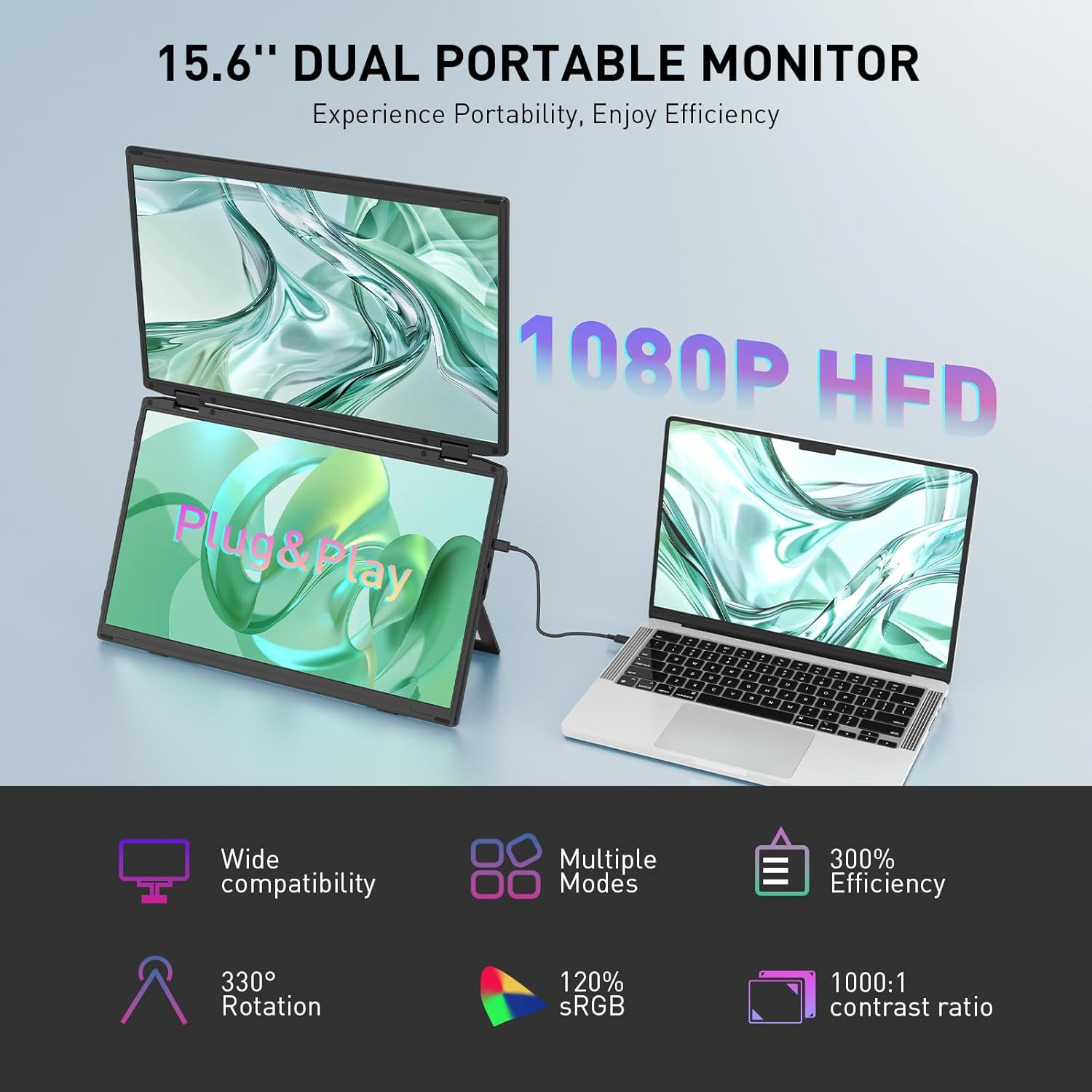
Image: The Maxfree Dual Portable Monitor M4 connected to a laptop, illustrating its plug-and-play functionality and various display modes.
Pokyny pro nastavení
- Rozbalte monitor: Opatrně vyjměte monitor a veškeré příslušenství z obalu.
- Umístění monitoru: Place the monitor on a stable, flat surface. Adjust the integrated stand to your desired viewúhel.
- Connect to Power (Recommended): For optimal performance, connect the monitor to a power source using the provided USB-C power adapter (if included) or a compatible USB-C port on your device that supports power delivery.
- Připojit k zařízení:
- Připojení USB-C: Connect one end of the provided USB-C cable to the monitor's USB-C port and the other end to a full-featured USB-C port on your laptop or PC. This single cable can transmit video, audio, and power.
- HDMI + USB-A Connection (if applicable): If your device does not have a full-featured USB-C port, you may need to use an HDMI cable for video and a USB-A to USB-C cable for power and touch functionality (if supported by your model). Refer to your device's manual for specific port requirements.
- Zapnutí: Press the power button on the monitor. Your device should automatically detect and extend the display.
- Upravit nastavení zobrazení: On your computer, navigate to Display Settings to configure the dual monitors (e.g., extend, duplicate, arrange displays).
Návod k obsluze
Režimy zobrazení:
The Maxfree Dual Portable Monitor supports various display modes to enhance productivity:
- Rozšířený režim: Expands your desktop across both screens, providing a larger workspace. This is ideal for multitasking.
- Duplicitní režim: Mirrors your primary display onto the portable monitors. Useful for presentations or sharing content.
- Vertikální rozvržení: The unique vertical stacking design minimizes scrolling and page switching, reducing eye and neck fatigue, especially for document review or coding.
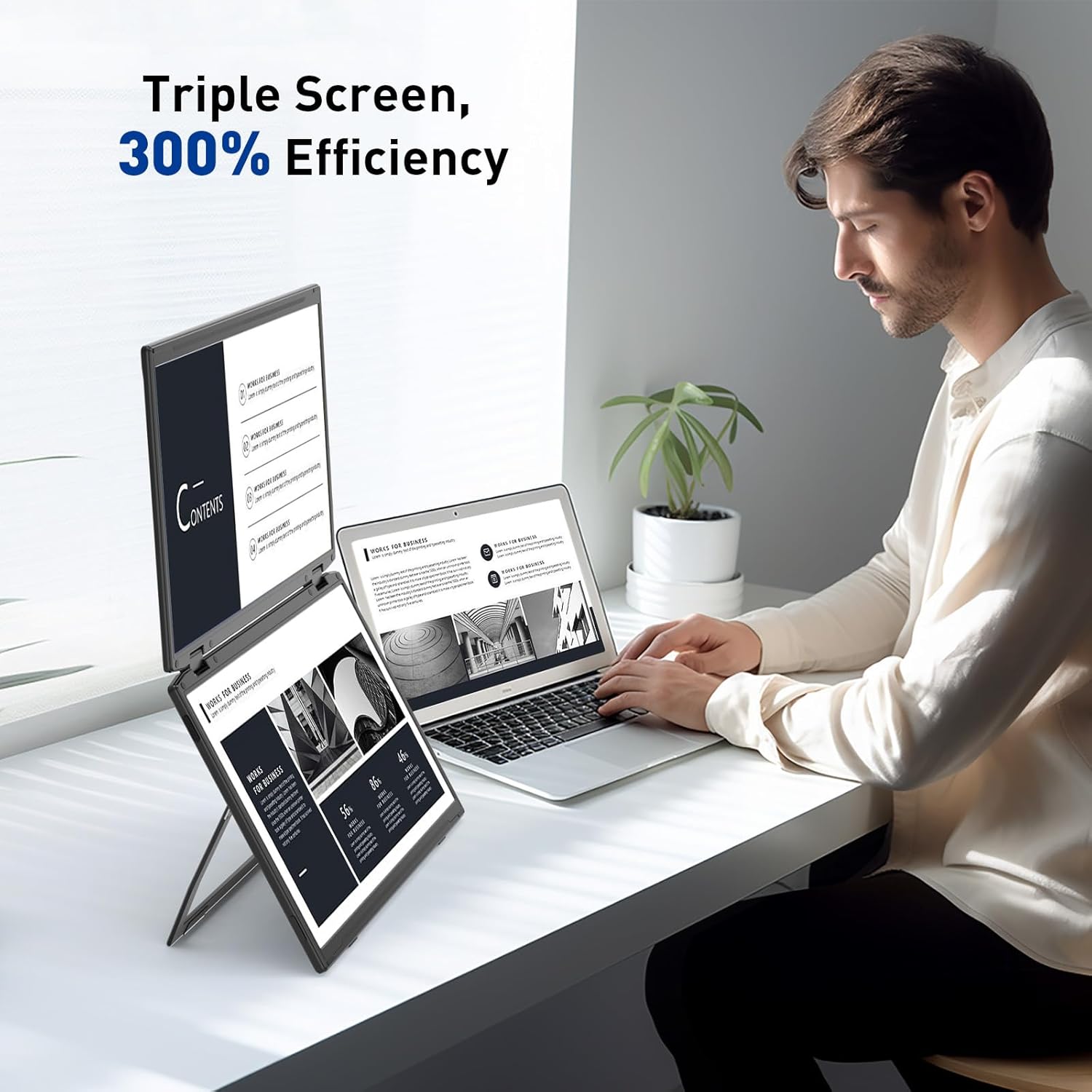
Image: A user demonstrating the Maxfree Dual Portable Monitor M4 in a vertical stacked setup, illustrating how it creates an efficient triple-screen workspace.
Nabídka na obrazovce (OSD):
Use the buttons on the side of the monitor to access and navigate the OSD menu. This menu allows you to adjust settings such as:
- Jas a kontrast
- Color Settings (e.g., sRGB, color temperature)
- Výběr zdroje vstupu
- Poměr stran
- Volume (if applicable)
Refer to the on-screen prompts for specific button functions (e.g., Menu, Up, Down, Exit).
Specifikace
| Funkce | Detail |
|---|---|
| Velikost obrazovky | Duální 15.6 palce |
| Rezoluce | 1920 × 1080 (FHD 1080p) |
| Typ panelu | IPS |
| Poměr stran | 16:9 |
| Povrch obrazovky | Matný |
| Jas obrázku | 300 XNUMX Candela |
| Barevný gamut | 100% sRGB |
| Konektivita | USB-C (Full-featured), HDMI (if applicable) |
| Celkový počet portů USB | 1 (USB-C for main connection) |
| svtage | 5 voltů |
| Rozměry produktu | 0.5 x 14 x 9 palce |
| Hmotnost položky | 3.5 libry |
| Číslo modelu | M4 |
Odstraňování problémů
- Bez displeje:
- Ensure the USB-C cable is securely connected to both the monitor and your device.
- Ověřte, zda port USB-C vašeho zařízení podporuje video výstup (alternativní režim DisplayPort).
- Connect the monitor to an external power source if your device cannot provide sufficient power.
- Check your computer's display settings to ensure the external monitor is detected and enabled.
- Blikající obrazovka:
- Ensure the cable connections are secure.
- Zkuste jiný kabel USB-C.
- Reduce the display resolution or refresh rate on your computer.
- Image Quality Issues (Blurry, Incorrect Colors):
- Upravte jas, kontrast a nastavení barev pomocí nabídky OSD.
- Ensure your computer's display resolution matches the monitor's native resolution (1920x1080).
- Monitor se nezapíná:
- Confirm the power cable is properly connected and the power outlet is functional.
- Pevně stiskněte tlačítko napájení.
Údržba
- Čištění obrazovky: Jemně otřete obrazovku měkkým hadříkem, který nepouští vlákna. V případě odolných skvrn lehceampOmyjte hadřík vodou nebo roztokem na čištění obrazovky. Nepoužívejte agresivní chemikálie ani abrazivní materiály.
- Čištění Casing: K otření povrchu monitoru použijte měkký, suchý hadřík.asing.
- Skladování: When not in use, fold the monitor and store it in a cool, dry place, preferably in its original packaging or a protective case to prevent damage.
- Vyhněte se extrémním podmínkám: Nevystavujte monitor extrémním teplotám, vlhkosti ani přímému slunečnímu záření.
Záruka a podpora
For warranty information, technical support, or service inquiries, please refer to the warranty card included with your product or visit the official Maxfree webmísto.
Výrobce: Shenzhen Baijiayoupu Technology CO., Ltd.
Ask a question about this manual
Ask about setup, troubleshooting, compatibility, parts, safety, or missing instructions. Manuals+ will review the question and use this page’s manual context to help answer it.