
1. Úvod
Thank you for choosing the Gtheos Captain 370 Wireless Gaming Headset. This manual provides essential information for setting up, operating, and maintaining your new headset. Designed for an immersive audio experience, the Captain 370 offers versatile connectivity and comfortable wear for extended gaming sessions and communication.
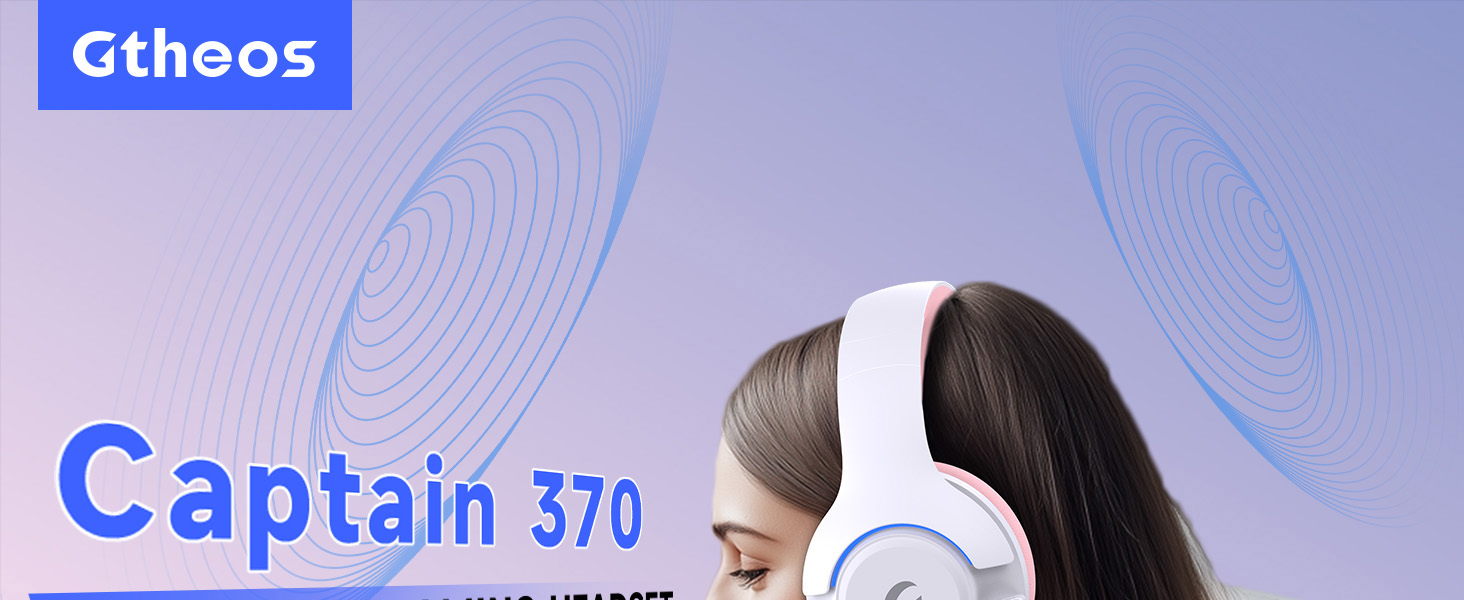
Image 1: The Gtheos Captain 370 Wireless Gaming Headset, showcasinjeho elegantní design a pohodlné náušníky.
Klíčové vlastnosti:
- 4 v 1 připojení: Seamlessly switch between 2.4GHz wireless, Bluetooth 5.3, and 3.5mm wired modes for broad device compatibility.
- 50mm dynamické ovladače: Experience realistic and immersive sound quality for gaming and multimedia.
- Mikrofon s potlačením šumu: Detachable microphone designed to reduce background noise for clear communication.
- Prodloužená životnost baterie: Užijte si až 45 hodin nepřetržitého používání na jedno nabití.
- Pohodlný design: Ergonomically designed earcups and headband for prolonged comfort during use.
- RGB osvětlení: Customizable LED lighting effects on the earcups.
2. Nastavení
2.1 Co je v krabici
- 1 x Gtheos Captain 370 Gaming Headset
- 1 x Detachable Noise Cancelling Microphone
- 1 x nabíjecí kabel typu C
- 1 x USB Transmitter (2.4GHz dongle)
- 1 x 3.5 mm audio kabel
- 1 x Uživatelská příručka
2.2 Nabíjení headsetu
Before first use, fully charge the headset. Connect the Type-C charging cable to the headset's charging port and the other end to a USB power source (e.g., computer USB port, USB wall adapter). The LED indicator will show charging status and turn off when fully charged.

Image 2: Headset highlighting the 45-hour battery life and charging port.
2.3 Připojení mikrofonu
The Captain 370 comes with a detachable noise-canceling microphone. Insert the microphone into the dedicated port on the left earcup until it clicks into place. Ensure it is securely connected for optimal voice pickup.

Image 3: Close-up of the headset showing the detachable noise-canceling microphone.
3. Návod k obsluze
3.1 Zapnutí/vypnutí
To power on the headset, press and hold the Power button located on the earcup until the LED indicator lights up. To power off, press and hold the Power button again until the LED indicator turns off.
3.2 Režimy připojení
The Gtheos Captain 370 supports four connectivity modes:
- Bezdrátový režim 2.4 GHz: For PS4, PS5, PC, Mac, Nintendo Switch (via Type-C), and Phones/Pads (via Type-C). Insert the USB transmitter into your device. The headset will automatically connect.
- Režim Bluetooth 5.3: For Phones, Pads, and Notebooks. Enable Bluetooth on your device, put the headset into pairing mode (refer to device-specific instructions if needed), and select "Gtheos Captain 370" from the available devices.
- 3.5mm drátový režim: For PS4, PS5, Xbox, PC, Mac, and Laptops/Tablets with a 3.5mm jack. Connect the included 3.5mm audio cable to the headset and your device.
Image 4: Visual representation of the four connectivity modes and compatible devices.

Image 5: Detailed compatibility matrix for voice and microphone functions across 2.4G, Bluetooth, and 3.5mm wired modes.
3.3 Ovládání hlasitosti
Adjust the volume using the dedicated volume roller or buttons on the headset's earcup. For optimal sound, also check the volume settings on your connected device.
3.4 Ztlumení mikrofonu
Press the Microphone Mute button on the headset to toggle the microphone on or off. An indicator light (often red) will typically show when the microphone is muted.
3.5 Ovládání LED osvětlení
The headset features customizable RGB lighting. Press the dedicated LED control button (often integrated with the mic mute button or a separate button) to cycle through different lighting effects or turn them off. A quick press may change colors, while a long press might toggle the lights on/off.
4. Údržba
To ensure the longevity and performance of your Gtheos Captain 370 headset, follow these maintenance guidelines:
- Čištění: Use a soft, dry cloth to clean the headset. Avoid using harsh chemicals or abrasive materials. For earcups, gently wipe with a damp hadříkem a nechte zcela uschnout na vzduchu.
- Skladování: Sluchátka skladujte na chladném a suchém místě mimo dosah přímého slunečního záření a extrémních teplot.
- Zacházení: Avoid dropping the headset or exposing it to excessive force. Do not pull on cables forcefully.
- Péče o baterie: Pro optimální výdrž baterie se vyvarujte častého úplného vybíjení sluchátek. Pravidelně je nabíjejte, i když je nepoužíváte neustále.
5. Řešení problémů
5.1 Žádný zvuk nebo nízká hlasitost
- Ujistěte se, že je sluchátko zapnuté a plně nabité.
- Zkontrolujte úroveň hlasitosti na sluchátkách i na připojeném zařízení.
- Ověřte, zda je v nastavení zvuku vašeho zařízení vybráno správné výstupní zvukové zařízení.
- If using 2.4GHz wireless, ensure the USB transmitter is securely plugged in and recognized by your device.
- If using Bluetooth, ensure the headset is properly paired and connected.
- If using 3.5mm wired, ensure the cable is fully inserted into both the headset and the device.
5.2 Mikrofon nefunguje
- Ujistěte se, že je mikrofon bezpečně připojen k headsetu.
- Zkontrolujte, zda není mikrofon ztlumen, pomocí tlačítka ztlumení na náhlavní soupravě.
- Ověřte, zda je v nastavení zvuku vašeho zařízení vybráno správné vstupní zařízení mikrofonu.
- Vyzkoušejte mikrofon v různých aplikacích nebo s jiným zařízením.
5.3 Problémy s připojením
- 2.4 GHz: Try unplugging and re-plugging the USB transmitter. Ensure no other 2.4GHz devices are causing interference.
- Bluetooth: Unpair and re-pair the headset with your device. Ensure the headset is within the Bluetooth range (10 meters).
- Generál: Restartujte sluchátka i připojené zařízení.
6. Specifikace
| Funkce | Detail |
|---|---|
| Název modelu | Kapitán 370 |
| Značka | Gtheos |
| Technologie připojení | Bezdrátové připojení 2.4 GHz, Bluetooth 5.3, kabelové připojení 3.5 mm |
| Velikost zvukového ovladače | 50 milimetrů |
| Typ zvukového ovladače | Dynamický ovladač |
| Frekvenční odezva | 20 kHz |
| Impedance | 32 ohmů |
| Kontrola hluku | Zvuková izolace, potlačení hluku (mikrofon) |
| Životnost baterie | Až 45 hodin |
| Verze Bluetooth | 5.3 |
| Dosah Bluetooth | 10 metrů |
| Zvuková latence | 20 milisekund |
| Kompatibilní zařízení | PS5, PS4, PC, Mac, Laptop, Tablets, Phones, Nintendo Switch, Xbox (wired) |
| Materiál | ABS, Leather, PC |
| Hmotnost položky | 0.51 kilogramů (1.12 liber) |
| Barva | Tmavě růžová |
7. Záruka a podpora
7.1 Informace o záruce
The Gtheos Captain 370 Wireless Gaming Headset comes with a standard manufacturer's warranty. Please refer to the warranty card included in your product packaging for specific terms and conditions, including warranty period and coverage details.
7.2 Zákaznická podpora
For technical assistance, troubleshooting, or any questions regarding your Gtheos Captain 370 headset, please contact Gtheos customer support. You can find contact information on the official Gtheos webwebu nebo prostřednictvím prodejce, u kterého jste produkt zakoupili.
Navštivte Gtheos Store on Amazon pro více informací a aktualizace produktů.