
Zavedení
This manual provides instructions for the Beyution ERF6G80H Voice Remote Control, designed as a replacement for Hisense QLED 4K S7N Series Smart TVs. This remote offers both traditional infrared control and voice search capabilities for enhanced user interaction. Please read this manual carefully to ensure proper setup and operation.
Obsah balení
- 1 x Beyution ERF6G80H Voice Remote Control
Poznámka: Baterie AAA nejsou součástí balení a je nutné je zakoupit samostatně.
Nastavení
1. Instalace baterie
- Najděte přihrádku na baterie na zadní straně dálkového ovladače.
- Posuňte kryt baterie dolů a otevřete jej.
- Insert two (2) AAA 1.5V alkaline batteries, ensuring the positive (+) and negative (-) terminals match the diagrams inside the compartment.
- Nasaďte kryt baterie zpět tak, že jej posunete nahoru, dokud nezacvakne.

Obrázek 1: Battery compartment with AAA batteries.
2. Párování s televizorem
Before using the voice search function, the remote control must be paired with your Hisense Smart TV. Follow your TV's specific instructions for pairing a new remote control. Generally, this involves:
- Ujistěte se, že je váš televizor zapnutý.
- Navigating to the TV's settings menu (often under "Remotes & Accessories" or "Bluetooth Settings").
- Selecting the option to "Add new device" or "Pair remote control."
- Following the on-screen prompts, which may involve pressing specific buttons on the new remote (e.g., the Voice button and another button simultaneously) to initiate pairing.
Once successfully paired, the remote control will function for both standard commands and voice search.
Návod k obsluze
The ERF6G80H remote control features a standard layout for easy navigation and control of your Hisense Smart TV.
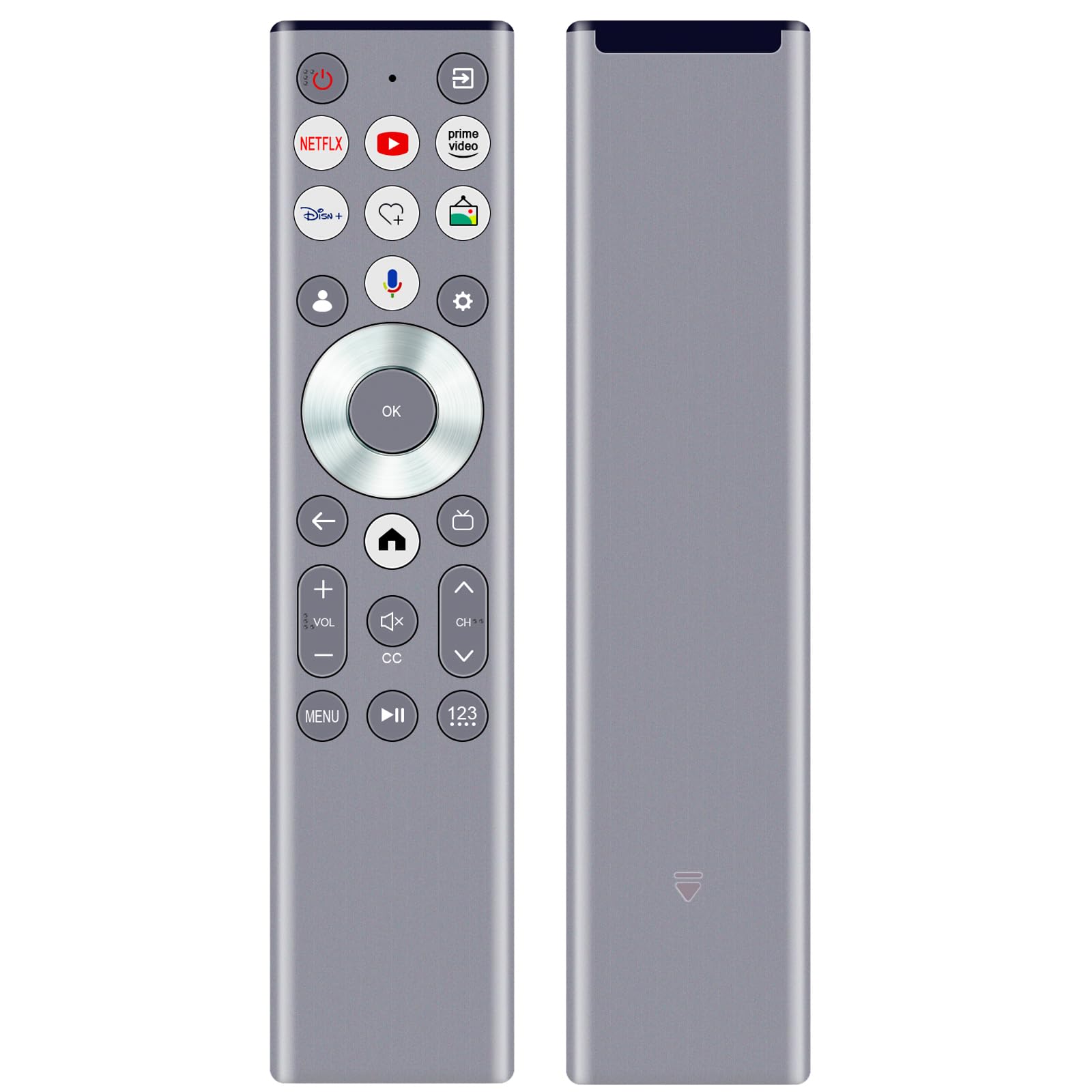
Obrázek 2: ERF6G80H Remote Control Layout with Voice Button Highlighted.
Funkce tlačítek:
| Tlačítko | Funkce |
|---|---|
| Power (Red Circle) | Zapíná nebo vypíná televizor. |
| Netflix, YouTube, Prime Video, Disney+ | Direct access buttons to popular streaming services. |
| Voice (Microphone icon) | Activates voice search and commands. Requires TV pairing and network connection. |
| Navigation Ring (Up, Down, Left, Right) | Prochází nabídkami a možnostmi. |
| OK (střední tlačítko) | Potvrzuje výběr. |
| Back (Left Arrow) | Vrátí se na předchozí obrazovku nebo nabídku. |
| Domov (ikona domu) | Accesses the TV's home screen or main menu. |
| Volume Up/Down (+VOL-) | Nastavuje hlasitost TV. |
| Ztlumit (Reproduktor s X) | Ztlumí nebo zruší ztlumení zvuku televizoru. |
| Channel Up/Down (CH^) | Mění televizní kanály. |
| CC (Skryté titulky) | Zapíná nebo vypíná skryté titulky. |
| Menu | Opens the TV's menu options. |
| Přehrát/Pozastavit (II) | Ovládá přehrávání médií. |
| 123 (Number Pad) | Zpřístupňuje numerickou klávesnici na obrazovce pro přímé zadávání kanálů. |
Funkce hlasového ovládání:
After successful pairing, press the Voice (Microphone icon) button to activate the voice assistant. Speak clearly into the remote control. Ensure your TV has an active internet connection for voice recognition features to work correctly.
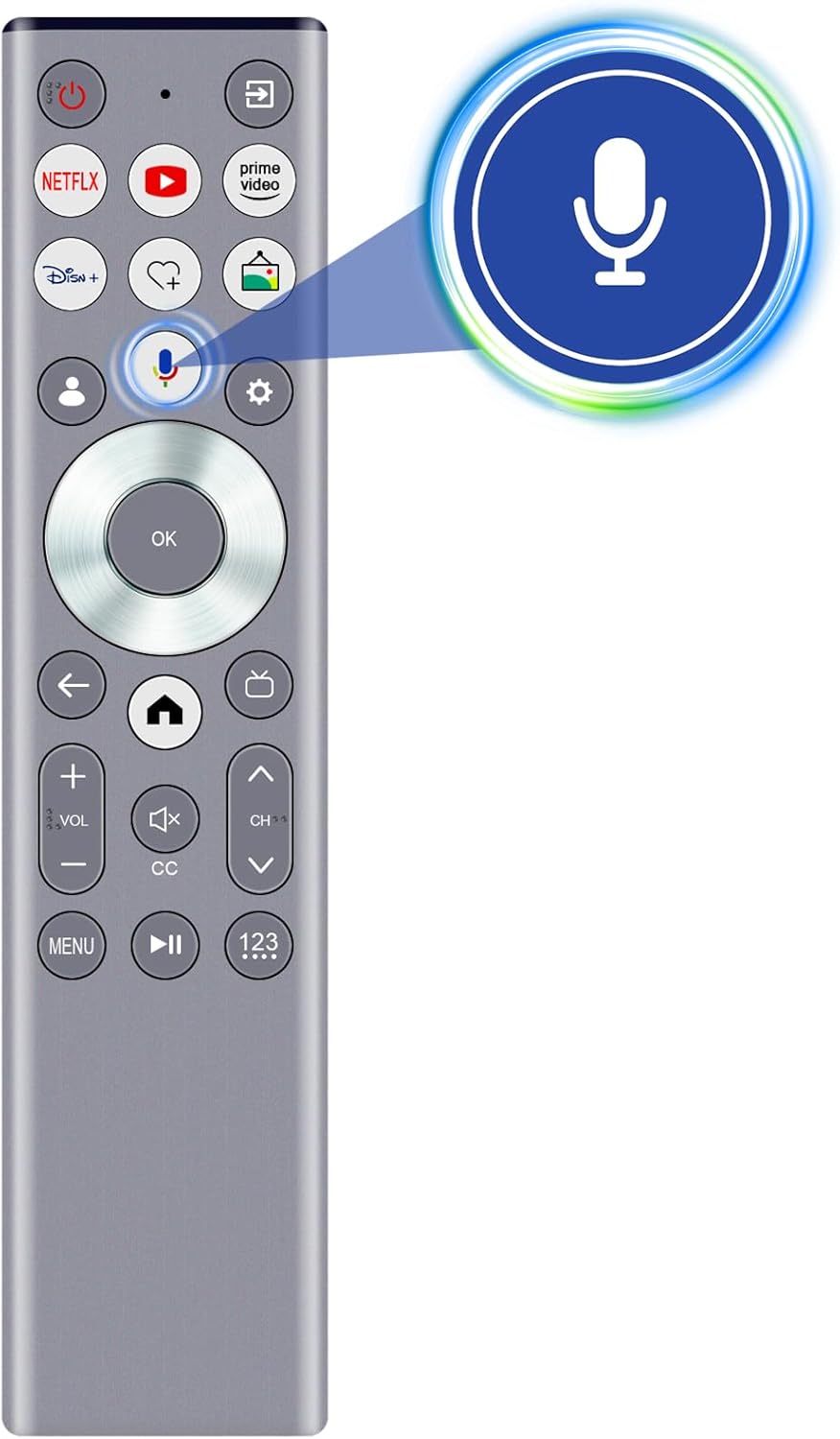
Obrázek 3: Activating Voice Search.
Vlastnosti
- Hlasové vyhledávání: Enables intuitive control and content search using voice commands (requires pairing and network connection).
- Infračervená (IR) technologie: Provides reliable control with a strong signal and a transmission distance of up to 10 meters (approximately 30 feet).
- Ergonomický design: Lightweight and comfortable to hold for extended use.
- Odolná konstrukce: Made from ABS material and soft rubber for longevity and a pleasant tactile experience.
- Upgraded Smart Chip: Ensures stable performance and fast response times.

Obrázek 4: Remote Control Range and Angle.

Obrázek 5: Key Features of the Remote Control.

Obrázek 6: Remote Control in Use.
Údržba
- Keep the remote control dry. Avoid exposure to water or excessive humidity.
- Dálkový ovladač čistěte měkkým, suchým hadříkem. Nepoužívejte abrazivní čisticí prostředky ani rozpouštědla.
- Zabraňte pádu dálkového ovladače nebo jeho vystavování silným nárazům.
- Pokud dálkový ovladač nebudete delší dobu používat, vyjměte baterie, abyste zabránili jejich vytečení.
Odstraňování problémů
| Problém | Možná příčina | Řešení |
|---|---|---|
| Dálkový ovladač nereaguje. | Dead or incorrectly inserted batteries. Obstruction between remote and TV. Remote not paired (for voice functions). | Replace batteries, ensuring correct polarity. Remove any obstructions. Re-pair the remote with the TV if voice functions are not working. |
| Hlasové ovládání nefunguje. | Remote not paired for voice. No internet connection on TV. Microphone obstructed. | Ensure the remote is properly paired for voice. Verify TV's internet connection. Ensure nothing is covering the microphone on the remote. |
| Short transmission distance. | Low batteries. Strong interference. | Replace batteries. Reduce interference from other electronic devices. |
Specifikace
- Model: ERF6G80H
- Kompatibilní modely televizorů: Hisense QLED 4K S7N Series (55S7N, 65S7N, 75S7N, 85S7N)
- Napájení: 2 x AAA 1.5V alkalické baterie (nejsou součástí balení)
- Rozměry: Přibližně 5 x 1 x 0.5 palce (12.7 x 2.54 x 1.27 cm)
- Hmotnost položky: Přibližně 1.9 uncí (53.8 gramů)
- Přenosová technologie: Infrared (IR) with Voice Control
- Přenosová vzdálenost: Až 10 metrů (30 stop)
- Materiál: ABS and soft rubber

Obrázek 7: Remote Control Dimensions.
Podpora a záruka
For any questions regarding compatibility, setup, or if you encounter issues with your remote control, please contact the seller for assistance. If the remote control you receive is damaged or does not work as expected, a satisfactory solution will be provided.
Podrobnosti o záruce naleznete v dokumentaci k nákupu.