
jeeber VB816 PRO
Jeeber Baby Monitor Camera User Manual
Model: VB816 PRO
Brand: jeeber
1. Úvod
Welcome to the user manual for your Jeeber Baby Monitor Camera. This device is designed to provide comprehensive monitoring of your baby, ensuring peace of mind with its advanced features and dual viewing options. Please read this manual carefully to understand the proper operation and maintenance of your new baby monitor.
The Jeeber Baby Monitor Camera features a 4-inch IPS display for local monitoring and can also connect to your smartphone via an app for remote viewing. It includes essential functions such as 360-degree pan/tilt, invisible infrared night vision, cry detection, temperature detection, and VOX functionality.

Image: The Jeeber Baby Monitor system, showing the camera unit, the 4-inch IPS parent unit, and a smartphone displaying the live feed.
2. Průvodce nastavením
- Rozbalte komponenty: Carefully remove all items from the packaging: the camera unit, parent unit (monitor), power adapters, and this user manual.
- Nabíjení rodičovské jednotky: Connect the parent unit to a power outlet using the provided power adapter. Charge it fully before first use.
- Position Camera Unit: Place the camera unit on a flat, stable surface in your baby's room, ensuring a clear view of the crib or play area. Keep it out of reach of children.
- Zapnutí: Connect the camera unit to a power outlet. Power on both the camera and parent units. They should automatically pair. If not, refer to the troubleshooting section for manual pairing instructions.
- Smartphone App Setup (Optional):
- Download the 'FeelBaby' app from your smartphone's app store (iOS/Android).
- Create an account and follow the in-app instructions to add your camera. This typically involves scanning a QR code on the camera or parent unit and connecting to your home 2.4 GHz Wi-Fi network.

Image: Illustration of the dual monitoring capability, showing a user viewing the baby on the parent unit at home and another user viewing via the smartphone app remotely (requires 2.4 GHz Wi-Fi).
3. Návod k obsluze
3.1. Dual Monitoring (IPS Display & App)
The Jeeber Baby Monitor offers flexible monitoring options. You can view your baby on the dedicated 4-inch IPS display for local, secure viewing without Wi-Fi, or via the smartphone application for remote monitoring when you are away from home. The app requires a 2.4 GHz Wi-Fi connection.
3.2. Otáčení, naklánění a přiblížení
The camera unit features a motorized pan and tilt function, allowing you to adjust the viewing angle remotely from the parent unit or the smartphone app. It offers 340-degree horizontal pan and 70-degree vertical tilt. Additionally, you can use the 3x digital zoom to get a closer look at your baby.
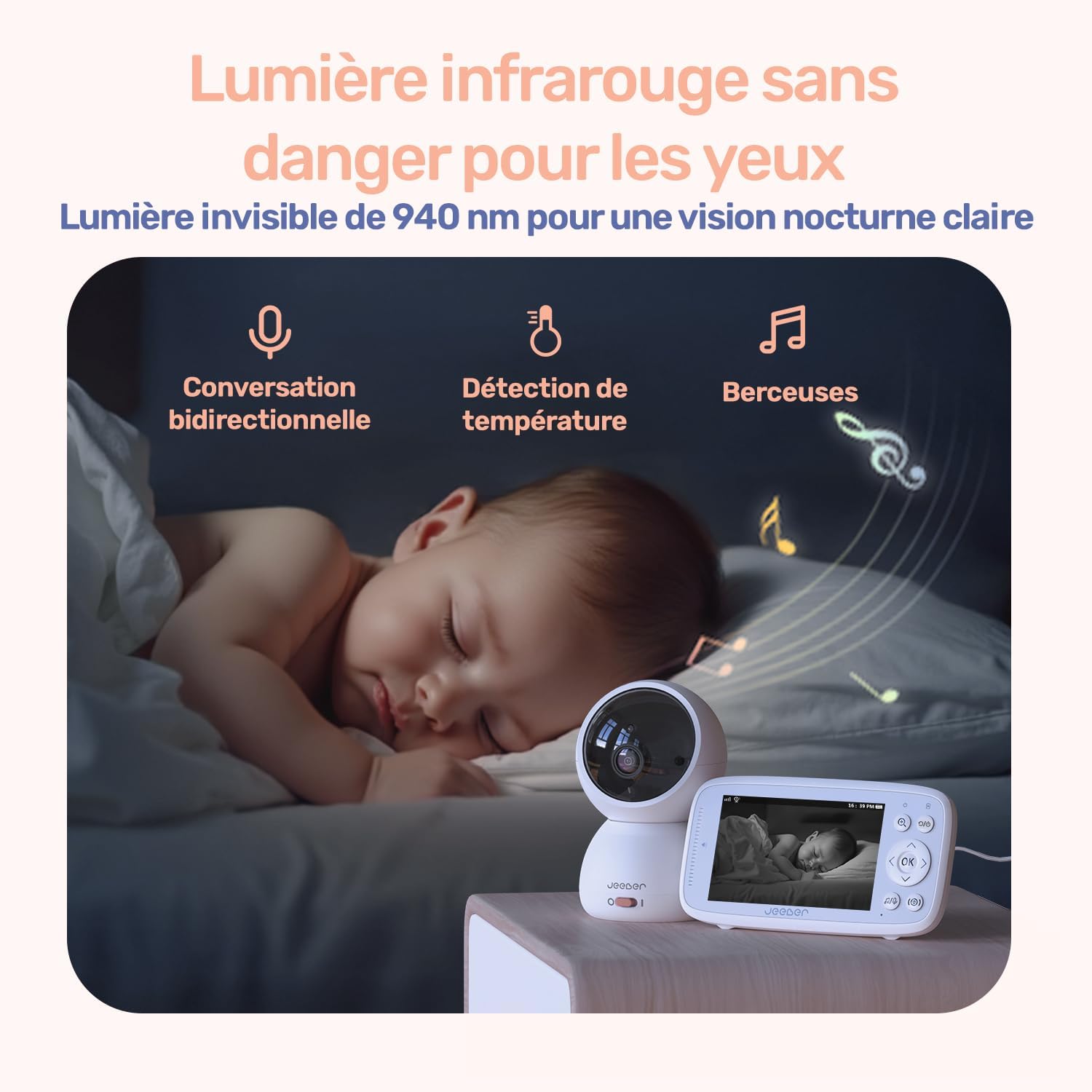
Image: The camera unit positioned on a nightstand, with arrows indicating its 340-degree pan and 70-degree tilt range.
3.3. Noční vidění
The camera is equipped with invisible 940nm infrared LEDs, providing clear black-and-white video in low-light or dark conditions without emitting any visible light that could disturb your baby's sleep.
3.4. Cry Detection & VOX Mode
The monitor features intelligent cry detection, which sends instant alerts to your parent unit or smartphone when your baby cries. VOX (Voice Operated Exchange) mode conserves battery life by automatically activating the screen and audio on the parent unit when sound is detected above a certain threshold.
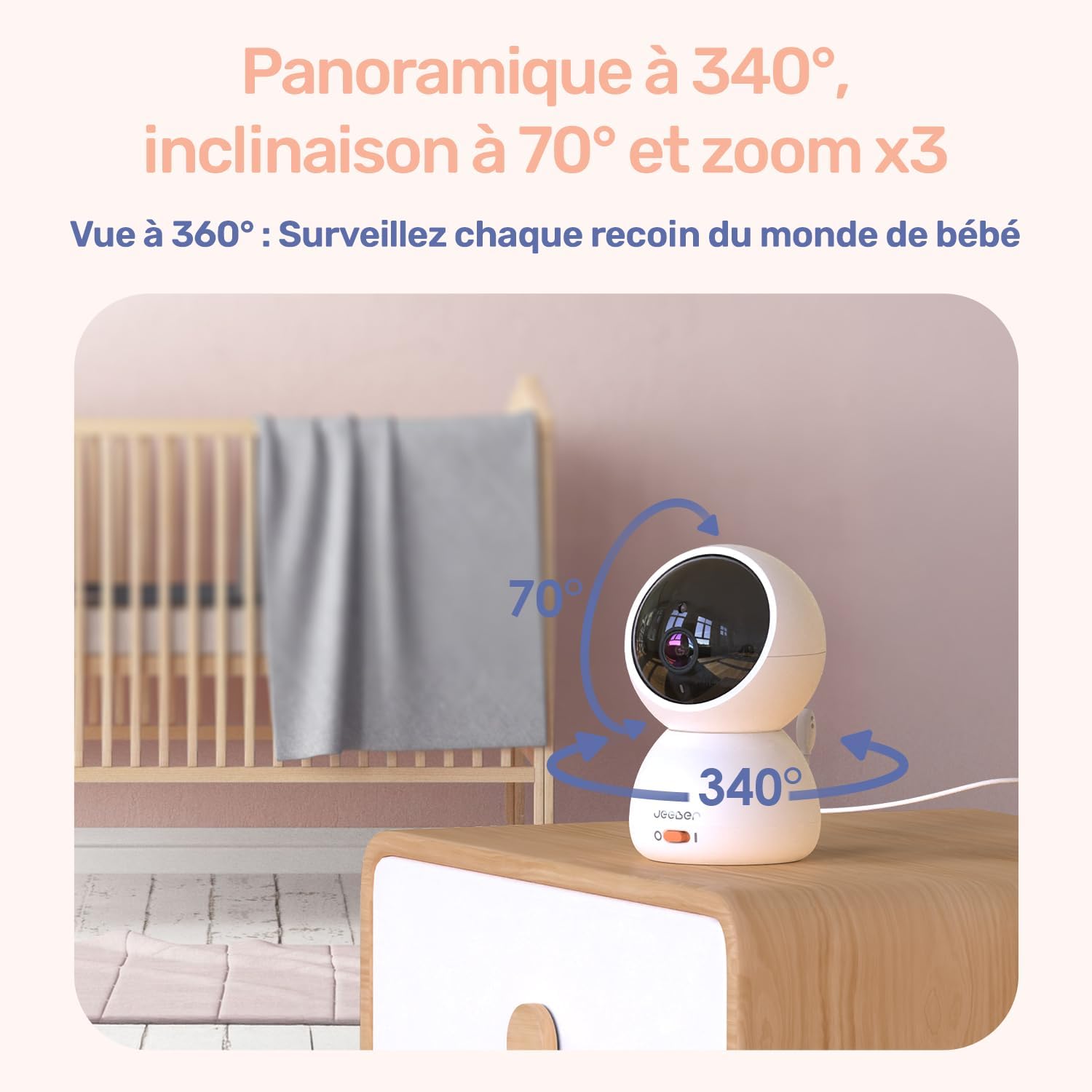
Image: A user working on a laptop with the parent unit displaying a baby's image, illustrating the VOX sound detection feature.
3.5. Temperature Detection
A built-in temperature sensor on the camera unit monitors the room temperature and displays it on the parent unit and app, helping you ensure your baby's comfort.
3.6. Obousměrný zvuk a ukolébavky
Use the two-way audio feature to speak to your baby or communicate with someone in the baby's room. The monitor also includes pre-programmed lullabies that can be played remotely to soothe your baby.

Image: A sleeping baby with icons representing two-way conversation, temperature detection, and lullabies, highlighting the monitor's comprehensive features.
3.7. Movement Detection & Virtual Fence
Receive instant alerts on your device when movement is detected in the camera's view. You can also set up a virtual security fence within the app to define a specific area, and receive notifications if your baby moves outside this designated zone.
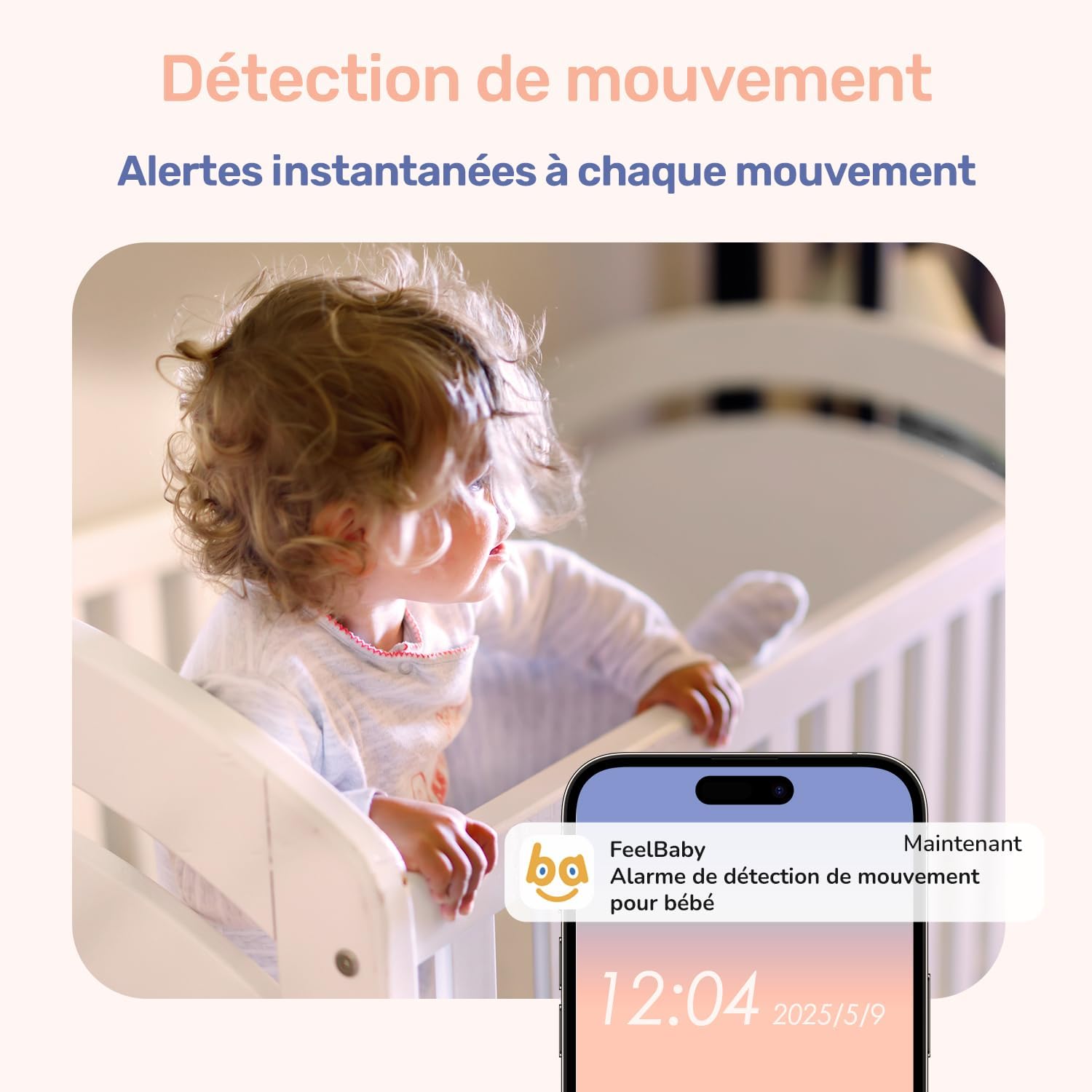
Image: A smartphone displaying a notification for movement detection from the baby monitor, with a baby in a crib in the background.

Image: A baby crawling inside a playpen, with a green dashed line indicating a virtual security fence, demonstrating the alert feature if the baby crosses it.
4. Údržba
- Čištění: K čištění objektivu fotoaparátu a obrazovky monitoru používejte měkký, suchý hadřík. Nepoužívejte tekuté čisticí prostředky ani aerosoly.
- Péče o baterie: To prolong battery life, avoid fully discharging the parent unit frequently. Charge it regularly. If storing for a long period, charge the battery to about 50% and store in a cool, dry place.
- Umístění: Ensure the camera and monitor are placed in well-ventilated areas, away from direct sunlight, heat sources, and moisture.
5. Řešení problémů
- Bez napájení: Ensure both the camera and parent units are properly connected to their power adapters and the outlets are working. Check if the parent unit's battery is charged.
- Žádný obraz/signál: Make sure both units are powered on and within range. Obstacles like thick walls or other electronic devices can interfere with the signal. Try moving the units closer or adjusting their positions. Re-pair the units if necessary (refer to the setup guide or manufacturer's website for specific pairing steps).
- Špatná kvalita obrazu: Check the camera lens for dirt or smudges and clean if necessary. Ensure there is adequate lighting in the room for optimal image quality during the day.
- Problémy s připojením aplikace: Ensure your smartphone is connected to a 2.4 GHz Wi-Fi network. Verify your Wi-Fi password. Restart your router, camera, and phone. If issues persist, try re-adding the camera to the app.
- Problémy se zvukem: Check the volume settings on the parent unit and your smartphone. Ensure the microphone on the camera is not obstructed.
6. Specifikace
| Funkce | Detail |
|---|---|
| Název modelu | VB816 PRO |
| Rozměry (D x Š x V) | 14 x 11.6 x 7 cm |
| Hmotnost | 1.1 kg |
| Displej rodičovské jednotky | 4palcový IPS displej |
| Rozlišení záznamu videa | 720p |
| Protokol připojení | Bluetooth (for certain features), Wi-Fi 2.4 GHz (for app) |
| Typ montáže | Stolní držák |
| Prostředí použití | Krytý |
| Battery Type (Parent Unit) | Lithium-polymer |
| Výrobce | jeeber |
7. Záruka a podpora
For detailed warranty information, please refer to the product packaging or visit the official jeeber website. If you encounter any issues or require technical assistance, please contact jeeber customer support through the contact information provided on their webwebu nebo v dokumentaci k produktu.
Související dokumenty - VB816 PRO
 |
Jeeber VB816PRO Baby Monitor User Manual and Setup Guide This comprehensive user manual provides detailed instructions for setting up and operating the Jeeber VB816PRO baby monitor. It covers connecting the camera to the monitor and smartphone, managing multiple cameras, frequently asked questions, and FCC compliance information. |
 |
Jeeber U2 Smart Baby Monitor User Manual and Specifications Comprehensive user manual for the Jeeber U2 Smart Baby Monitor. Learn about product features, app connection, specifications, installation, and troubleshooting. Supports 2.5K UHD video, AI sleep analysis, cry detection, and smartwatch integration. |
 |
JeeBer VB619 Baby Monitor User Manual Comprehensive user manual for the JeeBer VB619 baby monitor, covering setup, operation, menu settings, and troubleshooting. |
 |
Jeeber S12 Breast Pump User Manual and Instructions Comprehensive user manual for the Jeeber S12 breast pump, covering packing list, components, assembly, usage, cleaning, maintenance, troubleshooting, and FAQs. |
 |
Jeeber BM937 Video Baby Monitor User Manual User manual for the Jeeber BM937 Video Baby Monitor, providing setup instructions, features, functions, operations, and specifications. Learn how to use the parent unit and camera for monitoring. |
 |
Jeeber CQ1 PTZ Battery-powered Security Camera User Manual User manual for the Jeeber CQ1 PTZ Battery-powered Security Camera, covering installation, setup, app integration, troubleshooting, and FAQs. Available in multiple languages. |
Ask a question about this manual
Ask about setup, troubleshooting, compatibility, parts, safety, or missing instructions. Manuals+ will review the question and use this page’s manual context to help answer it.