
ARCCTV P2
ARCCTV 2K Security Camera Outdoor P2 User Manual
Model: P2
1. Úvod
This manual provides detailed instructions for the installation, operation, and maintenance of your ARCCTV 2K Security Camera Outdoor P2. Please read this manual thoroughly before using the product to ensure correct usage and optimal performance. Keep this manual for future reference.

Obrázek 1.1: Přední strana view of the ARCCTV 2K Security Camera Outdoor P2.
2. Co je v krabici
Ověřte, zda jsou v balení přítomny všechny komponenty:
- Tělo fotoaparátu
- 5V1A napájecí adaptér
- Montážní šrouby (sada)
- Screw Positioning Sticker
- Výstražná nálepka
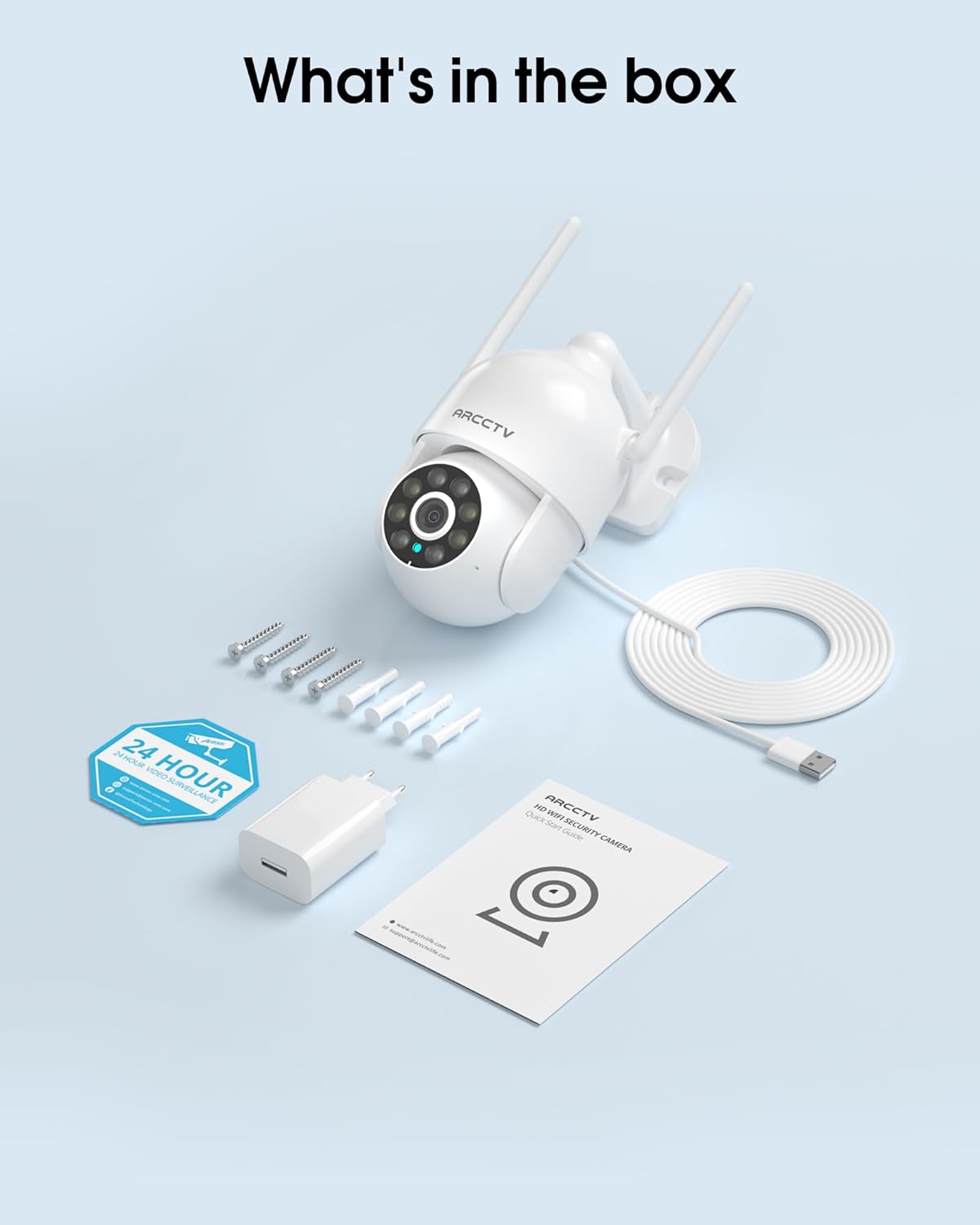
Image 2.1: All items included in the ARCCTV 2K Security Camera package.
3. Vlastnosti produktu
- Rozlišení 2K Ultra HD: Provides clear 2304x1296p video.
- Plně barevné noční vidění: Built-in spotlight enables vivid color monitoring in low light.
- 360° otáčení, naklánění a přiblížení (PTZ): Remotely control 355° horizontal and 90° vertical rotation.
- Automatické sledování pohybu: Smart AI automatically follows and records detected movement.
- Dvoupásmová WiFi: Supports both 2.4G and 5G WiFi for stable connectivity.
- Obousměrný zvuk: Vestavěný mikrofon a reproduktor pro komunikaci.
- IP66 Odolnost proti povětrnostním vlivům: Durable design for outdoor use in various weather conditions (-4°F ~ 122°F).
- Flexibilní úložiště: Podporuje lokální úložiště na kartu microSD (až 128 GB, není součástí balení) a volitelné cloudové úložiště.
- Nahrávání 24/7: Continuous recording capability with stable power supply.
4. Nastavení
4.1 Instalace
- Vyberte umístění: Vyberte venkovní místo s jasným view of the area you wish to monitor. Ensure it is within range of your Wi-Fi network and a power outlet.
- Montáž kamery: Use the provided screw positioning sticker to mark drill holes. Drill holes, insert wall anchors, and secure the camera body to the wall using the mounting screws.
- Připojte napájení: Plug the 5V1A power adapter into the camera and then into a power outlet. The camera will power on and begin its startup sequence.
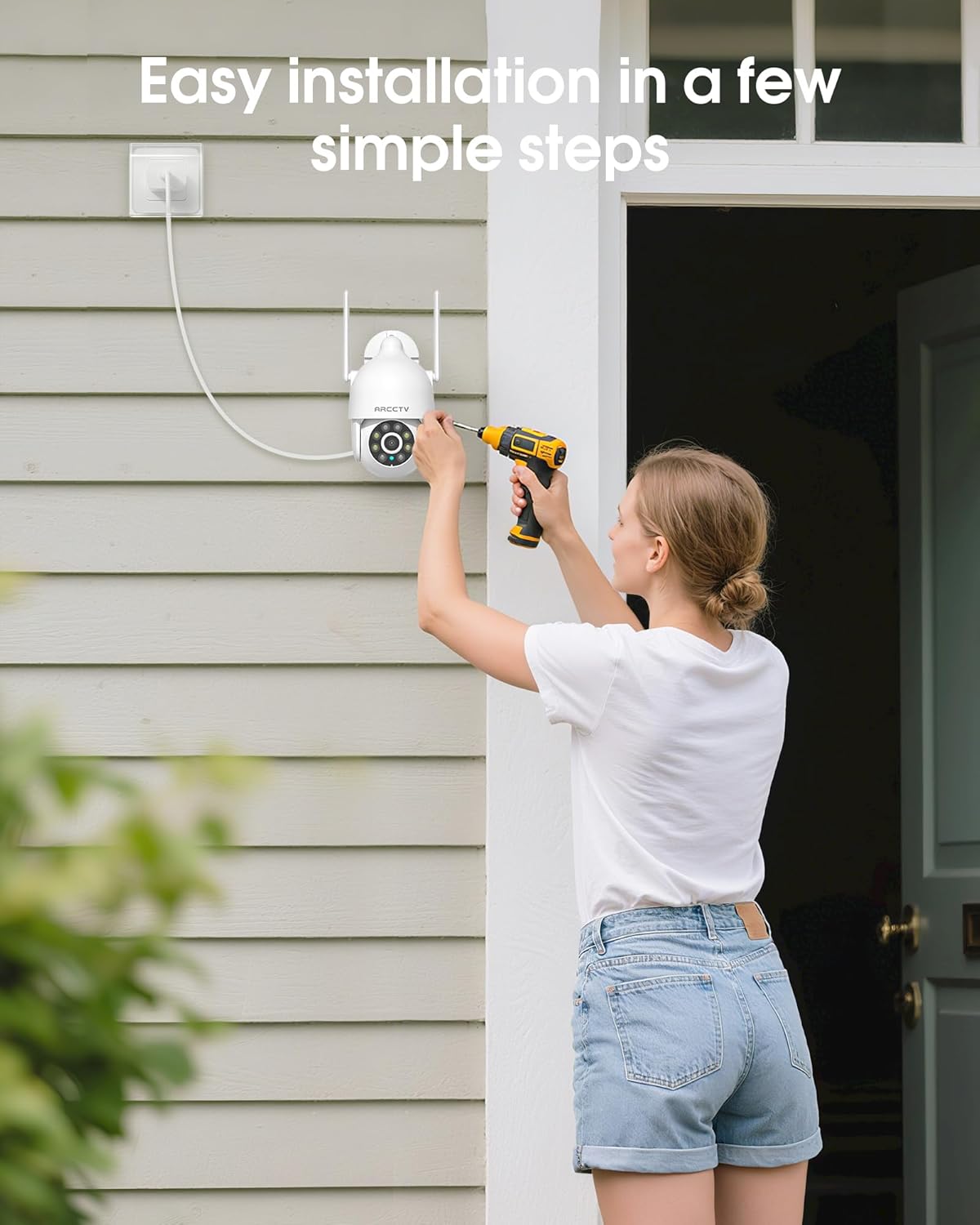
Image 4.1: Illustration of easy camera installation steps.
4.2 Stažení aplikace a vytvoření účtu
- Download the official ARCCTV app from your smartphone's app store (iOS or Android).
- Otevřete aplikaci a postupujte podle pokynů na obrazovce a vytvořte si nový účet, nebo se přihlaste, pokud již nějaký máte.
4.3 Wi-Fi připojení
- In the app, tap the "Add Device" or "+" icon.
- Select your camera model and follow the prompts to connect it to your Wi-Fi network. The camera supports both 2.4GHz and 5GHz bands for stable connectivity.
- Během procesu nastavení se ujistěte, že je váš smartphone připojen ke stejné síti Wi-Fi.
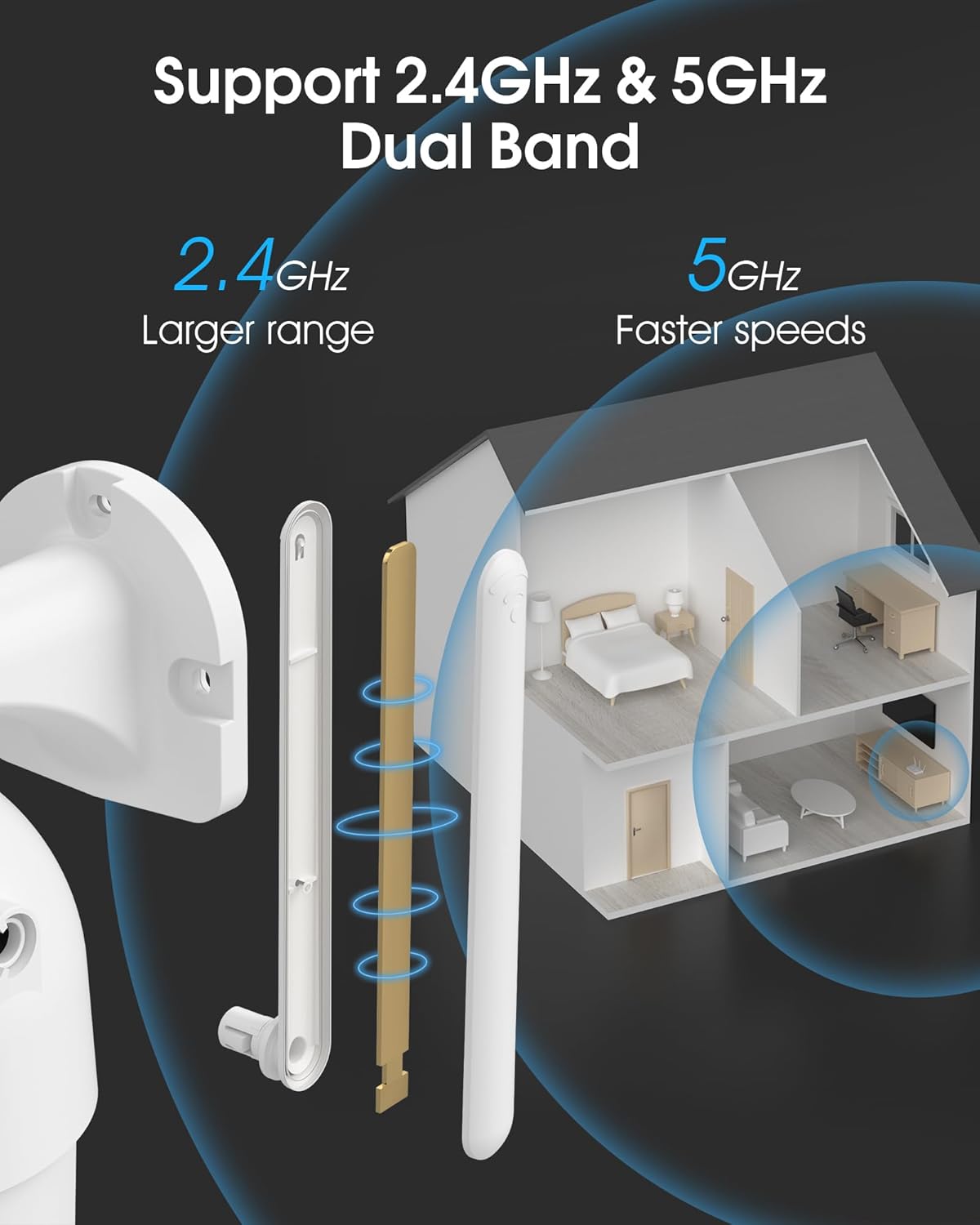
Image 4.2: The camera supports both 2.4GHz (larger range) and 5GHz (faster speeds) Wi-Fi bands.
4.4 Instalace karty MicroSD (volitelné)
For local storage, install a microSD card (up to 128GB, not included) into the designated slot on the camera. Ensure the camera is powered off before inserting or removing the card.

Image 4.3: Location of the microSD card slot on the camera.
5. Ovládání fotoaparátu
5.1 Živě View
Otevřete aplikaci ARCCTV a vyberte kameru, kterou chcete view the live feed. You can monitor your property in real-time.
5.2 Ovládání otáčení, naklánění a přiblížení (PTZ)
Naživo view screen, use the directional controls to rotate the camera horizontally (Pan: 355°) and vertically (Tilt: 90°) to adjust the viewing angle. You can also set preset points for quick navigation.
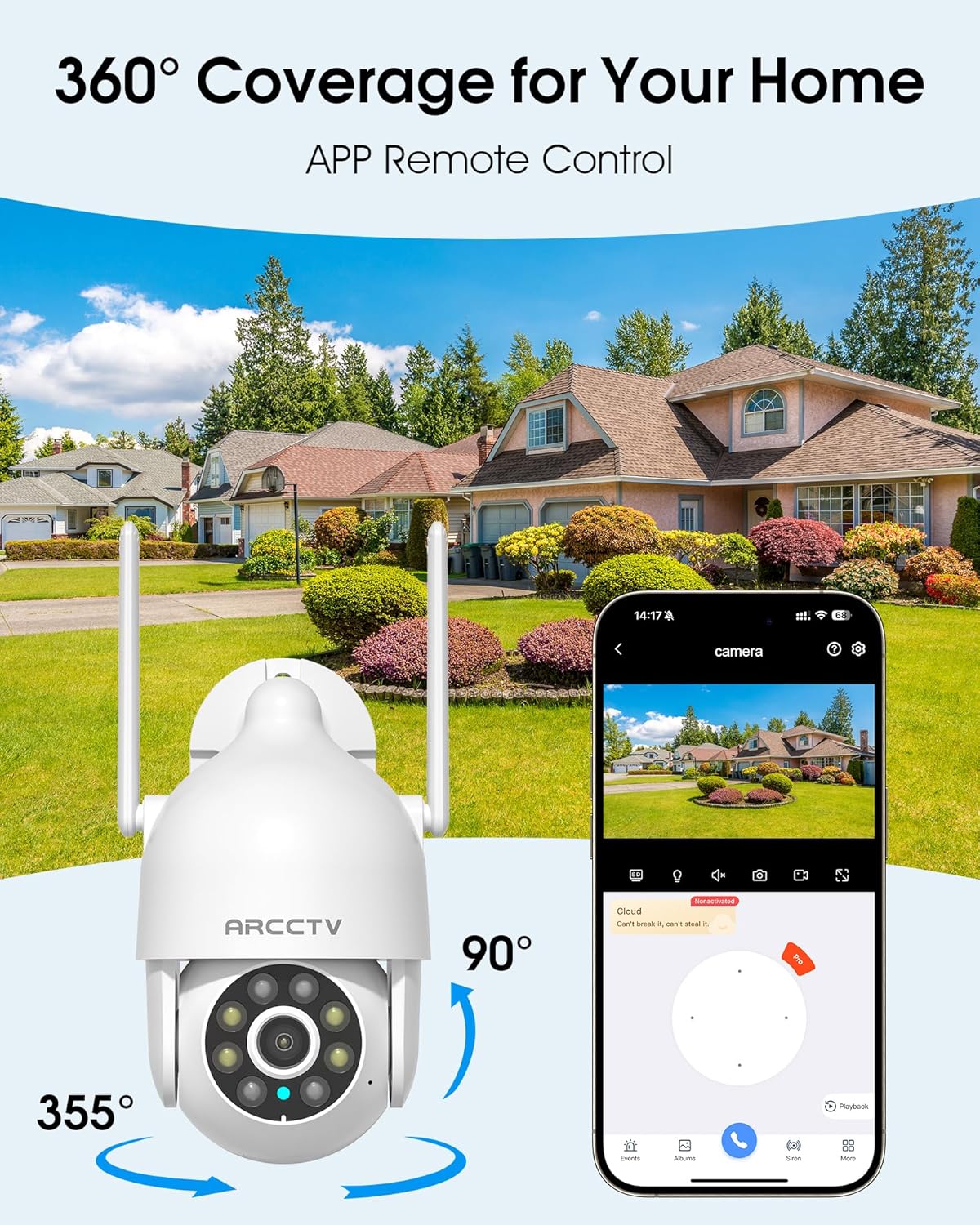
Image 5.1: The camera offers 360° coverage through remote pan and tilt controls.
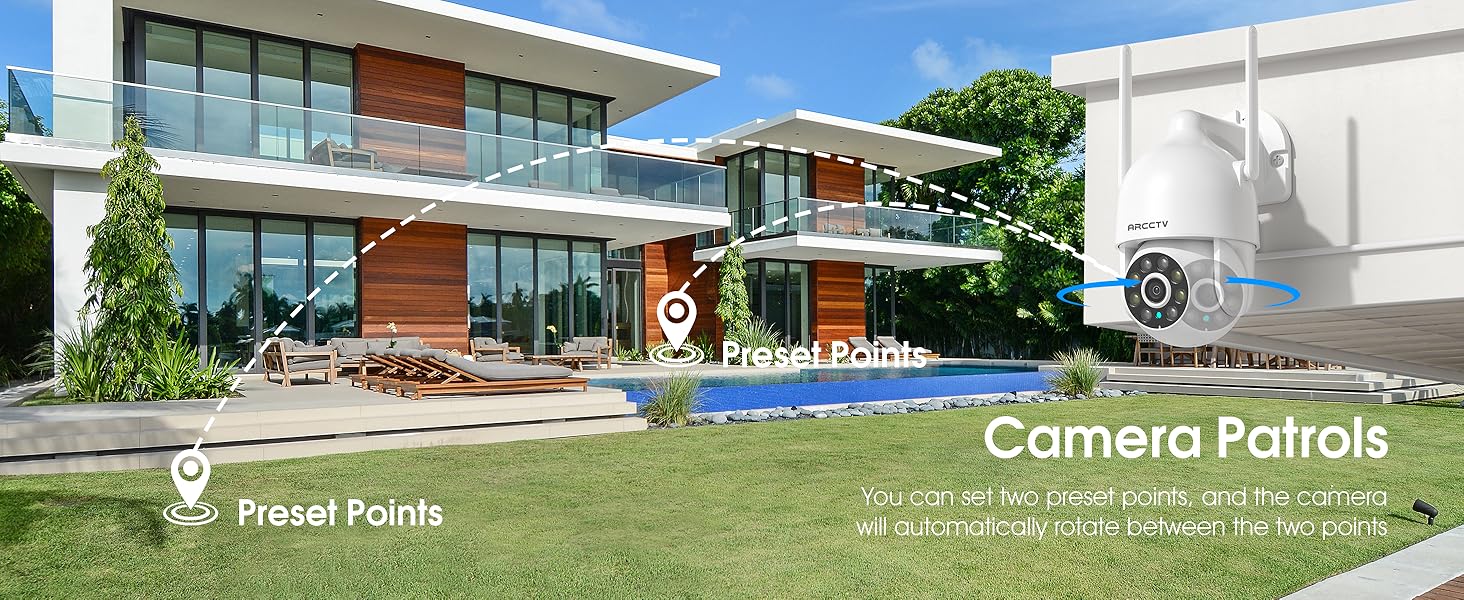
Image 5.2: Setting up camera patrol routes between preset points.
5.3 Sledování pohybu a upozornění
The camera features smart AI motion tracking that automatically follows detected movement. You can customize alert zones and receive instant notifications on your smartphone when motion is detected.

Image 5.3: The camera's smart motion tracking feature in action.

Image 5.4: Instant alerts with customizable settings, including spotlight, siren, and two-way audio.
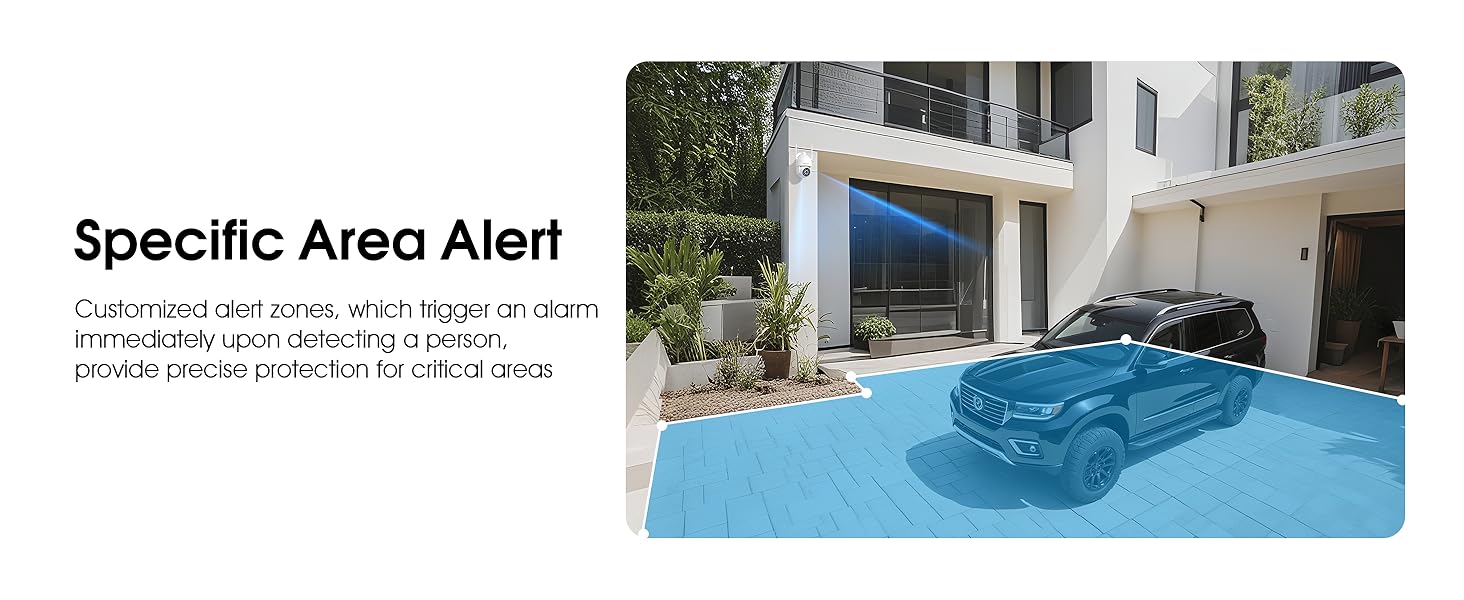
Image 5.5: Setting up specific area alerts for precise protection.
5.4 Režimy nočního vidění
The camera offers both full-color night vision (activated by the built-in spotlight) and infrared night vision for clear monitoring in various low-light conditions.

Image 5.6: Comparison of Color Night Vision and Infrared Night Vision.
5.5 Obousměrný zvuk
Use the two-way audio feature to communicate with visitors or deter unwanted guests directly through the camera's built-in microphone and speaker.
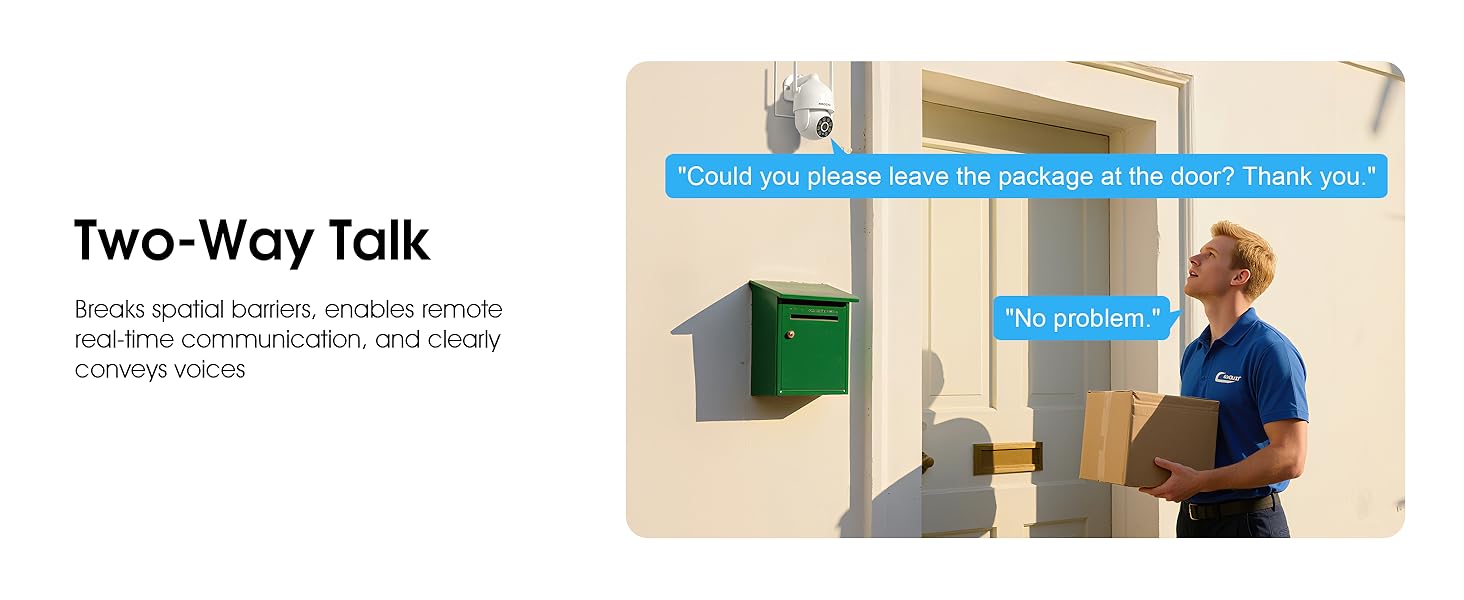
Image 5.7: Utilizing two-way talk for remote communication.
5.6 Nahrávání a přehrávání
Kamera podporuje nepřetržité nahrávání 24 hodin denně, 7 dní v týdnu.tage can be saved to a local microSD card (up to 128GB) or to optional cloud storage. Access recorded videos through the app's playback function.

Image 5.8: The camera provides 24/7 recording capabilities.
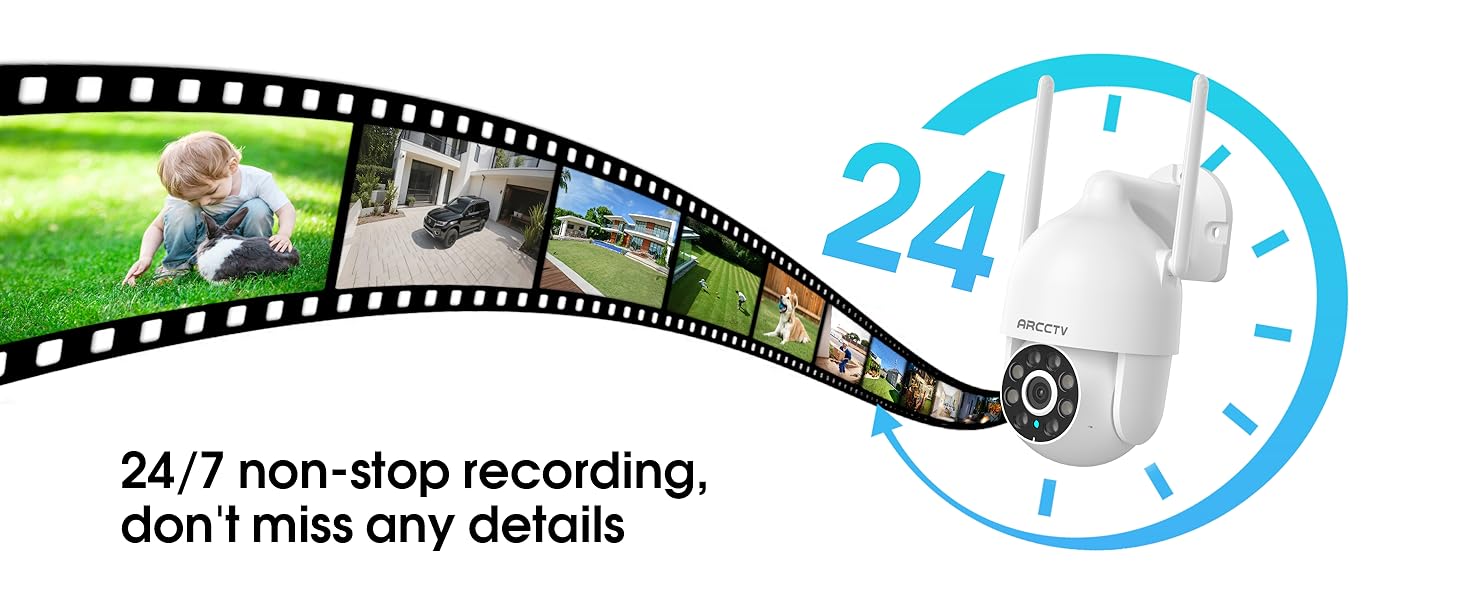
Image 5.9: Continuous 24/7 recording ensures no details are missed.
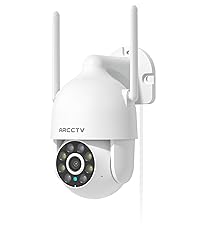
Image 5.10: Cloud storage encryption for secure and accessible recordings (subscription may apply).
5.7 Rodinné sdílení
The app supports multi-member sharing, allowing family members to view the camera feed and collaborate on security monitoring.
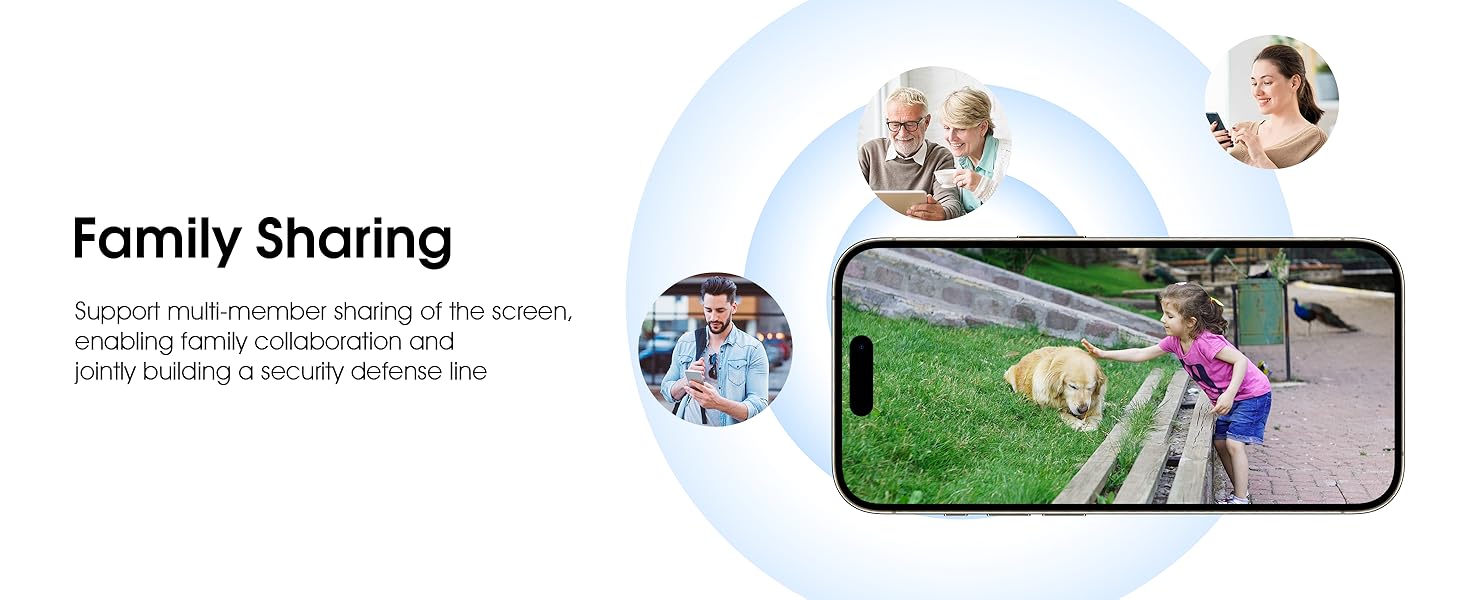
Image 5.11: The family sharing feature allows multiple users to access the camera feed.
5.8 Kompatibilita s Alexou
The camera is compatible with Alexa, allowing you to check the monitoring screen using voice commands.
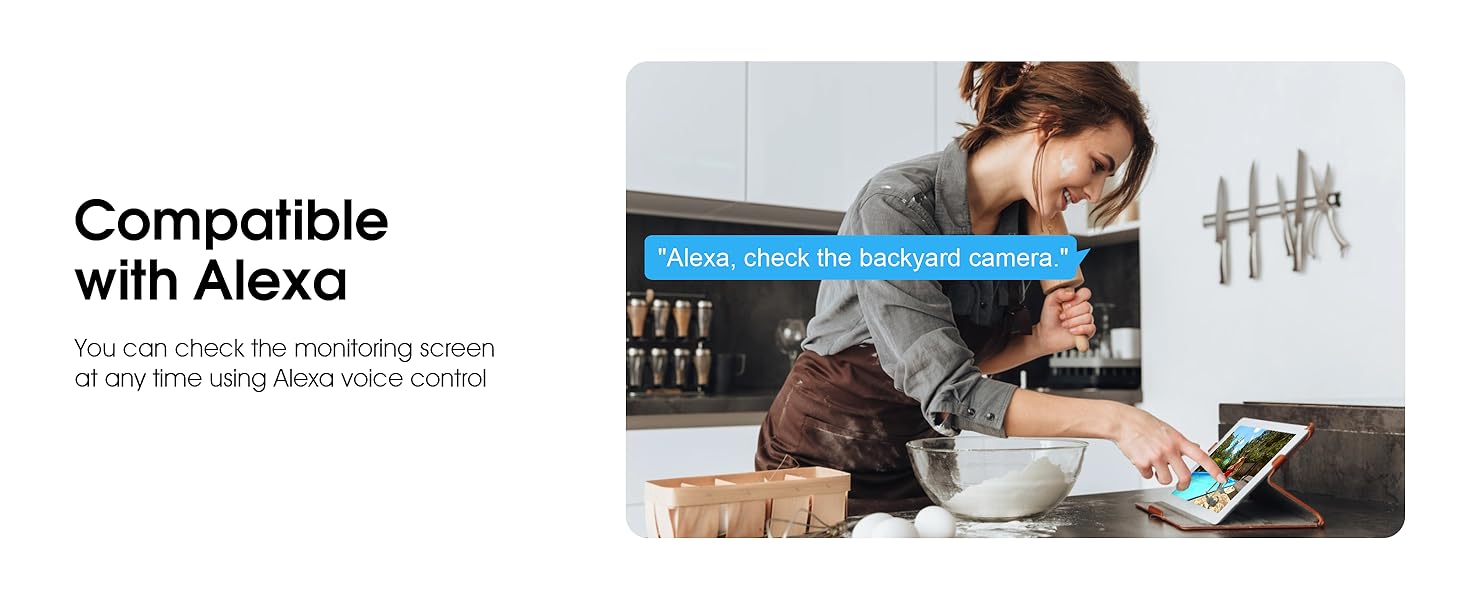
Image 5.12: Voice control via Alexa for convenient monitoring.
6. Údržba
6.1 Čištění fotoaparátu
Pravidelně čistěte objektiv a kryt fotoaparátu měkkým hadříkemamp hadříkem odstraňte prach a nečistoty. Nepoužívejte agresivní chemikálie ani abrazivní čisticí prostředky.
6.2 aktualizací firmwaru
Ensure your camera's firmware is up to date for optimal performance and security. Check for updates within the ARCCTV app and follow the instructions to install them.
6.3 Správa úložiště
If using a microSD card, regularly check its status in the app. Format the card periodically to maintain performance. For cloud storage, manage your subscription and storage space through the app.
7. Řešení problémů
- Kamera se nepřipojuje k Wi-Fi:
- Ensure your Wi-Fi network is 2.4GHz or 5GHz and has a strong signal at the camera's location.
- Ověřte, zda je heslo k Wi-Fi zadáno správně.
- Restartujte router a kameru.
- Špatná kvalita obrazu:
- Vyčistěte čočku fotoaparátu.
- Pro optimální noční vidění zajistěte dostatečné osvětlení.
- Zkontrolujte rychlost svého internetového připojení.
- Detekce pohybu nefunguje:
- Ověřte, zda je v nastavení aplikace povolena detekce pohybu.
- Upravte nastavení citlivosti.
- Ujistěte se, že v zorném poli kamery nejsou žádné překážky view.
- No Recording to MicroSD Card:
- Ensure a microSD card is properly inserted and formatted in the app.
- Check if the card is full; consider formatting or replacing it.
- Ověřte nastavení nahrávání v aplikaci.
8. Specifikace
| Funkce | Specifikace |
|---|---|
| Název modelu | P2 |
| Vnitřní/venkovní použití | Venkovní |
| Rozlišení záznamu videa | 2K (2304x1296p) |
| Technologie připojení | Bezdrátové (Wi-Fi) |
| Technologie bezdrátové komunikace | Wi-Fi (2.4G/5G dvoupásmové) |
| Viewúhel | 360 stupňů (355° otáčení, 90° náklon) |
| Rozsah nočního vidění | 50 stop |
| Úroveň odolnosti proti vodě | IP66 Vodotěsný |
| Zdroj napájení | 5V1A napájecí adaptér |
| Maximální podporovaná velikost paměti Flash | 128 GB (MicroSD) |
| Možnosti audiovizuálního nahrávání | Video a zvuk |
| Speciální funkce | 2-Way Audio, Motion Tracking, Full Color Night Vision |
| Rozměry položky D x Š x V | 7.8 x 6.6 x 5.3 palce |
| Hmotnost položky | 1.39 libry |
9. Záruka a podpora
For warranty information and technical support, please refer to the official ARCCTV website or contact their customer service directly. Contact details are typically provided on the product packaging or within the mobile application.
Ask a question about this manual
Ask about setup, troubleshooting, compatibility, parts, safety, or missing instructions. Manuals+ will review the question and use this page’s manual context to help answer it.