1. Úvod
This manual provides essential information for the proper use and maintenance of your Picun F5 Active Noise Cancelling Headphones. Please read it thoroughly before operating the device.
2. Obsah balení
Ověřte, zda jsou v balení přítomny všechny položky:
- 1 x Picun F5 Headphone
- 1 x 3.5 mm audio kabel
- 1 x USB nabíjecí kabel
- 1 x Uživatelská příručka

3. Vlastnosti produktu
- Aktivní potlačení hluku (ANC): Advanced technology to reduce ambient noise for an immersive audio experience.
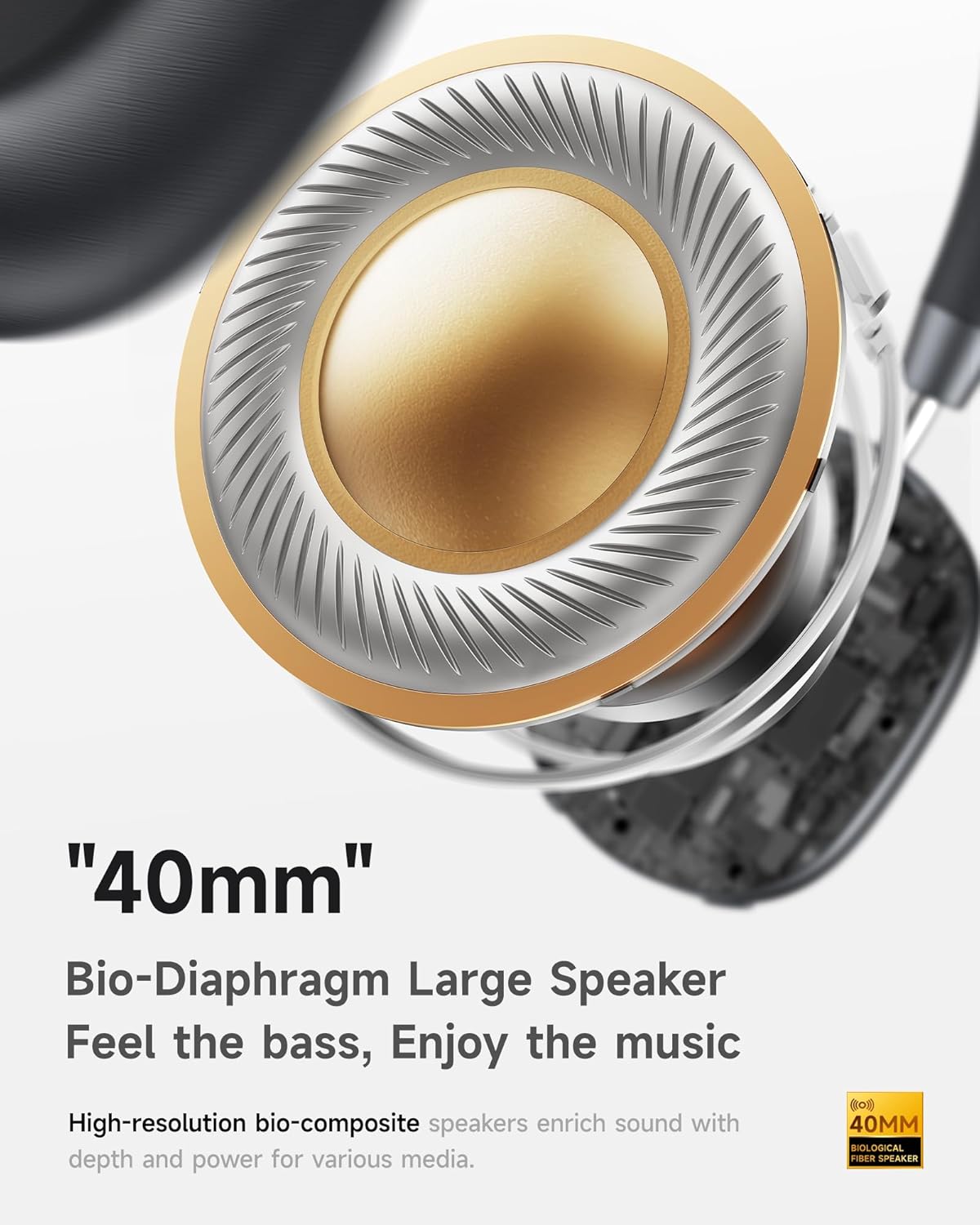
- Hi-Fi Audio with Deep Bass: Delivers clear sound with enhanced bass.
- App-Controlled EQ: Customize audio settings via a dedicated companion application.
- Vestavěný mikrofon: Ensures clear voice calls.
- Vícebodové připojení: Allows seamless switching between two connected Bluetooth devices.
- Ergonomický design: Lightweight build with soft memory-foam earcups for extended comfort.
- Long Playtime & Fast Charging: Up to 30 hours of playback on a single charge, with quick recharge capabilities.



4. Nastavení
4.1 Nabíjení sluchátek
Before first use, fully charge your Picun F5 headphones. Connect the provided USB charging cable to the headphone's charging port and a compatible USB power source. The charging indicator light will show the charging status.
4.2 Párování Bluetooth
- Ujistěte se, že jsou sluchátka vypnutá.
- Stiskněte a podržte tlačítko napájení, dokud kontrolka nebliká, což signalizuje režim párování.
- Na svém zařízení (chytrý telefon, tablet, počítač) povolte Bluetooth a vyhledejte dostupná zařízení.
- Select "Picun F5" from the list of devices to connect.
- Po připojení se kontrolka v závislosti na modelu rozsvítí trvale modře nebo zhasne.
4.3 Vícebodové připojení
The Picun F5 supports connecting to two Bluetooth devices simultaneously. After pairing with the first device, disable Bluetooth on that device. Pair the headphones with the second device. Then, re-enable Bluetooth on the first device. The headphones should now be connected to both devices, allowing seamless audio switching.

5. Provoz
5.1 Základní ovládací prvky
The headphones feature intuitive controls for managing audio and calls:
- Zapnutí/vypnutí: Stiskněte a podržte tlačítko Napájení.
- Nastavení hlasitosti: Use the dedicated volume knob/buttons on the earcup.
- Přehrát/pozastavit: Jednou stiskněte multifunkční tlačítko.
- Další skladba: Dvakrát stiskněte multifunkční tlačítko.
- Předchozí skladba: Třikrát stiskněte multifunkční tlačítko.
- Přijmout/ukončit hovor: Během příchozího hovoru stiskněte jednou multifunkční tlačítko.
- Odmítnout hovor: Během příchozího hovoru stiskněte a podržte multifunkční tlačítko.
5.2 Režimy aktivního potlačení hluku (ANC)
The ANC feature can be toggled or adjusted using a dedicated button on the headphones. Refer to the specific button layout on your device for exact functionality. Some models may offer different ANC levels or transparency modes.
5.3 App Control and Custom EQ
Download the companion app for your Picun F5 headphones to unlock personalized features. The app allows you to:
- Customize Equalizer (EQ) settings to match your audio preferences.
- Adjust ANC levels or switch between different noise control modes.
- Access additional smart features and settings.


6. Údržba
To ensure the longevity and optimal performance of your Picun F5 headphones, follow these maintenance guidelines:
- Čištění: K čištění náušníků a hlavového mostu používejte měkký, suchý hadřík. Nepoužívejte agresivní chemikálie ani abrazivní materiály.
- Skladování: Store the headphones in a cool, dry place, away from direct sunlight and extreme temperatures. When not in use, consider storing them in a protective case.
- Vyhněte se vlhkosti: Nevystavujte sluchátka vodě ani nadměrné vlhkosti.
- Zacházejte opatrně: Zabraňte pádu sluchátek na zem nebo jejich vystavení silným nárazům.

7. Řešení problémů
If you encounter issues with your Picun F5 headphones, refer to the following common solutions:
- Bez napájení: Ujistěte se, že jsou sluchátka plně nabitá. Připojte je ke zdroji napájení a zkontrolujte indikátor nabíjení.
- Nelze spárovat: Make sure the headphones are in pairing mode (indicator flashing). Disable and re-enable Bluetooth on your device, then try pairing again. Ensure the headphones are not already connected to another device.
- Žádný zvuk: Check the volume levels on both the headphones and your connected device. Ensure the headphones are properly paired. If using a wired connection, ensure the 3.5mm audio cable is securely plugged in.
- Špatná kvalita zvuku: Move closer to your connected device to avoid interference. Check for any obstructions between the headphones and the device. Ensure the audio source is of good quality.
- ANC nefunguje: Ensure the ANC feature is activated. Check for any physical obstructions around the microphones.
If the issue persists, try resetting the headphones (refer to the full user manual for specific reset instructions) or contact customer support.
8. Specifikace
| Značka | Picun |
| Název modelu | F5 |
| Technologie připojení | Bezdrátové připojení (Bluetooth 4.0) |
| Kontrola hluku | Sound Isolation (Active Noise Cancelling) |
| Frekvenční odezva | 20 kHz |
| Citlivost | 42 dB |
| Jack pro sluchátka | Zásuvka 3.5 mm |
| Životnost baterie | 30 hodiny |
| Typ zvukového ovladače | Dynamický ovladač |
| Tvar sluchátka | Kolo |
| Impedance | 32 Ohmy |
| Hmotnost položky | 14 unce (0.4 kilogramů) |
| Materiál | Akrylonitrilbutadienstyren (ABS) |
9. Záruka a podpora
Picun products are designed for reliability and performance. For warranty information, product support, or technical assistance, please refer to the warranty card included in your package or visit the official Picun webmísto. Uschovejte si doklad o koupi pro případ záručních reklamací.


