
Zavedení
Thank you for choosing kurdene SP9i Wireless Over-Ear Bluetooth Earbuds. These earbuds are designed to provide a high-quality audio experience with exceptional comfort and stability, making them ideal for sports, meetings, workouts, and everyday use. Featuring advanced Bluetooth 5.3 technology, deep bass sound, and an impressive 60-hour total playtime, your kurdene SP9i earbuds are built for performance and convenience.
This manual will guide you through the setup, operation, maintenance, and troubleshooting of your new earbuds to ensure you get the most out of your listening experience.
Co je v krabici
Upon opening your kurdene SP9i package, you should find the following items:
- kurdene SP9i Wireless Over-Ear Earbuds (Left and Right)
- Přenosné nabíjecí pouzdro
- Nabíjecí kabel USB-C
- Interchangeable Ear Tips (Various Sizes)
- Uživatelská příručka

Image: kurdene SP9i Wireless Over-Ear Bluetooth Earbuds in Hot Pink, shown with their charging case.
Průvodce nastavením
1. Nabíjení sluchátek a pouzdra
Před prvním použitím plně nabijte sluchátka i nabíjecí pouzdro.
- Place the earbuds into the charging case. Ensure they are correctly seated; the indicator lights on the earbuds will illuminate to confirm charging.
- Connect the USB-C charging cable to the charging port on the case and plug the other end into a compatible USB power source.
- The charging case's indicator light will show charging status. A full charge for the case typically takes about 1.5 hours.
The earbuds offer up to 12 hours of continuous playtime on a single charge, and the charging case provides an additional 48 hours, totaling 60 hours of playtime.

Image: Visual representation of the earbud and charging case battery life, highlighting 60 hours total playtime and USB-C charging.
2. Párování s vaším zařízením
Your kurdene SP9i earbuds utilize Bluetooth 5.3 for a stable and efficient connection.
- Otevřete nabíjecí pouzdro. Sluchátka se automaticky přepnou do režimu párování, což bude signalizováno blikajícími LED diodami na sluchátkách.
- Na svém zařízení (chytrý telefon, tablet, notebook) přejděte do nastavení Bluetooth.
- Hledat available devices and select "kurdene SP9i" from the list.
- Once connected, the earbud indicator lights will stop flashing or show a steady light, and you will hear an audio confirmation.
The Bluetooth 5.3 technology ensures faster data transfer and a reliable connection up to 33 feet, perfect for seamless audio and video synchronization.
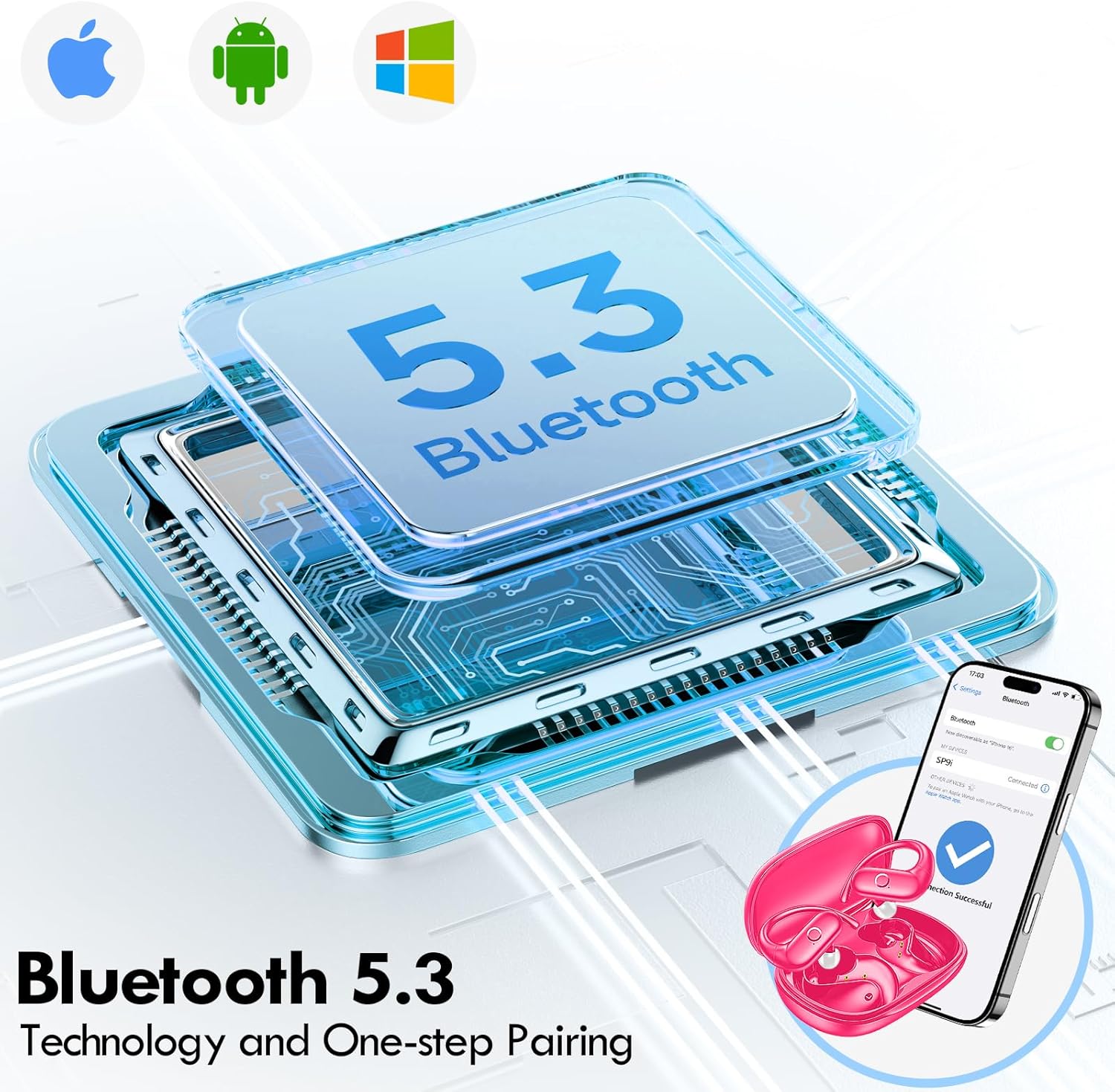
Image: Illustration of Bluetooth 5.3 technology and the one-step pairing process with a mobile device.
Návod k obsluze
1. Nošení sluchátek
The kurdene SP9i earbuds feature an over-ear design with soft silicone ear hooks for a secure and comfortable fit, especially during active use.
- Identifikujte levé (L) a pravé (R) sluchátko.
- Gently place the earbud into your ear canal and hook the ear hook over the top of your ear.
- Adjust the earbud and hook until it feels snug and comfortable. The flexible design ensures a natural, pressure-free listening experience.

Image: Visual guide to the over-ear design, emphasizing comfort and secure fit.

Image: A user wearing the earbuds during physical activity, showcasing their suitability for active lifestyles.
2. Inteligentní dotykové ovládání
The earbuds feature intuitive touch controls for easy management of your audio and calls:
- Přehrát/pozastavit: Jediným klepnutím na jedno sluchátko.
- Další skladba: Dvakrát klepněte na pravé sluchátko.
- Předchozí skladba: Dvakrát klepněte na levé sluchátko.
- Zvýšit hlasitost: Trojitě klepněte na pravé sluchátko.
- Snížit hlasitost: Trojité poklepání na levé sluchátko.
- Přijmout/ukončit hovor: Během příchozího hovoru klepněte jedním klepnutím na kterékoli sluchátko.
- Odmítnout hovor: Během příchozího hovoru stiskněte a podržte kterékoli ze sluchátek po dobu 2 sekund.
- Aktivovat Voice Assistant: Stiskněte a podržte jedno ze sluchátek po dobu 3 sekund.
3. Sound Quality and Microphones
Equipped with 16.1mm vibrating diaphragm drivers, these earbuds deliver powerful bass, crisp mids, and clear treble for a rich, immersive sound. The built-in microphones are designed to isolate your voice, ensuring crystal-clear call quality even in noisy environments.
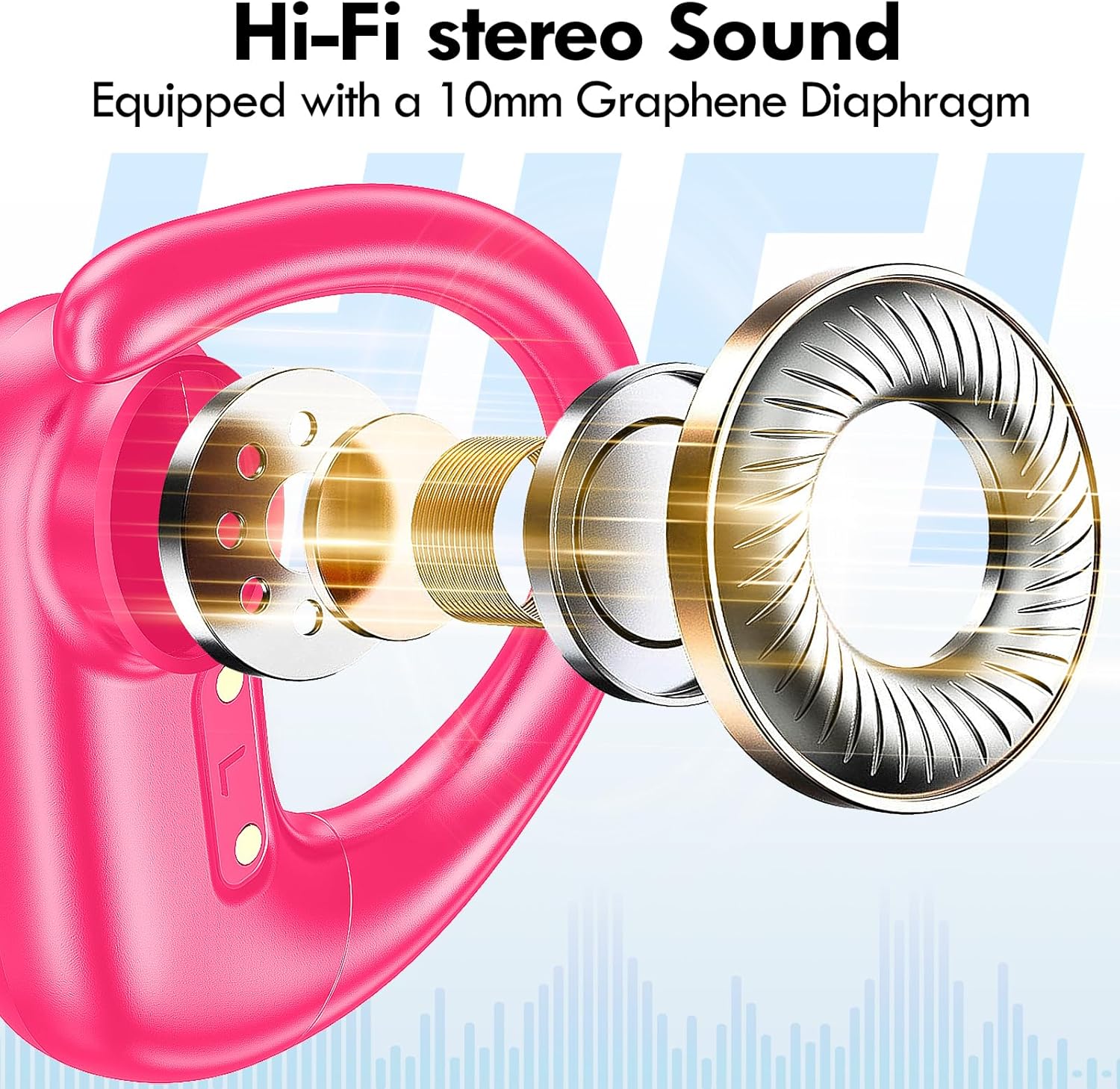
Obrázek: Rozložený view of the earbud's internal structure, emphasizing the Hi-Fi stereo sound components.

Image: Depiction of precision directional audio and 95% sound leakage reduction for an enhanced listening experience.
Údržba
To ensure the longevity and optimal performance of your kurdene SP9i earbuds, follow these maintenance guidelines:
- Čištění: Pravidelně otírejte sluchátka a nabíjecí pouzdro měkkým, suchým hadříkem, který nepouští vlákna. Nepoužívejte agresivní chemikálie ani abrazivní materiály.
- Tipy do uší: Pravidelně vyjměte a čistěte ušní nástavce jemným mýdlem a vodou. Před opětovným nasazením na sluchátka se ujistěte, že jsou zcela suché.
- Nabíjecí porty: Keep the charging contacts on the earbuds and inside the case clean and free of debris. Use a dry cotton swab if necessary.
- Skladování: Pokud sluchátka nepoužíváte, uložte je do nabíjecího pouzdra, abyste je chránili před prachem, poškozením a udrželi je nabité.
- Vyhněte se extrémním podmínkám: Nevystavujte sluchátka extrémním teplotám, vlhkosti ani přímému slunečnímu záření po delší dobu.
Odstraňování problémů
If you encounter any issues with your kurdene SP9i earbuds, please refer to the following common solutions:
- Sluchátka se nespárují:
- Ujistěte se, že jsou obě sluchátka plně nabitá.
- Vypněte Bluetooth na zařízení a poté jej znovu zapněte.
- Forget/delete "kurdene SP9i" from your device's Bluetooth list and attempt to pair again.
- Vložte sluchátka zpět do pouzdra, zavřete víko, počkejte několik sekund a poté jej otevřete, abyste znovu přešli do režimu párování.
- Žádný zvuk nebo nízká hlasitost:
- Zkontrolujte úroveň hlasitosti na zařízení i ve sluchátkách.
- Ujistěte se, že jsou sluchátka správně usazena v uších.
- Try cleaning the ear tips and speaker mesh to remove any obstructions.
- Znovu připojte sluchátka k zařízení.
- Sluchátka se nenabíjejí:
- Ujistěte se, že je nabíjecí kabel bezpečně připojen k pouzdru i ke zdroji napájení.
- Zkontrolujte, zda jsou nabíjecí kontakty na sluchátkách a uvnitř pouzdra čisté a bez nečistot.
- Zkuste použít jiný kabel USB-C nebo napájecí adaptér.
- Přerušované připojení:
- Ujistěte se, že se vaše zařízení nachází v dosahu Bluetooth 33 metrů.
- Vyhněte se fyzickým překážkám mezi zařízením a sluchátky.
- Minimalizujte rušení od jiných bezdrátových zařízení.
If these steps do not resolve your issue, please contact kurdene customer support for further assistance.
Specifikace produktu
| Funkce | Specifikace |
|---|---|
| Název modelu | SP9i |
| Značka | kurdene |
| Technologie připojení | Bezdrátové připojení (Bluetooth 5.3) |
| Technologie bezdrátové komunikace | Bluetooth |
| Verze Bluetooth | 5.3 |
| Dosah Bluetooth | 10 metrů (33 stop) |
| Umístění uší | Přes ucho |
| Form Factor | Přes ucho |
| Kontrola hluku | Sound Isolation, Passive Noise Isolation |
| Typ zvukového ovladače | Dynamický ovladač |
| Výdrž baterie (sluchátka) | 12 hodiny |
| Celková doba přehrávání (s nabíjecím pouzdrem) | 60 hodiny |
| Kontrolní metoda | Dotek |
| Materiál | Silikon |
| Hmotnost položky | 3.52 unce (0.1 kilogramů) |
| Barva | Horká růžová |
| Zahrnuté komponenty | Microphone Earphones (Earbuds, Charging Case, USB-C Cable, Ear Tips) |
Záruka a podpora
kurdene products are manufactured with high-quality standards. For information regarding warranty coverage and customer support, please refer to the warranty card included in your product packaging or visit the official kurdene website. If you require assistance with your SP9i earbuds, our customer support team is ready to help.
Nejnovější informace a podporu naleznete na adrese: kurdene Official Store on Amazon