
AINAVIGO CPad-108
AINAVIGO 10.8-inch Android Portable Car TV Headrest Monitor Tablet
Model: CPad-108
Brand: AINAVIGO
1. Úvod
This manual provides detailed instructions for the installation, operation, and maintenance of your AINAVIGO 10.8-inch Android Portable Car TV Headrest Monitor Tablet (CPad-108). This device is designed to provide entertainment for backseat passengers, featuring an Android 13 operating system, a 10.8-inch IPS touchscreen, and various connectivity options.
2. Co je v krabici
Ověřte prosím, zda jsou ve vašem balení obsaženy všechny níže uvedené položky:
- 10.8-inch Headrest TV
- Montážní konzola
- 12V kabel do zapalovače cigaret
- Napájecí kabel ACC
- 12V Adapter (for home use)
- HDMI kabel
- Produktový manuál

Obrázek 2.1: Obsah balení
Video 2.1: Rozbalení a konecview of AINAVIGO CPad-108 Components. This video demonstrates the contents of the product package and provides a brief look at the main unit and accessories.
3. Konec produktuview
The AINAVIGO CPad-108 is a versatile headrest monitor designed for in-car entertainment. It features a high-resolution touchscreen and runs on the Android 13 operating system, offering a wide range of functionalities.
3.1 Klíčové vlastnosti
- 10.8-inch 1920×1080 IPS Touchscreen: Supports 4K playback for clear visuals.
- Operační systém Android 13: Allows app downloads via Google Play.
- 2 GB RAM + 32 GB ROM: Ampúložiště pro média a aplikace.
- Bezdrátové připojení: Supports 5G/2.4GHz WiFi and phone hotspots.
- Phone Mirroring: AirPlay/Miracast compatibility for iOS/Android devices.
- Flexible Ports: HDMI In/Out, USB, SD card slot, headphone jack.
- Možnosti zvuku: Built-in speakers, FM transmitter, Bluetooth, wired headphones.
- Přizpůsobitelné uživatelské rozhraní: Adjustable ambient light colors and startup interface.
- Univerzální držák: Designed to fit 98% of vehicles with round headrest poles.
3.2 Identifikace součásti

Obrázek 3.1: Přední strana View monitoru

Obrázek 3.2: Strana View s porty
- MICRO SD: Micro SD card slot for expanded storage.
- VEN: HDMI výstupní port.
- RESETOVÁNÍ: Reset button (use a thin pin to press).
- USB: USB port pro externí zařízení.
- Sluchátkový jack: 3.5mm audio výstup.
- DC: Vstup stejnosměrného proudu.
- V: Vstupní port HDMI.

Obrázek 3.3: Zadní View with Mounting Bracket and Ambient Light
4. Nastavení
4.1 Montáž monitoru
The CPad-108 comes with a universal mounting bracket designed for headrest poles. Ensure your vehicle's headrest has round poles for proper installation. The bracket is adjustable to fit various pole diameters and widths (6.3-9.45 inches).
- Attach the mounting bracket to the back of the monitor.
- Adjust the bracket to fit securely onto the headrest poles of your car seat.
- Tighten all adjustment points to ensure the monitor is stable and does not wobble during travel.
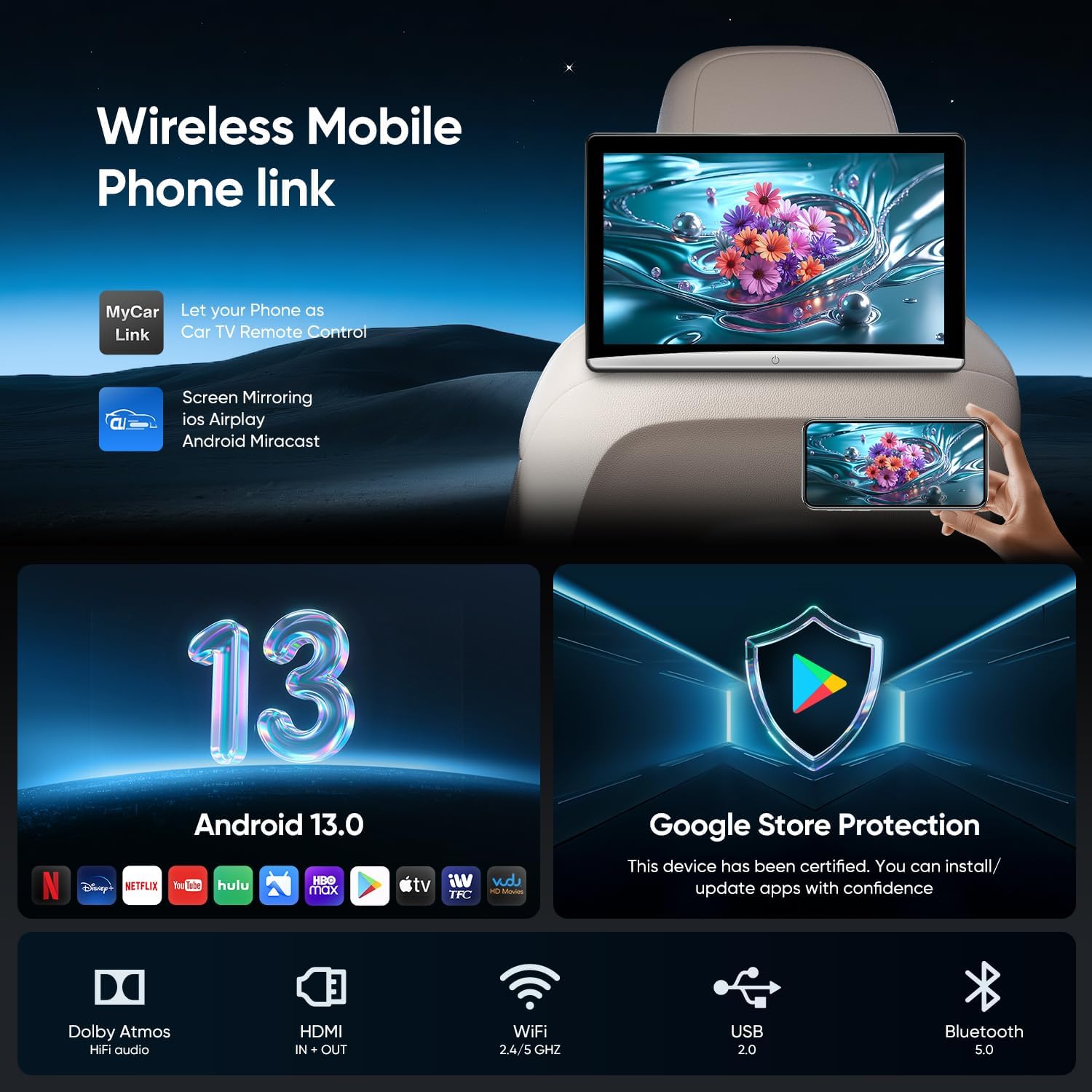
Figure 4.1: Monitor Mounted on Headrest
Obrázek 4.2: Detail montážní konzoly
4.2 Připojení napájení
The CPad-108 can be powered in two ways:
- Použití v autě: Use the provided 12V cigarette lighter cable. Plug one end into the monitor's DC port and the other into your car's 12V power outlet.
- Domácí použití: Use the provided 12V DC adapter. Plug it into a standard wall outlet and connect the other end to the monitor's DC port.

Obrázek 4.3: Možnosti napájení
4.3 Initial Power On and Wi-Fi Connection
- After connecting power, press the power button on the monitor to turn it on.
- Once the Android 13 system loads, navigate to the settings menu.
- Vyberte „Wi-Fi“ a zapněte ji.
- Choose your desired 5G/2.4GHz Wi-Fi network or phone hotspot from the list and enter the password to connect.
- For optimal performance, it is recommended to connect to a wireless network and update the device system to the latest version.
5. Návod k obsluze
5.1 Android 13 and App Management
The CPad-108 runs on Android 13, providing access to a wide range of applications. You can download and install apps such as YouTube, Netflix, TikTok, games, music players, and social tools directly from the Google Play Store.
- Ujistěte se, že je zařízení připojeno k Wi-Fi.
- Open the "Play Store" app from the home screen.
- Hledat your desired application and follow the on-screen instructions to install it.

Figure 5.1: Android 13 Interface with App Support
5.2 Phone Mirroring (AirPlay/Miracast)
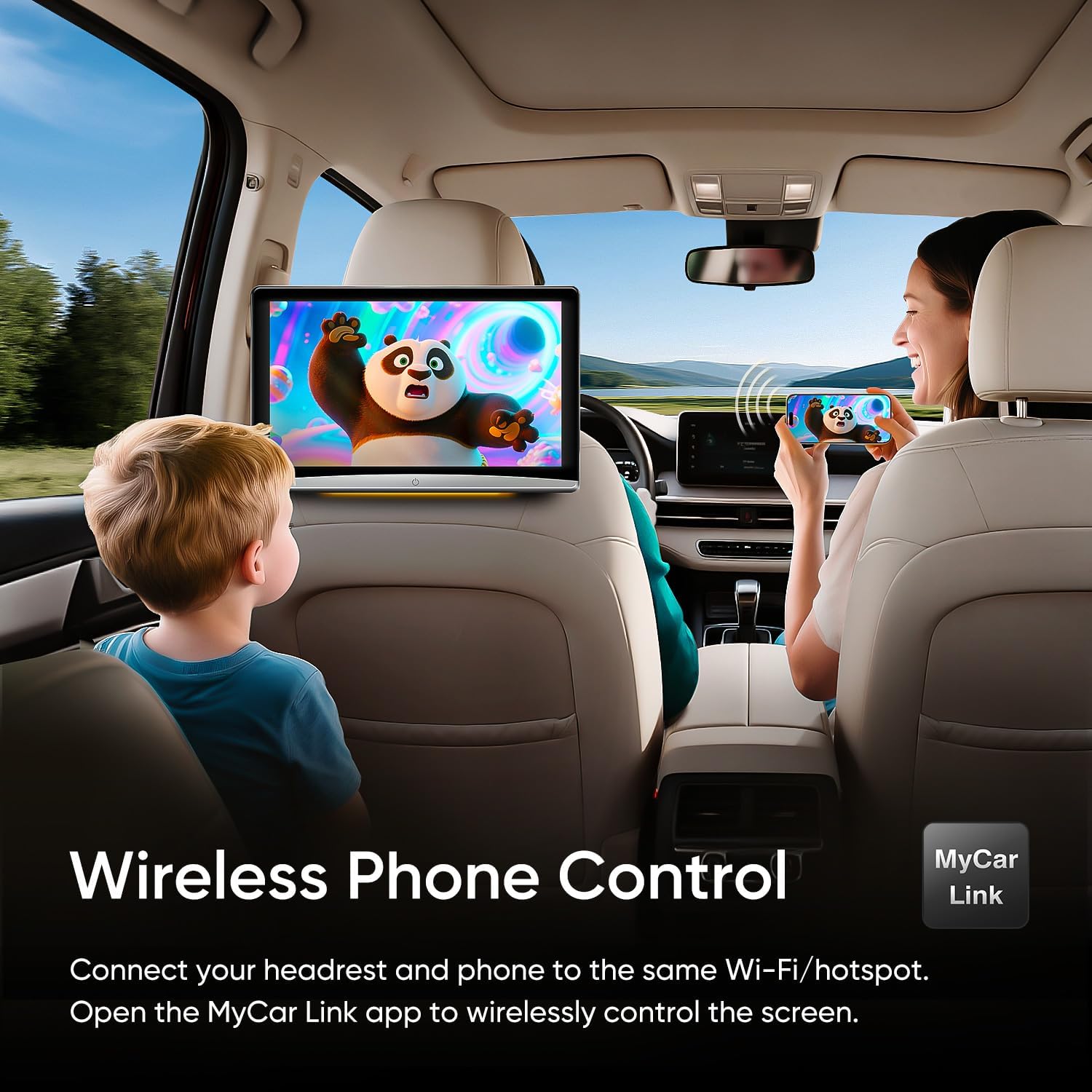
Mirror your iOS or Android device screen to the CPad-108 using AirPlay or Miracast. This allows you to display content from your phone directly on the headrest monitor.
- Ensure both your phone and the CPad-108 are connected to the same Wi-Fi network or hotspot.
- On the CPad-108, open the AirPlay/Miracast application.
- On your phone, activate screen mirroring (e.g., "Screen Mirroring" on iOS, "Smart View" or "Cast" on Android) and select the CPad-108 from the available devices.
You can also control the player from the driver's seat using the "MyCar Link" app on your smartphone.

Figure 5.2: Wireless Phone Link and Control
5.3 External Device Connectivity (HDMI, USB, SD)
The CPad-108 offers multiple ports for connecting external devices and playing media.
- HDMI vstup/výstup: Connect game consoles (e.g., PS5, Switch), laptops, or other HDMI-enabled devices as an input source. The HDMI output allows you to connect to another display.
- USB port: Přehrát média files z USB disků.
- Slot pro kartu Micro SD: Expand storage and play media directly from an SD card.
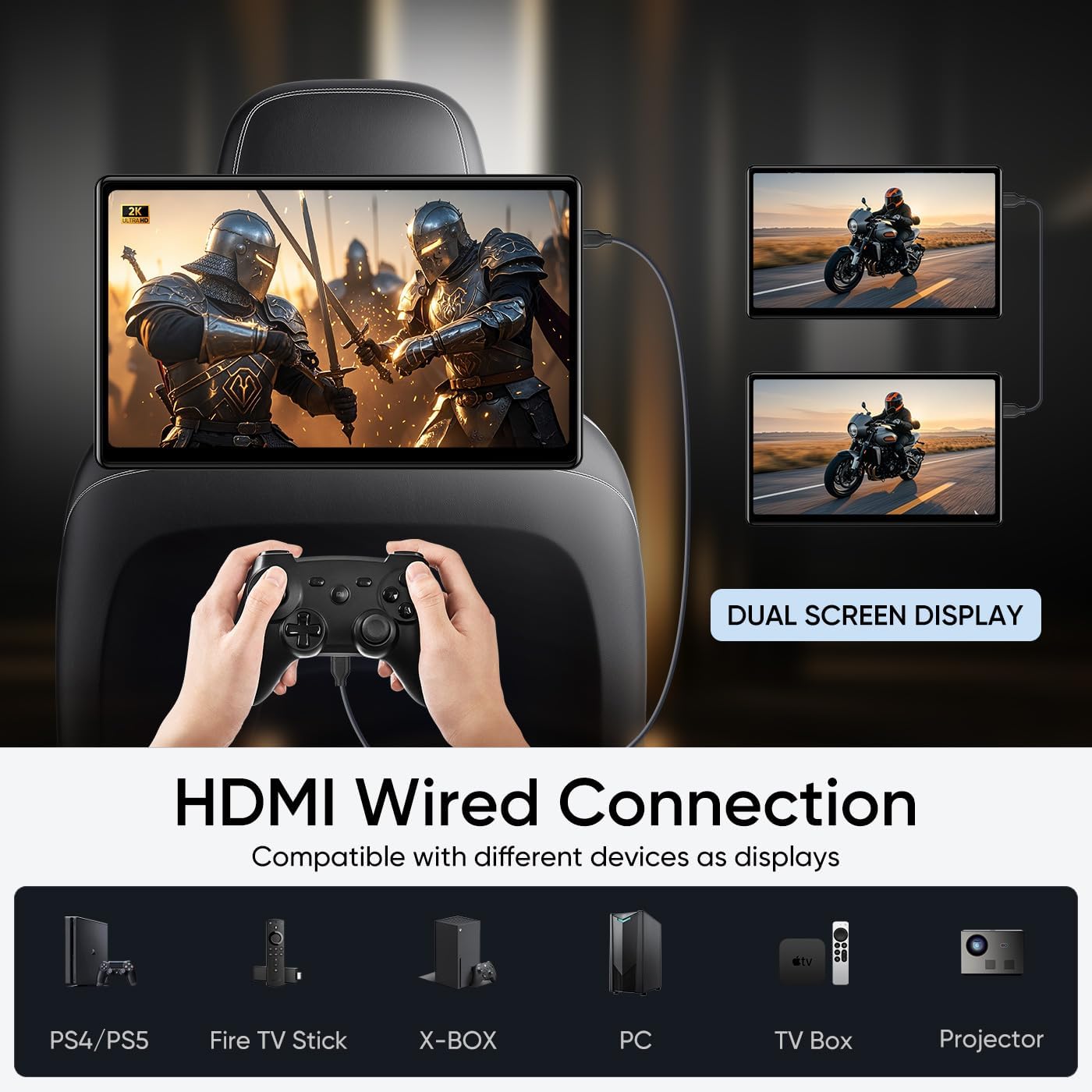
Figure 5.3: HDMI Wired Connection and Dual Screen Display

Figure 5.4: Multiple Ports for Connectivity
5.4 Možnosti zvukového výstupu
You can enjoy audio from the CPad-108 through several methods:
- Vestavěné reproduktory: The monitor has integrated speakers for direct audio playback.
- FM vysílač: Přenášejte zvuk do FM rádia ve vašem autě.
- Bluetooth: Connect Bluetooth headphones or speakers for private listening.
- Drátová sluchátka: Use the 3.5mm headphone jack for wired headphones.
NIKDY Přizpůsobení
Personalize your experience with the following options:
- Okolní světlo: Choose from 7 ambient light colors or set it to automatic mode.
- Startup UI: Customize the user interface that appears when the device starts.
6. Údržba
- Čištění: K čištění obrazovky a vnějšího povrchu používejte měkký, suchý hadřík. Nepoužívejte abrazivní čisticí prostředky ani rozpouštědla.
- Aktualizace softwaru: Regularly check for and install OTA (Over-The-Air) system updates to ensure optimal performance and security.
- Skladování: Pokud monitor delší dobu nepoužíváte, skladujte jej na chladném a suchém místě mimo dosah přímého slunečního záření a extrémních teplot.
- Správa kabelů: Ujistěte se, že všechny kabely jsou úhledně vedené a nejsou přiskřípnuté ani zamotané, aby nedošlo k jejich poškození.
7. Řešení problémů
7.1 Běžné problémy a řešení
| Problém | Možná příčina | Řešení |
|---|---|---|
| Zařízení se nezapne. | No power, loose connection, faulty cable. | Check power cable connection to the monitor and power source. Ensure the car's cigarette lighter socket is functional or the home adapter is plugged in correctly. |
| Žádné připojení Wi-Fi. | Incorrect password, out of range, Wi-Fi disabled. | Verify Wi-Fi password. Ensure the device is within range of the Wi-Fi signal. Check if Wi-Fi is enabled in settings. Restart the Wi-Fi router/hotspot. |
| Zrcadlení obrazovky nefunguje. | Devices not on same network, mirroring feature not activated. | Confirm both phone and monitor are on the same Wi-Fi network. Ensure AirPlay/Miracast is enabled on the monitor and screen mirroring is activated on your phone. |
| Žádný zvuk z reproduktorů. | Volume too low, external audio device connected, FM transmitter active. | Increase volume. Disconnect any Bluetooth or wired headphones. Check if FM transmitter is active and disable if not needed. |
| Apps not downloading or crashing. | Insufficient storage, poor internet connection, app compatibility issue. | Check available storage. Ensure stable internet connection. Clear app cache/data or reinstall the app. Ensure the app is compatible with Android 13. |
Pokud narazíte na problémy, které zde nejsou uvedeny, nebo pokud navrhovaná řešení problém nevyřeší, kontaktujte prosím zákaznickou podporu.
8. Specifikace
| Funkce | Detail |
|---|---|
| Značka | AINAVIGO |
| Číslo modelu | CPad-108 (10.8'' 2+32GB 1PC) |
| Velikost obrazovky | 10.8 palce |
| Typ zobrazení | IPS Touch screen |
| Nativní rozlišení | 1920x1080 |
| Operační systém | Android 13 |
| BERAN | 2 GB |
| ROM | 32 GB |
| Technologie připojení | HDMI, Wi-Fi (5G/2.4GHz), Bluetooth, USB |
| Kompatibilní zařízení | Mobile Phone, Game Consoles (PS5, Switch), Computers, Fire TV Stick, X-BOX, TV Box, Projector |
| Podpora typů médií | SD, SDHC, MP4, MPG, AVI, etc. |
| Barva | Černý |
9. Informace o záruce
The AINAVIGO CPad-108 comes with a 1letá záruka výrobce od data nákupu. Tato záruka se vztahuje na vady materiálu a zpracování při běžném používání. Nevztahuje se na škody způsobené nesprávným použitím, nehodou, neoprávněnou úpravou nebo vnějšími vlivy.
Uschovejte si prosím doklad o koupi pro uplatnění záruky.
10. Zákaznická podpora
For technical assistance, warranty claims, or any other inquiries regarding your AINAVIGO CPad-108, please contact our customer support team:
- Horká linka: +1833 863 6989
- Working Hours (PST): 2:00 PM - 10:30 PM
- Working Hours (PDT): 3:00 PM - 11:30 PM
- E-mail: Info@ainavigo.com
When contacting support, please have your order ID and product model number (CPad-108) ready for faster service.

Figure 10.1: Customer Support Contact Information
Ask a question about this manual
Ask about setup, troubleshooting, compatibility, parts, safety, or missing instructions. Manuals+ will review the question and use this page’s manual context to help answer it.