
1. Úvod
This manual provides essential information for the proper setup, operation, and maintenance of your CRUA 24.5-inch White Gaming Monitor (Model CR245D). Please read this manual thoroughly before using the product to ensure optimal performance and safety. Keep this manual for future reference.

Obrázek 1.1: Přední strana view of the CRUA 24.5-inch White Gaming Monitor.
2. Bezpečnostní informace
- Nevystavujte monitor dešti ani vlhkosti, abyste předešli požáru nebo úrazu elektrickým proudem.
- Neotevírejte monitor casing. Uvnitř nejsou žádné součásti, které by mohl uživatel opravit. Veškerý servis svěřte kvalifikovanému personálu.
- Umístěte monitor na stabilní, rovný povrch, aby nedošlo k jeho pádu.
- Zajistěte dostatečné větrání kolem monitoru. Neblokujte větrací otvory.
- Používejte pouze napájecí adaptér a kabely dodané nebo doporučené výrobcem.
- Během bouřek nebo pokud jej delší dobu nepoužíváte, odpojte monitor ze zásuvky.
- Nepokládejte těžké předměty na napájecí kabel ani kabely monitoru.
3. Obsah balení
Ověřte, zda jsou v balení přítomny všechny položky:
- CRUA 24.5-inch White Gaming Monitor
- Stojan na monitor (základna a krk)
- Napájecí adaptér a napájecí kabel
- HDMI kabel
- Kabel DisplayPort (DP)
- Uživatelská příručka (tento dokument)
- Šrouby pro montáž stojanu
4. Nastavení
4.1 Sestavení stojanu
- Opatrně vyjměte monitor z obalu a položte jej na měkký povrch, aby byl chráněn.
- Připevněte krk stojanu k zadnímu panelu monitoru pomocí dodaných šroubů.
- Attach the stand base to the stand neck and secure it with the designated screw, usually hand-tightened.
- Umístěte sestavený monitor na stabilní stůl nebo stůl.
4.2 Propojovací kabely
Refer to the back panel image below for port locations.
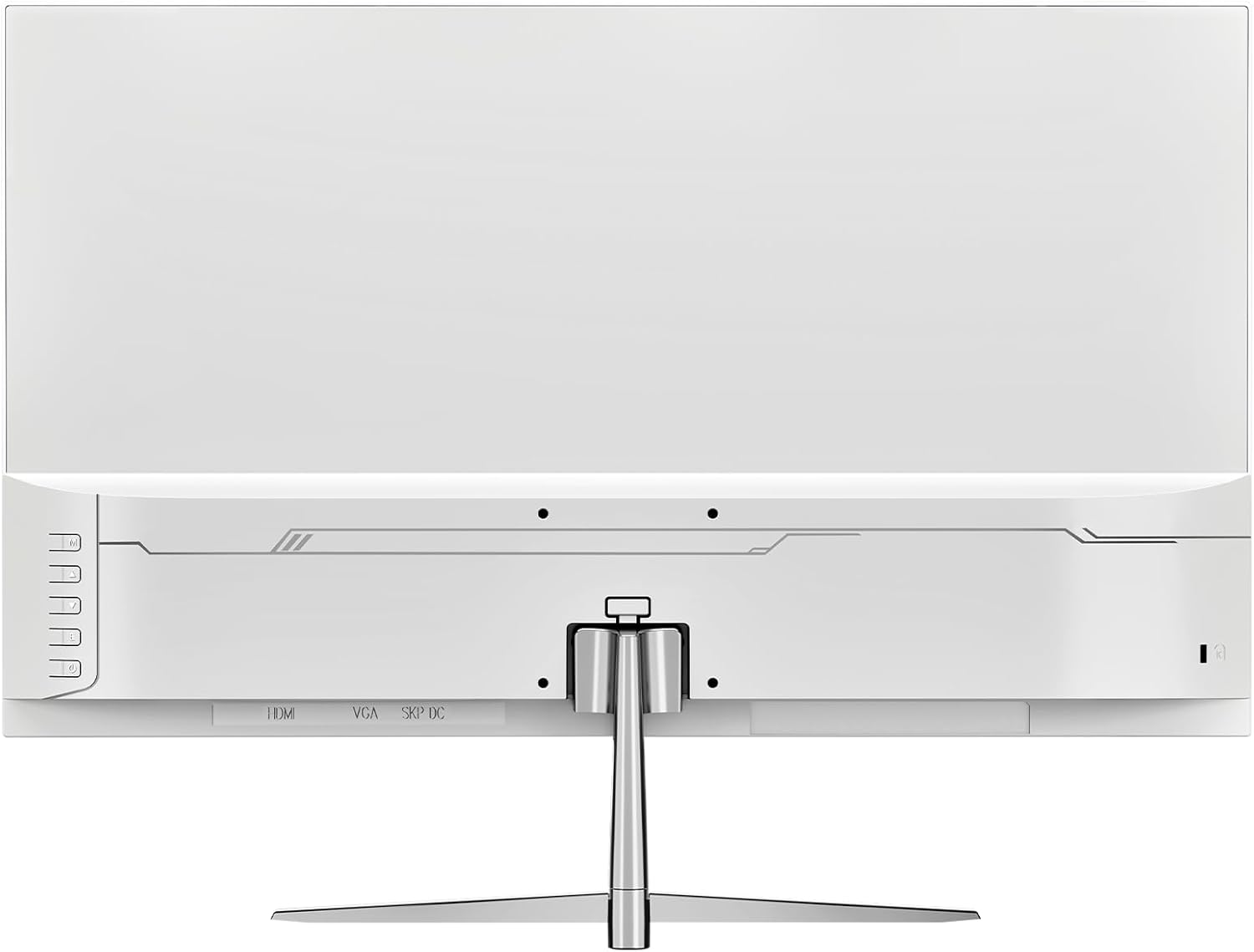
Obrázek 4.1: Zadní view monitoru se vstupními porty.
- Připojení napájení: Připojte napájecí adaptér ke vstupnímu portu stejnosměrného proudu monitoru a poté zapojte napájecí kabel do zásuvky ve zdi.
- Připojení videa: Connect one end of the HDMI or DisplayPort (DP) cable to the corresponding port on your computer's graphics card and the other end to the HDMI 1.4 or DP 1.2 port on the monitor.
- Zvukový výstup: If using external speakers or headphones, connect them to the monitor's audio out port. The monitor also has built-in speakers.
4.3 Montáž na stěnu (volitelné)
The monitor supports VESA wall mounts with a 75mm x 75mm pattern. Ensure you use appropriate screws and a compatible VESA bracket (not included) for secure installation. Follow the instructions provided with your wall mount kit.
5. Návod k obsluze
5.1 Zapnutí/vypnutí
Press the power button, typically located on the back or bottom right of the monitor, to turn the monitor on or off. The power indicator light will illuminate when the monitor is on.
5.2 Nabídka na obrazovce (OSD)
The OSD menu allows you to adjust various monitor settings. Use the buttons on the back or bottom of the monitor to navigate the menu:
- Tlačítko nabídky: Otevře nabídku OSD.
- Tlačítka nahoru/dolů: Procházejte možnostmi nabídky.
- Tlačítko Enter/Select: Potvrzuje výběr nebo vstupuje do podnabídky.
- Tlačítko Konec: Ukončí aktuální nabídku nebo OSD.
5.3 Nastavení zobrazení
Adjust image quality and performance settings via the OSD menu:
- Jas/kontrast: Upravte celkový jas a kontrastní poměr.
- Nastavení barev: Modify color temperature, gamma, and individual RGB levels. The monitor supports 120% sRGB color gamut, 16.7 million colors, and 8-bit depth for accurate color reproduction.

Figure 5.1: Monitor's color and brightness capabilities.
- Vstupní zdroj: Manually select between HDMI and DisplayPort inputs if auto-detection fails.
- Obnovovací frekvence: The monitor supports up to a 200Hz refresh rate for smooth motion. Ensure your graphics card and cable support this rate.
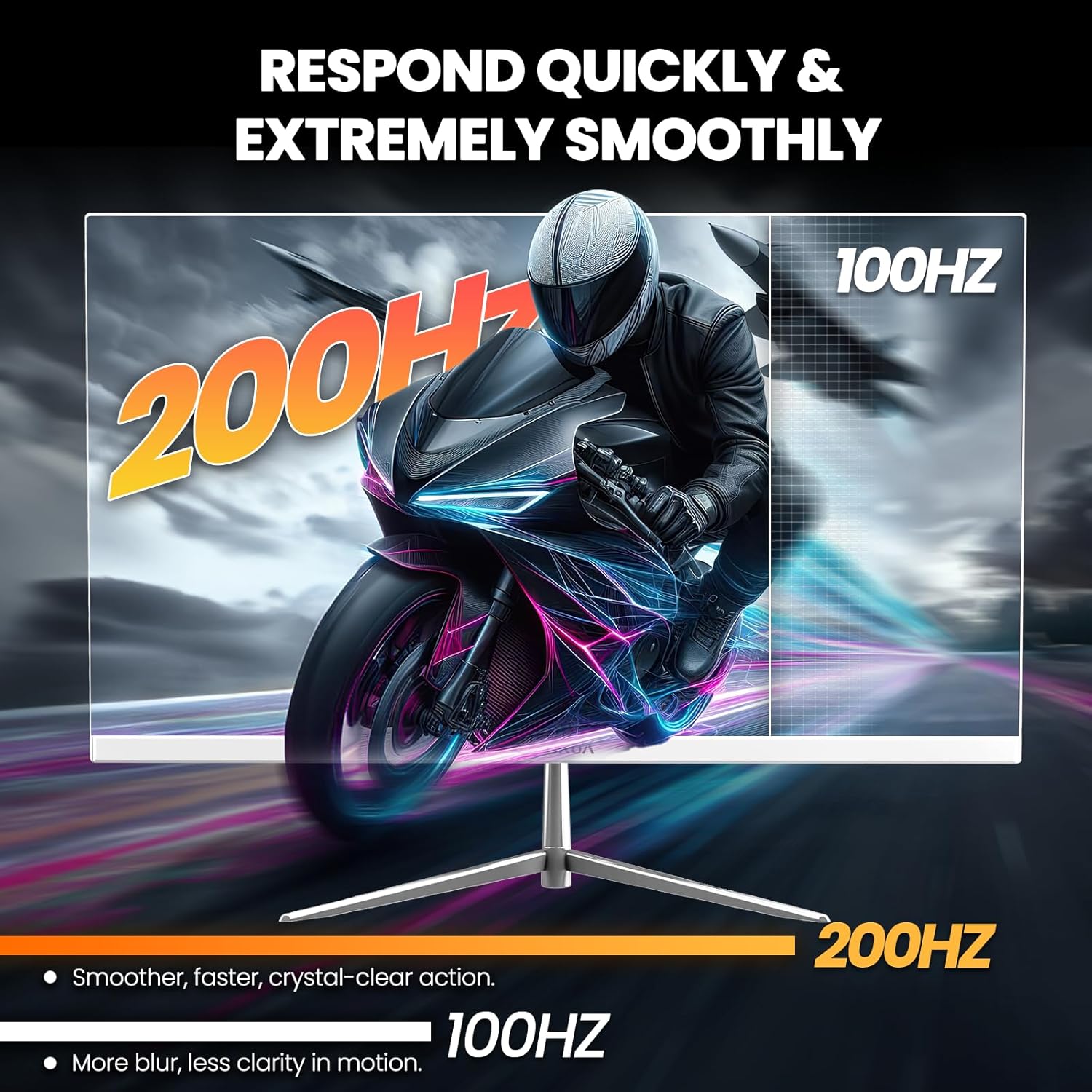
Figure 5.2: Visual representation of 200Hz refresh rate performance.
- Adaptivní synchronizace (FreeSync): This technology synchronizes the monitor's refresh rate with your graphics card's frame rate to eliminate screen tearing and stuttering. Enable it in the OSD menu and ensure it's activated in your graphics card settings.

Figure 5.3: Effect of Adaptive Sync on image quality.
- Filtr modrého světla: Reduces blue light emission to minimize eye strain during prolonged use. Activate this feature in the OSD menu.
- Vestavěné reproduktory: The monitor includes integrated speakers for basic audio needs. Volume can be adjusted via the OSD or your computer's audio settings.
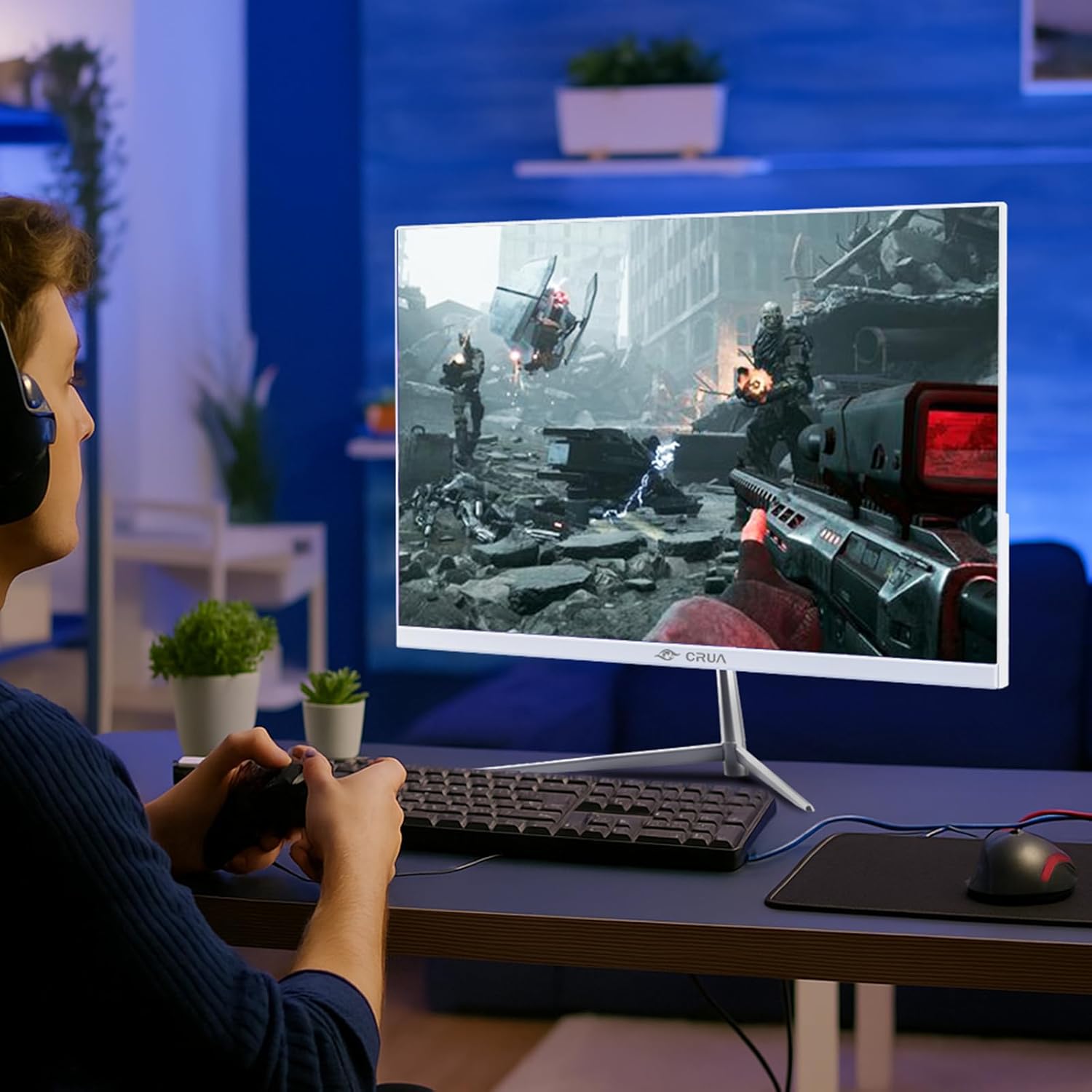
Figure 5.4: Monitor in use during a gaming session.
6. Údržba
- Čištění obrazovky: Jemně otřete obrazovku měkkým hadříkem, který nepouští vlákna. V případě odolných skvrn dampen the cloth with a small amount of screen cleaner specifically designed for monitors. Do not spray cleaner directly onto the screen.
- Čištění Casing: Use a soft, dry cloth to wipe the monitor's exterior. Avoid using abrasive cleaners or solvents.
- Skladování: Pokud monitor skladujete delší dobu, odpojte jej ze zásuvky a zakryjte jej, abyste jej ochránili před prachem.
7. Řešení problémů
| Problém | Možná příčina | Řešení |
|---|---|---|
| Žádná síla | Napájecí kabel není připojen; zásuvka nefunguje | Ujistěte se, že je napájecí kabel bezpečně připojen. Vyzkoušejte zásuvku s jiným zařízením. |
| Žádný signál | Videokabel není připojen; Vybrán nesprávný vstupní zdroj | Check video cable connections. Select the correct input source in the OSD menu. |
| Blikající obrazovka | Loose cable connection; Graphics card issue; Refresh rate mismatch | Secure cable connections. Update graphics drivers. Ensure refresh rate is compatible with your system. Enable Adaptive Sync. |
| Špatná kvalita obrazu | Incorrect resolution; OSD settings incorrect | Set display resolution to 1920x1080. Adjust brightness, contrast, and color settings in the OSD. |
| Žádný zvuk z reproduktorů | Volume too low; Audio output not selected | Increase volume in OSD and computer settings. Ensure monitor is selected as audio output device on your computer. |
8. Specifikace
| Číslo modelu | CR245D |
| Velikost obrazovky | 24.5 palce |
| Typ panelu | VA |
| Rezoluce | 1920 × 1080 (FHD 1080p) |
| Obnovovací frekvence | 200 Hz |
| Poměr stran | 16:9 |
| Jas obrázku | 290 kandel (cd/m²) |
| Barevný gamut | 120% sRGB |
| Barevná hloubka | 16.7 milionu (8 bitů) |
| Dynamický kontrastní poměr | 3500:1 |
| Adaptivní synchronizace | Supported (AMD FreeSync) |
| Konektivita | HDMI 1.4, DisplayPort 1.2 |
| Vestavěné reproduktory | Ano |
| Montáž na stěnu | Yes (75mm x 75mm VESA) |
| Rozměry produktu | 1.4 x 21 x 12 palce |
| Hmotnost položky | 7.54 libry |
9. Záruka a podpora
CRUA is committed to providing high-quality computer monitors and premium services. For any questions or assistance regarding your monitor, please contact CRUA customer support. Refer to your purchase documentation for specific warranty terms and contact details.