
Zavedení
This manual provides essential information for the assembly, operation, maintenance, and troubleshooting of your Deli Gaming Table E91511. Please read these instructions carefully before assembly and use to ensure proper function and longevity of your product.
Bezpečnostní upozornění
- Stůl vždy sestavte podle přiloženého návodu.
- Ensure the desk is properly anchored to the floor to prevent tipping, especially when using heavy setups.
- Be cautious when moving the desk, as it may require two people due to its size and weight.
- Do not overload the desk beyond its specified weight capacity.
- Během montáže udržujte malé části mimo dosah dětí.
Obsah balení
Before beginning assembly, verify that all components are present and undamaged. Refer to the included assembly instructions for a detailed list of parts and hardware. Typically, the package includes:
- Desktop surface (Metal and Composite)
- Desk legs (K-type carbon steel frame)
- Crossbars and support beams
- Montážní materiál (šrouby, vruty, podložky)
- Assembly tools (if included, otherwise standard tools like a screwdriver may be required)
- Návod k použití
Nastavení a montáž
The Deli Gaming Table E91511 is designed for quick assembly with minimal tools. Follow the step-by-step instructions provided in the separate assembly guide included with your product. Ensure you have adequate space for assembly and consider having a second person assist with lifting and positioning larger components.
Postup generálního shromáždění:
- Vybalte všechny součásti a rozložte je na čistý, měkký povrch, abyste zabránili poškrábání.
- Attach the K-shaped table legs to the main support frame using the provided hardware. Ensure all connections are secure.
- Carefully place the desktop surface onto the assembled leg frame. Align the pre-drilled holes.
- Secure the desktop to the frame using the remaining hardware. Do not overtighten.
- Verify all screws and bolts are tightened and the desk is stable before placing any equipment on it.

Image: Close-up of the K-shaped table legs, demonstrating the stable structure.
Návod k obsluze
The Deli Gaming Table E91511 offers a spacious and stable surface for various uses, including gaming, streaming, home office work, and student workstations.
- Wider Gaming Surface: The 120 cm width accommodates dual monitors or extra peripherals, providing ample prostor pro vaše nastavení.
- Ergonomický design: The desk is designed for comfortable use, allowing for extended periods of activity without discomfort.
- Správa kabelů: Utilize the integrated 3D cable management box (if applicable) to keep your cables organized and your workspace tidy.
- Load-Bearing Capacity: The desk is engineered for heavy setups and consistent use. Ensure weight is distributed evenly.
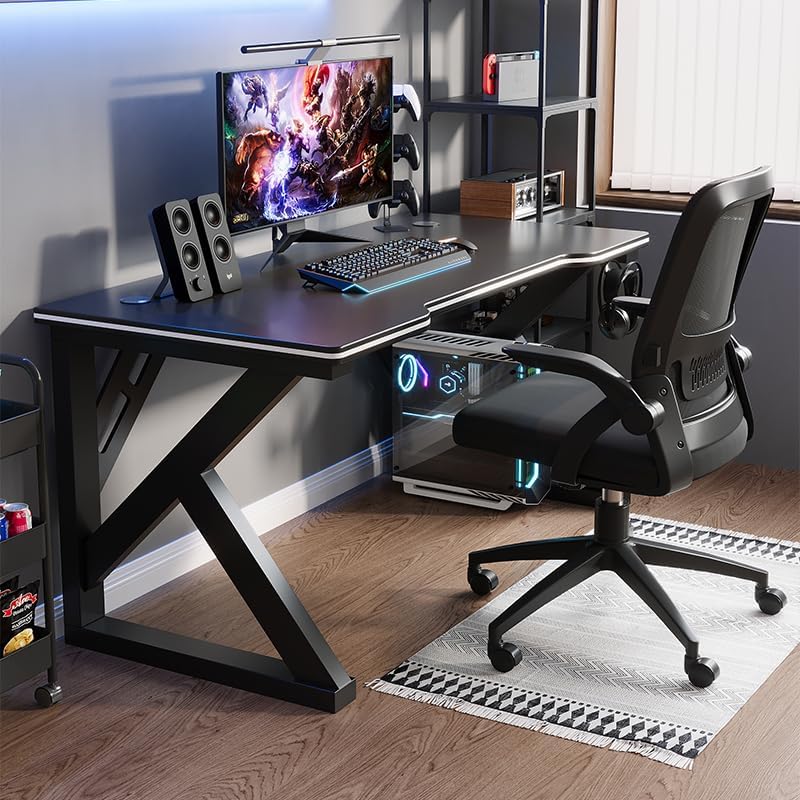
Image: A gaming setup on the Deli Gaming Table, illustrating its spacious surface.

Obrázek: Shora dolů view of a user at the Deli Gaming Table, highlighting ergonomic design.
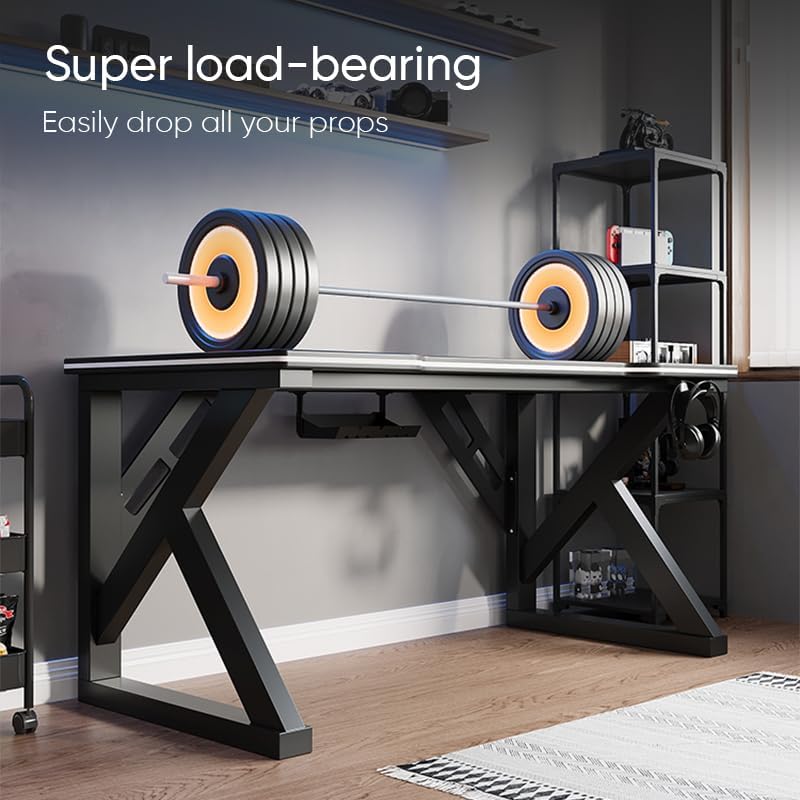
Image: The Deli Gaming Table demonstrating its load-bearing capability.
Údržba
Regular maintenance will help preserve the appearance and functionality of your Deli Gaming Table.
- Čištění: Wipe the desktop surface and legs with a soft, damp cloth. Avoid abrasive cleaners or harsh chemicals that could damage the painted finish or material.
- Rozlití: Rozlité tekutiny ihned vyčistěte, abyste zabránili vzniku skvrn nebo poškození povrchu.
- Kontrola hardwaru: Pravidelně kontrolujte všechny šrouby a vruty, zda jsou pevně utažené. V případě potřeby je dotáhněte pro zachování stability.
- Prevence rzi: While the desk is made of metal, prolonged exposure to moisture can lead to rust. Keep the desk in a dry environment and wipe away any moisture promptly.
Odstraňování problémů
Desk is unstable or wobbly:
- Ujistěte se, že všechny montážní šrouby a vruty jsou zcela utažené.
- Check that the desk is on a level surface. Adjust floor glides if present.
- Verify that all parts are correctly assembled according to the instruction manual.
Parts are missing or damaged:
- Review the package contents list in your assembly manual.
- Contact customer support with your model number and a description of the missing or damaged part.
Obtížnost s montáží:
- Znovu si pečlivě přečtěte montážní návod a věnujte pozornost diagramům.
- Ujistěte se, že pro každý krok používáte správný hardware.
- If issues persist, consider seeking assistance from another person.
Specifikace

Image: Dimensions of the Deli Gaming Table.
| Funkce | Detail |
|---|---|
| Číslo modelu | E91511 |
| Rozměry (Š x H x V) | 120 cm x 60 cm x 75 cm |
| Barva | Černý |
| Typ materiálu | Metal and Composite (E1 grade material) |
| Materiál rámu | K-type Carbon Steel Frame |
| Typ dokončení | Vymalováno |
| Hmotnost položky | 13000 gramů |
| Montáž Vyžadována | Ano |
| Doporučená použití | Gaming, Streaming, Home Office, Student Workstation |
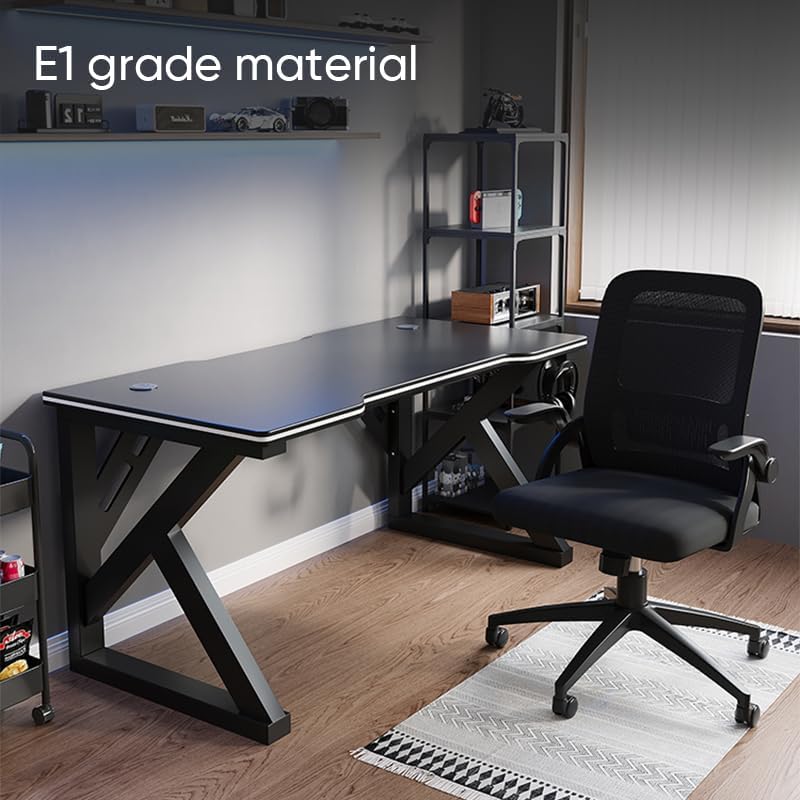
Image: The Deli Gaming Table highlighting E1 grade material.
Informace o záruce
For specific warranty details regarding your Deli Gaming Table E91511, please refer to the warranty card included with your purchase or visit the official Deli webZáruční podmínky se obvykle vztahují na výrobní vady za běžných podmínek používání.
Zákaznická podpora
If you have any questions, require assistance with assembly, or need to report a missing/damaged part, please contact Deli customer support through the following channels:
- Webmísto: Visit the official Deli webweb s podpůrnými zdroji a kontaktními formuláři.
- E-mail: Refer to your purchase documentation for customer service email addresses.
- Telefon: Check the product packaging or official webweb s telefonními čísly zákaznického servisu.
Please have your model number (E91511) and proof of purchase ready when contacting support.