
1. Úvod
This manual provides essential information and instructions for the proper use and maintenance of your DigiLand S10 10.1-inch Android 14 Tablet. Please read this manual thoroughly before using your device to ensure optimal performance and longevity. Keep this manual for future reference.
2. Co je v krabici
Upon opening your DigiLand S10 tablet package, verify that all the following items are included:
- DigiLand S10 Android Tablet (1 unit)
- USB kabel (1 kus)
- 5V/2A Power Adapter (US standard, 1 unit)
- Uživatelský manuál (1 jednotka)
- Záruční list (1 kus)
3. Konec produktuview
The DigiLand S10 tablet features a sleek design with essential ports and controls for user interaction.
Obrázek 3.1: Nadview of the DigiLand S10 tablet, highlighting the locations of the front camera, memory card slot, headset jack, back camera, power button, volume up/down buttons, and reset pinhole.
Fyzické komponenty:
- Přední kamera: Located at the top center when held in landscape orientation, used for video calls and selfies.
- Slot pro paměťovou kartu: Pro vložení karty Micro SD/TF pro rozšíření úložiště.
- Jack pro sluchátka: 3.5mm port for connecting headphones or external speakers.
- Zpět Fotoaparát: Located on the rear panel, used for taking photos and videos.
- Vypínač: Used to power the tablet on/off or put it to sleep/wake it up.
- Tlačítka hlasitosti: Upravte hlasitost zvuku.
- Resetovat dírku: A small hole requiring a pin to force a restart if the tablet becomes unresponsive.
- Port USB Type-C: Pro nabíjení tabletu a připojení k počítači.
4. Nastavení
4.1 Počáteční nabíjení
Before first use, fully charge your tablet. Connect the provided USB cable to the tablet's Type-C port and the power adapter, then plug the adapter into a wall outlet. The battery indicator on the screen will show charging status.
4.2 Zapnutí/vypnutí
- Zapnutí: Press and hold the Power button until the DigiLand logo appears on the screen.
- Vypnutí: Stiskněte a podržte tlačítko Napájení, dokud se nezobrazí nabídka vypnutí. Vyberte „Vypnout“ a potvrďte.
- Spánek/Probuzení: Krátkým stisknutím tlačítka napájení tablet uspíte nebo probudíte.
4.3 Počáteční konfigurace
Po prvním zapnutí postupujte podle pokynů na obrazovce a nastavte tablet:
- Vyberte preferovaný jazyk.
- Připojte se k síti Wi-Fi.
- Přihlaste se pomocí svého účtu Google nebo si vytvořte nový.
- Review a přijměte obchodní podmínky.
- Nastavte zámek obrazovky (PIN, vzorec nebo heslo).
4.4 Vložení Micro SD karty
To expand storage, you can insert a Micro SD (TF) card:
- Locate the memory card slot on the side of the tablet.
- Opatrně vložte kartu Micro SD do slotu zlatými kontakty směrem dolů, dokud nezacvakne na místo.
- Chcete-li kartu vyjmout, jemně ji zatlačte dovnitř, dokud nevyskočí.
5. Návod k obsluze
5.1 Základní navigace
The DigiLand S10 uses a multi-touch IPS display. Common gestures include:
- Klepněte na: Vyberte položku nebo otevřete aplikaci.
- Výpad: Procházení stránek nebo nabídek.
- Štípání: Přiblížení nebo oddálení obrázků a web stránky.
- Dlouhé stisknutí: Přístup k kontextovým nabídkám nebo přesun ikon.
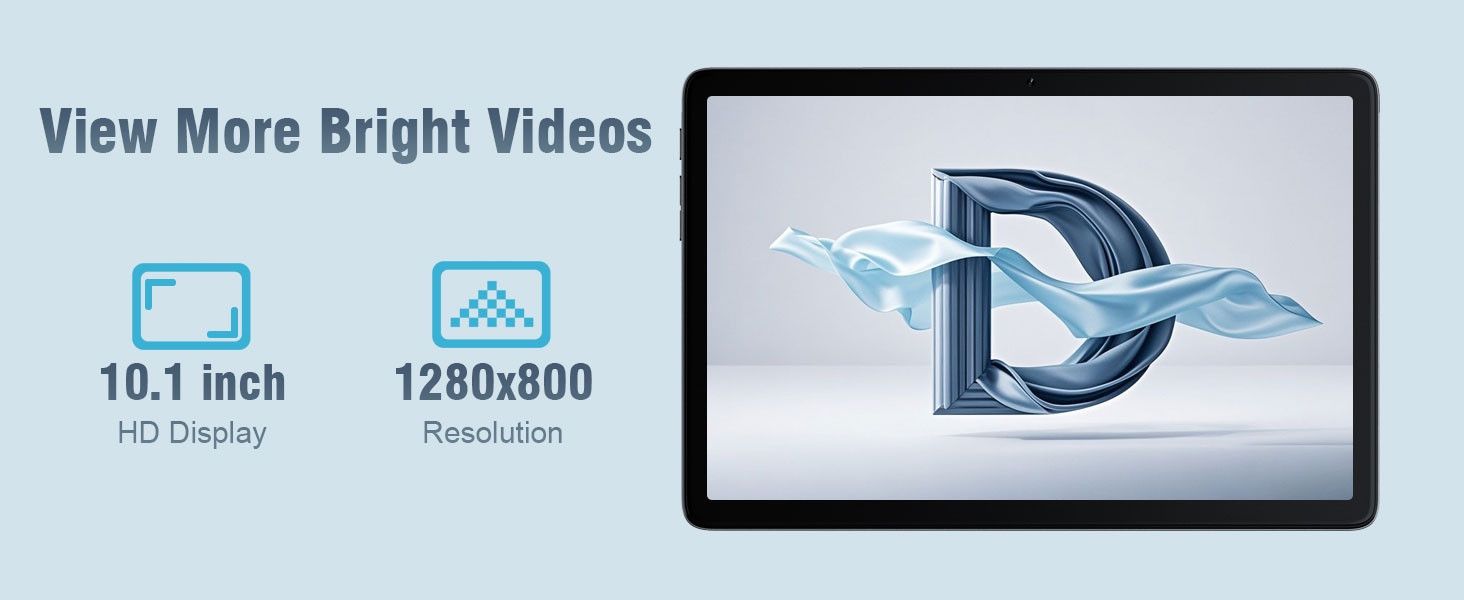
Obrázek 5.1: The 10.1-inch HD display of the DigiLand S10 tablet, showcasinje široký viewing angles and clear resolution for media consumption.
5.2 Připojení k Wi-Fi
Chcete-li se připojit k bezdrátové síti:
- Přejít na Nastavení > Síť a internet > Wi-Fi.
- Přepnout Wi-Fi On.
- Vyberte požadovanou síť ze seznamu.
- Pokud se zobrazí výzva, zadejte heslo a poté klepněte na Připojit.
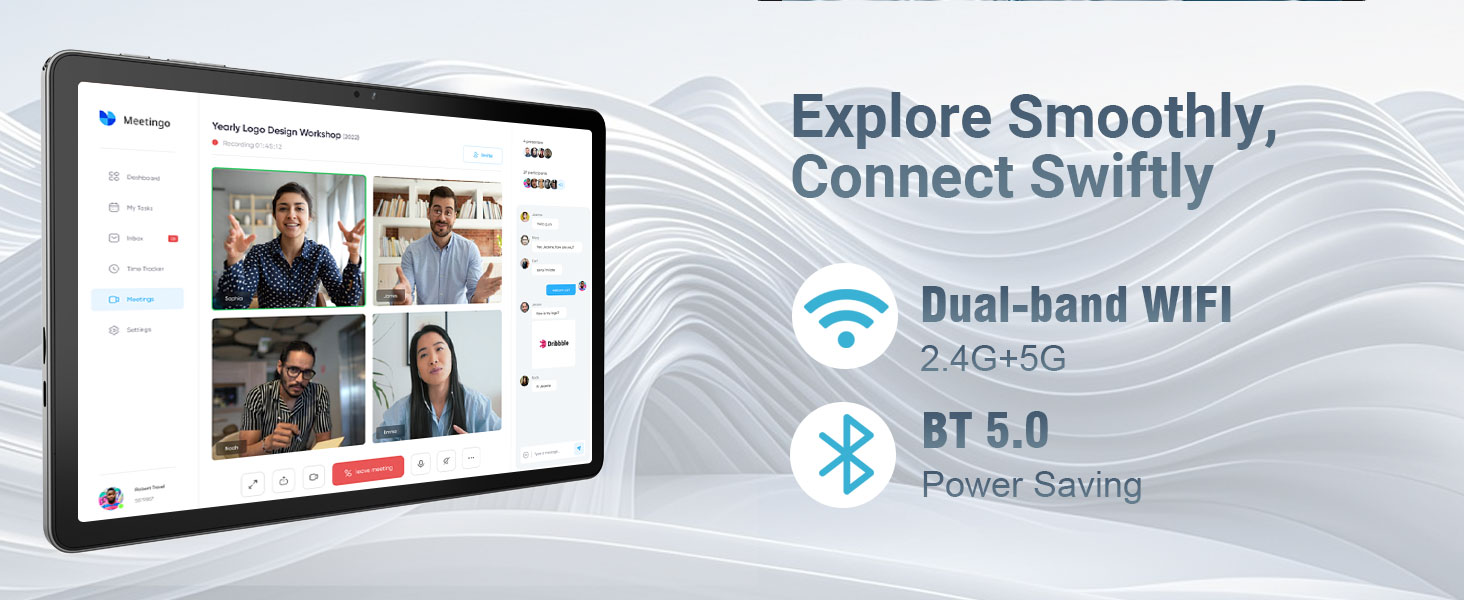
Obrázek 5.2: The tablet's connectivity features, including dual-band Wi-Fi (2.4G+5G) and Bluetooth 5.0, enabling smooth online activities and device pairing.
5.3 Připojení zařízení Bluetooth
To pair with Bluetooth accessories:
- Přejít na Nastavení > Připojená zařízení > Předvolby připojení > Bluetooth.
- Přepnout Bluetooth On.
- Ujistěte se, že je vaše zařízení Bluetooth v režimu párování.
- Select the device from the list of available devices and follow any on-screen pairing instructions.
5.4 Používání kamer
Tablet je vybaven předním fotoaparátem s rozlišením 5 MP a zadním fotoaparátem s rozlišením 8 MP.
- Otevřete Fotoaparát aplikace
- Klepnutím na ikonu přepínače fotoaparátu přepínáte mezi předním a zadním fotoaparátem.
- Klepnutím na tlačítko spouště pořídíte fotografii nebo spustíte/zastavíte nahrávání videa.
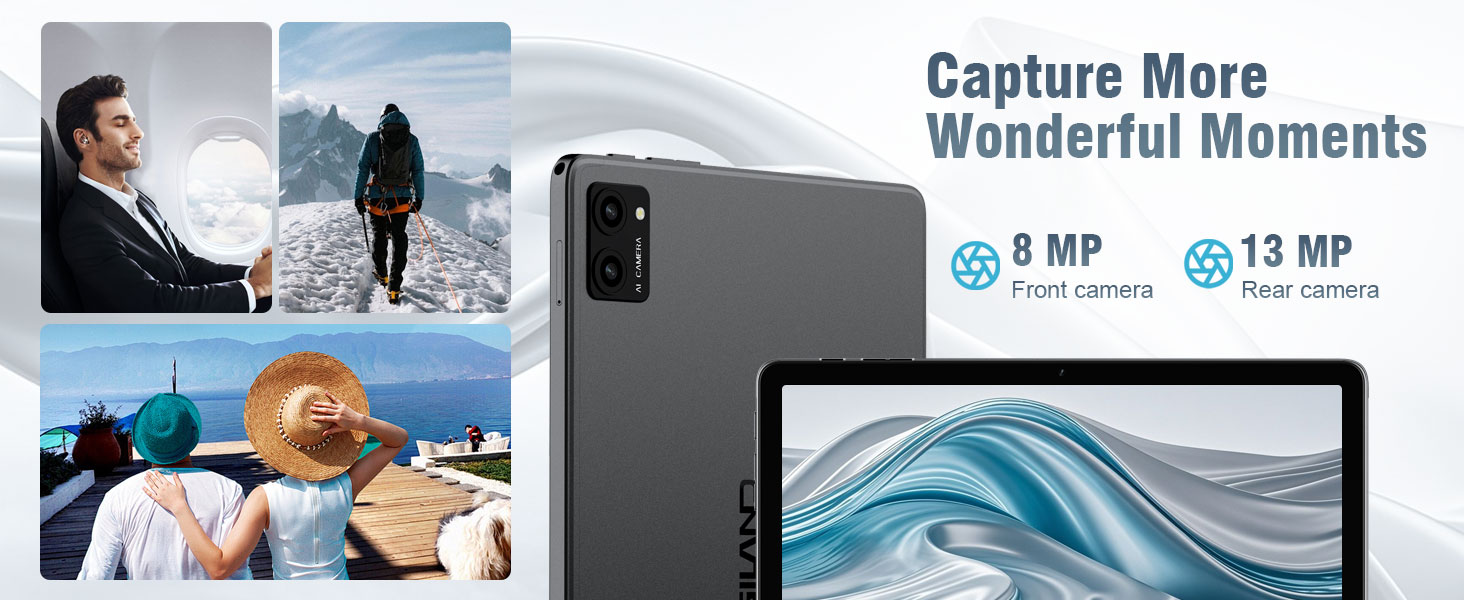
Obrázek 5.3: The tablet's camera capabilities, featuring an 8MP front camera and a 13MP rear camera (note: product specs state 5MP front/8MP rear, this image may be for a different model or marketing exaggeration, refer to specifications for accurate details).
5.5 Funkce rozdělené obrazovky
Android 14 supports split-screen mode for multitasking:
- Open the first app you want to use.
- Přejetím prstem od spodní části obrazovky nahoru a podržením zobrazíte nedávno používané aplikace.
- Klepněte na ikonu aplikace v horní části karty první aplikace a poté vyberte Rozdělený vršek.
- Vyberte druhou aplikaci z posledních aplikací nebo ze zásuvky aplikací, která vyplní druhou polovinu obrazovky.

Obrázek 5.4: The split-screen feature on the DigiLand S10 tablet, allowing users to run two applications simultaneously for enhanced productivity.
5.6 Správa baterie
The tablet is equipped with a 6000 mAh battery. To optimize battery life:
- Upravte jas obrazovky.
- Zavřete nepoužívané aplikace běžící na pozadí.
- Vypněte Wi-Fi a Bluetooth, když je nepoužíváte.
- Povolit režim úspory baterie v Nastavení > Baterie.
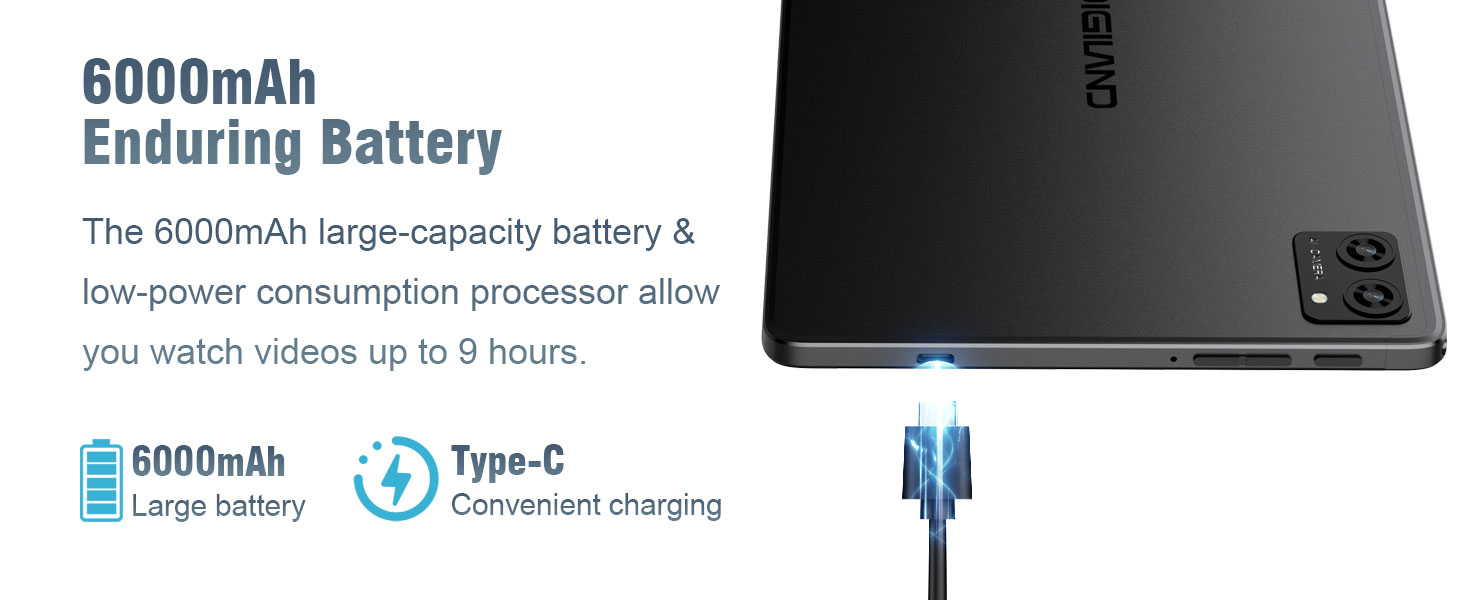
Obrázek 5.5: The 6000mAh battery of the DigiLand S10 tablet, providing extended usage and convenient Type-C charging.
5.7 Správa úložiště
The tablet has 64GB of internal storage, expandable up to 1TB with a Micro SD card. To manage storage:
- Přejít na Nastavení > Skladování na view využití a uvolnění místa.
- Odinstalujte nepoužívané aplikace.
- Přesunout velké files (photos, videos) to the Micro SD card or cloud storage.
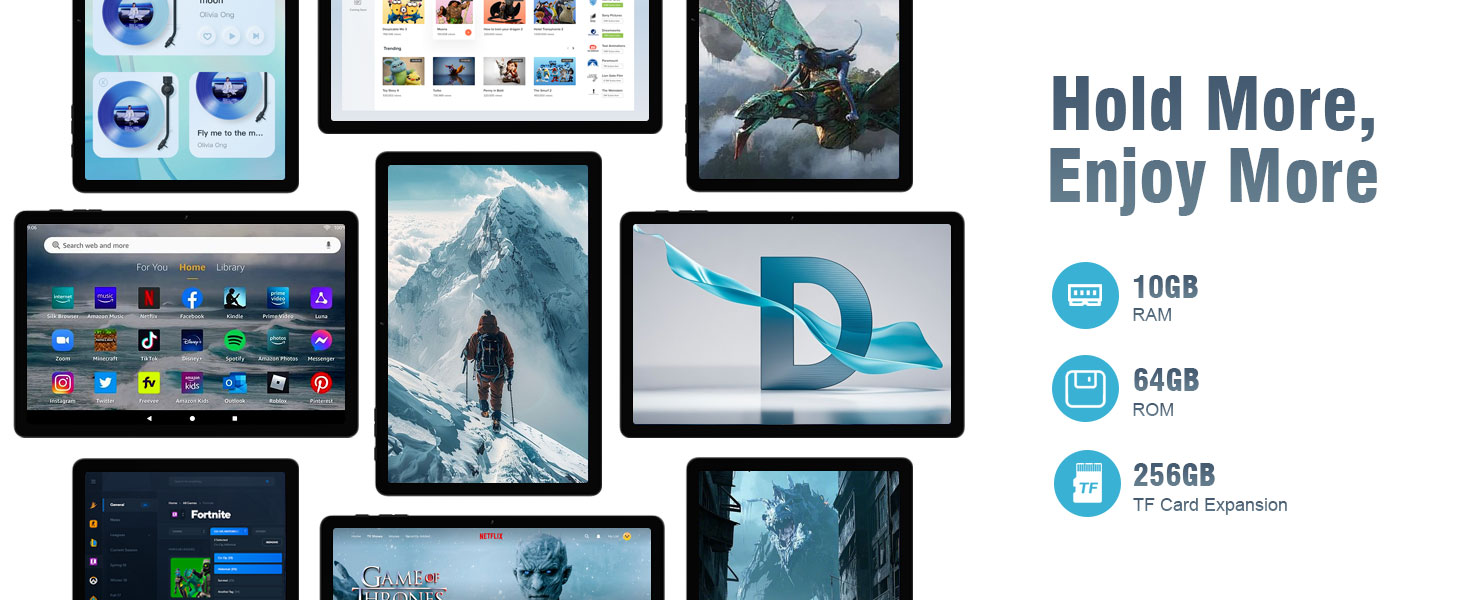
Obrázek 5.6: The tablet's storage and memory capabilities, featuring 10GB RAM, 64GB ROM, and support for TF card expansion, allowing for ample app and data storage.
6. Údržba
6.1 Čištění tabletu
Čištění tabletu:
- K otření obrazovky a těla použijte měkký hadřík, který nepouští vlákna.
- Na odolné šmouhy lehce otřeteampOtřete hadřík vodou nebo čističem obrazovek určeným pro elektroniku.
- Vyhněte se používání agresivních chemikálií, abrazivních materiálů nebo nadměrné vlhkosti.
6.2 Aktualizace softwaru
Pravidelně kontrolujte a instalujte aktualizace softwaru, abyste zajistili, že váš tablet má nejnovější funkce, bezpečnostní záplaty a vylepšení výkonu.
- Připojte tablet k síti Wi-Fi.
- Přejít na Nastavení > Systém > Aktualizace systému.
- Postupujte podle pokynů na obrazovce a stáhněte a nainstalujte všechny dostupné aktualizace.
6.3 Optimalizace úložiště
To maintain optimal performance, periodically optimize your tablet's storage:
- Clear cached data for apps in Nastavení > Aplikace > [Název aplikace] > Úložiště a mezipaměť.
- Smazat nepotřebné files from the Downloads folder.
- Pravidelně zálohujte důležitá data do cloudového úložiště nebo na externí zařízení.
7. Řešení problémů
This section addresses common issues you might encounter with your DigiLand S10 tablet.
| Problém | Možné řešení |
|---|---|
| Tablet se nezapne. | Ensure the tablet is charged. Connect to the power adapter and wait a few minutes before attempting to power on again. If unresponsive, use a pin to press the Reset pinhole. |
| Obrazovka nereaguje. | Restart the tablet by holding the Power button. If that fails, use the Reset pinhole. |
| Nelze se připojit k Wi-Fi. | Check if Wi-Fi is enabled in Settings. Ensure the Wi-Fi password is correct. Restart your router and the tablet. Try connecting to a different Wi-Fi network if available. |
| Aplikace padají nebo běží pomalu. | Close background apps. Clear app cache (Settings > Apps > [App Name] > Storage & cache). Ensure sufficient free storage space. Restart the tablet. |
| Baterie se rychle vybíjí. | Reduce screen brightness. Disable Wi-Fi/Bluetooth when not in use. Close unused apps. Check battery usage in Settings > Battery to identify power-hungry apps. |
| Karta Micro SD nebyla detekována. | Ensure the card is inserted correctly and fully seated in the slot. Try reinserting the card. Test the card in another device if possible to rule out card malfunction. |
8. Specifikace
Below are the technical specifications for the DigiLand S10 Tablet:
| Funkce | Detail |
|---|---|
| Značka | DigiLand |
| Název modelu | 10.1-inch Tablet PC (DigiLand S10) |
| Operační systém | Android 14 |
| Procesor | MTK Octa-core (A523) |
| Paměť RAM | 10 GB |
| Interní úložiště | 64 GB |
| Rozšiřitelné úložiště | MicroSD/TF card support (up to 1TB) |
| Velikost obrazovky | 10.1 palců |
| Typ zobrazení | IPS |
| Rozlišení displeje | 1280 x 800 pixelů |
| Zadní kamera | 8 MP |
| Přední kamera | 5 MP |
| Kapacita baterie | 6000 XNUMX mAh |
| Konektivita | Wi-Fi (802.11ax, 2.4G+5G dual-band), Bluetooth 5.0 |
| Porty | USB Type-C, 3.5mm Headset Jack |
| Rozměry (D x Š x T) | 9.49" x 6.3" x 0.34" (approx. 8.8mm thickness) |
| Hmotnost | Přibližně 0.51 kg (510 g) |
9. Záruka a podpora
9.1 Informace o záruce
The DigiLand S10 tablet comes with a 1letá omezená záruka. Please refer to the included Warranty Card for detailed terms and conditions regarding coverage and claims.
9.2 Zákaznická podpora
For any questions, technical assistance, or support needs, please contact DigiLand customer service. We offer comprehensive support to assist you with any issues.
You can typically find contact information on the DigiLand official website or through the seller's support channels where you purchased the product. For purchases made via Amazon, you can contact the seller, GuYi-USA, directly through the Amazon platform.

Obrázek 9.1: DigiLand is committed to providing professional after-sales support.
10. Produktové video
Pro lepší představu se podívejte na oficiální video produktuview of the DigiLand S10 tablet's features and design.
10.1 video: A product display video showcasing the DigiLand S10 10.1-inch Android tablet, its components, and key functionalities.