
DigiLand 10.1-inch Tablet PC
DigiLand 10.1-inch Android 14 Tablet User Manual
Model: 10.1-inch Tablet PC
Zavedení
This user manual provides comprehensive instructions for the operation, maintenance, and troubleshooting of your DigiLand 10.1-inch Android 14 Tablet. Please read this manual thoroughly before using your device to ensure proper functionality and to maximize your user experience. This tablet is designed for versatile use, offering high performance for various applications, from entertainment to productivity.
Co je v krabici
Upon opening the package, please verify that all listed items are present and in good condition:
- (1) Leather case *1
- (2) USB cable *1
- (3) 5V/2A Adaptor *1; US standard
- (4) Manual *1 (This document)
- (5) Warranty card *1

For a visual guide to unboxing your tablet, please refer to the official unboxing video below.
Video 1: Android 14 Tablet Unboxing Video. This video demonstrates the unboxing process and shows the tablet and its included components.
Konec produktuview
The DigiLand 10.1-inch Android 14 Tablet is engineered for high performance and user convenience. Key features include:
- Operační systém: Android 14 with upgraded personal privacy protection and security.
- Paměť a úložiště: 12GB RAM + 128GB ROM, with support for TF card expansion for additional storage.
- Procesor: New generation Octa-Core CPU (Max 2.0 GHz) for faster and more stable performance.
- Zobrazit: 10.1-inch 1280x800 HD IPS screen with Widevine L1 support for high-fidelity streaming on platforms like Netflix, YouTube, and Disney+.
- Konektivita: Ultra-fast WiFi 6 and energy-efficient Bluetooth 5.0.
- Kamery: 8-megapixel front camera and 13-megapixel rear camera.
- Design: Lightweight (485g) and slim (9mm thin body) for portability.
- Baterie: Baterie s kapacitou 6000 mAh pro delší používání.
- Multifunkčnost: Supports split-screen function for enhanced multitasking.
Komponenty a funkce

The tablet features a headset jack, power button, volume up/down buttons, front camera, reset pinhole, memory card slot, and a Type-C charging port. The rear of the tablet houses the main camera module.

This image provides a visual summary of the tablet's core specifications, including its operating system, display size, memory, processor, battery capacity, camera resolution, and physical dimensions.
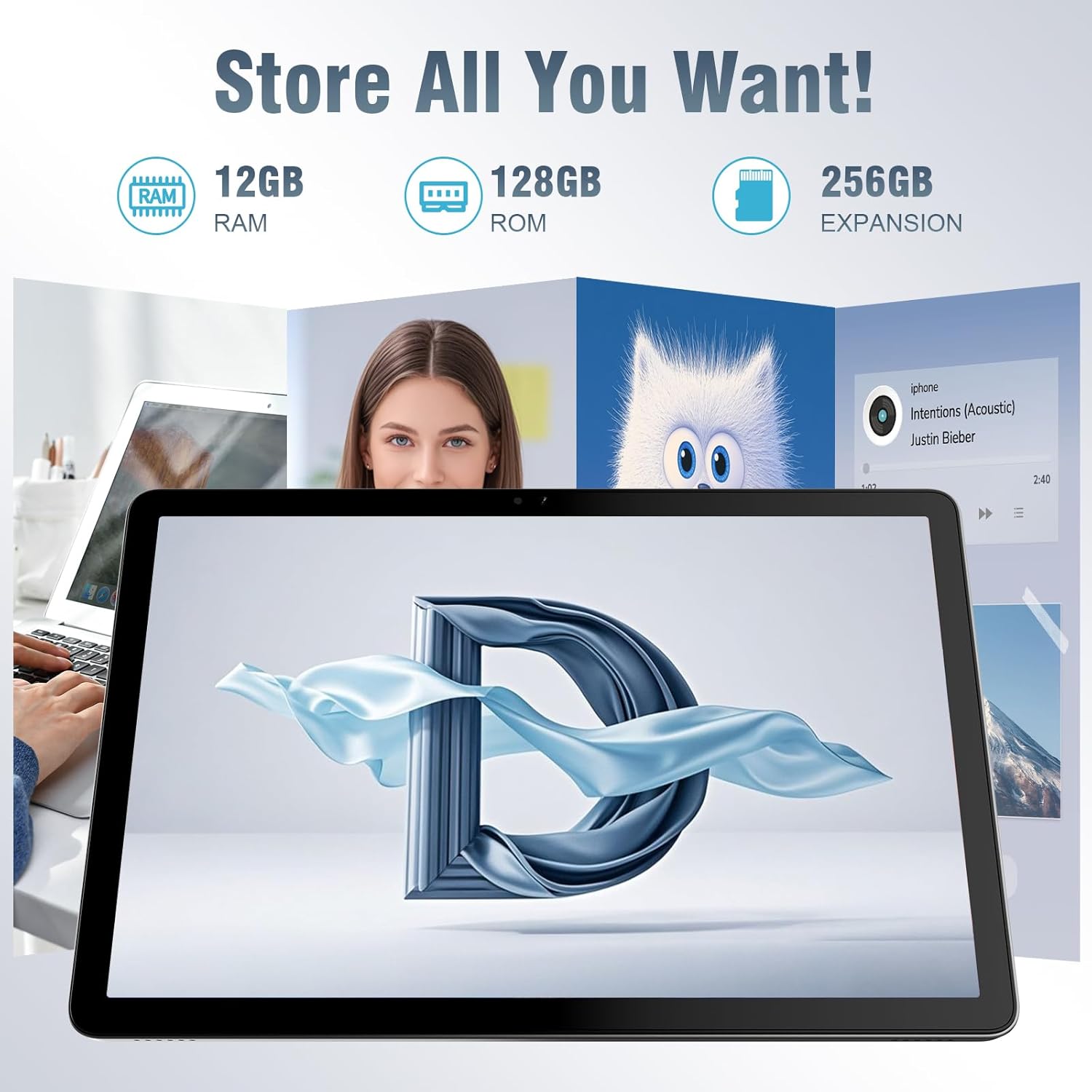
The tablet offers ample storage for your applications, photos, videos, and documents, with expandable memory options.
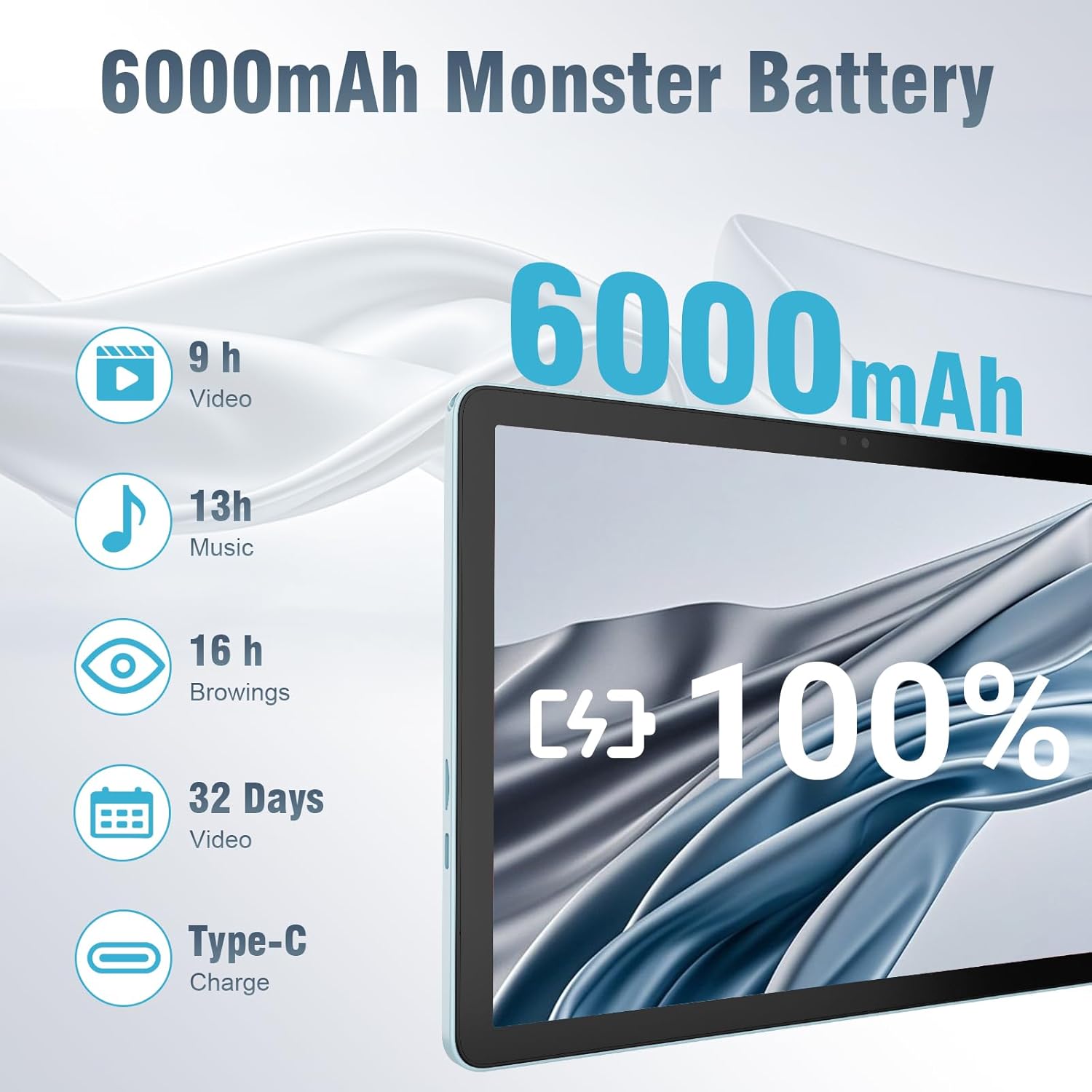
The 6000mAh battery provides extended usage times for various activities, and it supports convenient Type-C charging.
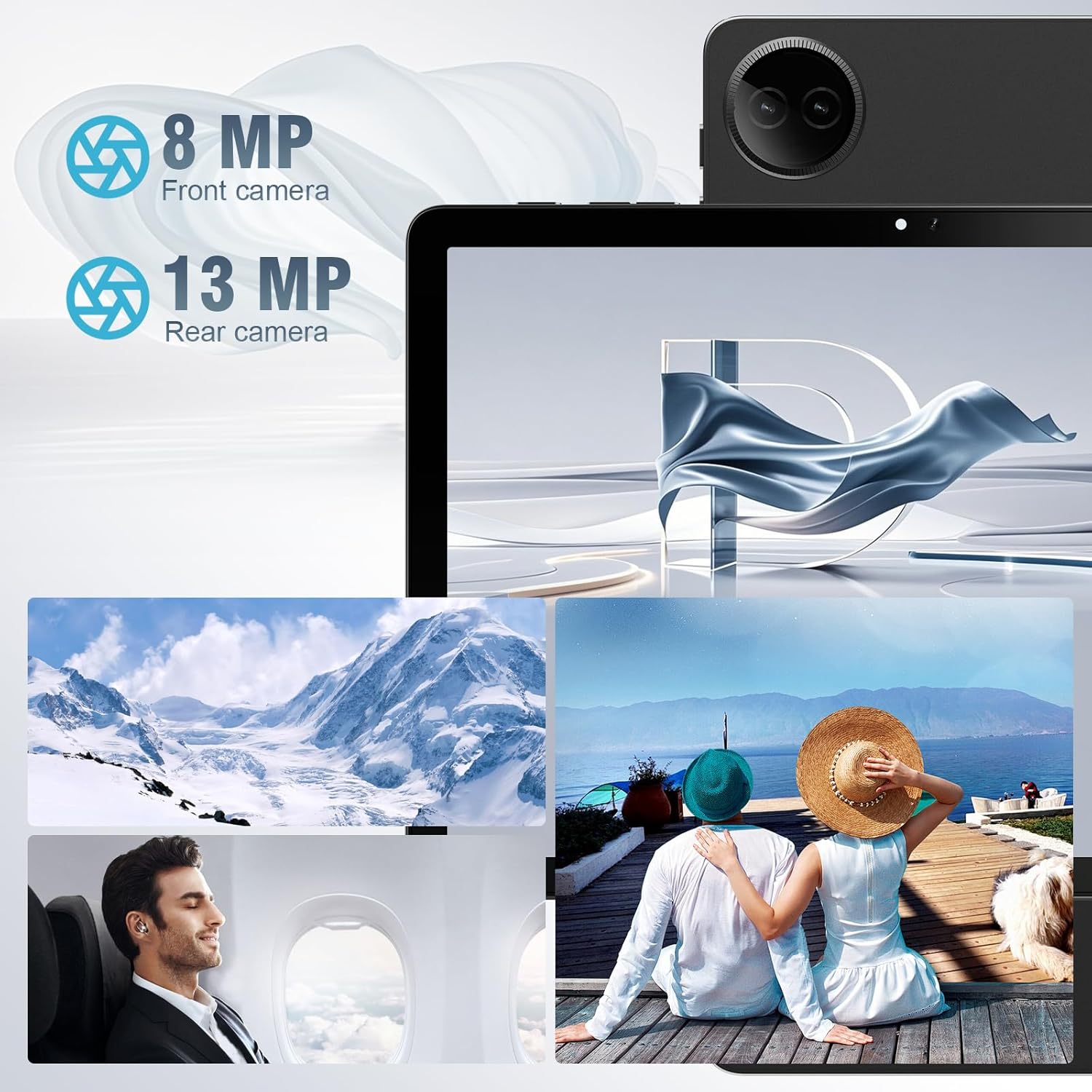
Equipped with both front and rear cameras, the tablet is suitable for capturing moments and engaging in video communication.

The 10.1-inch HD display provides a clear and immersive visual experience with wide viewing úhly.

The split-screen function allows for efficient multitasking, enabling you to use two applications simultaneously.
Nastavení
Počáteční zapnutí a nastavení
- Nabijte tablet: Before first use, fully charge the tablet using the provided USB cable and power adapter. Connect the Type-C end of the cable to the tablet's charging port and the USB end to the power adapter, then plug the adapter into a wall outlet.
- Zapnutí: Press and hold the Power button located on the side of the tablet until the DigiLand logo appears on the screen.
- Počáteční konfigurace: Follow the on-screen prompts to complete the initial setup. This typically includes selecting your language, connecting to a Wi-Fi network, setting up your Google account, and configuring basic security settings.
- Vložení TF karty (volitelné): If you wish to expand storage, carefully insert a TF (microSD) card into the designated memory card slot. Ensure the tablet is powered off before inserting or removing the card.
For a visual demonstration of the power-on sequence and initial interaction, refer to the unboxing video in the "What's in the Box" section.
Návod k obsluze
Základní navigace
- Gesta na dotykové obrazovce: Navigate the tablet using standard Android gestures: tap to select, swipe to scroll, pinch to zoom, and long-press for contextual menus.
- Domovská obrazovka: The main interface where you can access apps, widgets, and notifications.
- Panel oznámení: Přejetím prstu dolů od horního okraje obrazovky získáte přístup k rychlému nastavení a oznámením.
- Zásuvka aplikace: Přejeďte prstem ze spodní části obrazovky nahoru na view všechny nainstalované aplikace.
Připojení k Wi-Fi a Bluetooth
- Wi-Fi: Přejít na Nastavení > Síť a internet > Wi-Fi. Turn on Wi-Fi, select your desired network, and enter the password if required. The tablet supports ultra-fast WiFi 6.
- Bluetooth: Přejít na Nastavení> Připojená zařízení> Předvolby připojení> Bluetooth. Turn on Bluetooth, then select "Pair new device" to connect to Bluetooth headphones, speakers, or other compatible devices. The tablet features energy-efficient Bluetooth 5.0.
Používání kamer
Access the Camera app from your home screen or app drawer. You can switch between the 8MP front camera and the 13MP rear camera within the app. Tap the screen to focus and press the shutter button to capture photos or start/stop video recording.
Multitasking s rozdělenou obrazovkou
To use the split-screen feature, open an application, then swipe up from the bottom of the screen and hold to reveal the recent apps overview. Tap the app icon at the top of the app's card and select "Split screen." Choose a second app from the recent apps or app drawer to open it alongside the first. Adjust the size of each app by dragging the divider in the middle of the screen.
Údržba
- Čištění: K čištění obrazovky a těla tabletu používejte měkký hadřík, který nepouští vlákna. Nepoužívejte abrazivní čisticí prostředky ani rozpouštědla.
- Péče o baterie: To prolong battery life, avoid exposing the tablet to extreme temperatures. It is recommended to keep the battery charge between 20% and 80% for optimal longevity.
- Aktualizace softwaru: Regularly check for and install system updates to ensure your tablet has the latest security patches and performance improvements. Go to Nastavení > Systém > Aktualizace systému.
- Správa úložiště: Pravidelně odstraňujte nepotřebné filea odinstalujte nepoužívané aplikace, abyste uvolnili úložný prostor a zachovali optimální výkon.
- Ochrana: Use the provided leather case to protect your tablet from scratches and minor impacts.
Odstraňování problémů
This section addresses common issues you might encounter with your tablet. If you experience problems not covered here, please contact customer support.
| Problém | Možná příčina | Řešení |
|---|---|---|
| Tablet se nezapne. | Slabá baterie; havárie systému. | Nabíjejte tablet alespoň 30 minut. Pokud stále nereaguje, stiskněte a podržte tlačítko napájení po dobu 10–15 sekund, abyste vynutili restart. |
| Problémy s připojením k Wi-Fi. | Nesprávné heslo; mimo dosah; problém s routerem. | Verify Wi-Fi password. Move closer to the router. Restart your Wi-Fi router. Forget the network and reconnect. |
| Aplikace jsou pomalé nebo padají. | Příliš mnoho spuštěných aplikací; málo úložiště; zastaralá aplikace. | Zavřete aplikace na pozadí. Vymažte mezipaměť aplikací (Nastavení > Aplikace > [Název aplikace] > Úložiště a mezipaměť > Vymazat mezipaměť). Free up storage space. Update the app from Google Play Store. |
| Obrazovka nereaguje. | Dočasná softwarová závada. | Vynuťte restart tabletu podržením tlačítka napájení. |
| Tablet se nenabíjí. | Vadný kabel/adaptér; znečištěný nabíjecí port. | Ensure cable and adapter are securely connected. Try a different compatible cable and adapter. Clean the charging port gently with a dry, soft brush. |
Specifikace
| Funkce | Detail |
|---|---|
| Značka | DigiLand |
| Název modelu | 10.1-inch Tablet PC |
| Operační systém | Android 14 |
| Velikost obrazovky | 10.1 palců |
| Maximální rozlišení obrazovky | 800x1280 |
| Značka procesoru | MK G80 (Octa-core) |
| Kapacita paměti | 128 GB (rozšiřitelné pomocí TF karty) |
| BERAN | 12 GB |
| Přední kamera | 8 MP |
| Zadní kamera | 13 MP |
| Konektivita | WiFi 6, Bluetooth 5.0 |
| Kapacita baterie | 6000 XNUMX mAh |
| Hmotnost položky | 2.82 libry (cca 485 g) |
| Rozměry produktu (DxŠxV) | 9.53 x 6.34 x 0.3 inches (approx. 9mm thin) |
| Barva | Modrý |
Záruka a podpora
DigiLand is committed to product quality and customer satisfaction.
- Záruka: This Android 14 tablet comes with a one-year warranty from the date of purchase.
- Zákaznická podpora: If you encounter any quality problems or require assistance, please contact us via your Amazon Purchase Record. Our team will endeavor to provide the best service and ensure your satisfaction.
- Plány ochrany: Additional protection plans may be available for purchase, such as a 2-Year Protection Plan or Complete Protect, which covers eligible past and future purchases. Please refer to your purchase details for more information on these options.
Ask a question about this manual
Ask about setup, troubleshooting, compatibility, parts, safety, or missing instructions. Manuals+ will review the question and use this page’s manual context to help answer it.