1. Konec produktuview
This instruction manual provides guidance for the proper installation and use of the Generic TV Base Stand Legs, Model 100071708. These replacement legs are specifically designed for compatibility with the Westinghouse 70-inch TV, Model WR70UT4210. The set includes one left leg, one right leg, and all necessary screws for attachment.
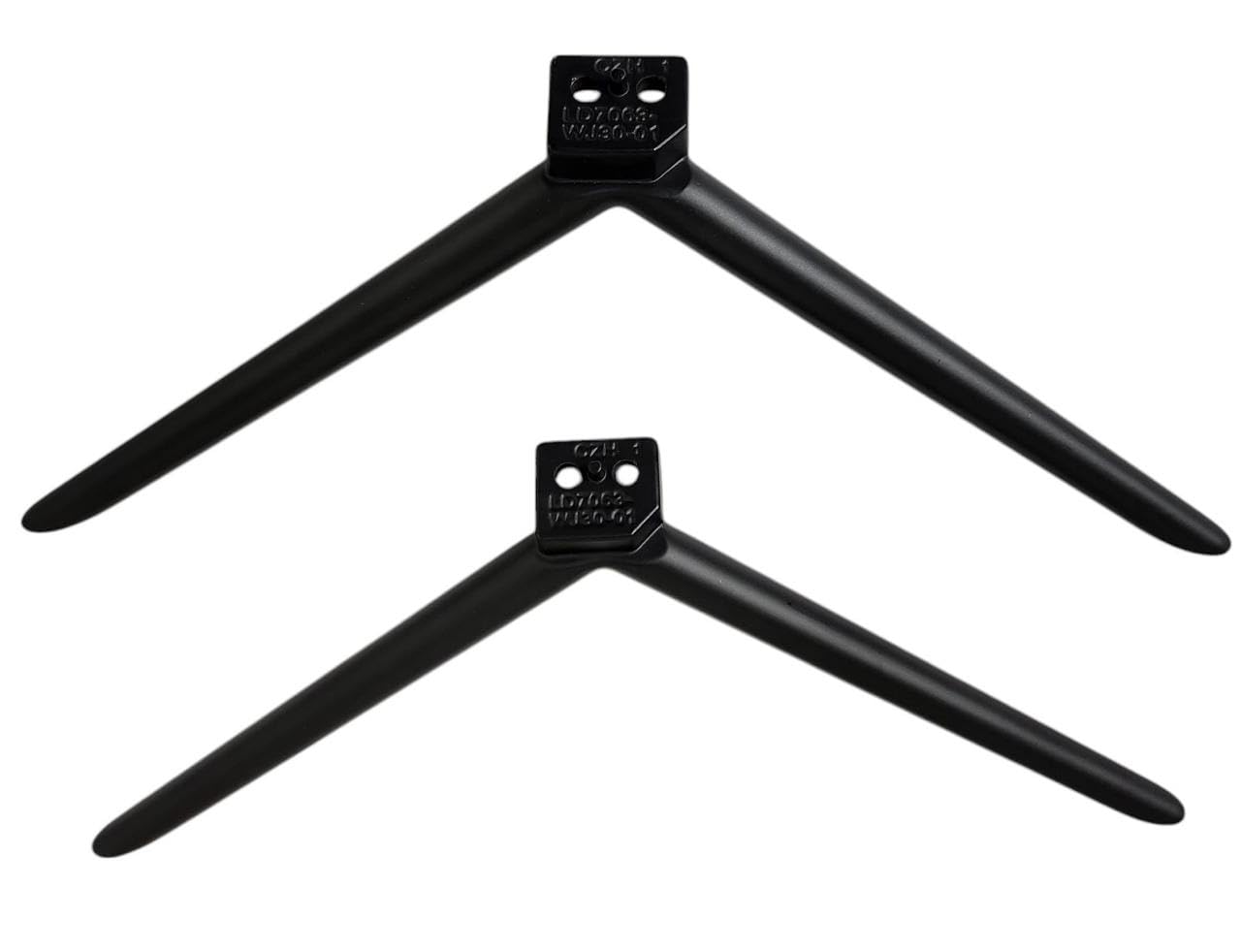
Obrázek 1.1: Konecview of the two TV base stand legs.
Before proceeding with installation, please verify your TV's model number. This can typically be found on a sticker on the back of your television or within the TV's settings menu under an "About TV" or "System Information" section.
2. Obsah balení
- 1x Left TV Base Stand Leg
- 1x Right TV Base Stand Leg
- Požadované montážní šrouby
Požadovaný nástroj: A Phillips head screwdriver (not included).
3. Nastavení a instalace
Při instalaci nohou podstavce televizoru pečlivě dodržujte tyto kroky:
- Připravte televizor: Lay your Westinghouse 70-inch TV (Model WR70UT4210) face down on a soft, clean, and flat surface to prevent screen damage. Ensure the surface is large enough to support the TV safely.
- Identifikujte nohy: Identify the left and right stand legs. The legs are typically marked or shaped to fit specific sides of the TV. Refer to the images below for visual identification of the mounting points.
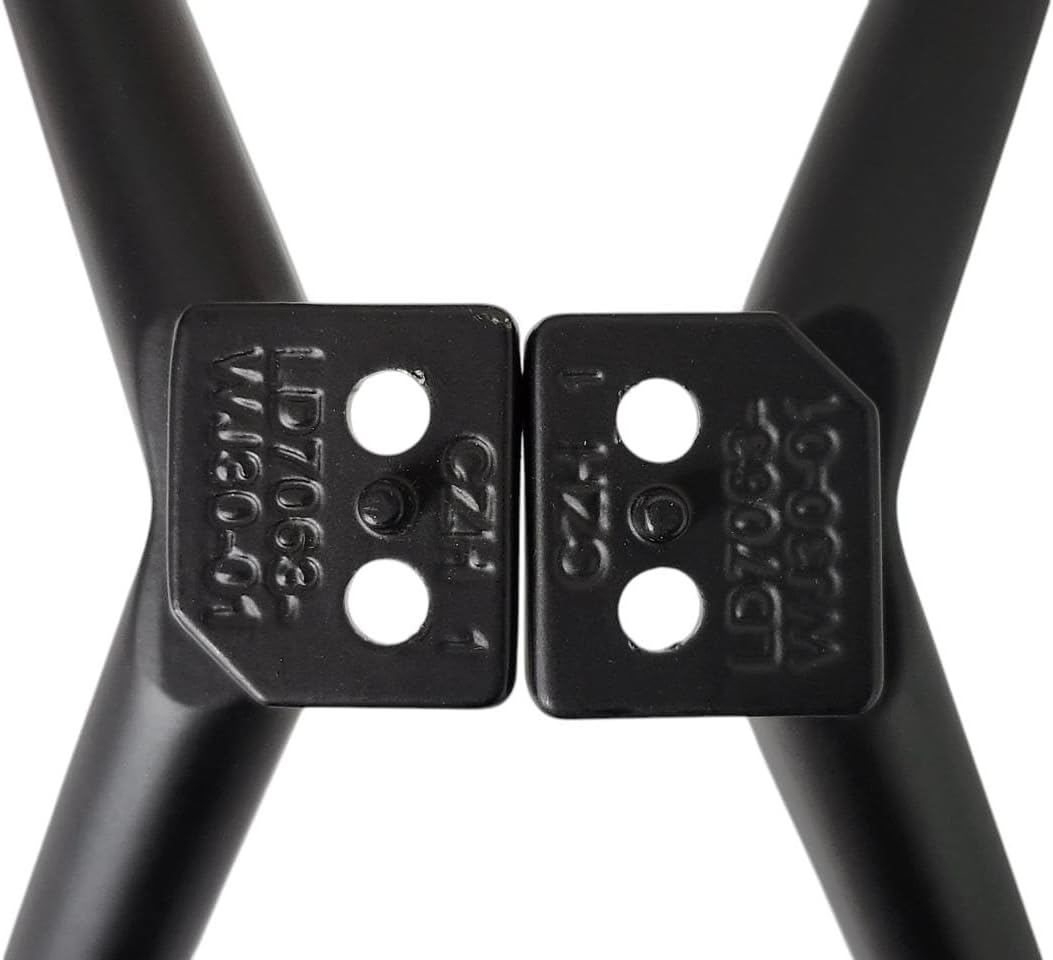
Image 3.1: Detail of the leg's mounting plate, showing model identification.
- Align Legs: Align each leg with the corresponding mounting holes on the bottom of your TV. Ensure the leg is oriented correctly, with the wider part of the base facing outwards for stability.
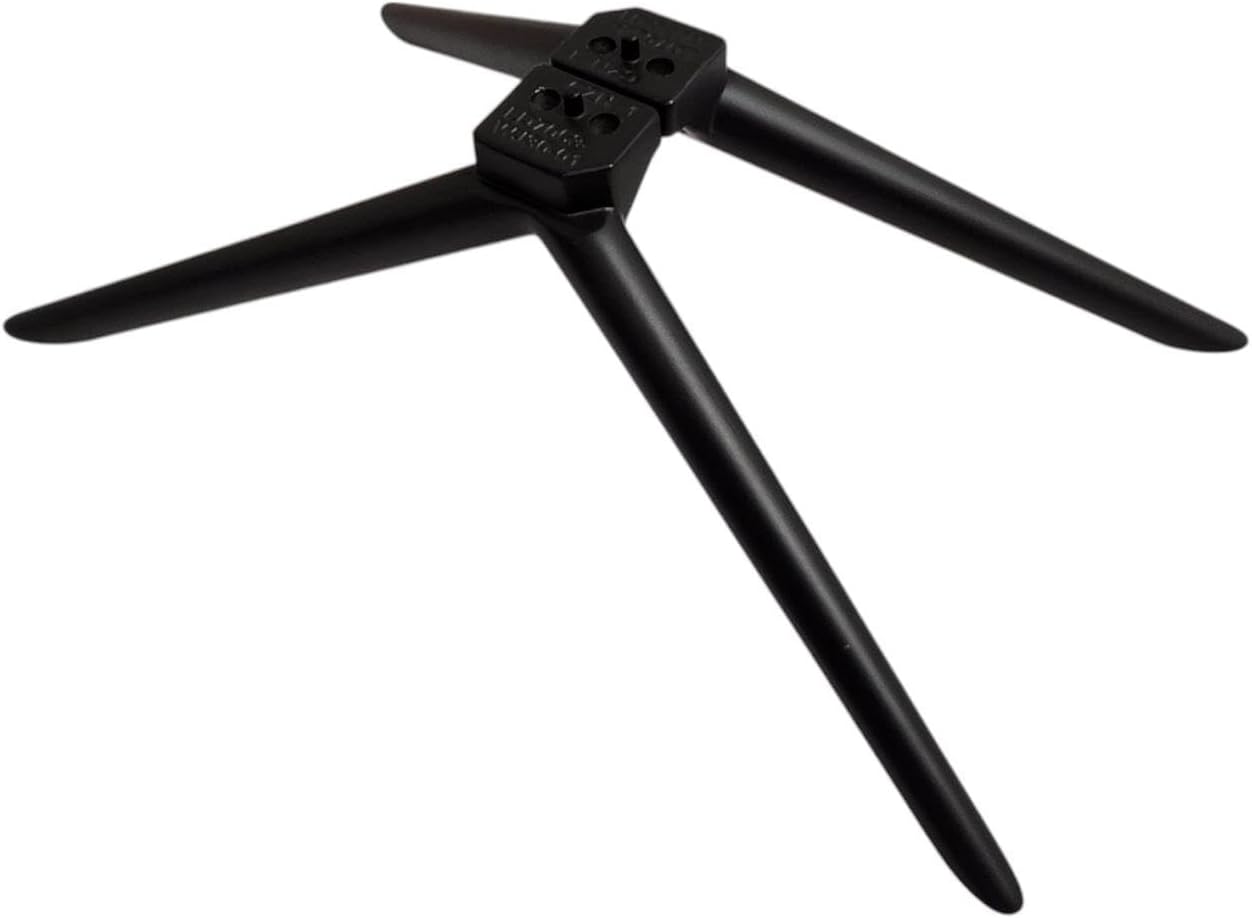
Obrázek 3.2: Nahoře view of the two stand legs, illustrating their shape and mounting points.
- Bezpečné nohy: Insert the provided screws into the mounting holes and tighten them securely using a Phillips head screwdriver. Do not overtighten, as this may damage the TV or the stand legs. Ensure both legs are firmly attached and do not wobble.

Obrázek 3.3: Spodní část view of the stand legs, showing the screw attachment points.
- Pozice TV: Carefully lift the TV with the attached legs and place it upright on a stable, level surface. Ensure the TV is balanced and does not tilt.
4. Operating (Placement Guidelines)
Once installed, ensure the TV is placed on a flat, stable, and sufficiently wide surface to prevent tipping. Keep the TV away from edges where it could be accidentally knocked over. For optimal viewing and safety, position the TV in a location free from excessive vibrations or direct sunlight.
5. Údržba
- Čištění: To clean the stand legs, use a soft, dry cloth. For stubborn marks, a slightly damp Lze použít hadřík s jemným mýdlem a poté důkladně osušit. Nepoužívejte abrazivní čisticí prostředky ani rozpouštědla.
- Kontrola stability: Periodically check the screws attaching the legs to the TV to ensure they remain tight. If any looseness is detected, gently retighten them.
- Inspekce: Inspect the legs for any signs of damage or wear. If damage is observed, discontinue use and seek a replacement.
6. Řešení problémů
- Nohy se k televizoru nehodí:
Řešení: Double-check your TV's model number against the compatible model (Westinghouse WR70UT4210). These legs are designed for specific models. If your TV model does not match, these legs are not compatible.
- TV feels unstable after installation:
Řešení: Ensure all screws are securely tightened. Verify that the legs are correctly oriented and fully seated in the TV's mounting points. Make sure the TV is placed on a completely flat and stable surface.
- Missing screws or damaged parts:
Řešení: Contact the seller or manufacturer for assistance with replacement parts.
7. Specifikace
| Číslo modelu produktu | 100071708 |
| Kompatibilní model televizoru | Westinghouse 70" Model WR70UT4210 |
| Značka | Obecný |
| Materiál | Akrylonitrilbutadienstyren (ABS) |
| Barva | Černý |
| Hmotnost položky | 1 libra (přibližně) |
| Product Dimensions (each leg, approx.) | 7 x 7 x 18 palců (smontované) |
8. Záruka a podpora
For warranty information, please refer to the terms provided by the original seller or manufacturer at the time of purchase. As this is a replacement part, warranty coverage may vary.
If you encounter any issues during installation, have questions regarding compatibility, or require replacement parts, please contact the seller directly for assistance. Providing your TV's exact model number will help expedite support.

