

1. Úvod
Děkuji za nákupasing the karuisrc K600GPS-C GPS Drone with Camera. This manual provides essential information for the safe operation, setup, and maintenance of your new drone. Please read this manual thoroughly before operating the drone to ensure proper usage and to maximize your flying experience.

Figure 1.1: The karuisrc K600GPS-C Drone and its Remote Control.
2. Bezpečnostní informace
Operating a drone requires attention to safety. Failure to follow these guidelines may result in injury, damage to property, or legal issues. Always prioritize safety during flight.
- Předletová kontrola: Ensure the drone and remote control batteries are fully charged. Inspect propellers for damage and ensure they are securely attached.
- Podmínky prostředí: Fly in open areas, away from people, animals, buildings, and trees. Avoid flying in strong winds, rain, snow, or fog.
- Přímá viditelnost: Během letu vždy udržujte vizuální linii s dronem.
- Altitude and Distance: Adhere to local regulations regarding maximum flight altitude and distance.
- Bezpečnost baterie: Use only the provided charger and batteries. Do not overcharge or puncture batteries. Store batteries in a cool, dry place.
- Bezpečnost vrtule: Udržujte ruce, obličej a volné oblečení v dostatečné vzdálenosti od rotujících vrtulí.
- Zodpovědný provoz: Do not operate the drone under the influence of alcohol or drugs. Respect privacy and do not fly over private property without permission.
- Hmotnostní klasifikace: This drone weighs under 249g, which may exempt it from certain registration requirements in some regions. Always check local aviation authority regulations.
3. Obsah balení
Ověřte, zda jsou všechny níže uvedené položky součástí balení. Pokud některé položky chybí nebo jsou poškozené, kontaktujte zákaznickou podporu.
- Dron x 1
- Dálkové ovládání x 1
- Baterie x 1
- Propeller x 4 (spare)
- Šroubovák x 1
- USB kabel x 1
- Přepravní kufřík x 1
- 1x SD karta s kapacitou 32 GB
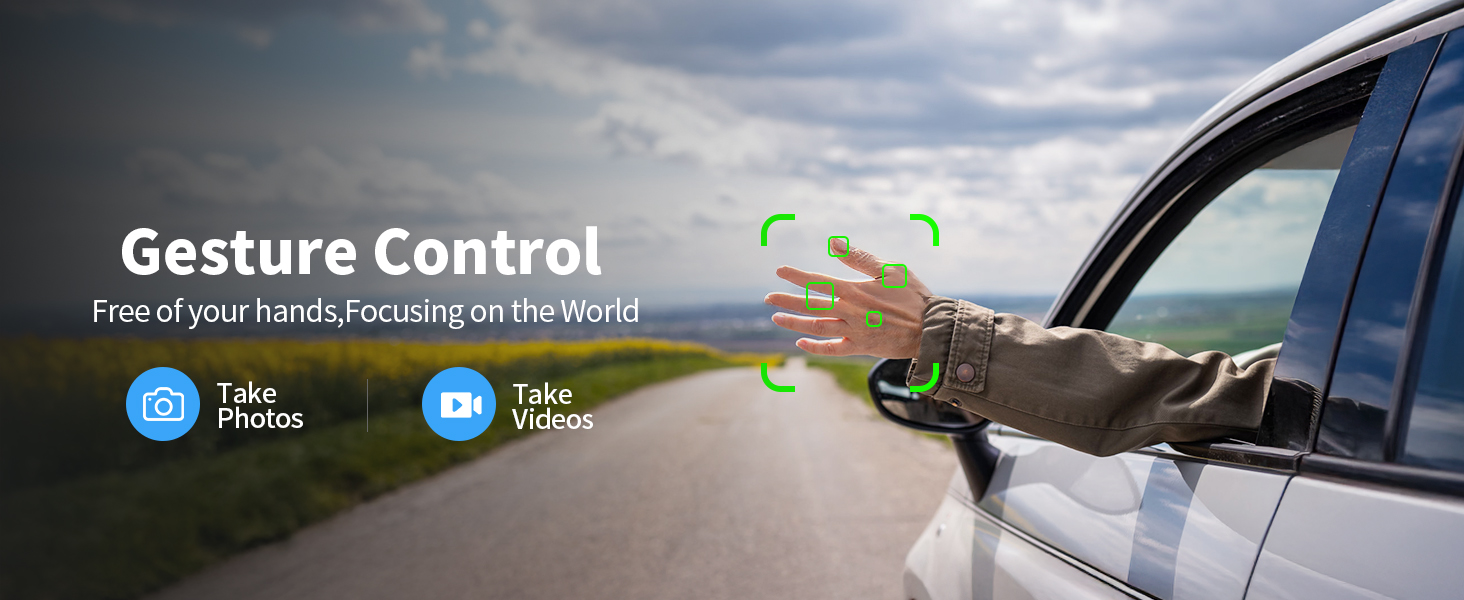
Figure 3.1: All components included in the K600GPS-C package.
4. Konec produktuview
4.1 Součásti dronu
Familiarize yourself with the key parts of your K600GPS-C drone:
- Vrtule: Čtyři rotující lopatky pro vztlak a pohon.
- motory: Napájejte vrtule.
- HD kamera: Front-facing camera for photo and video capture, with 90° electric adjustment.
- Optický senzor průtoku: Located on the bottom, assists with stable hovering indoors.
- Přihrádka na baterie: Houses the drone's flight battery.
- GPS modul: Umožňuje přesné polohování a inteligentní letové funkce.

Figure 4.1: Detail of the drone's 1080p HD Camera with adjustable angle.
4.2 Funkce dálkového ovládání
The remote control is your primary interface for operating the drone. It features a built-in 4.5" HD LCD screen for real-time video transmission.
- 4.5" HD LCD Screen: Displays live video feed from the drone's camera and flight data, eliminating the need for a smartphone.
- Ovládací páky: Left stick for throttle and yaw, right stick for pitch and roll.
- Funkční tlačítka: Dedicated buttons for features like One-Key Takeoff/Landing, Auto Return, Photo/Video capture, and Speed Mode.
- Antén: For stable signal transmission to the drone.

Figure 4.2: The remote control with integrated 4.5" HD LCD screen.
5. Nastavení
5.1 Nabíjení baterií
Před prvním použitím plně nabijte baterii dronu i baterii dálkového ovladače.
- Connect the drone battery to the provided USB charging cable. Connect the USB cable to a 5V/2A USB power adapter (not included).
- The remote control supports TPC charging. Connect the remote control to a USB power source using the provided USB cable.
- Charging indicators will show the charging status. Once fully charged, disconnect the batteries.
5.2 Instalace baterie
- Drone baterie: Insert the charged drone battery into the battery compartment on the rear of the drone until it clicks into place.
- Baterie dálkového ovládání: The remote control has a built-in rechargeable battery. Ensure it is fully charged as per section 5.1.
5.3 Instalace vrtule
Pokud vrtule nejsou předem nainstalovány nebo je třeba je vyměnit:
- Match the propellers with the corresponding motor arms (usually marked A and B).
- Use the provided screwdriver to securely attach the propellers to the motor shafts. Do not overtighten.
5.4 Počáteční párování a kalibrace
- Umístěte dron na rovný a rovný povrch.
- Zapněte dron a poté dálkové ovládání.
- Wait for the drone and remote control to pair automatically. The indicator lights on the drone will change from flashing to solid.
- Perform gyroscope calibration by moving both control sticks to the bottom-right corner simultaneously until the drone lights flash rapidly and then become solid.
- For GPS mode, take the drone outdoors to an open area. Wait for the drone to acquire sufficient GPS satellites (indicator lights will confirm GPS lock).
6. Provoz
6.1 Základní ovládací prvky letu
The K600GPS-C is designed for ease of use, making it suitable for beginners.
- Vzlet/přistání jedním tlačítkem: Press the dedicated button on the remote control to automatically take off or land.
- Plyn (levá páčka nahoru/dolů): Řídí výšku dronu.
- Stáčení (levá páčka vlevo/vpravo): Otáčí dron horizontálně.
- Naklonění (pravá páčka nahoru/dolů): Pohybuje dronem dopředu nebo dozadu.
- Otočení (pravá páčka vlevo/vpravo): Moves the drone left or right (sideways).
- Rychlostní režimy: Adjust flight speed for different skill levels or wind conditions.
6.2 Inteligentní letové funkce
Leverage the drone's advanced GPS capabilities for enhanced flight experiences.
- Intelligent Return to Home (RTH): The drone will automatically return to its takeoff point under the following conditions:
- Low Battery Return: When the battery level is critically low.
- Lost Signal Return: If the connection between the drone and remote control is lost.
- One-Key Return: Manually activated by pressing the RTH button on the remote.
- Režim Následuj mě: The drone will automatically follow the remote control, keeping you centered in the frame. Ensure sufficient GPS signal for this feature.
- Ovládání gesty: Perform specific hand gestures in front of the camera to trigger photo or video recording. Refer to the remote control's display for gesture recognition indicators.

Figure 6.1: Intelligent Return to Home (RTH) functionality.

Figure 6.2: Drone utilizing Follow Me mode.
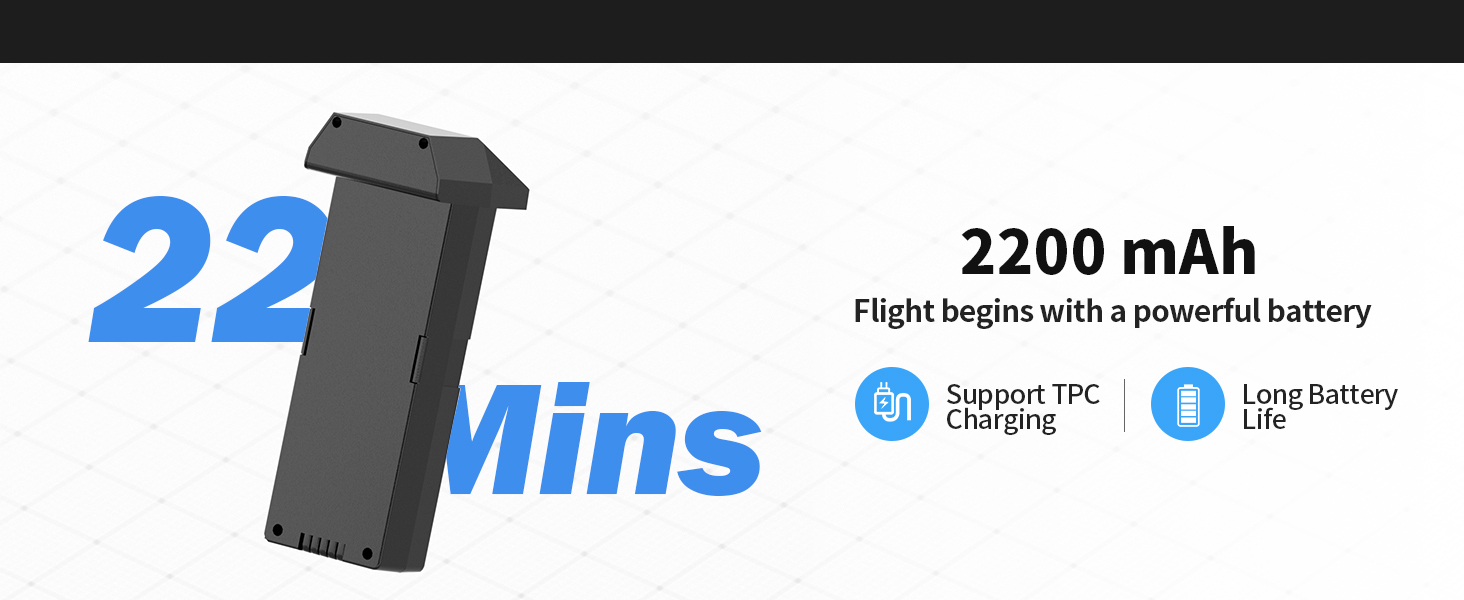
Figure 6.3: Gesture Control for photo and video capture.
6.3 Camera and SD Card Usage
The K600GPS-C is equipped with a 1080p HD camera capable of capturing high-quality photos and videos, stored on the included 32GB SD card.
- Pořízení fotografie/videa: Use the dedicated buttons on the remote control to take photos or start/stop video recording.
- Nastavitelný úhel kamery: The camera angle can be adjusted electrically via the remote control for optimal framing.
- SD karta: Insert the 32GB SD card into the drone's SD card slot before flight. All captured media will be saved directly to this card.
- To access media, remove the SD card from the drone and insert it into a card reader connected to a computer.

Figure 6.4: SD Card slot for media storage.
7. Údržba
Správná údržba zajistí dlouhou životnost a optimální výkon vašeho dronu.
- Čištění: After each flight, gently wipe the drone and remote control with a clean, dry cloth. Remove any dust, dirt, or debris from the motors and propellers.
- Kontrola vrtule: Regularly check propellers for cracks, bends, or chips. Replace damaged propellers immediately using the provided spares.
- Péče o baterie: Store batteries in a cool, dry place, away from direct sunlight and extreme temperatures. Do not store fully charged or completely depleted batteries for extended periods. Charge them to about 50% for long-term storage.
- Skladování: When not in use, store the drone and all accessories in the provided carrying case to protect them from damage.
8. Řešení problémů
If you encounter issues with your K600GPS-C drone, refer to the following common problems and solutions:
| Problém | Možná příčina | Řešení |
|---|---|---|
| Dron nereaguje na dálkové ovládání. | Není spárované, slabá baterie, mimo dosah. | Ensure both drone and remote are powered on and paired. Recharge batteries. Fly within operational range. |
| Dron se během letu unáší. | Gyroscope not calibrated, strong wind. | Perform gyroscope calibration on a flat surface. Avoid flying in windy conditions. |
| Poor video transmission or freezing. | Interference, drone too far, low battery. | Fly in an open area away from obstacles. Keep drone within optimal transmission range (within 50 meters for best video). Ensure batteries are charged. |
| Drone does not return to home point accurately. | Weak GPS signal, strong wind, RTH initiated indoors. | Ensure strong GPS signal before takeoff. Avoid strong winds. RTH is designed for outdoor GPS-enabled flight. |
| Baterie se nenabíjí. | Faulty cable/adapter, battery issue. | Try a different USB cable and power adapter. If issue persists, contact customer support. |
9. Specifikace
| Funkce | Detail |
|---|---|
| Značka | karuisrc |
| Název modelu | K600GPS-C |
| Číslo modelu | JRSMY2026043001 |
| Rozměry | 9 cm D x 7.3 cm Š x 5 cm V |
| Hmotnost položky | 2.27 pounds (under 249g for drone itself, total package weight is 2.27 lbs) |
| Rozlišení záznamu videa | 1080p (4K quality photos) |
| Technologie připojení | Wi-Fi (přenos 5 GHz) |
| Speciální funkce | Auto Follow, Auto-Landing, GPS Positioning, Gesture Control, 4.5" HD LCD RC Screen |
| Typ baterie | Lithium-iontová (2200 mAh) |
| Podpora karty SD | Up to 32GB (32GB SD Card included) |
| Typ ovládání | Dálkové ovládání |
| Materiál | Plast |
| Úroveň dovedností | All (Beginner-friendly) |
10. Záruka a podpora
karuisrc is committed to providing high-quality products and customer satisfaction. For any inquiries, technical support, or warranty claims, please contact us using the information below.
- Telefon zákaznického servisu: +44 7419 298225
- E-mail zákaznického servisu: Karuisrc@gmail.com
- Zásady vrácení: This product is eligible for a 30-day refund/replacement policy from the date of purchase. Please refer to your retailer's specific return guidelines for detailed information.
Figure 10.1: Dedicated customer support for karuisrc products.