
FIREBAT AR1
FIREBAT AR1 Android Tablet User Manual
Model: AR1 | Brand: FIREBAT
1. Úvod
This manual provides detailed instructions for the setup, operation, and maintenance of your FIREBAT AR1 Android Tablet. Please read this manual thoroughly to ensure proper use and to maximize the performance and longevity of your device.

The FIREBAT AR1 Android Tablet, shown with its included protective case and screen protector, is designed for versatile use.
2. Obsah balení
Po otevření balení se prosím ujistěte, že obsahuje všechny následující položky:
- 1 x FIREBAT AR1 Tablet
- 1 x Protective Film (Installed)
- 1 x Protective Case (Installed)
- 1 x 9V/2A 18W US Power Charger
- 1 x Uživatelská příručka
The complete package contents of the FIREBAT AR1 Tablet.
3. Konec produktuview
The FIREBAT AR1 Tablet is equipped with advanced features for a smooth user experience. Its design focuses on portability and performance, making it suitable for various applications from entertainment to productivity.
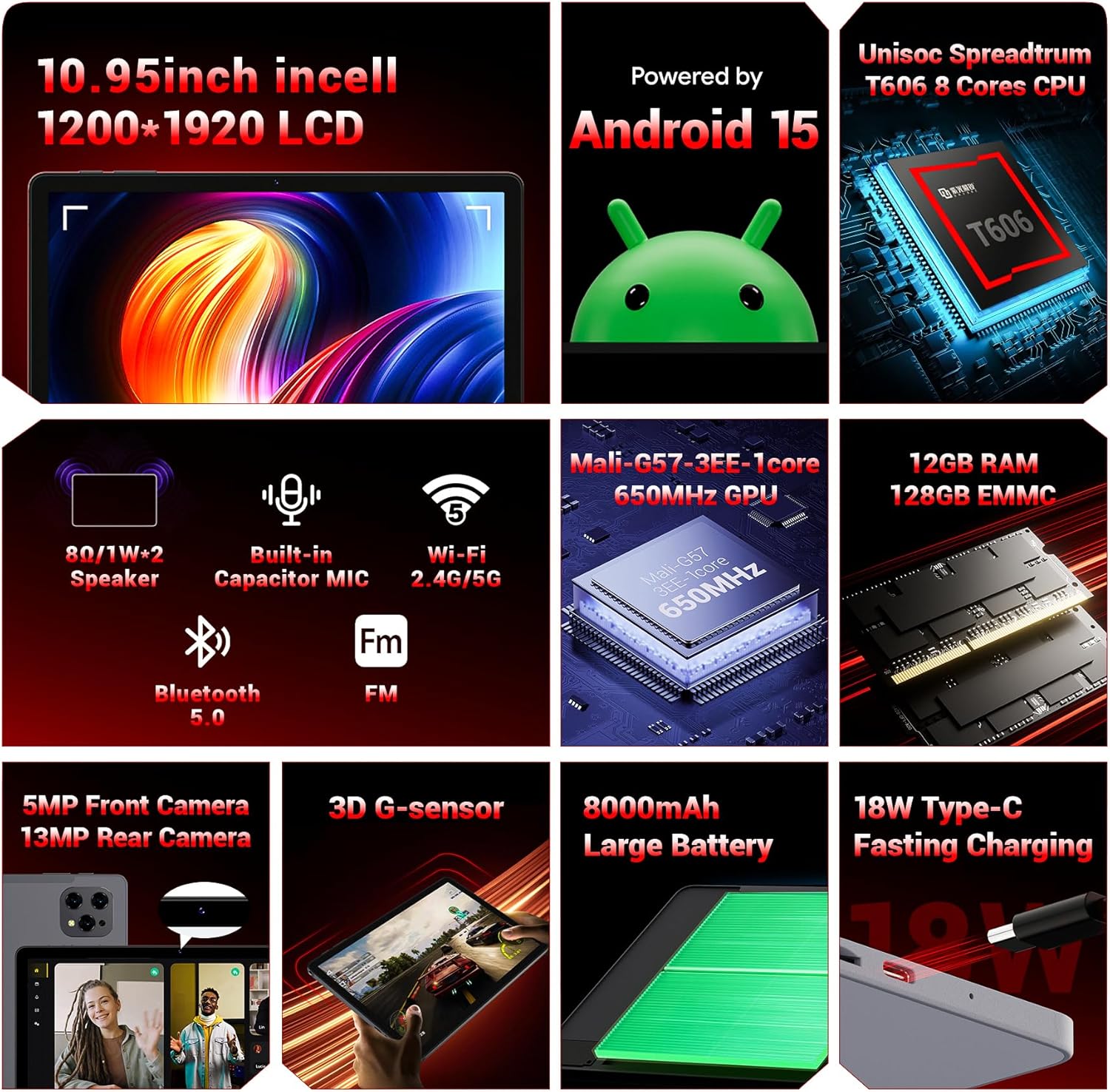
Konecview of the key technical specifications and features of the FIREBAT AR1 Tablet.
Klíčové vlastnosti:
- Zobrazit: 10.95-inch In-Cell 1920x1200 Touchscreen
- Procesor: Unisoc Spreadtrum T606 Octa-Core CPU
- Paměť: 12GB RAM, 128GB ROM (Expandable via SD card)
- Baterie: Baterie s velkou kapacitou 8000 mAh s rychlým nabíjením 18 W
- Kamery: 5MP přední kamera, 13MP zadní kamera
- Konektivita: Wi-Fi 5 (2.4G/5G), Bluetooth 5.0, FM
- Operační systém: Android 15
- Zabezpečení: Widevine L1 Support for high-definition streaming
- Design: Upgraded Thinner In-Cell Technology, Narrow Bezel, Delicate Texture Metal Shell

The powerful Unisoc Spreadtrum T606 Octa-Core Processor ensures smooth operation.

Experience vibrant visuals with the 10.95-inch In-Cell 1920x1200 LCD.

The narrow bezel design maximizes screen space for an immersive viewzkušenosti.

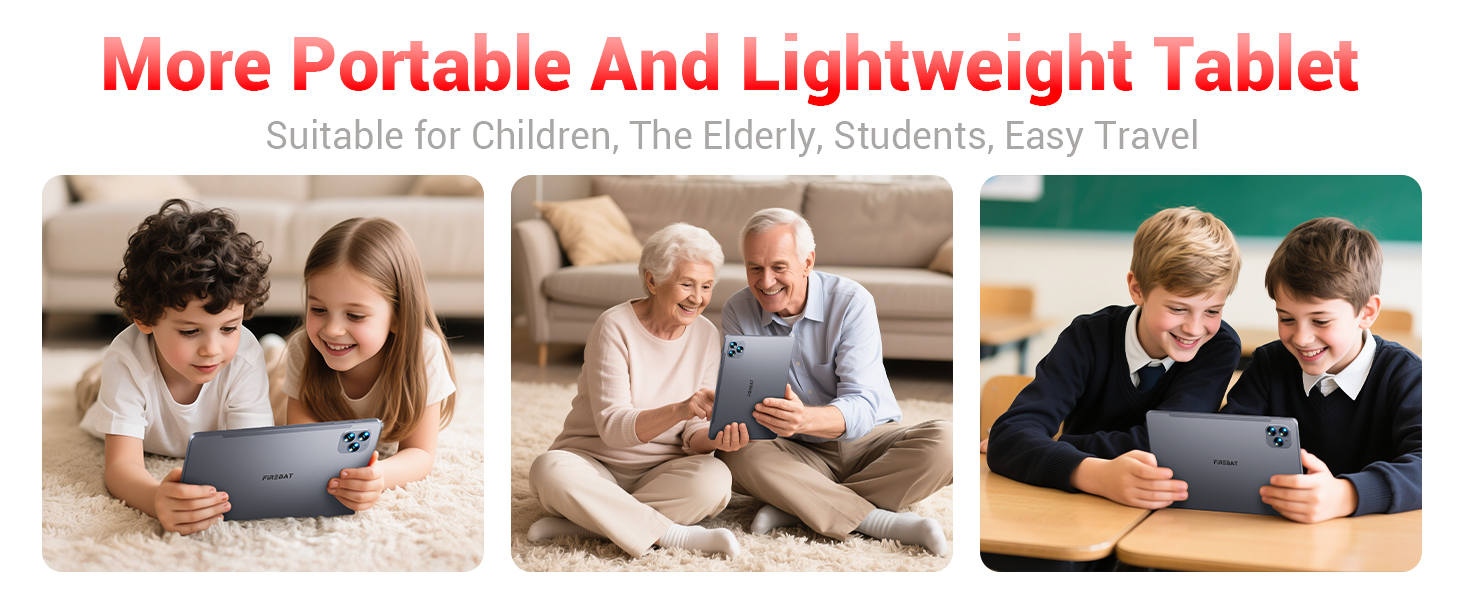
Designed to be lighter and less hand-consuming, ideal for convenient travel.

The newly upgraded delicate texture metal shell enhances heat dissipation and improves protection.
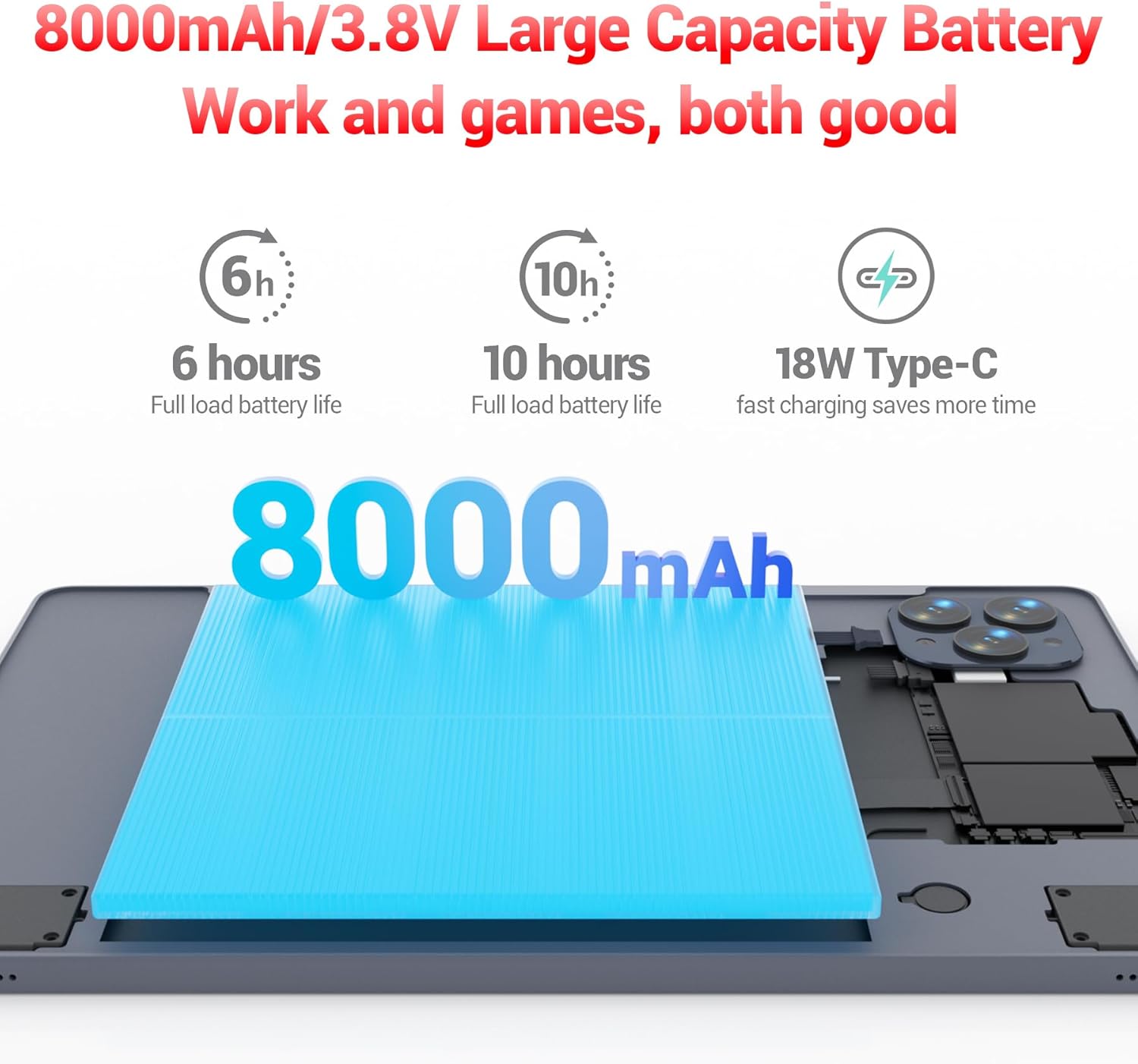
The 8000mAh large capacity battery provides extended usage time.

Capture moments and make video calls with the 5MP front and 13MP rear cameras.
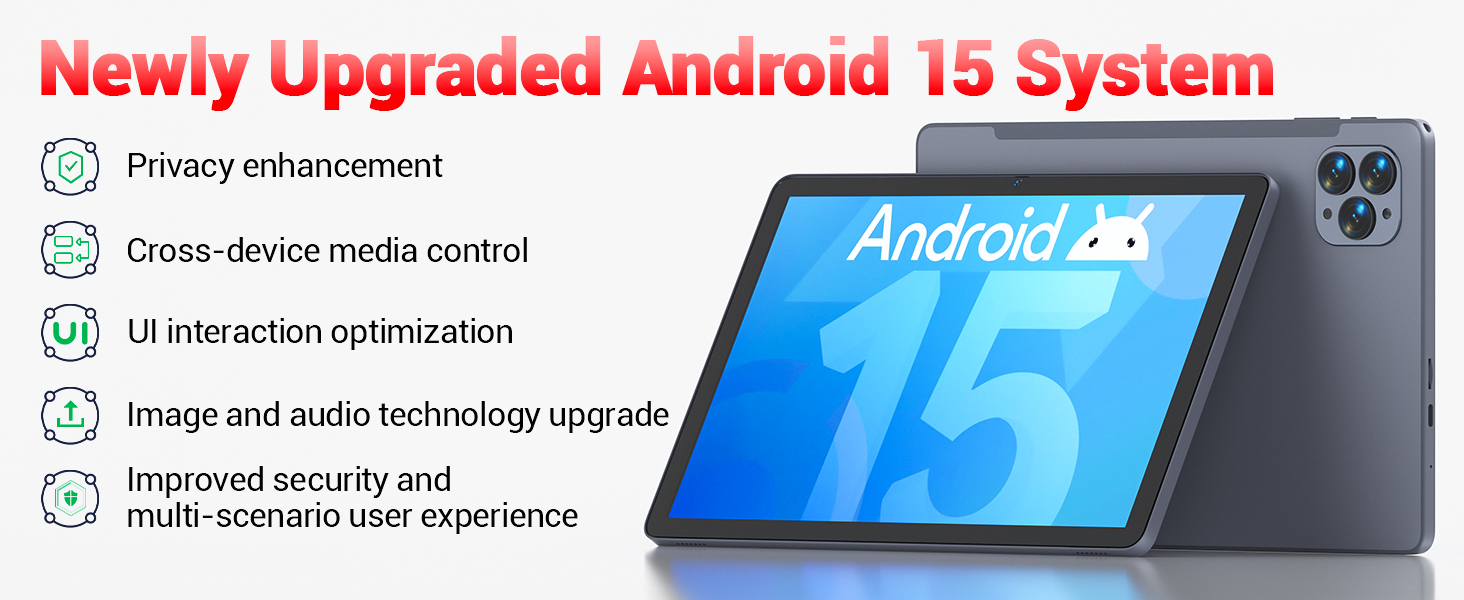
Powered by the newly upgraded Android 15 system for enhanced performance and user experience.
4. Nastavení
4.1 Počáteční zapnutí
- Press and hold the Power button located on the side of the tablet until the FIREBAT logo appears.
- Postupujte podle pokynů na obrazovce a vyberte jazyk, připojte se k síti Wi-Fi a nastavte si účet Google.
4.2 Nabíjení tabletu
Before first use, fully charge the tablet using the provided 9V/2A 18W US Power Charger and USB-C cable.
- Připojte kabel USB-C k portu USB-C tabletu.
- Zapojte napájecí adaptér do elektrické zásuvky.
- Indikátor baterie na obrazovce bude zobrazovat stav nabíjení.
4.3 Inserting an SD Card (Optional)
The tablet supports SD card expansion up to 1TB for additional storage.
- Locate the TF Card Slot on the side of the tablet.
- Gently insert the SD card into the slot until it clicks into place.
- The tablet will prompt you to format the SD card for use, if necessary.
5. Návod k obsluze
5.1 Základní navigace
- Dotyková obrazovka: Klepnutím vyberete, přejetím prstem posouváte, přiblížením rozevřením prstů.
- Domovská obrazovka: Přístup k aplikacím a widgetům.
- Panel oznámení: Přejeďte prstem dolů z horní části obrazovky na view oznámení a rychlé nastavení.
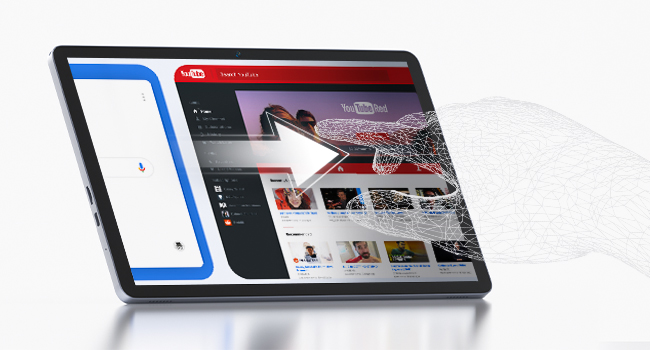
The responsive touchscreen allows for intuitive interaction.
5.2 Připojení k Wi-Fi
- Přejít na Nastavení > Síť a internet > Wi-Fi.
- Zapněte Wi-Fi.
- Vyberte požadovanou síť ze seznamu a v případě potřeby zadejte heslo.
5.3 Párování Bluetooth
- Přejít na Nastavení > Připojená zařízení > Bluetooth.
- Zapněte Bluetooth.
- Vyberte zařízení, které chcete spárovat, ze seznamu dostupných zařízení.
5.4 Používání kamer
Tablet je vybaven 5MP předním fotoaparátem a 13MP zadním fotoaparátem.
- Otevřete Fotoaparát aplikaci z domovské obrazovky nebo ze zásuvky aplikací.
- Tap the shutter button to take photos or switch to video mode.
- Use the front camera for video calls and selfies, and the rear camera for higher-quality photos.
5.5 Media Playback and Productivity
The tablet supports multiple video and audio formats, and is compatible with various e-book and office software applications.
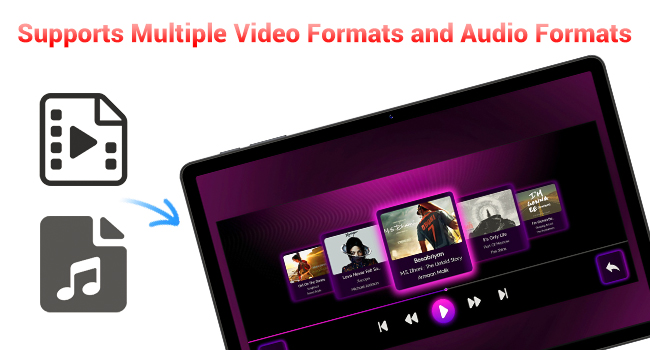
Enjoy your favorite videos and music with broad format support.
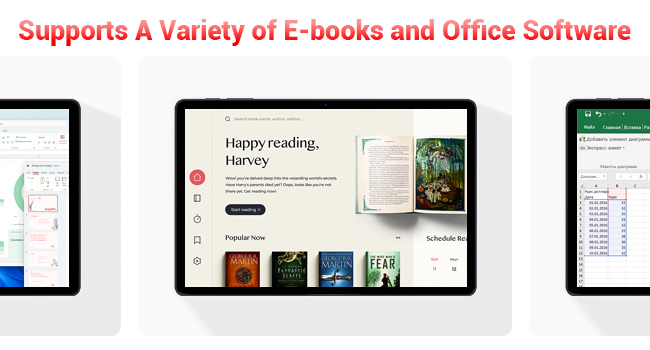
The tablet supports a variety of e-books and office software for productivity.
5.6 Using the Protective Case
The included protective case not only safeguards your tablet but also functions as a stand for hands-free viewIng.
- To use as a stand, fold the front cover into a triangular shape and position the tablet securely.
- Ensure the tablet is fully encased to protect against scratches and minor impacts.

The included protective case can be folded to serve as a convenient stand.
6. Údržba
6.1 Čištění tabletu
- K čištění obrazovky a těla tabletu použijte měkký hadřík, který nepouští vlákna.
- Vyhněte se používání agresivních chemikálií nebo abrazivních materiálů.
6.2 Péče o baterii
- Nevystavujte tablet extrémním teplotám.
- Nenechávejte baterii často úplně vybít.
- Používejte pouze dodanou nabíječku nebo certifikovanou kompatibilní nabíječku.
6.3 Aktualizace softwaru
- Pravidelně kontrolujte aktualizace systému v Nastavení > Systém > Aktualizace systému.
- Aktualizace mohou zlepšit výkon, přidat nové funkce a zvýšit zabezpečení.
7. Řešení problémů
If you encounter any issues with your FIREBAT AR1 Tablet, please refer to the following common solutions:
| Problém | Možné řešení |
|---|---|
| Tablet se nezapne | Ujistěte se, že je baterie nabitá. Připojte nabíječku a před opětovným zapnutím počkejte několik minut. Pokud zařízení nereaguje, proveďte vynucený restart podržením tlačítka napájení po dobu 10–15 sekund. |
| Problémy s připojením Wi-Fi | Restartujte Wi-Fi router. Zapomeňte na síť v tabletu a znovu se připojte. Ujistěte se, že jste v dosahu signálu Wi-Fi. |
| Pomalý výkon | Close unused applications. Clear cache from apps in Settings > Apps. Restart the tablet. Consider freeing up storage space. |
| Baterie se rychle vybíjí | Reduce screen brightness. Close background apps. Disable Wi-Fi/Bluetooth when not in use. Limit location services. |
8. Specifikace
| Funkce | Detail |
|---|---|
| Značka | FIREBAT |
| Číslo modelu | AR1 |
| Operační systém | Android 15 |
| Velikost obrazovky | 10.95 Inches (In-Cell 1920x1200 Touchscreen) |
| Procesor | Osmijádrový procesor T606 |
| BERAN | 12 GB |
| Flash paměť (ROM) | 128 GB |
| Přední kamera | 5 MP |
| Zadní kamera | 13 MP |
| Kapacita baterie | 8000 XNUMX mAh |
| Nabíjení | Rychlé nabíjení 18W typu C |
| Konektivita | Wi-Fi 5, BT5.0, FM |
| Rozměry produktu | 10 x 6.6 x 0.3 palce |
| Hmotnost položky | 2.49 libry |
9. Záruka a podpora
FIREBAT products are manufactured with high standards of quality and performance. For any warranty claims or technical support, please contact FIREBAT customer service.
Kontaktní údaje:
- E-mail: support@firebatpc.com
- Webmísto: www.firebatpc.com
Uschovejte si prosím doklad o koupi pro účely záruky.
Ask a question about this manual
Ask about setup, troubleshooting, compatibility, parts, safety, or missing instructions. Manuals+ will review the question and use this page’s manual context to help answer it.