
Zavedení
This manual provides detailed instructions for the Edifier W820NB Plus Gen 2 Wireless Over-Ear Noise Cancelling Headphones. Please read this manual thoroughly before using the product to ensure proper operation and to maximize your listening experience.
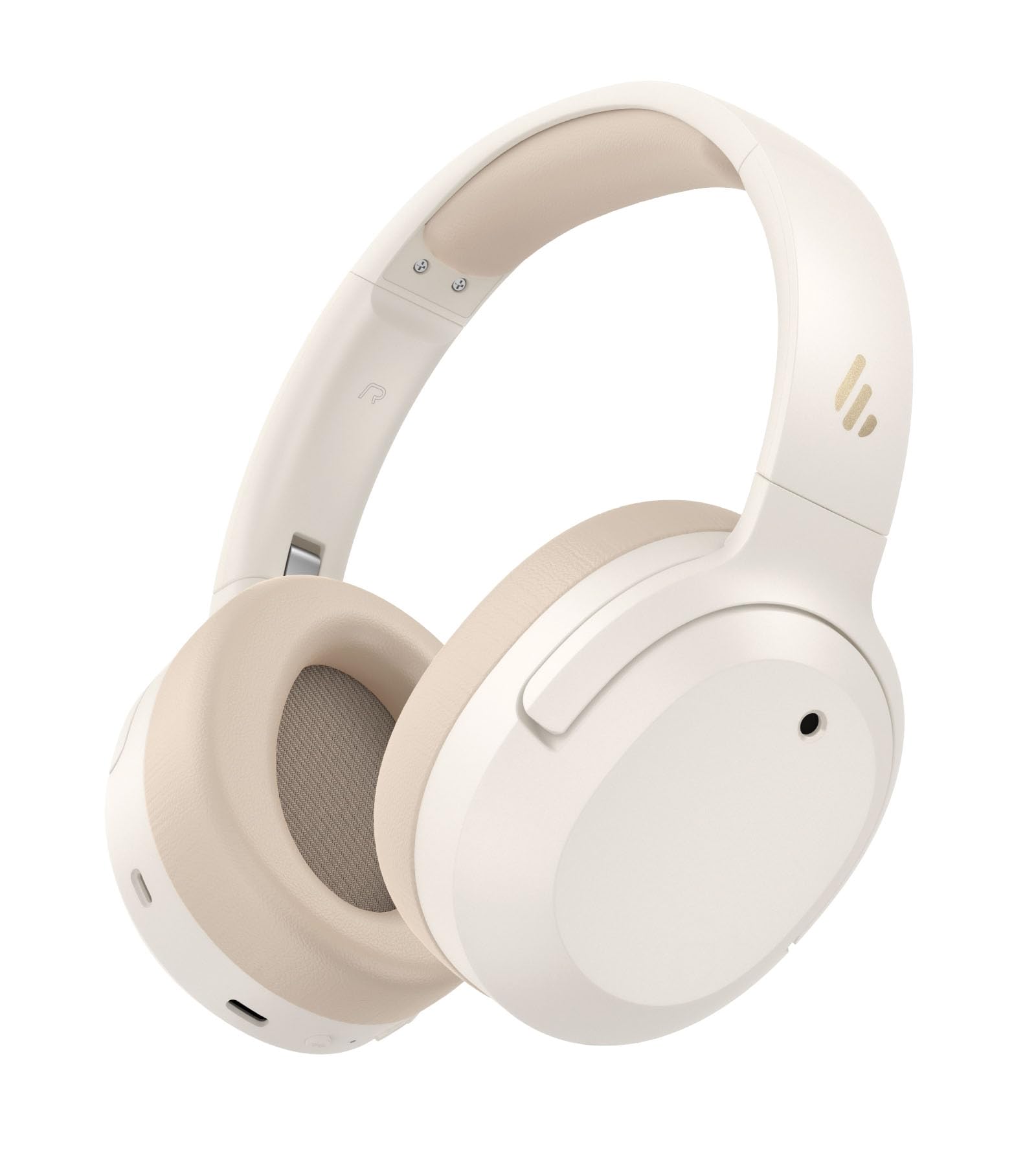
Image: Edifier W820NB Plus Gen 2 Headphones in Ivory.
Co je v krabici
Upon opening your Edifier W820NB Plus Gen 2 package, you should find the following items:
- Edifier W820NB Plus Gen 2 Headphones
- USB-C Charging Cable (1.2 meters)
- Uživatelská příručka
- Důležité bezpečnostní informace
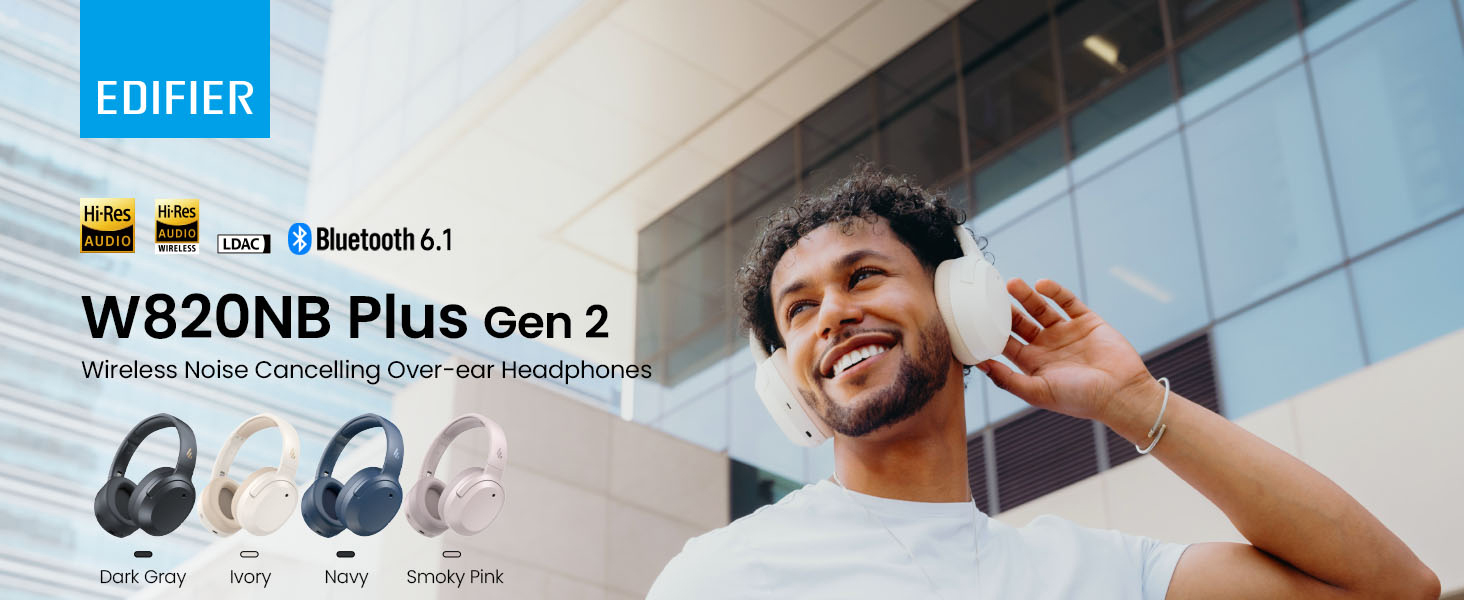
Image: Box contents showing the headphones, charging cable, and documentation.
Nastavení
Zapnutí/vypnutí
- Zapnutí: Press and hold the power button for approximately 2 seconds. The blue LED will blink once.
- Vypnout: Press and hold the power button for approximately 2 seconds. The red LED will blink once.
Párování pomocí Bluetooth
První spárování
- Power on the headphones. They will automatically enter Bluetooth pairing mode.
- The LED will blink blue and green alternately.
- On your phone or device, select "EDIFIER W820NB Plus" from the Bluetooth list.
- Once connected, the blue LED will blink twice.
Pairing a New Device (Multipoint)
- Zapněte sluchátka.
- Press and hold the multi-function button for about 3 seconds to re-enter Bluetooth pairing mode. The voice prompt will say "Pairing," and the LED will blink blue and green alternately.
- Select "EDIFIER W820NB Plus" on your new device to pair.
- To complete multipoint connection, go back to the first paired device and reconnect to "EDIFIER W820NB Plus".
Download the EDIFIER ConneX App
Enhance your experience by downloading the EDIFIER ConneX App. Hledat "EDIFIER ConneX" in your device's app store or scan the QR code provided in the packaging or user manual. The app allows you to switch ANC modes, customize EQ, adjust sound effects, set maximum volume levels, and access other settings.
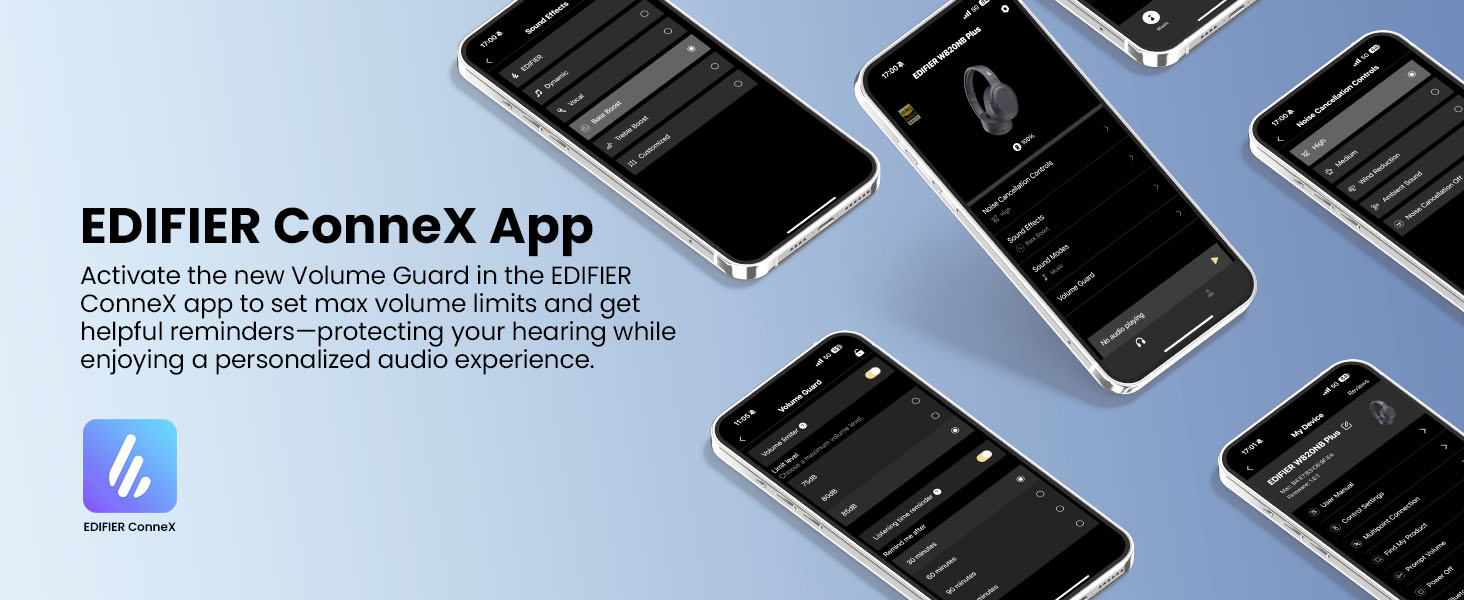
Image: The EDIFIER ConneX App provides extensive customization options.
Official User Guide Video
Video: A detailed user guide video demonstrating various features and setup processes for the Edifier W820NB Plus Gen 2 headphones.
Návod k obsluze
Ovládací prvky
Sluchátka jsou vybavena intuitivními fyzickými tlačítky pro snadné ovládání:
| Tlačítko | Akce | Funkce |
|---|---|---|
| Tlačítko napájení (multifunkční) | Jedno stisknutí | Přehrát/Pozastavit, Přijmout/Ukončit hovor |
| Tlačítko napájení (multifunkční) | Dvojitým stisknutím tlačítka | Odmítnutí hovoru, hlasový asistent |
| Tlačítko napájení (multifunkční) | Stiskněte a podržte | Zapnutí/vypnutí |
| Zvýšení hlasitosti (+) | Jedno stisknutí | Zvýšit hlasitost |
| Zvýšení hlasitosti (+) | Stiskněte a podržte | Další stopa |
| Snížit hlasitost (-) | Jedno stisknutí | Snížit hlasitost |
| Snížit hlasitost (-) | Stiskněte a podržte | Předchozí stopa |
| Tlačítko ANC | Jedno stisknutí | Switch ANC Modes (High Noise Cancellation / Ambient Sound / Noise Cancellation Off) |
| Tlačítko ANC | Dvojitým stisknutím tlačítka | Switch Sound Effects (Music Mode / Game Mode / Spatial Sound) |
| Tlačítko ANC | Stiskněte a podržte | Párování Bluetooth |
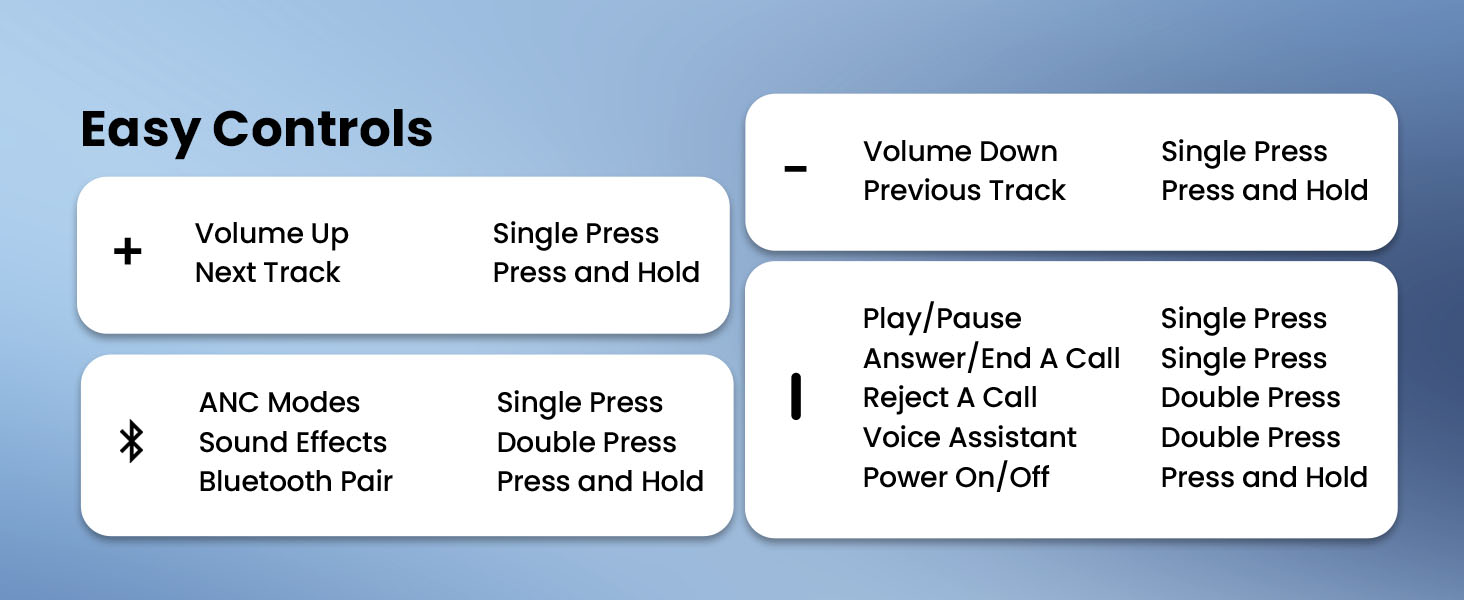
Image: Easy controls for managing audio and calls.
Aktivní zrušení šumu (ANC)
The headphones feature advanced -49dB hybrid ANC with multiple modes:
- Vysoké potlačení hluku: For maximum noise reduction in loud environments.
- Střední potlačení hluku: A balanced mode for moderate noise.
- Okolní zvuk: Umožňuje vám slyšet své okolí při poslechu zvuku.
- Snížení tlaku větru: Specifically designed to minimize wind noise.
- Noise Cancellation Off: Vypne ANC.
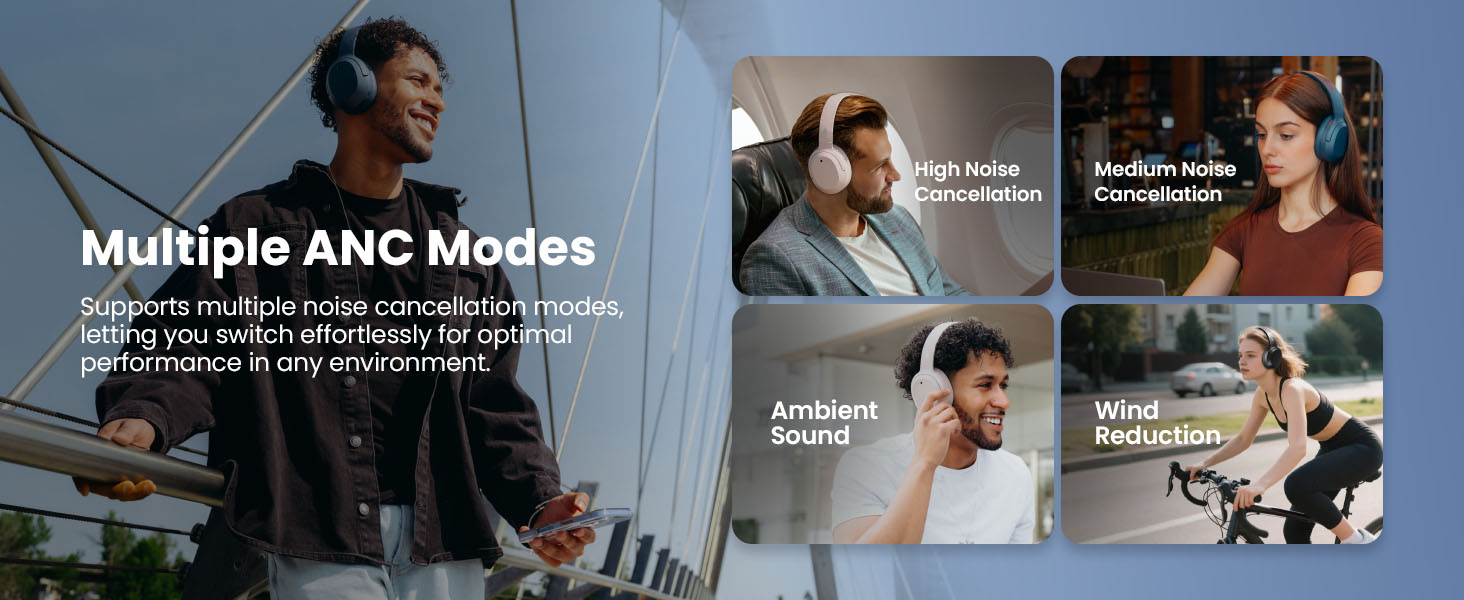
Image: Multiple ANC modes for various environments.
Prostorový zvuk
Immerse yourself in a dynamic 360° surround sound experience with lifelike depth and clarity. Activate Spatial Sound via the EDIFIER ConneX App or by double-pressing the ANC button until the Spatial Sound effect is selected.
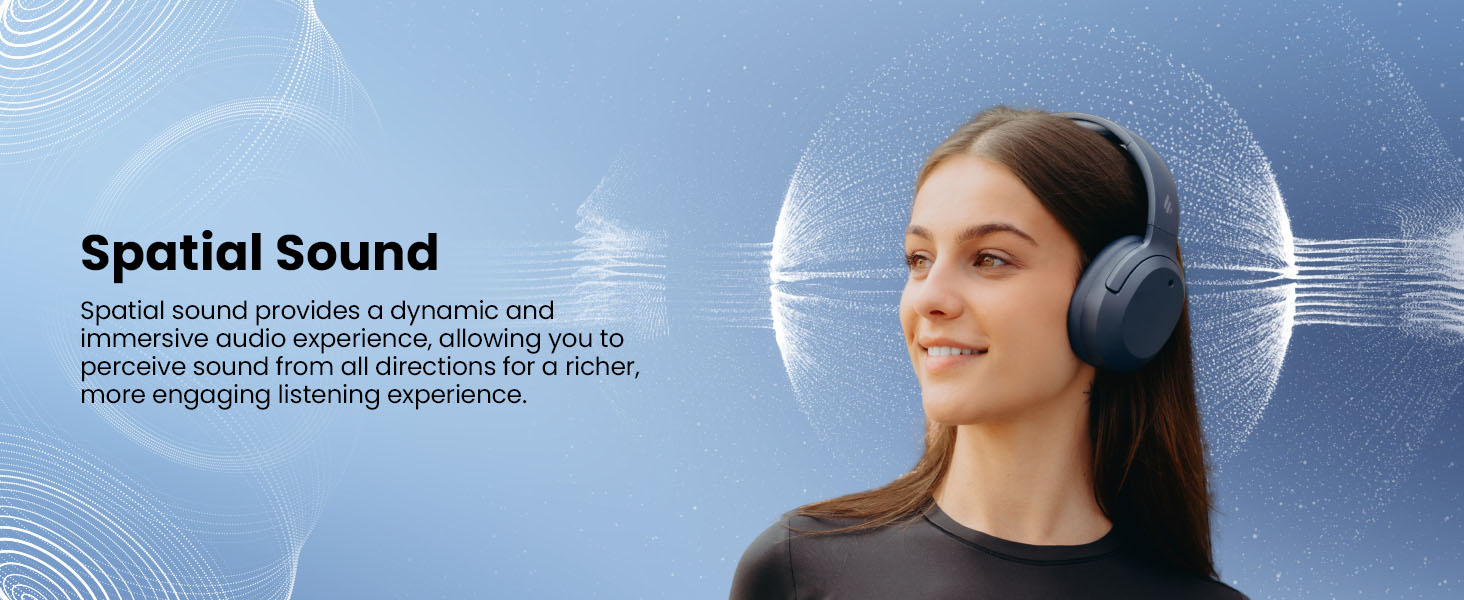
Image: Experience immersive spatial audio for 3D sound.
Herní režim
For a smoother, more immersive gameplay experience, activate Gaming Mode. This mode reduces audio latency for responsive sound. Access Gaming Mode via the EDIFIER ConneX App or by double-pressing the ANC button until the Game Mode effect is selected.
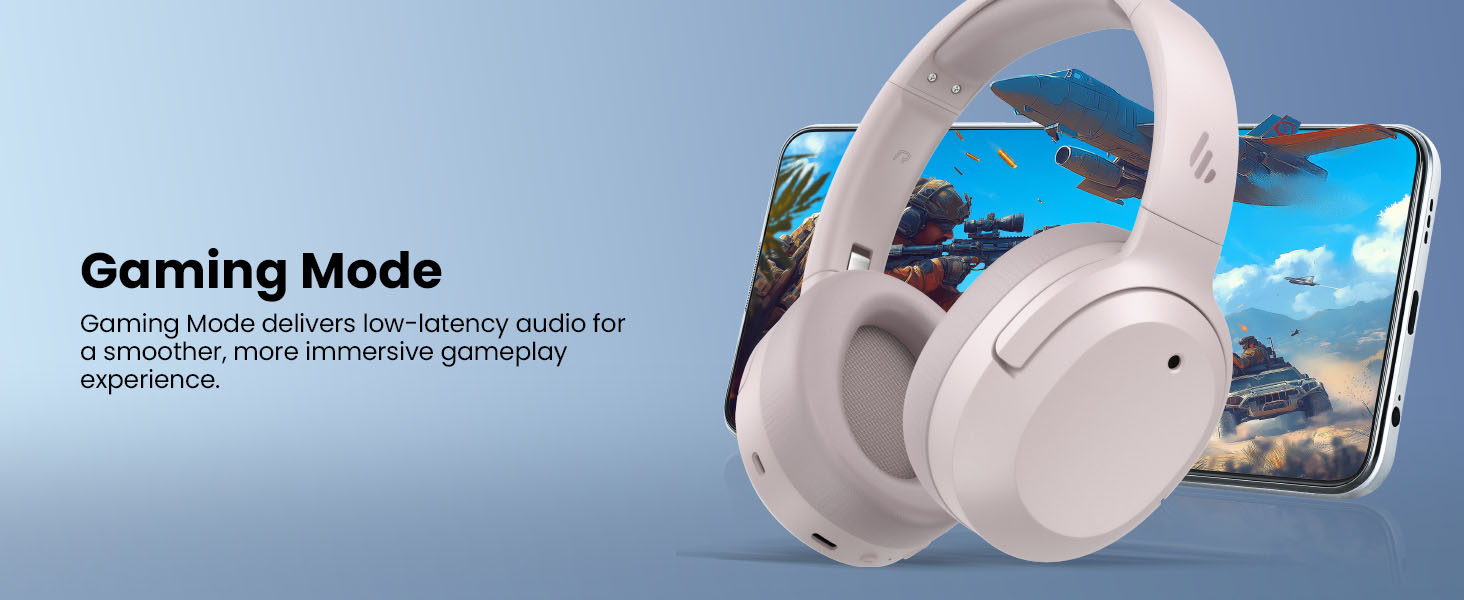
Image: Gaming Mode provides low-latency audio for an enhanced experience.
Volume Guard
The Volume Guard feature, accessible through the EDIFIER ConneX App, helps protect your hearing by allowing you to set a preferred maximum volume level and receive listening time reminders.
Drátové připojení
To use the headphones in wired mode, plug the included USB-C cable into the headphone's USB-C port and connect the other end to a computer or another device with a USB port. The wired connection will automatically disable Bluetooth mode.
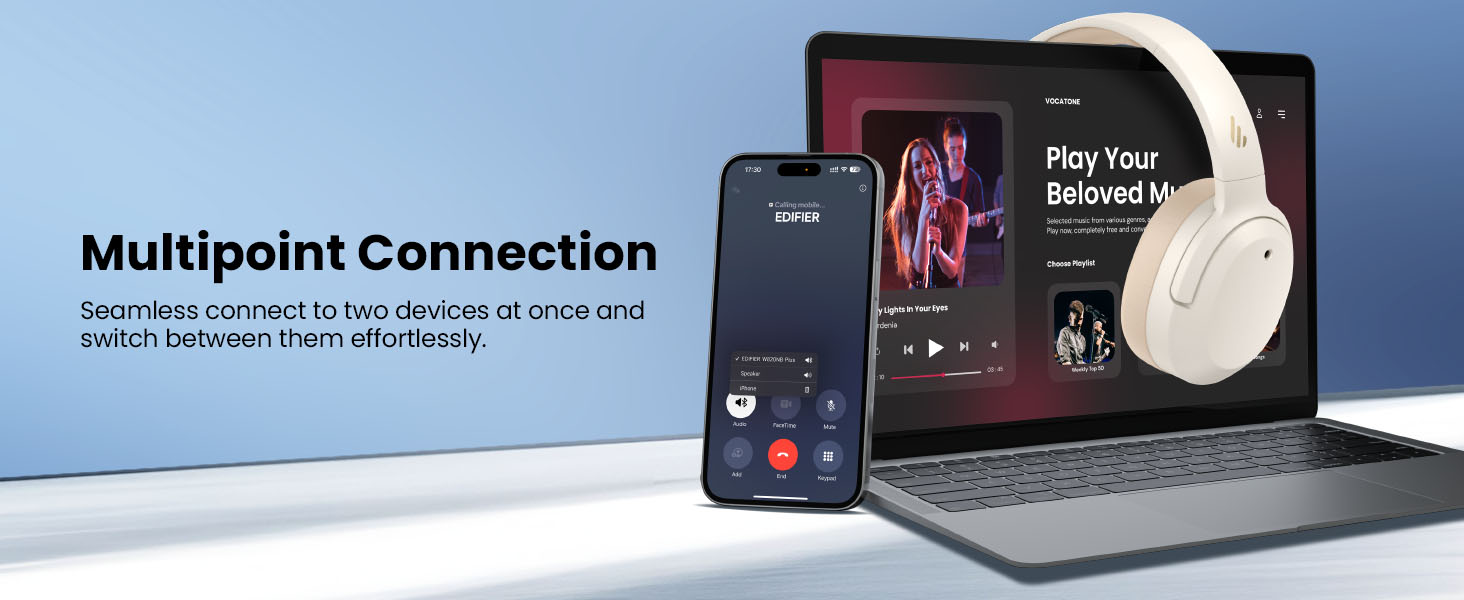
Image: Wired connection for continuous playback and charging.
Údržba
Nabíjení
The headphones offer up to 88 hours of continuous use (49 hours with ANC enabled). When the battery is low (less than 2%), a voice prompt will notify you: "Low battery, please charge," and the red LED will flash every 5 seconds.
To charge your headphones, plug the USB-C charging cable into the headphone's USB-C port and connect the other end to a computer or a wall charger. The LED will stay solid red while charging. It will turn green when fully charged if connected to a computer, or it will turn off when connected to a wall charger.
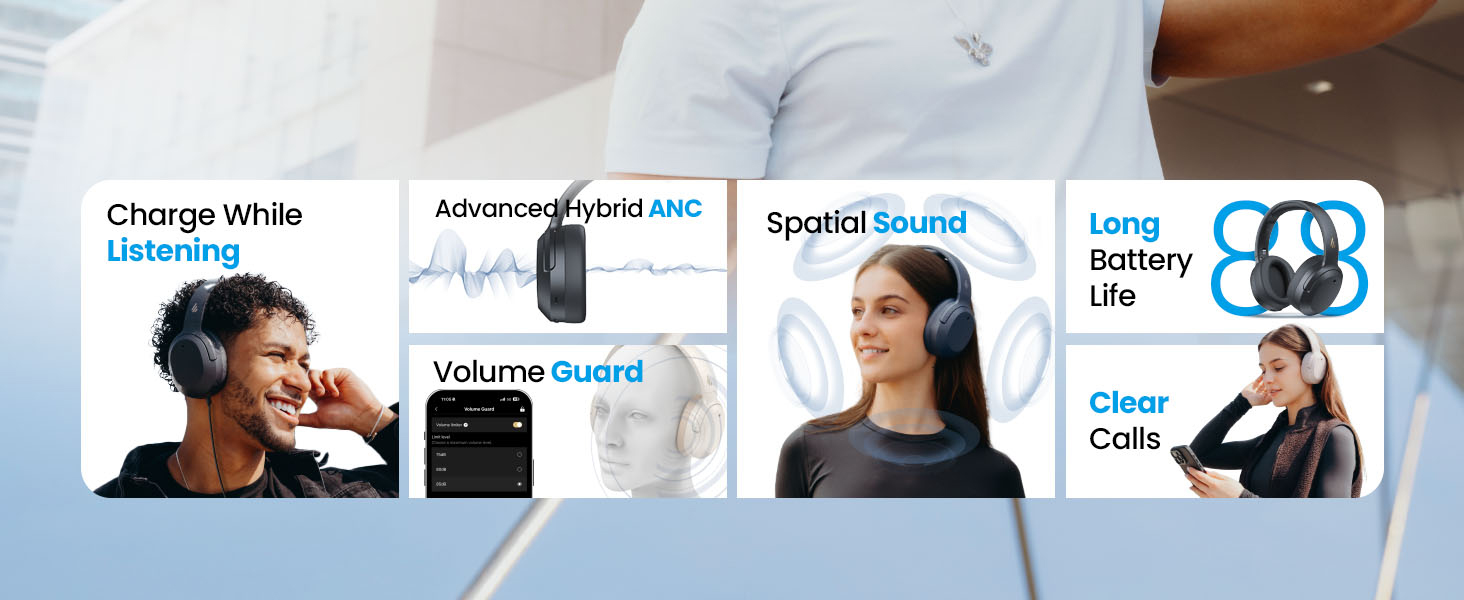
Obrázek: Výdrž baterie a možnosti rychlého nabíjení.
Čištění a skladování
- K čištění sluchátek používejte měkký, suchý hadřík. Nepoužívejte abrazivní čisticí prostředky ani rozpouštědla.
- Store the headphones in a cool, dry place away from extreme temperatures and humidity.
- The headphones feature a compact and foldable design for easy storage and portability.
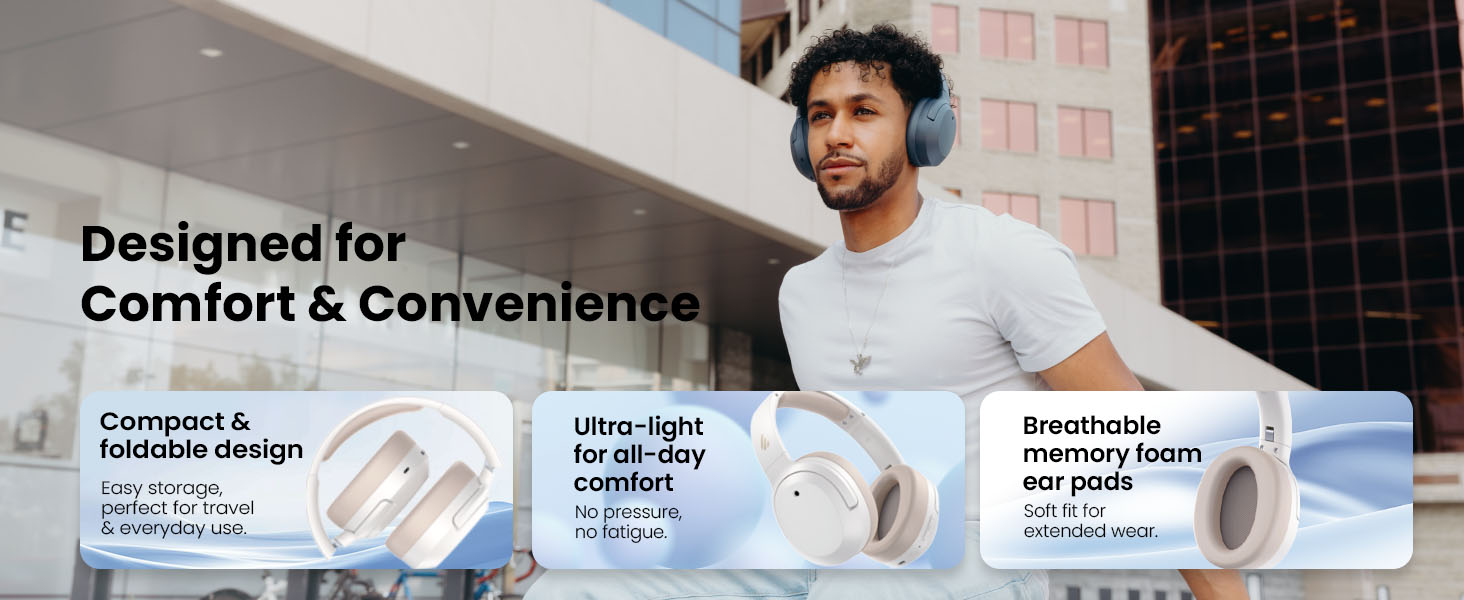
Image: Foldable design for comfort and convenience.
Odstraňování problémů
Resetování sluchátek
If you encounter any issues during use, you can reset the headphones to restore factory settings:
- Press and hold the top (+) and bottom (-) buttons simultaneously for 5 seconds.
- The blue LED will blink six times until the reset is complete.
- A voice prompt will say "Disconnected."
- The headphones will then enter Bluetooth pairing mode, with the LED blinking blue and green alternately, and a voice prompt will say "Pairing."
- Follow the pairing instructions to reconnect your device.
Běžné problémy
- Nelze zapnout: Ujistěte se, že jsou sluchátka nabitá. Připojte je ke zdroji napájení pomocí kabelu USB-C.
- Nelze spárovat přes Bluetooth: Ensure the headphones are in pairing mode (LED blinking blue and green). Check your device's Bluetooth settings and try re-pairing. If issues persist, perform a factory reset.
- Žádný zvuk: Check the volume levels on both the headphones and your connected device. Ensure the headphones are properly paired or connected via wired mode.
- ANC nefunguje efektivně: Ensure ANC is enabled. Adjust the ANC mode via the multi-function button or the EDIFIER ConneX App to suit your environment.
- Špatná kvalita hovoru: Ensure the headphones are close to your device. Check for any obstructions between the headphones and your device.
Specifikace
| Funkce | Detail |
|---|---|
| Značka | Edifier |
| Číslo modelu | W820NBPLUS 2025 |
| Název modelu | W820NB Plus Gen 2nd |
| Barva | Slonová kost |
| Umístění uší | Přes ucho |
| Impedance | 40 ohmů |
| Kontrolní metoda | Stiskněte tlačítko |
| Doba nabíjení baterie | 2 hodiny |
| Průměrná životnost baterie | 88 Hours (49 hours with ANC) |
| Kontrola hluku | Aktivní potlačení hluku (-49 dB) |
| Frekvenční odezva | 40 kHz |
| Typ zvukového ovladače | Dynamický ovladač |
| Velikost zvukového ovladače | 40 milimetrů |
| Frekvenční rozsah | 20Hz - 20,000Hz |
| Materiál pouzdra | Plastic, Foam, Fabric |
| Kompatibilní zařízení | Chytré telefony, notebooky, stolní počítače, tablety, televizory, herní konzole |
| Jack pro sluchátka | USB-C |
| Technologie připojení | Bezdrátové (Bluetooth) |
| Verze Bluetooth | 6.1 |
| Hmotnost položky | 247 gramů |
| GTIN / UPC | 875674008313 |
Záruka a podpora
Informace o záruce
The Edifier W820NB Plus Gen 2 headphones come with a 1-letá záruka výrobceUschovejte si prosím doklad o koupi pro případ reklamace.
Zákaznická podpora
For further assistance, technical support, or warranty inquiries, please visit the official Edifier website or contact their customer service. You can also find additional resources and FAQs within the EDIFIER ConneX App.