
KOORUI S2721XO 27-Inch QD-OLED Gaming Monitor User Manual
Model: S2721XO
1. Úvod
This manual provides instructions for the setup, operation, maintenance, and troubleshooting of your KOORUI S2721XO 27-inch QD-OLED Gaming Monitor. Please read this manual thoroughly before using the product to ensure proper function and safety.
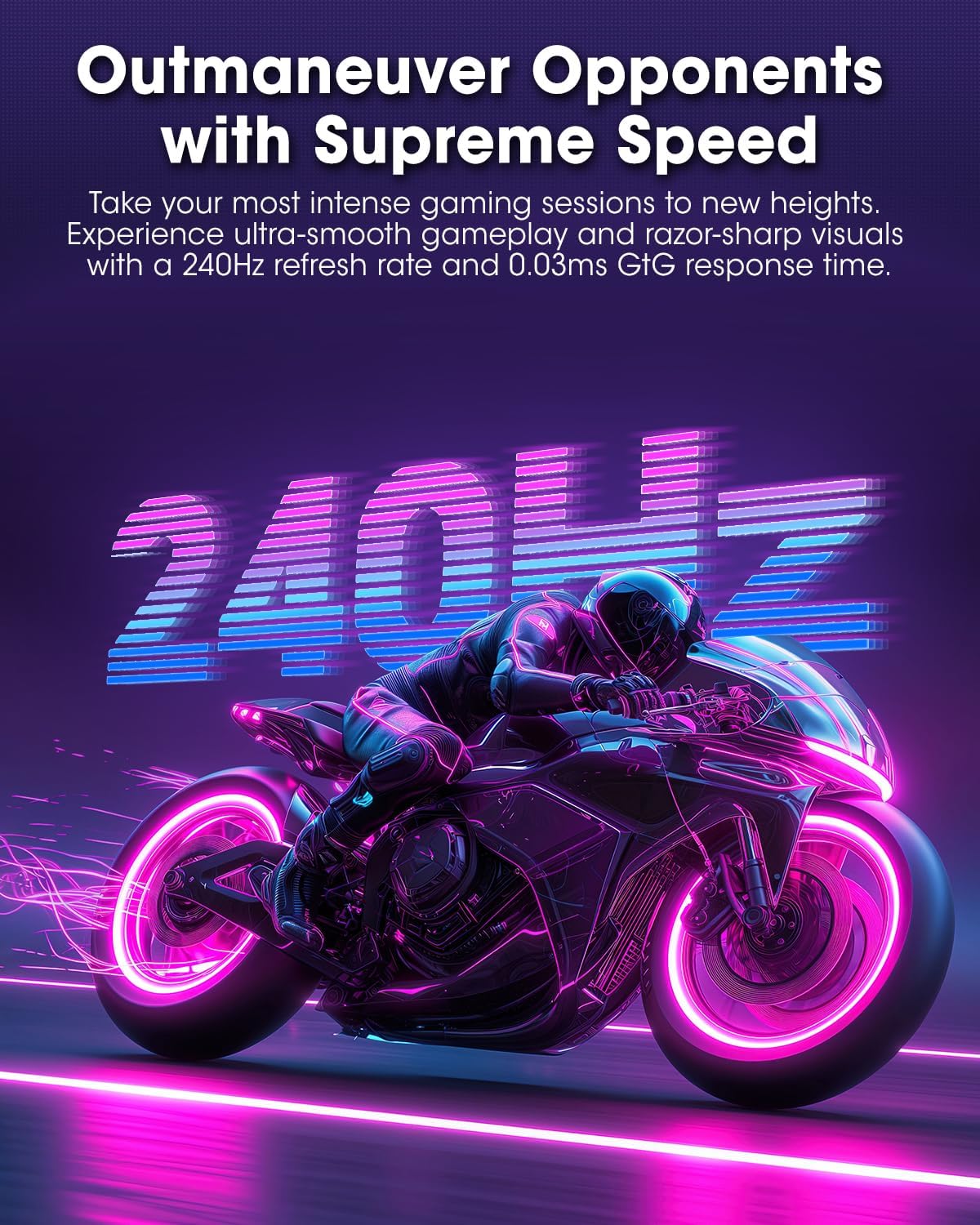
The KOORUI S2721XO monitor features a 27-inch QD-OLED panel with QHD (2560x1440) resolution, a 240Hz refresh rate, and a 0.03ms (GtG) response time. It supports HDR True Black 400 and AdaptiveSync technology for a smooth visual experience. Connectivity options include HDMI 2.1 and DisplayPort 1.4.
2. Bezpečnostní informace
- Ujistěte se, že je monitor umístěn na stabilním, rovném povrchu, aby nedošlo k náhodnému pádu.
- Nevystavujte monitor dešti ani vlhkosti, abyste předešli úrazu elektrickým proudem.
- Udržujte větrací otvory volné, aby nedošlo k přehřátí.
- Používejte pouze napájecí adaptér dodaný s monitorem.
- Nedotýkejte se obrazovky ostrými předměty.
- Před čištěním nebo pokud monitor nebudete delší dobu používat, odpojte napájecí kabel ze zásuvky.
3. Nastavení
3.1 Obsah balení
Ověřte, zda jsou v balení přítomny všechny komponenty:
- KOORUI S2721XO Monitor
- Stojan na monitor (základna a krk)
- Napájecí kabel
- Kabel DisplayPort (1.8 m)
- Uživatelská příručka (tento dokument)
3.2 Sestavení stojanu
- Připevněte krk stojanu k panelu monitoru. Ujistěte se, že bezpečně zacvakne na místo.
- Attach the stand base to the stand neck. Tighten any screws as necessary.
Alternatively, the monitor supports VESA 100x100mm mounting for compatible wall mounts or monitor arms.
Obrázek 3.2.1: Zadní view of the monitor with VESA mount and stand attachment.

Obrázek 3.2.2: Zadní view monitoru se sestaveným stojanem.
3.3 Připojení k zařízení
The monitor provides multiple input options:
- HDMI 2.1: Connect to a PC or gaming console using an HDMI 2.1 cable. The monitor has two HDMI 2.1 ports.
- DisplayPort 1.4: Connect to a PC using a DisplayPort 1.4 cable. A DisplayPort cable is included.
- Zvukový výstup: Připojte externí reproduktory nebo sluchátka k 3.5mm audio konektoru.

Obrázek 3.3.1: Vstupní porty monitoru.
After connecting the video cable, connect the power cable to the monitor and then to a power outlet.
4. Provoz
4.1 Zapnutí/vypnutí
Press the power button (usually located on the back or bottom of the monitor) to turn the monitor on or off. The power indicator light will illuminate when the monitor is on.
4.2 Nabídka na obrazovce (OSD)
The monitor features a joystick controller for navigating the OSD menu. This allows for easy adjustment of various settings.
- Stiskněte joystick: Otevře nabídku OSD.
- Pohyb joysticku nahoru/dolů: Prochází možnostmi nabídky.
- Pohyb joysticku doleva/doprava: Upravuje hodnoty nebo vstupuje do podnabídek.
- Stiskněte znovu: Potvrzuje výběr nebo opouští podnabídku.
4.3 Nastavení zobrazení
Adjust the following settings via the OSD menu for optimal performance:
- Rezoluce: Set to 2560x1440 (QHD) for the native display resolution.
- Obnovovací frekvence: Select 240Hz for the smoothest motion.
- AdaptiveSync: Enable AdaptiveSync (FreeSync compatible) to eliminate screen tearing and stuttering during gaming.
- HDR True Black 400: Activate HDR for enhanced contrast and color depth in compatible content.
- Barevný rozsah: Adjust color settings, including DCI-P3 99% and sRGB 100% modes, for accurate color reproduction.
- Jas/kontrast: Fine-tune display brightness (average 280 nits) and contrast levels.
- Image Retention Refresh: This feature helps prevent burn-in on the OLED panel. It is recommended to keep this enabled.
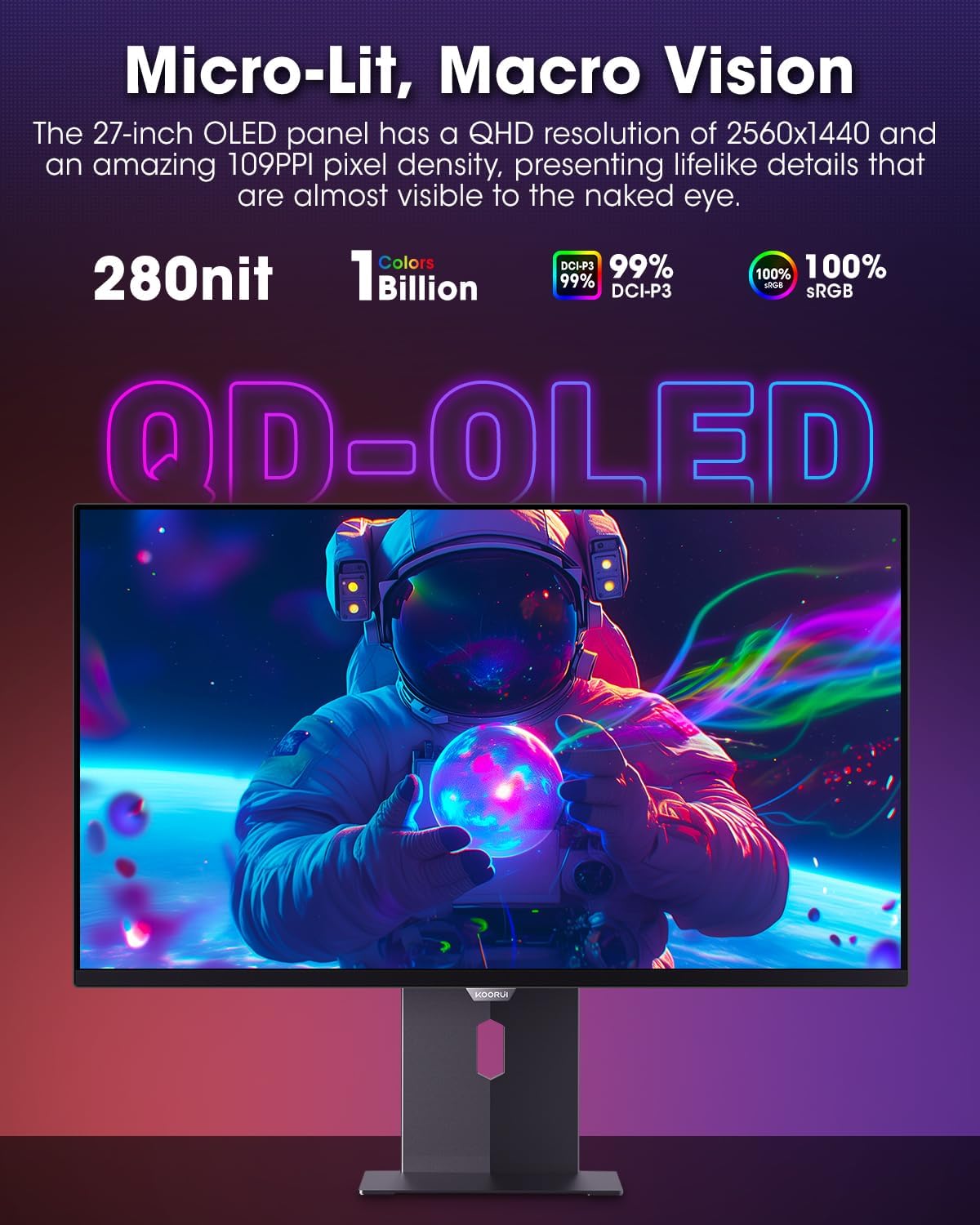
Figure 4.3.1: The QD-OLED panel delivers vivid colors and deep blacks.

Figure 4.3.2: High refresh rate and low response time for smooth gaming.
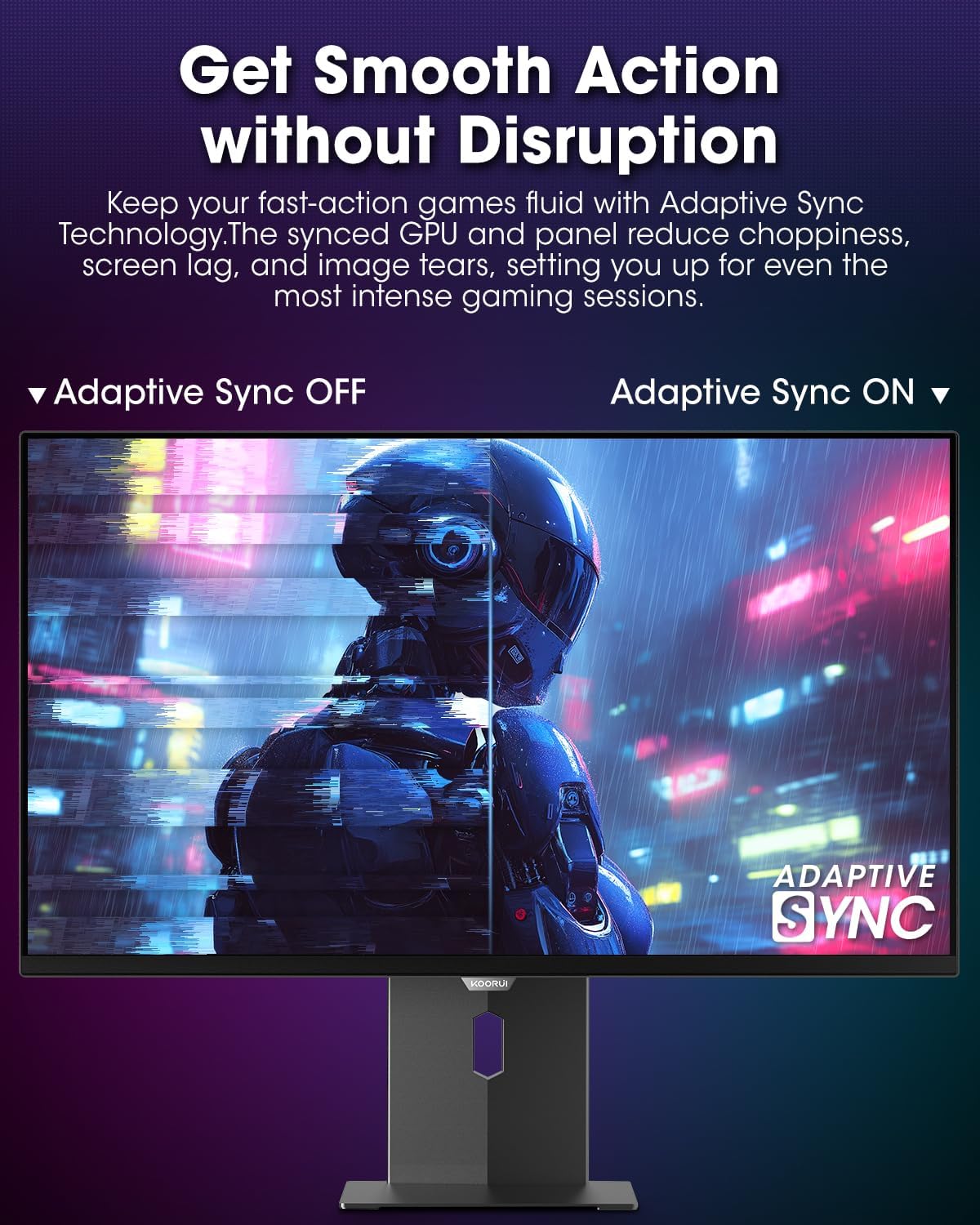
Figure 4.3.3: AdaptiveSync technology prevents screen tearing.
4.4 Ergonomické úpravy
The monitor stand allows for various adjustments to enhance viewpohodlí:
- Nastavení výšky: Zvedněte nebo snižte monitor do úrovně očí.
- Náklon: Upravte úhel obrazovky dopředu nebo dozadu.
- Otočný: Otočte monitor vodorovně.
- Pivot: Otočte monitor svisle (režim na výšku).

Obrázek 4.4.1: Nastavení náklonu monitoru.

Obrázek 4.4.2: Nastavení natočení monitoru do režimu na výšku.
5. Údržba
- Čištění obrazovky: Lehce používejte měkký hadřík, který nepouští vlákna dampOpláchněte vodou nebo čističem obrazovek. Nestříkejte čistič přímo na obrazovku.
- Čištění Casing: Otřete monitor casinměkkým, suchým hadříkem. Nepoužívejte abrazivní čisticí prostředky.
- Větrání: Ensure the monitor's ventilation holes are not blocked to prevent overheating.
- Vypnout: Před čištěním vždy monitor vypněte a odpojte ze zásuvky.
6. Řešení problémů
| Problém | Možná příčina | Řešení |
|---|---|---|
| Na obrazovce není žádný obraz | Odpojený napájecí kabel; Odpojený video kabel; Vybrán nesprávný vstupní zdroj. | Zkontrolujte připojení napájecího a video kabelu; v nabídce OSD vyberte správný vstupní zdroj. |
| Blikání nebo trhání obrazu | AdaptiveSync not enabled; Graphics card driver issues. | Enable AdaptiveSync in OSD menu; Update graphics card drivers. |
| Barvy se zobrazují nesprávně | Color settings misconfigured; Faulty video cable. | Reset color settings in OSD menu; Try a different video cable. |
| Monitor se nezapne | Napájecí kabel není připojen; zásuvka nefunguje. | Ensure power cable is securely connected; Test power outlet with another device. |
7. Specifikace
| Funkce | Detail |
|---|---|
| Značka | KOORUI |
| Číslo modelu | S2721XO |
| Velikost obrazovky | 27 palce |
| Typ zobrazení | QD-OLED |
| Rezoluce | QHD širokoúhlý 1440p (2560 x 1440 pixelů) |
| Obnovovací frekvence | 240 Hz |
| Doba odezvy | 0.03 Milliseconds (GtG) |
| Kontrastní poměr | 20,000,000:1 |
| Jas | 350 candela_per_square_meter (average 280 nits) |
| Barevný gamut | 99 % DCI-P3 |
| Podpora HDR | HDR True Black 400 |
| Adaptivní synchronizace | Kompatibilní s FreeSync |
| Konektivita | 2x HDMI 2.1, 1x DisplayPort 1.4, 1x audio výstup |
| Ergonomie | Tilt, Height, Swivel, Pivot Adjustment |
| VESA Mount | 100x100mm |
| Rozměry produktu | 21.58 x 61 x 51.2 cm; 8.96 kg |

Obrázek 7.1: Rozměry monitoru.
8. Záruka a podpora
8.1 Informace o záruce
The KOORUI S2721XO monitor comes with a 1letá omezená záruka. Please retain your proof of purchase for warranty claims. For detailed warranty terms and conditions, refer to the official KOORUI webwebu nebo kontaktujte zákaznickou podporu.
8.2 Zákaznická podpora
For technical assistance, troubleshooting, or warranty inquiries, please contact KOORUI customer support. Refer to the contact information provided on the official KOORUI webwebu nebo v dokumentaci k nákupu.
You can also find additional support resources and FAQs on the KOORUI brand store on Amazon: KOORUI Amazon Store
9. Produktová videa
KOORUI 4K OLED Gaming Monitor 240Hz (Seller Video)
Toto video poskytuje přesview of the KOORUI OLED Gaming Monitor, highlighting its key features such as high refresh rate and OLED display technology. While the title mentions "4K", the video content is generally applicable to high-performance OLED gaming monitors from KOORUI, including the S2721XO model's features like 240Hz refresh rate and fast response time.