
1. Úvod
Welcome to the user manual for your new DOOGEE Tab A9 Pro+ Android 15 Tablet. This guide provides detailed instructions on how to set up, operate, and maintain your device, ensuring you get the most out of its features. Please read this manual carefully before using your tablet.
2. Obsah balení
Verify that all items listed below are included in your package. If any item is missing or damaged, please contact customer support.
- DOOGEE Tab A9 Pro+ Tablet
- Kabel USB typu C
- Nabíječka
- Stylus (VIP edice)
- Tvrzená fólie (VIP edice)
- Bluetooth myš (VIP edice)
- Kožený ochranný kryt (VIP edice)
- Bluetooth klávesnice (VIP edice)
- Balící krabice
- Uživatelská příručka
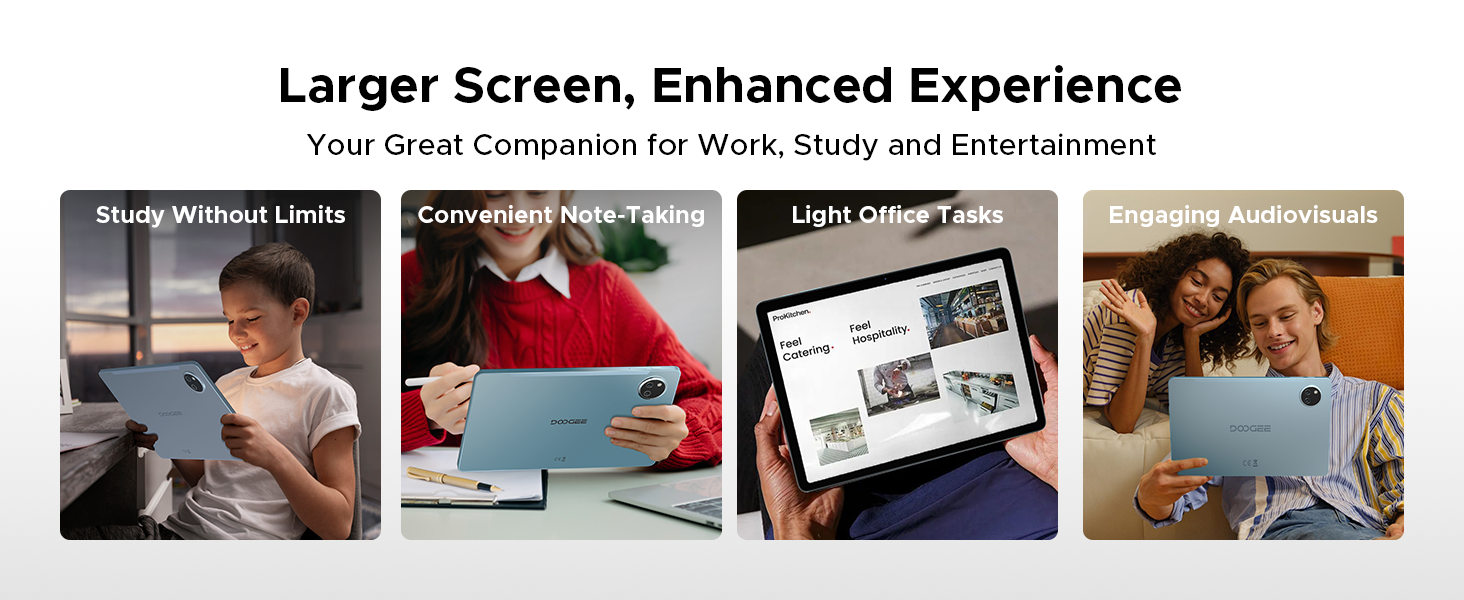
Image: Contents of the DOOGEE Tab A9 Pro+ package, including the tablet, charger, USB cable, stylus, tempered film, Bluetooth mouse, leather protective cover, and Bluetooth keyboard.
3. Zařízení skončiloview
The DOOGEE Tab A9 Pro+ features a sleek design with essential components strategically placed for optimal user experience.
- Přední: 11-inch display, 5MP front camera, ambient light sensor.
- Zadní: 13MP main camera, LED flash.
- Strany: Power button, volume buttons, USB Type-C port, 3.5mm headphone jack, speaker grilles, microphone, SIM/microSD card tray.
4. Počáteční nastavení
4.1. Nabíjení tabletu
Before first use, fully charge your tablet. Connect the provided USB Type-C cable to the tablet's charging port and the other end to the included power adapter. Plug the adapter into a wall outlet. The charging indicator will show the charging status.
4.2. Zapnutí/vypnutí
- Zapnutí: Stiskněte a podržte tlačítko napájení, dokud se nezobrazí logo DOOGEE.
- Vypnutí: Press and hold the Power button until the power options appear on the screen, then select 'Power off'.
- Restartovat: Press and hold the Power button until the power options appear, then select 'Restart'.
4.3. Připojení k Wi-Fi
Přejít na Nastavení > Síť a internet > Wi-FiZapněte Wi-Fi, vyberte požadovanou síť a v případě potřeby zadejte heslo.
4.4. Setting Up Google Account
During the initial setup, you will be prompted to sign in with your Google account. This is necessary to access the Google Play Store, Gmail, and other Google services. If you don't have an account, you can create one.
4.5. Vložení SIM/MicroSD karty
Locate the SIM/microSD card tray on the side of the tablet. Use the provided SIM ejector tool to open the tray. Insert your SIM card (if applicable) and/or a microSD card for expandable storage (up to 2TB) into the designated slots, then gently push the tray back into the tablet.
5. Operační systém (Android 15)
Your DOOGEE Tab A9 Pro+ runs on the Android 15 operating system, offering an intelligent, seamless, and secure user experience.
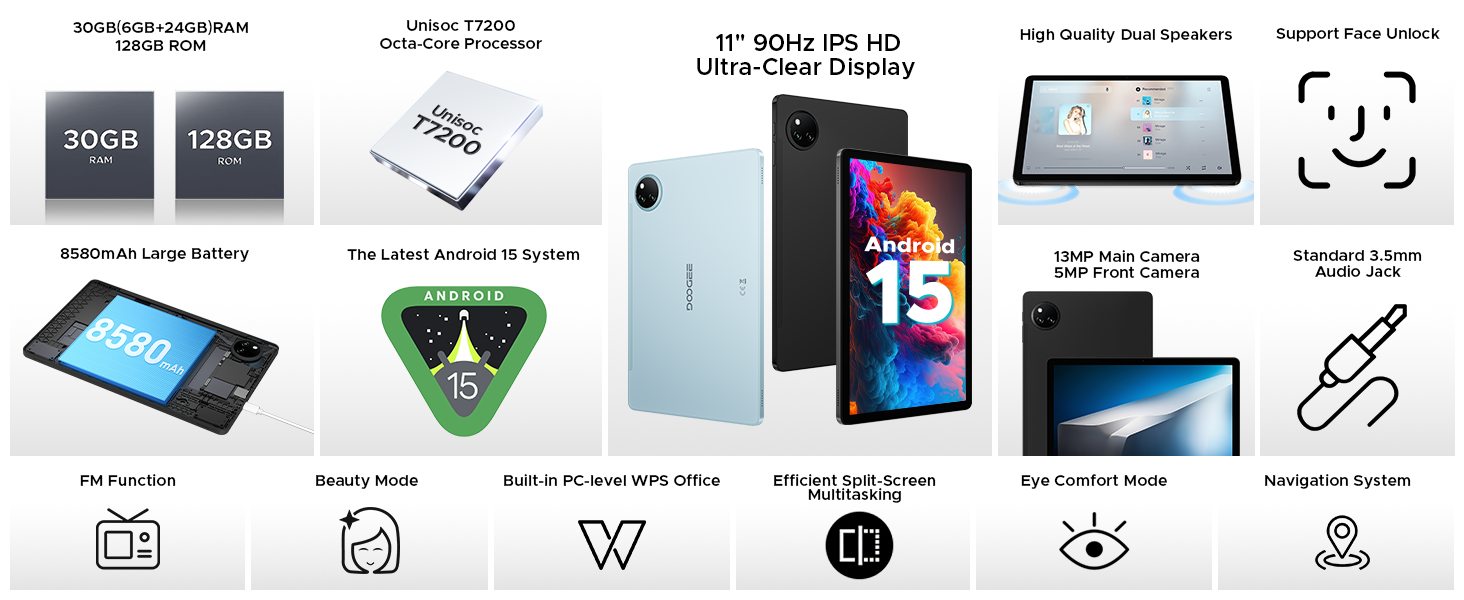
Image: Screenshot of the Android 15 system interface, highlighting its intelligent, seamless, and secure nature.
5.1. Klíčové vlastnosti
- Systém pro více uživatelů: Vytvořte samostatného uživatele profiles for different individuals, each with their own apps, settings, and data. Access this feature via Nastavení > Systém > Více uživatelů.
- Rodičovská kontrola: Manage and restrict access to content and apps for children's profiles.
- Multitasking na rozdělené obrazovce: Run two applications simultaneously side-by-side for enhanced productivity. To activate, open a recent apps view, tap the app icon at the top of a window, and select 'Split screen'.
- Privacy Shield: Advanced privacy controls and regular security updates protect your data and device.
- Režim před spaním: Configure settings to help you wind down before sleep, such as grayscale display and Do Not Disturb.
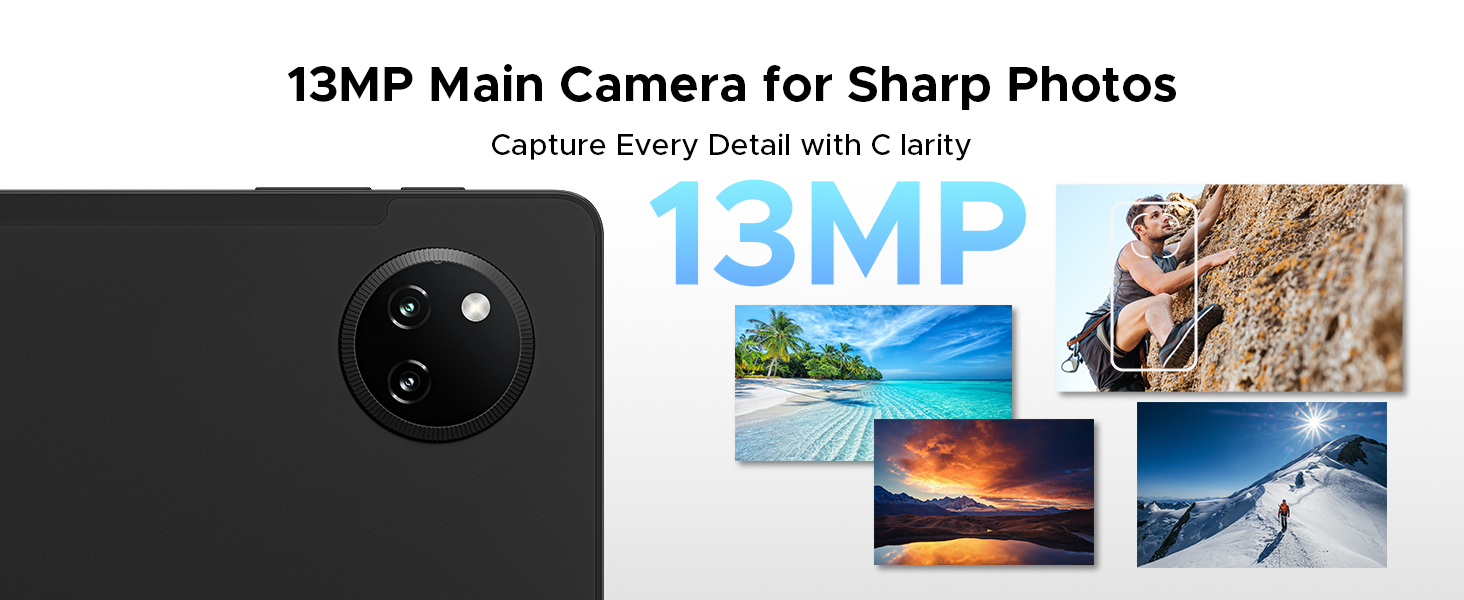
Image: Visual representation of Android 15 features including Bedtime Mode, Multi-user System, and Parental Control.
Image: The tablet displaying two applications side-by-side in split-screen multitasking mode.
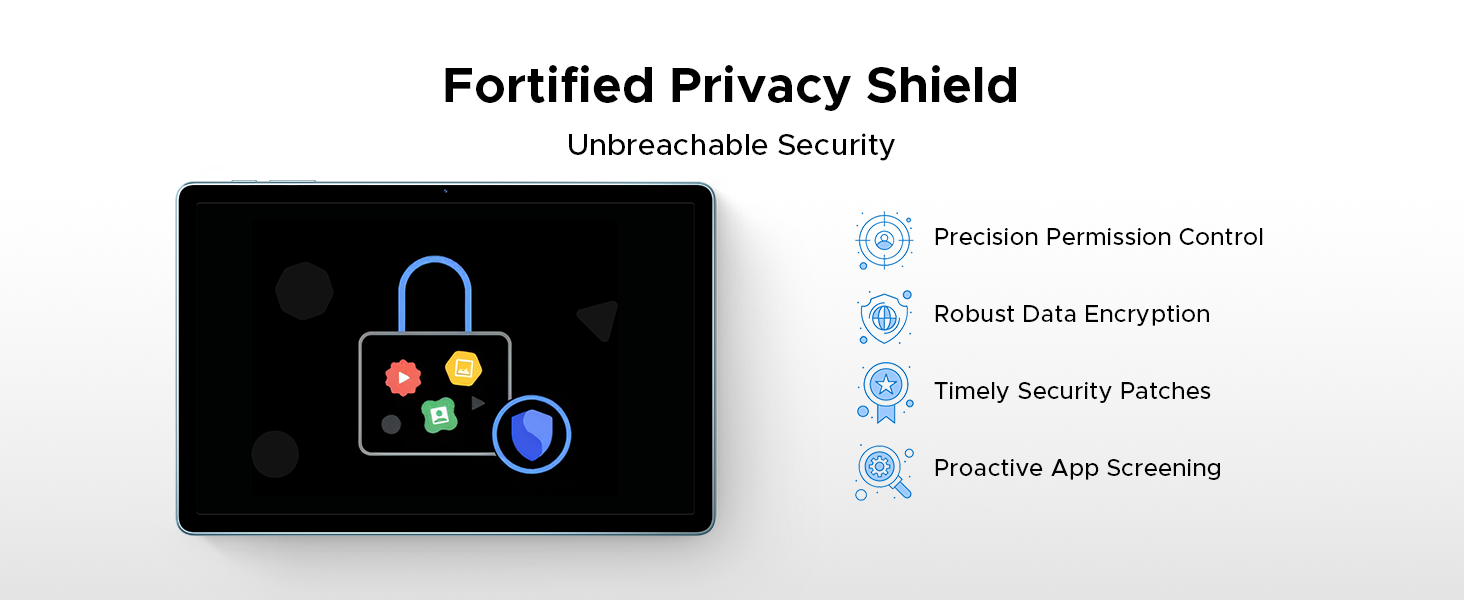
Image: A visual representation of the Android 15 Privacy Shield, indicating robust security features.
6. Zobrazení a vizuální prvky
The DOOGEE Tab A9 Pro+ features an 11-inch IPS HD display with a 90Hz refresh rate, providing a clear and smooth visual experience.
- Velikost displeje: 11 palců
- Rezoluce: 1920 x 1200 pixelů
- Obnovovací frekvence: 90Hz for smoother motion
- Široká vine L1: Supports high-definition streaming content from platforms like Netflix.
Image: The 11-inch IPS HD Ultra-Clear Display of the DOOGEE Tab A9 Pro+ highlighting its resolution, screen-to-body ratio, screen color, and aspect ratio.
6.1. Režimy zobrazení
Adjust display settings for enhanced comfort and visual quality:
- Eye-Caring Mode (Low Blue Light): Snižuje vyzařování modrého světla pro ochranu očí, zejména při delším používání.
- Tmavý režim: Softens screen light for comfortable night use and can help conserve battery.
- Režim potlačení blikání: Minimizes screen flickering for enhanced visual comfort.

Image: Illustrations of Eye-Caring Mode (low blue light) and Dark Mode for visual comfort.
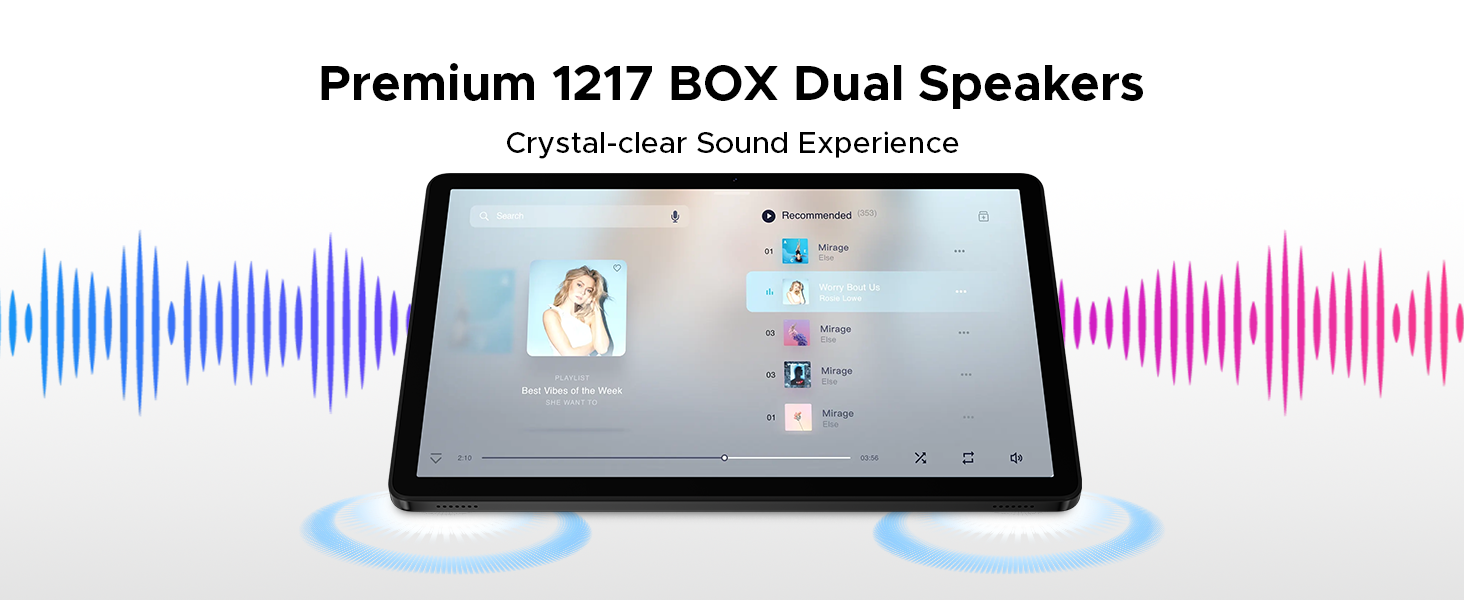
Image: A comparison showing the effect of Anti-Flicker Mode on the display.
7. Výkon a úložiště
The DOOGEE Tab A9 Pro+ is equipped with a powerful processor and ample memory for smooth operation and extensive storage.
- Procesor: Unisoc T7200 Octa-Core Processor (1.6GHz, 12nm advanced process technology)
- BERAN: 30GB (6GB base + up to 24GB extended RAM)
- Interní paměť (ROM): 128 GB
- Rozšiřitelné úložiště: Up to 2TB via microSD card (TF card needs to be purchased separately).

Image: A visual representation of the Unisoc T7200 Octa-Core Processor, highlighting its speed and efficiency.
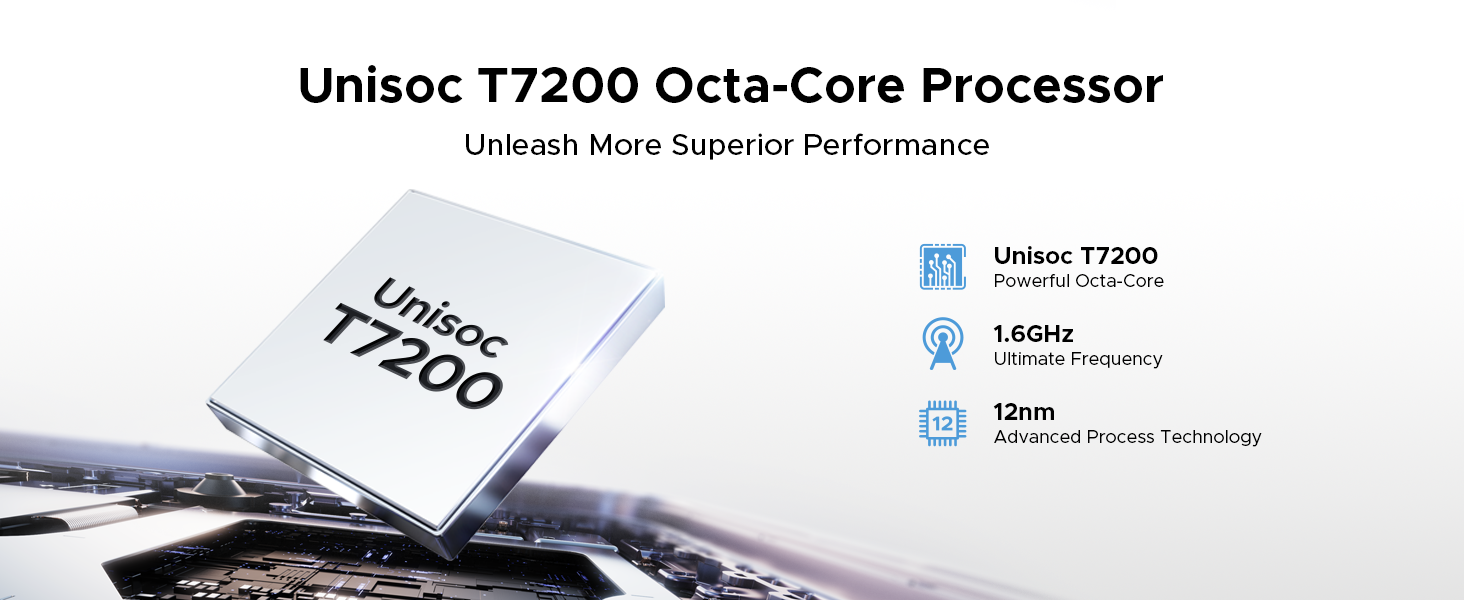
Image: Illustration showing the 30GB RAM (6GB base + 24GB extended) and 128GB ROM with 2TB expandable memory.
8. Správa baterií
The tablet is equipped with an 8580mAh high-capacity battery for extended usage.
- Kapacita baterie: 8580 XNUMX mAh
- Nabíjení: Podporuje rychlé nabíjení 10W.
- Zpětné nabíjení: Supports 5W reverse charging, allowing the tablet to act as a power bank for other devices.
- Odhadovaná životnost baterie: Up to 24 days standby (airplane mode), 36 hours music playback, 6.5 hours video watching, 7 hours web procházení.
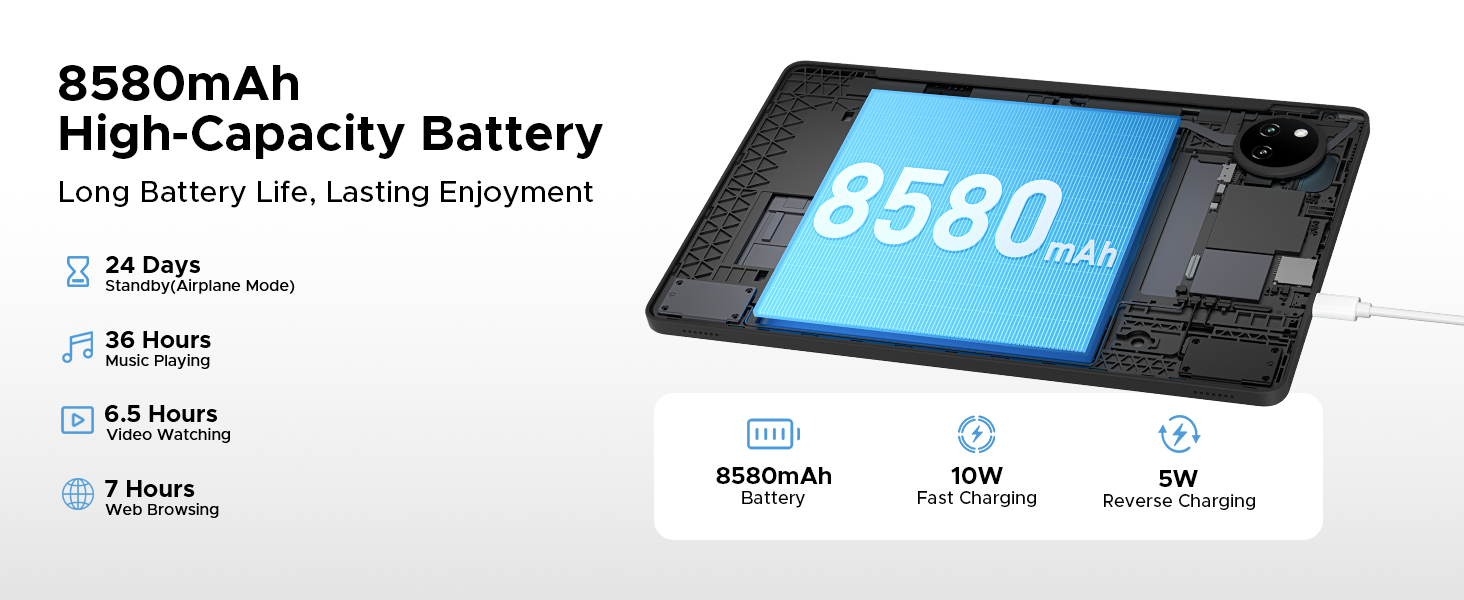
Image: Diagram illustrating the 8580mAh battery, 10W fast charging, and 5W reverse charging capabilities.
9. Fotoaparát
Capture moments with the tablet's integrated cameras.
- Hlavní fotoaparát: 13MP for sharp photos.
- Přední kamera: 5MP pro videohovory a selfie.
- Režim krásy: Enhance your photos with built-in beauty features.
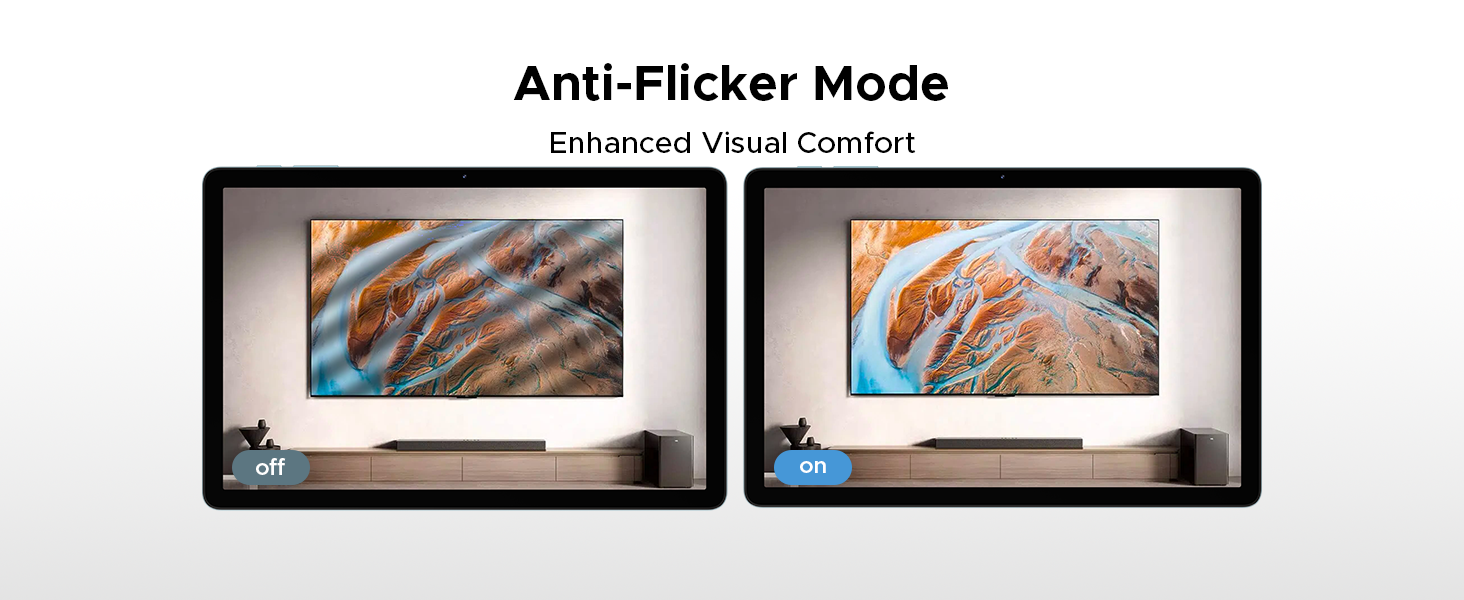
Image: Close-up of the tablet's rear camera module and example photos taken with the 13MP main camera.

Image: The tablet displaying a video call, showcasing the 5MP front camera's capability for clear communication.

Image: A comparison demonstrating the effect of Beauty Mode on a photograph.
10. Audio
Experience clear audio with the tablet's dual speakers and headphone jack.
- Duální reproduktory: Premium 1217 BOX Dual Speakers provide a crystal-clear sound experience.
- 3.5mm audio jack: A standard headphone jack allows for private listening with stable and distortion-free transmission.
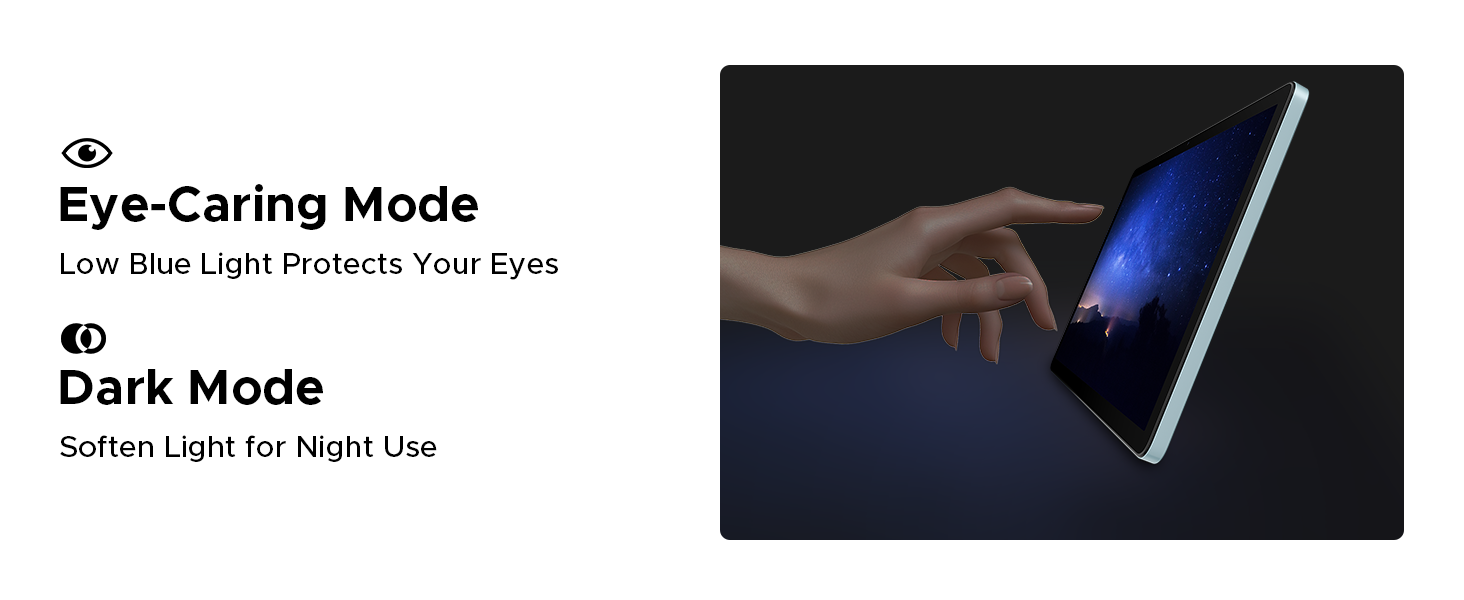
Image: The tablet displaying a music player interface, with visual cues indicating sound output from dual speakers.

Image: A person using headphones connected to the tablet via the 3.5mm audio jack.
11. Konektivita
The DOOGEE Tab A9 Pro+ offers various connectivity options for seamless integration into your digital life.
- Wi-Fi: Supports faster Wi-Fi 5 (2.4G/5G) for low latency, anti-congestion, wide coverage, low power consumption, and high-speed internet access.
- Bluetooth: Připojte se k bezdrátovým sluchátkům, reproduktorům a dalším zařízením s podporou Bluetooth.
- Navigační systém: Integrated GPS, Glonass, Galileo, and Beidou for precise location tracking and navigation.
- OTG (Na cesty): Connect USB peripherals such as flash drives, keyboards, or mice directly to your tablet.

Image: A visual representation of WiFi 2.4G/5G connectivity, emphasizing low latency, anti-congestion, wide coverage, low power consumption, and high speed.
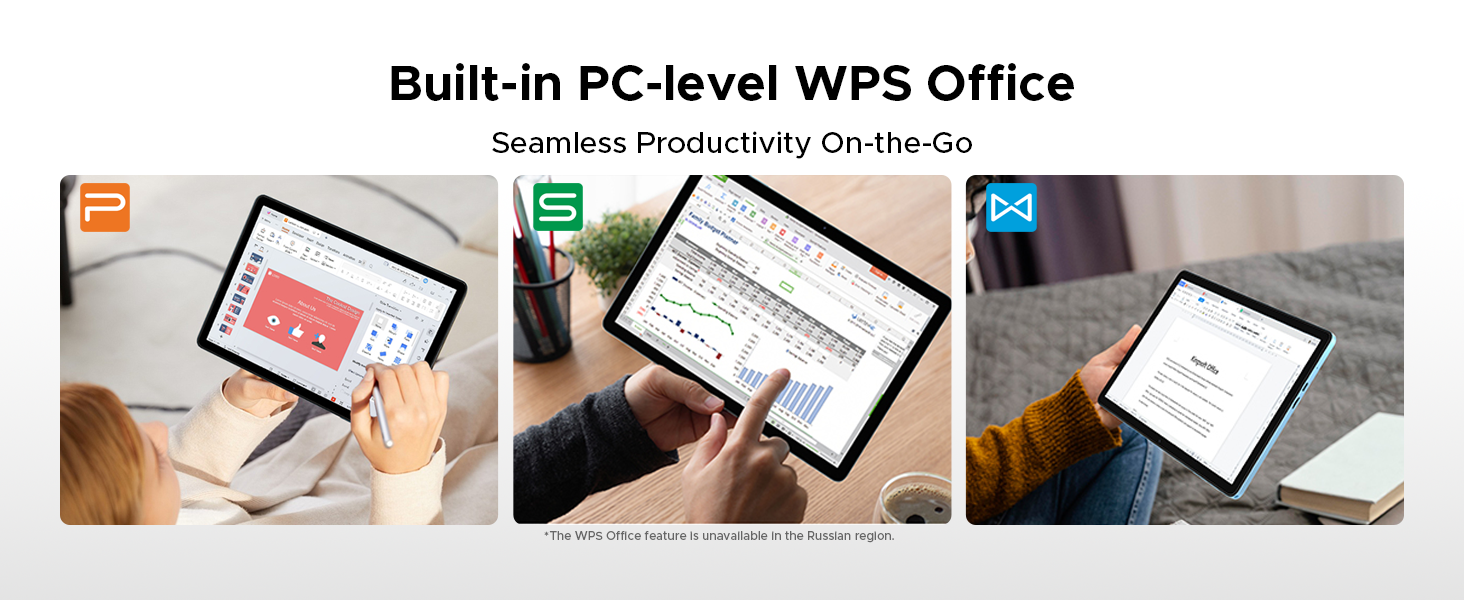
Image: A person using the tablet for navigation in a car, showing the GPS, Glonass, Galileo, and Beidou systems.
12. Příslušenství
The DOOGEE Tab A9 Pro+ VIP Edition includes several accessories to enhance your tablet experience, effectively turning it into a portable workstation.
- Bluetooth klávesnice: Connect wirelessly for comfortable typing.
- Stylus: For precise input, drawing, and note-taking.
- Bluetooth myš: Navigate the tablet interface with greater precision.
- Leather Protective Cover: Protects your tablet and often doubles as a stand.
- Tvrzená fólie: Provides additional screen protection.

Image: A display of the included accessories: tempered film, stylus, leather protective cover, Bluetooth mouse, and Bluetooth keyboard.
12.1. Odemknutí rozpoznáváním obličeje
For effortless access, the tablet supports facial recognition unlock. Set this up in Nastavení > Zabezpečení a soukromí > Odemknutí obličejem.
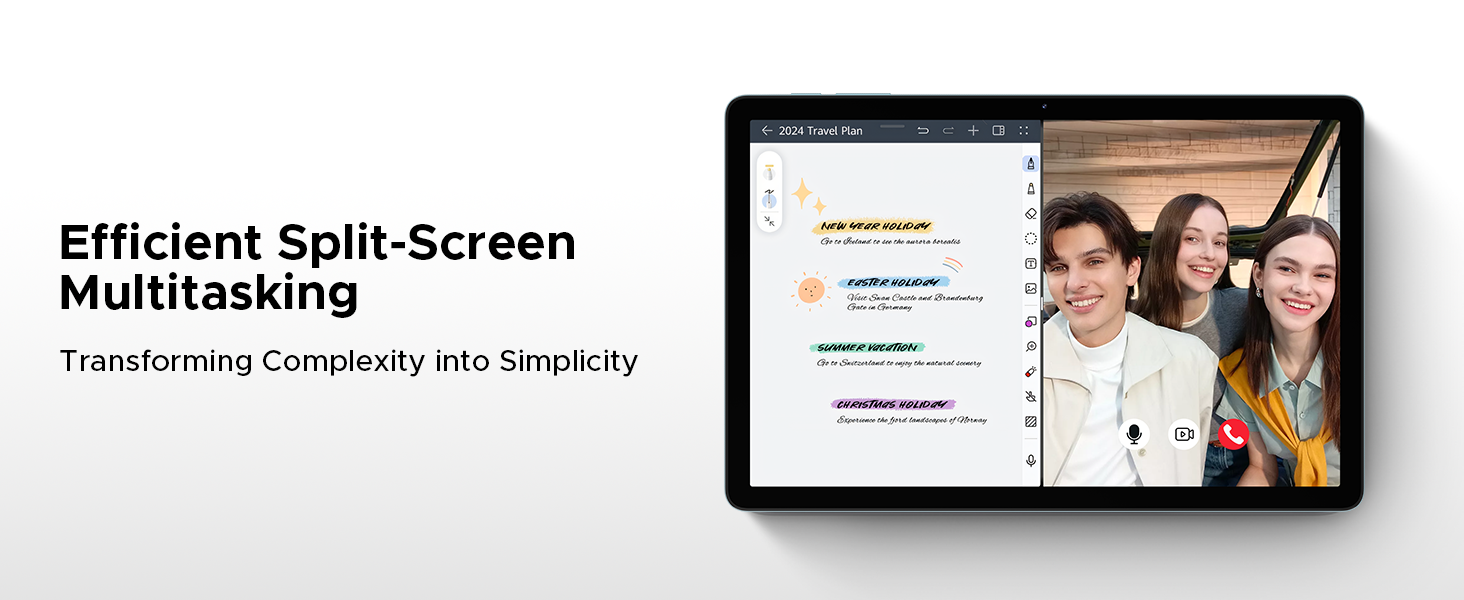
Image: An illustration depicting the facial recognition unlock feature for quick and secure device access.
12.2. Vestavěná kancelář WPS
The tablet comes with a built-in PC-level WPS Office suite, enabling seamless productivity for documents, spreadsheets, and presentations on the go. (Note: WPS Office feature may be unavailable in certain regions).
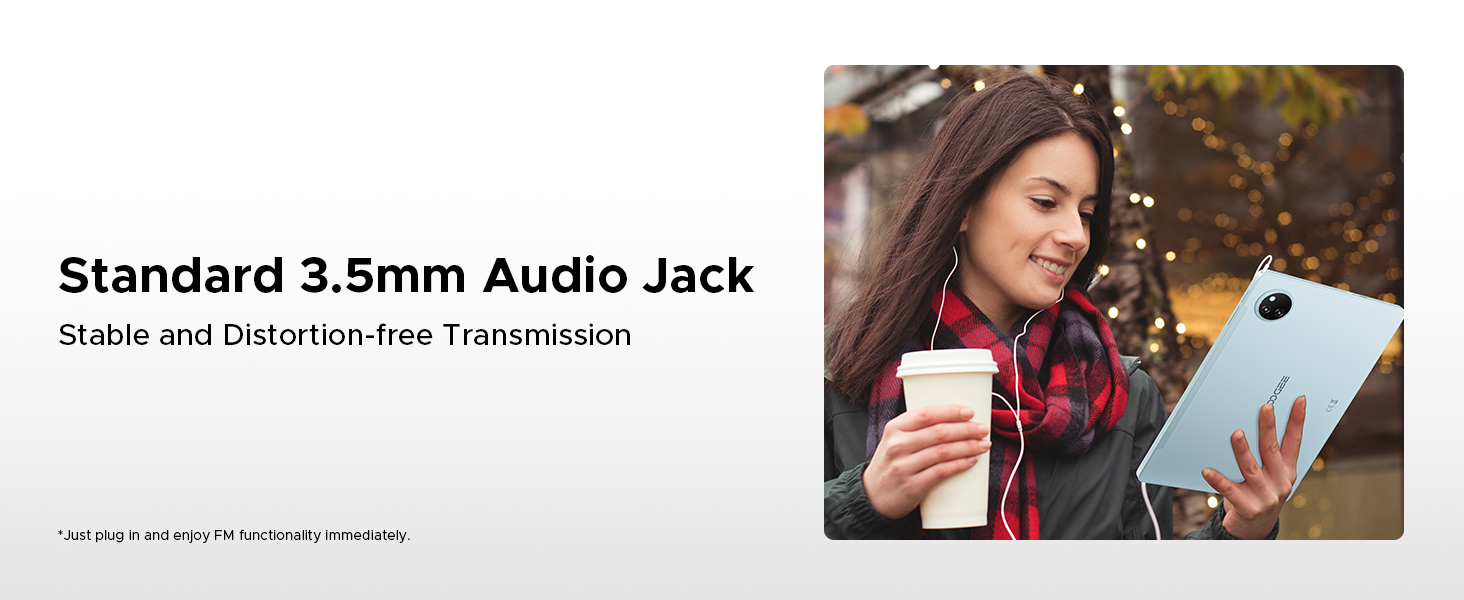
Image: Screenshots of the tablet running WPS Office applications for documents, spreadsheets, and presentations.
13. Údržba
13.1. Čištění zařízení
Use a soft, lint-free cloth to clean the screen and body of the tablet. Avoid using abrasive cleaners or solvents, which can damage the surface. For stubborn smudges, slightly damphadřík vodou nebo roztokem na čištění obrazovky.
13.2. Aktualizace softwaru
Pravidelně kontrolujte a instalujte aktualizace softwaru, abyste zajistili, že váš tablet má nejnovější funkce, bezpečnostní záplaty a vylepšení výkonu. Přejděte na Nastavení > Systém > Aktualizace systému.
13.3. Správa úložiště
Pro udržení optimálního výkonu pravidelně spravujte úložiště tabletu. Odstraňte nepotřebné fileodinstalujte nepoužívané aplikace a přesuňte velká média files to expandable storage or cloud services. Check storage usage in Nastavení > Úložiště.
14. Řešení problémů
This section addresses common issues you might encounter with your DOOGEE Tab A9 Pro+.
| Problém | Řešení |
|---|---|
| Tablet se nezapne | Ujistěte se, že je baterie nabitá. Připojte nabíječku a před opětovným zapnutím počkejte několik minut. Pokud zařízení nereaguje, stiskněte a podržte tlačítko napájení po dobu 10–15 sekund, abyste vynutili restart. |
| Problémy s připojením Wi-Fi | Check if Wi-Fi is enabled in Settings. Restart your router and the tablet. Ensure you are entering the correct Wi-Fi password. Try forgetting the network and reconnecting. |
| Pomalý výkon | Close unused applications. Clear cache for frequently used apps. Check for available software updates. Consider freeing up storage space. Restart the tablet. |
| Baterie se rychle vybíjí | Reduce screen brightness. Disable Wi-Fi/Bluetooth when not in use. Close background apps. Limit location services. Check battery usage in Settings to identify power-hungry apps. |
| Aplikace padá nebo zamrzávají | Force close the app and reopen it. Clear the app's cache and data in Nastavení > Aplikace. Uninstall and reinstall the app. Ensure the app is updated to its latest version. |
15. Specifikace
Detailed technical specifications for the DOOGEE Tab A9 Pro+.
| Funkce | Detail |
|---|---|
| Značka | DOOGEE |
| Název modelu | DOOGEE Tab A9 Pro+ |
| Operační systém | Android 15 |
| Procesor | Osmijádrový Unisoc T7200 (1.6 GHz, 12 nm) |
| BERAN | 30 GB (6 GB základní + 24 GB rozšířené) |
| Interní úložiště | 128 GB |
| Rozšiřitelné úložiště | Až 2 TB přes microSD kartu |
| Velikost obrazovky | 11 palce |
| Typ zobrazení | IPS HD |
| Rezoluce | 1920 x 1200 pixelů |
| Obnovovací frekvence | 90 Hz |
| Kapacita baterie | Lithium-polymer 8580 mAh |
| Nabíjení | 10W rychlé nabíjení, 5W reverzní nabíjení |
| Hlavní fotoaparát | 13 MP |
| Přední kamera | 5 MP |
| Konektivita | Wi-Fi 5 (2.4G/5G), Bluetooth, OTG |
| Navigace | GPS, Glonass, Galileo, Beidou |
| Zvuk | Dual Speakers (1217 BOX), 3.5mm Audio Jack |
| Rozměry | 24.53 x 16.33 x 0.99 cm |
| Hmotnost | 644 g |
16. Záruka a podpora
Your DOOGEE Tab A9 Pro+ comes with a 2-year after-sales service, ensuring peace of mind regarding your purchase.
16.1. Informace o záruce
The tablet is covered by a manufacturer's warranty against defects in materials and workmanship for a period of two years from the date of purchase. This warranty does not cover damage caused by misuse, accidents, unauthorized modifications, or normal wear and tear. Please retain your proof of purchase for warranty claims.
16.2. Zákaznická podpora
For technical assistance, warranty claims, or any other inquiries, please contact DOOGEE customer support through the following channels:
- Webmísto: Visit the official DOOGEE webweb s zdrojovými zdroji podpory, častými dotazy a kontaktními formuláři.
- E-mail: Viz obal produktu nebo oficiální webweb s e-mailovou adresou zákaznické podpory.
- Internetový prodejce: For purchase-related issues, you may also contact the retailer where you purchased the tablet.